Motion combines task management with AI calendar scheduling: it auto-builds your calendar, reshuffles tasks around meetings, and promises to strip away manual planning. Its AI scheduling engine follows a documented hierarchy (ASAP tasks first, then hard deadlines, soft deadlines, priority, duration, chunking rules) to produce a schedule that recalculates whenever something moves.
It's also $19–$29 per seat per month with no free tier, a real learning curve, and an automation philosophy that doesn't fit every workflow. When the AI nudges a block and you can't see why, or it rewrites your afternoon without asking, autopilot stops feeling like a shortcut and starts feeling like surrender. That split, powerful scheduling versus rigid automation, is what sends a lot of people looking for Motion alternatives.
We spent real time with twelve tools that can plausibly replace Motion, from AI schedulers that compete head-on with automation to planners that reject autopilot on principle. Each write-up covers scheduling intelligence, how much control you keep, integrations, price, and where the product actually falls short.
Best Motion alternatives – quick comparison
The 12 top Motion alternatives
1. Reclaim.ai – best overall Motion alternative
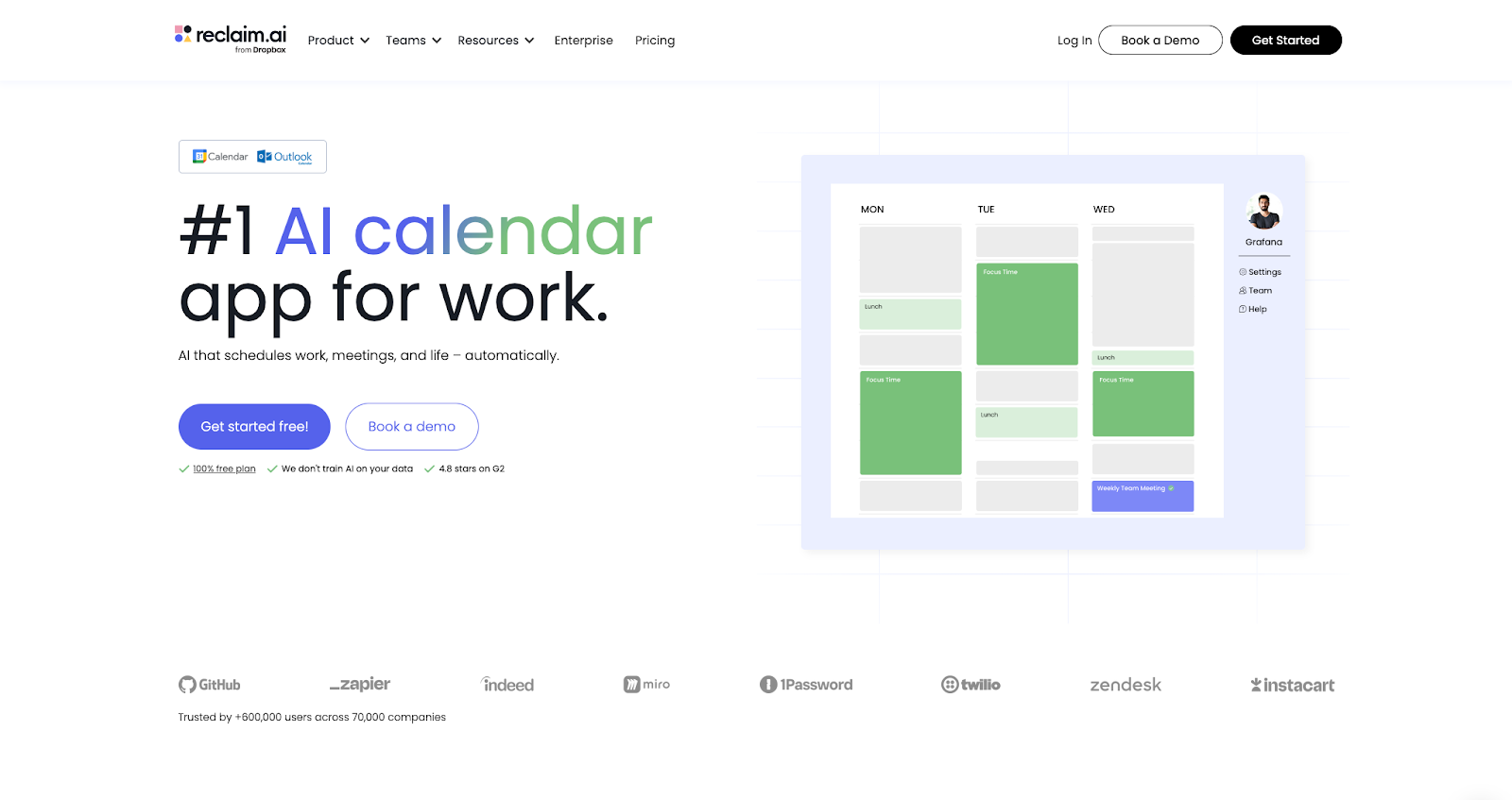
Reclaim is the closest functional substitute for Motion's auto-scheduling, with one important difference: it layers on top of the calendars you already use instead of asking you to live inside a replacement app. Tasks, Habits, Focus Time, and breaks automatically schedule onto your calendar and continuously reshuffle when meetings slip or extend, so the calendar stays honest about what you can actually do.
You can defend focus time with min and max block lengths, preferred windows, and multiple sessions per day, so a single meeting invite doesn't wipe out your whole morning of deep work. Habits get the same guardrails: lunch, exercise, reading blocks all carry priority so they don't quietly evaporate when things get busy. Smart Meetings scan for real openings across attendees and flex around PTO, and the Scheduling Links run on the same engine. We've measured about 524% more bookable slots versus static links in typical setups. Flexible holds free up time that static blocks lock away.
Where Reclaim really pulls ahead of Motion for a lot of teams is integrations. Asana, Jira, Todoist, ClickUp, Linear, and Google Tasks sync in; Motion still wants tasks to live in Motion. Slack status sync, Zoom hooks, and Time Tracking analytics round out the day-to-day stack.
However, Reclaim doesn't ship a bundled project-management surface. No Kanban, Gantt, or dashboard hub, and it isn't an AI meeting notetaker. It extends the tools you already committed to instead of replacing them.
Where Reclaim.ai stands out vs. Motion:
- AI-powered Scheduling Links: Motion's scheduling links show static availability. Reclaim's allow you to create 524% more open time slots by flexing your availability over lower-priority events so you can book important meetings sooner.
- Smart Meetings: Motion doesn't auto-reschedule recurring meetings. Reclaim finds the best time across attendees and reschedules around PTO.
- Habit scheduling: Motion schedules tasks but doesn't protect personal routines. Reclaim auto-schedules recurring personal tasks like lunch, exercise, and reading blocks.
- Focus time defense: Motion lets meetings overwrite your deep work. Reclaim defends focus blocks and reschedules them when meetings pile up.
- External task sources: Motion wants all tasks in its own app. Reclaim pulls from Asana, Jira, Todoist, ClickUp, Linear, and Google Tasks so nothing needs to be re-entered.
- Calendar layer, not a walled garden: Motion requires tasks to live inside Motion. Reclaim works on top of Google Calendar and Outlook, so your calendar stays the system of record.
- Free plan: Motion starts at $19/month with no free tier. Reclaim's Lite plan is free forever.
Reclaim.ai pricing: Free → paid plans start at $10/month
2. Sunsama – best for guided daily planning
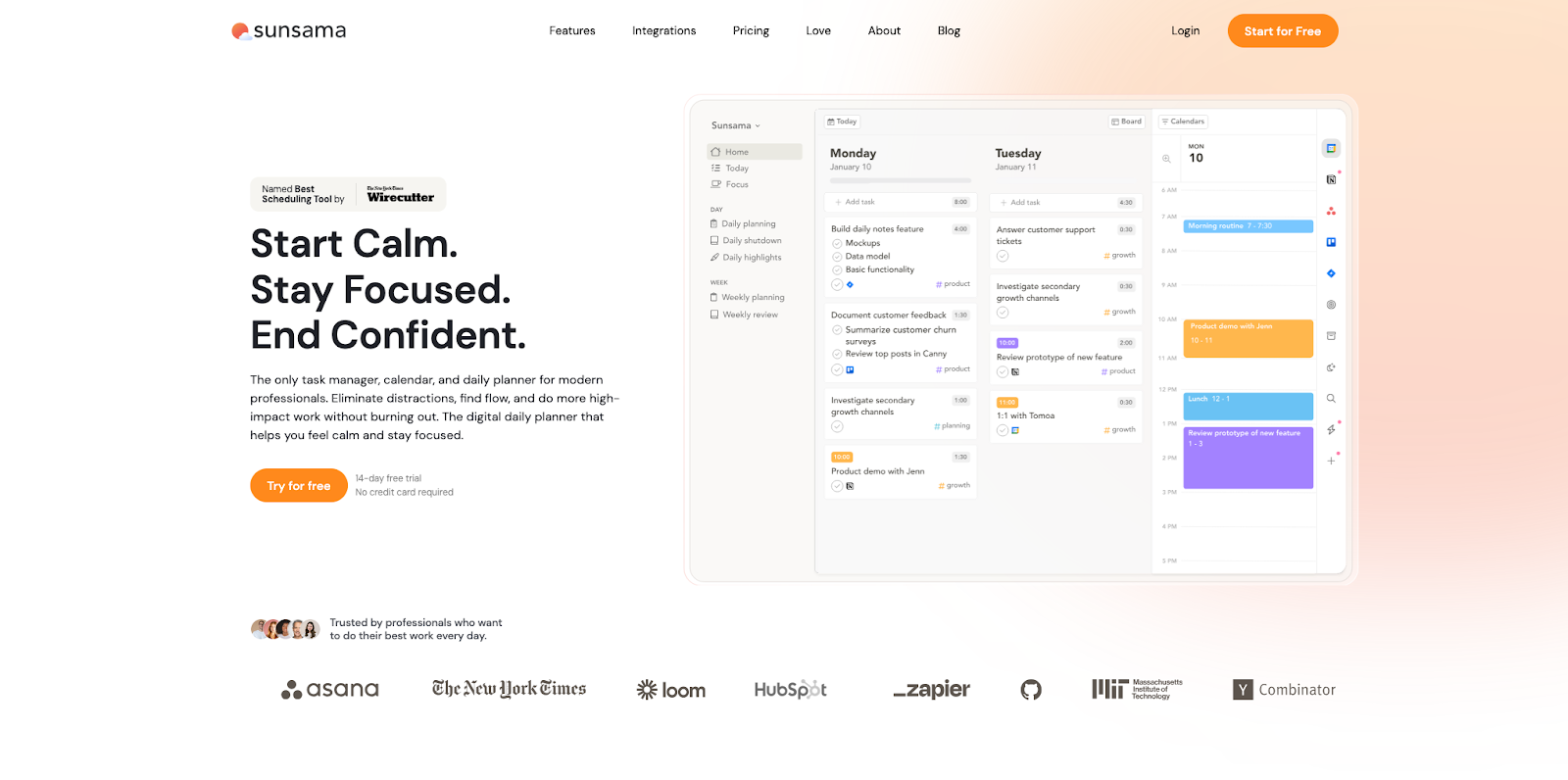
Sunsama inverts Motion's premise. Each morning it walks you through what actually belongs on the calendar instead of silently optimizing for you. Overcommitment warnings kick in when the math doesn't work; the weekly review shows where optimism outran capacity. A deliberate shutdown ritual at the end of the day nudges you to close loops and step away. Small detail, but it makes a real difference if you tend to bleed work into evenings.
It lets you manage tasks from basically everything your work lives in (Trello, Asana, Todoist, ClickUp, Gmail, Slack, Notion, Linear, GitHub, Jira) and runs on every platform you'd expect, including Linux. Calendars cover Google, Outlook, and iCloud, so the ritual travels with you.
The catch is philosophical. Sunsama added basic auto scheduling for timeboxing, but the product still leans hard on guided, intentional planning over full autopilot. If you want the AI to just handle it, this isn't your tool. It's built for solo professionals and small teams who value intention over automation, and the team layer stays thinner than what heavy ops groups need.
Where Sunsama stands out vs. Motion:
- Guided planning ritual: Motion schedules for you silently. Sunsama walks you through the day each morning so you choose what belongs.
- Overcommitment signals: Motion will pack your calendar until it's full. Sunsama warns you when the math doesn't work.
- Shutdown and weekly review: Motion has no end-of-day ritual. Sunsama nudges you to close loops and step away.
- Deep task source integrations: Motion wants tasks in its own app. Sunsama pulls from 10+ tools without forcing a migration.
- Work-life balance focus: Motion optimizes for output. Sunsama is designed to prevent burnout.
Sunsama pricing: Paid plans start at $25/month
3. SkedPal – best for rule-based smart scheduling
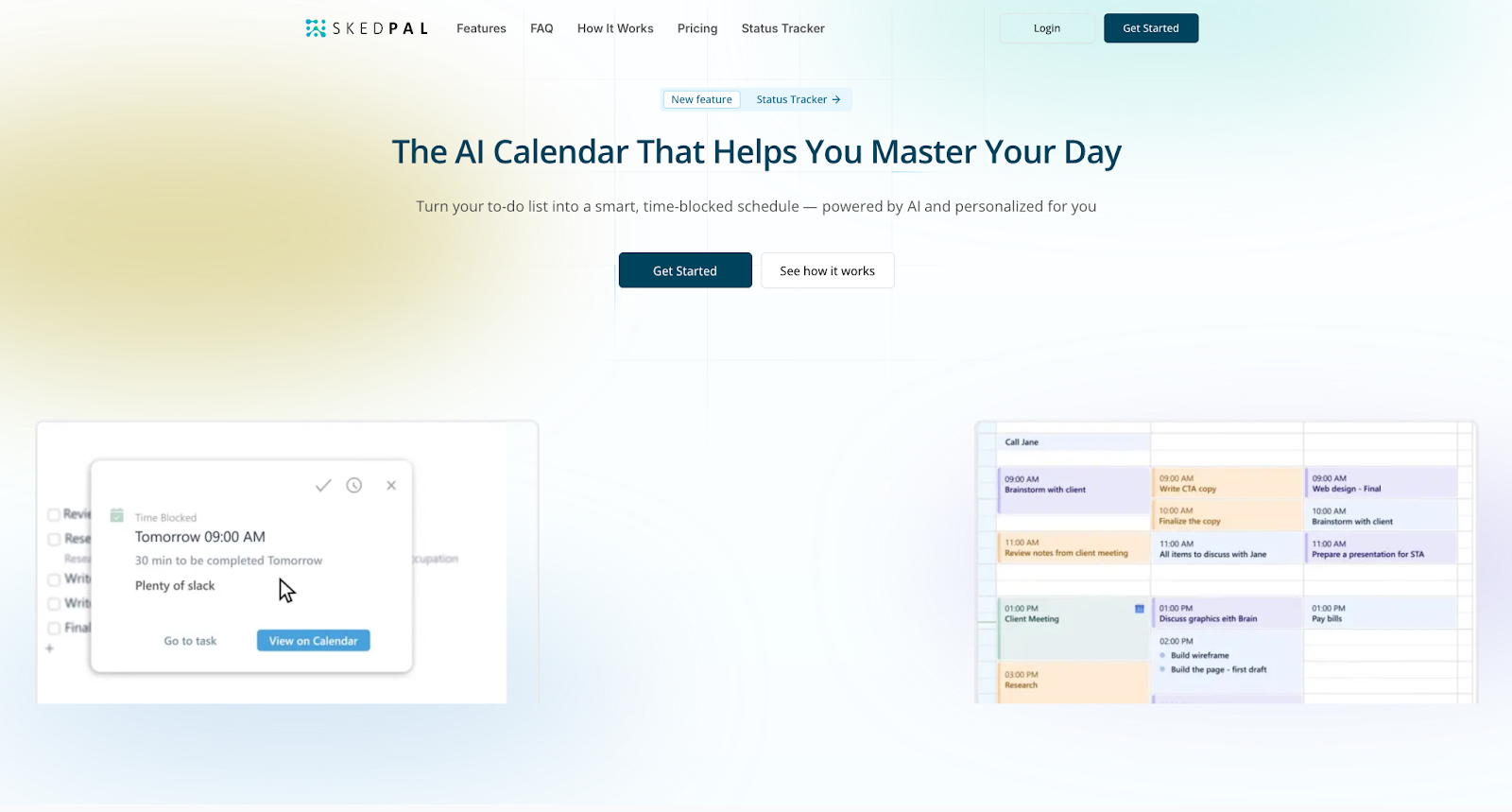
SkedPal's "time maps" are the headline: you define windows for creative work, admin, personal blocks, whatever taxonomy fits your brain. The AI schedules inside those lanes and reshuffles when life intervenes (think GPS recalculating your route). Motion's hierarchy is potent but opaque; SkedPal puts the rules where you can read and edit them. Scheduling granularity is highly tunable, more so than Motion out of the box.
Asana is the main bridge from task lists into scheduled time, and companion apps on iOS and Android plus web access keep the schedule portable. SkedPal is purely a scheduler. There's no project management, docs layer, or meeting notetaker bundled in. The learning curve is real, though. If you're the kind of person who actually enjoys configuring rules, you'll love it. If you want something that works out of the box, look elsewhere.
Where SkedPal stands out vs. Motion:
- Visible scheduling rules: Motion's priority hierarchy is opaque. SkedPal's time maps and rules are explicit and editable.
- Energy-based planning: Motion doesn't account for energy levels. SkedPal lets you schedule creative work when you're sharp, admin when you're not.
- Fine-grained blocks: Motion offers limited scheduling granularity. SkedPal's is highly tunable.
- "GPS for your work" reshuffling: Motion recalculates silently. SkedPal auto-adjusts with clear, readable logic.
SkedPal pricing: Paid plans start at ~$15/month
4. Morgen – best for AI planning with user control
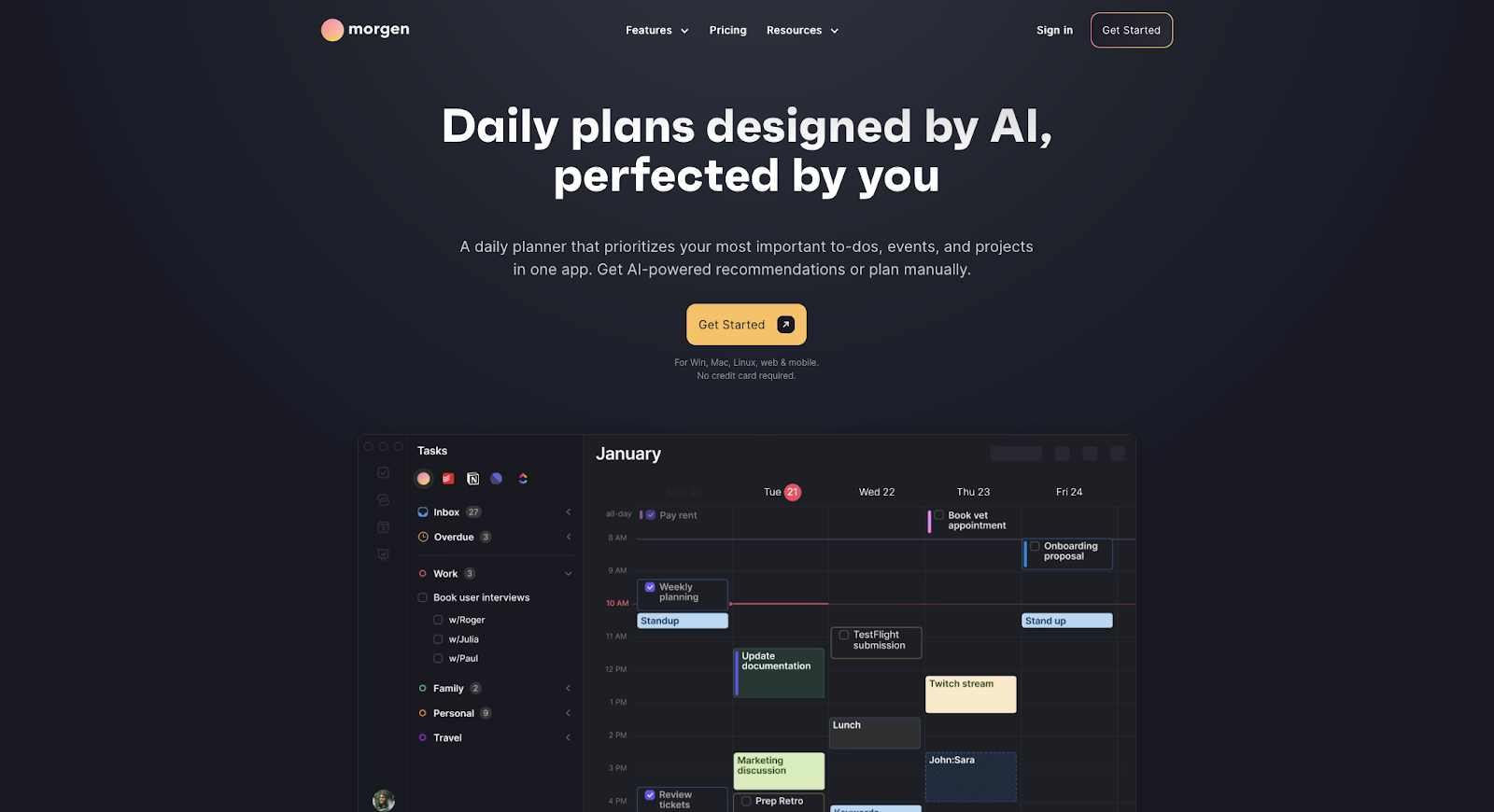
Morgen's AI Planner proposes where tasks should sit based on capacity, priority, and the shape of your week, and it stops there until you approve. That human-in-the-loop model is the antidote for anyone who felt managed by Motion's autopilot. "Frames" let you template an ideal week by work type so the model knows admin belongs here and deep work belongs there.
It connects to more task sources than most tools on this list: Notion, Linear, ClickUp, Todoist, Apple Reminders, Google Tasks, even Obsidian. Calendar coverage is unusually broad too, with Google, Outlook, iCloud, and FastMail all supported. Native apps cover every major platform, and built-in scheduling links mean you're not bolting on a separate booking product just to take meetings.
Where it gets a little bumpy: there's no native Slack integration (Zapier is the bridge), and team analytics lag behind Reclaim or Motion. If you want zero-touch scheduling, the approval step will feel slow.
Where Morgen stands out vs. Motion:
- Approval-gated AI: Motion moves blocks without asking. Morgen suggests placement and waits for your approval.
- Deep task integrations: Motion wants tasks in its own app. Morgen connects to Notion, Linear, ClickUp, Todoist, and Obsidian.
- Broadest calendar support: Motion covers Google and Outlook. Morgen adds iCloud and FastMail.
- Frames for ideal weeks: Motion doesn't let you template week structures. Morgen's Frames teach the planner how to allocate time by category.
- Scheduling links in-product: Motion requires a separate booking tool. Morgen has scheduling links built in.
Morgen pricing: Paid plans start at $15/month
5. Trevor AI – best for budget-friendly AI scheduling
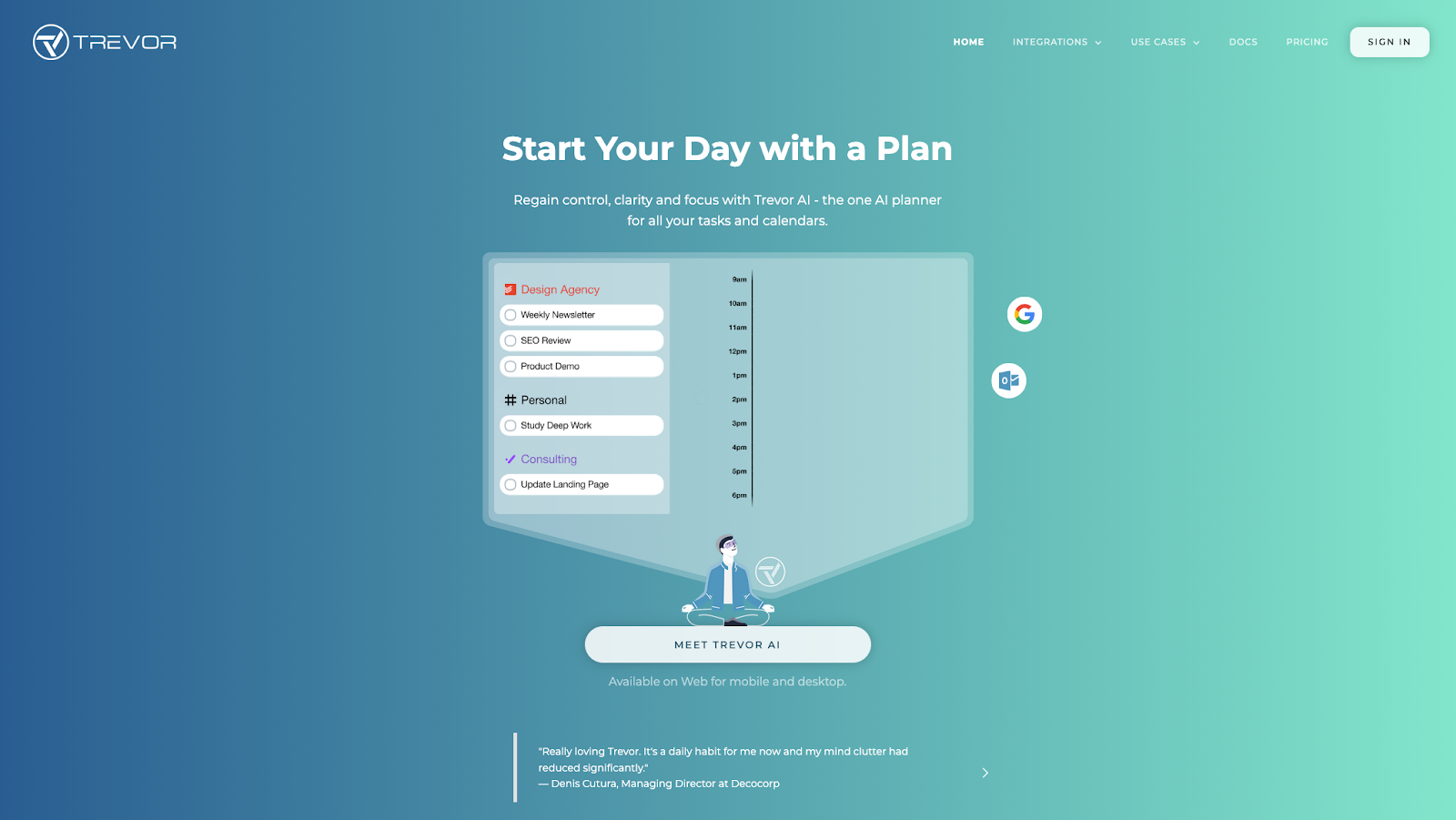
Trevor lets you manually drag tasks onto your calendar and pairs that with AI suggestions. "Plan My Day" generates a plausible layout you can accept, tweak, or throw out entirely. Calendars span Google, Microsoft, iCloud, and CalDAV, which covers most stacks. Switching from Motion takes minutes since there's no project import or workflow restructuring involved.
What you give up is everything beyond scheduling. No project management, no meeting notetaker, no real team layer. The AI nudges more than it drives, and the whole experience is web-first with no native mobile app. If you live on your phone, that's a real gap.
Where Trevor AI stands out vs. Motion:
- Low cost: Motion starts at $19/month. Trevor Pro is $5/month, a fraction of the spend.
- Plan My Day: Motion auto-builds your schedule. Trevor generates a layout you can accept, tweak, or throw out.
- Multiple calendar support: Motion covers Google and Outlook. Trevor adds iCloud and CalDAV.
- Low commitment: Motion requires a platform migration. Trevor is a simple setup with no lock-in.
Trevor AI pricing: Free → paid plans start at $6/month
6. TimeHero – best for task scheduling with team reporting
TimeHero can schedule tasks automatically against real calendar availability and adjusts when meetings move, which is core Motion territory. Upper tiers layer on the ops tooling that turns it from a personal scheduler into something a manager could actually run a team from: workflow templates, timesheets, Gantt views, and workload forecasting. That's where TimeHero stops being a personal scheduler and starts working as actual team infrastructure. An iOS app exists; Android support is murkier in documentation, so verify before you standardize on phones.
The UI gets the job done but won't win any design awards, and the features that actually make TimeHero interesting for teams (the reporting, the templates) sit behind paid upgrades. If your team lives in Slack, heads up: that integration isn't a well-paved path.
Where TimeHero stands out vs. Motion:
- Auto-planning plus ops tooling: Motion focuses on individual scheduling. TimeHero adds workflow templates, timesheets, and workload forecasting for teams.
- Lower entry price: Motion starts at $19/month. TimeHero Basic is $5/month.
- Team workload views: Motion lacks workload forecasting. TimeHero gives managers capacity signals and real numbers.
- Gantt on upgrade: Motion's project views are limited. TimeHero adds Gantt charts for projects that outgrow a list.
TimeHero pricing: Paid plans start at $5/month
7. Akiflow – best for keyboard-first time blocking
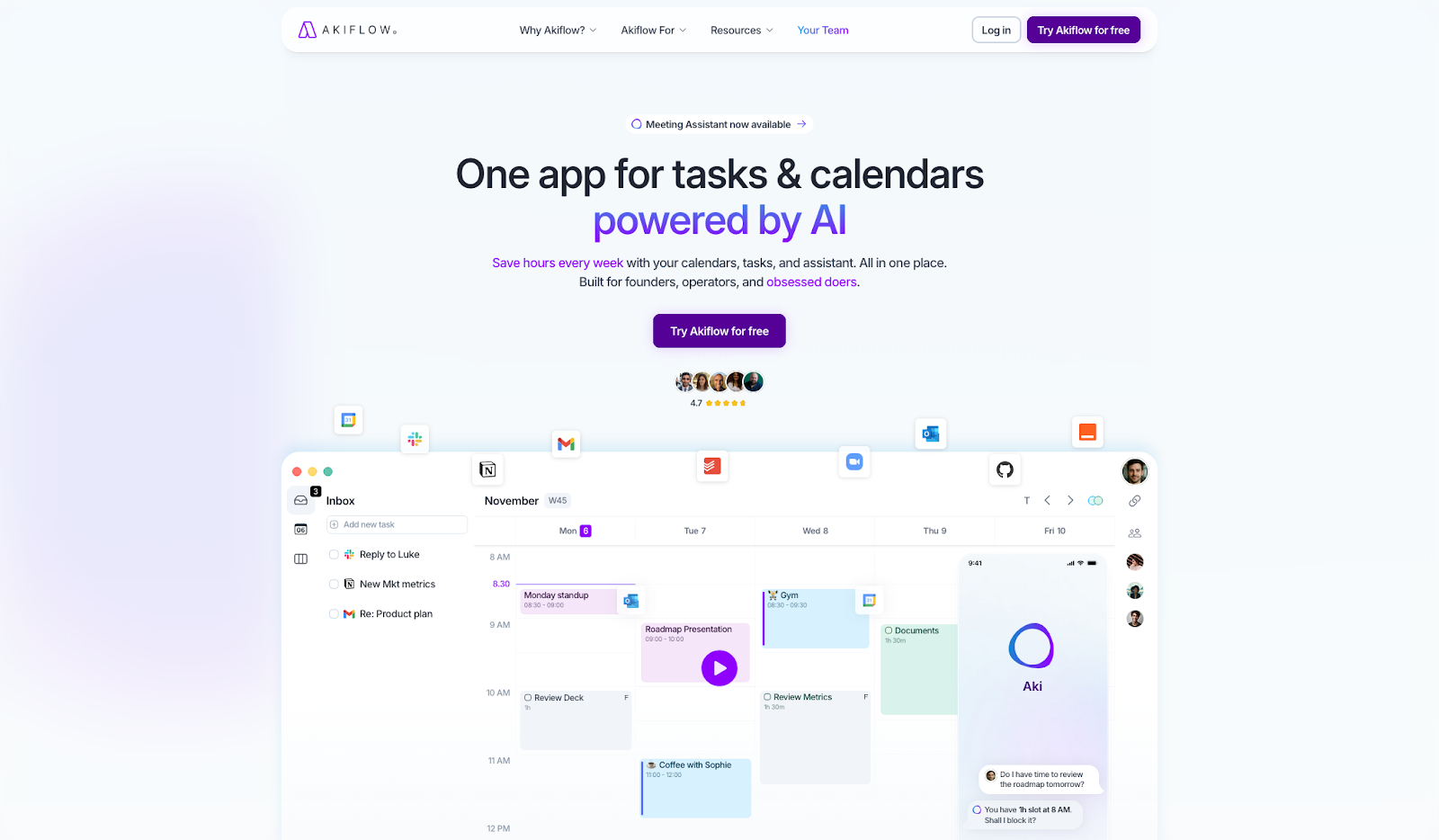
Akiflow pulls everything into one universal inbox: Gmail, Slack, Notion, Asana, Todoist, ClickUp, Jira, Linear, Trello, and more. You're not jumping between apps to see what's on your plate. From there, shortcuts and a command bar let you park work on the calendar without reaching for the mouse.
Akiflow recently added an AI assistant (Aki) that can auto-schedule time blocks, but the product's DNA is still manual and keyboard-first. Timeslots template your ideal week so you can fill recurring structure with real work instead of reinventing the layout every Monday. If Motion's AI ever felt like it was guessing wrong, Akiflow is built for people who want to stay in the driver's seat.
The desktop app syncs Google Calendar and Outlook and works offline, so you can block time on a plane or a bad connection. The desktop experience is where Akiflow really shines. The mobile app is still catching up, so if you do most of your planning from your phone, that gap will feel real. Akiflow added a Teams product with shared availability and basic analytics, but it's still early compared to Reclaim or Motion on the team front.
Where Akiflow stands out vs. Motion:
- Universal task inbox: Motion wants tasks in its own app. Akiflow consolidates 10+ sources into one inbox.
- Keyboard-first scheduling: Motion relies on AI placement. Akiflow uses shortcuts and a command bar for sub-second manual scheduling.
- Manual-first control: Motion decides where tasks go. Akiflow lets you place every block yourself, with optional AI assist.
- Offline desktop app: Motion requires a connection. Akiflow works offline on both Google and Outlook calendars.
Akiflow pricing: Paid plans start at $34/month
8. Routine – best for minimalist daily planning
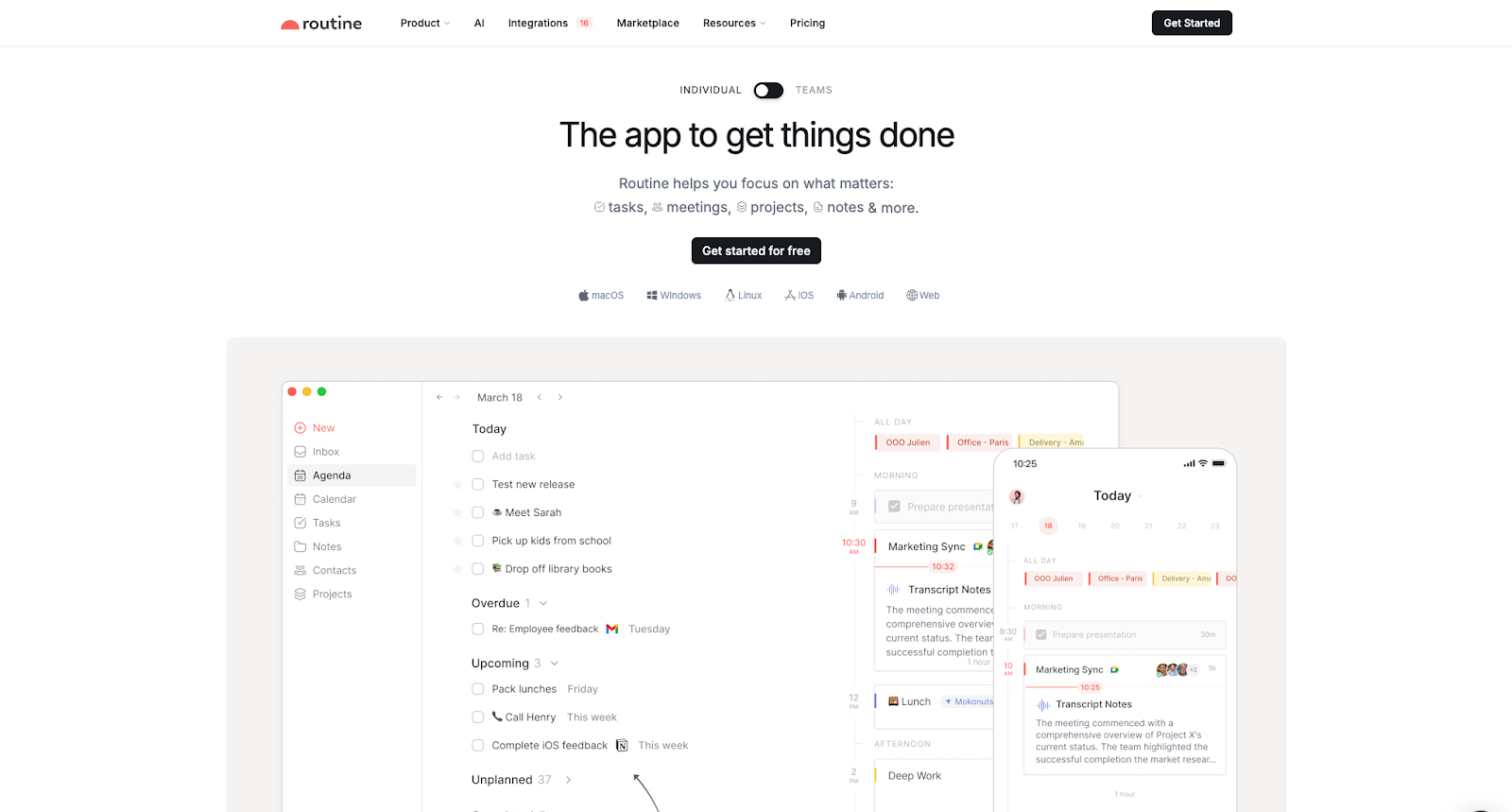
Routine keeps tasks, calendar, and notes in one quiet interface. The agenda view pairs your tasks with calendar events so you see the whole day without switching apps or mental modes. A quick-capture inbox catches stray ideas before they evaporate, which sounds minor until you realize how often that saves you.
It runs everywhere that matters: macOS, Windows, iOS, Android, Web, and Linux, with offline support so you're not tethered to signal. Routine added a Smart Planning feature that can auto-schedule tasks, though the product still leans toward intentional, drag-and-drop planning. Integrations are broader than you might expect for a minimalist tool: Google Calendar, Outlook, Gmail, Slack, Todoist, Asana, ClickUp, Jira, Linear, Notion, and Zapier. Basic collaboration is included on the free tier; AI meeting notes and agents sit on higher plans if you want them later.
Where Routine stands out vs. Motion:
- One calm surface: Motion is a full work suite. Routine keeps tasks, calendar, and notes in one quiet interface.
- Agenda layout: Motion separates tasks and calendar. Routine pairs them side by side for clear daily visibility.
- Cross-platform with offline: Motion has limited platform support. Routine runs on macOS, Windows, iOS, Android, and Linux offline.
- Free plan with collaboration: Motion has no free tier. Routine's free plan includes basic collaboration.
Routine pricing: Free → paid plans start at $10/month
9. BeforeSunset AI – best for AI-powered daily planning
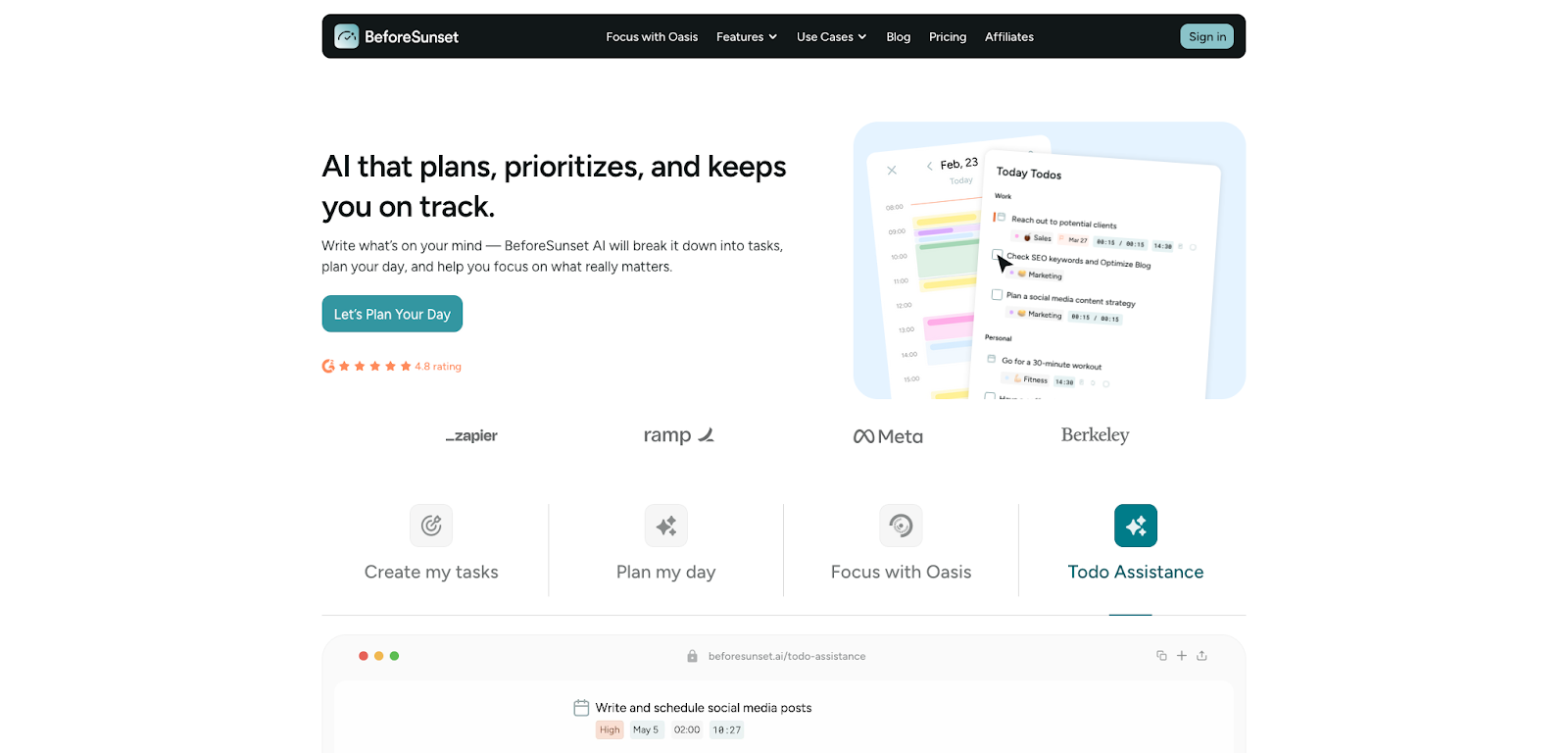
Tell it what you need to get done in plain language. BeforeSunset turns that into tasks with priorities, tags, and subtasks so you're not staring at a blank list wondering where to begin. An AI assistant then shapes a day or week around what's already on Google or Outlook (Apple Calendar is listed as coming soon). A focus mode nudges you from planning into actually doing the work, which matters when you already know what to do and still can't make yourself begin.
The product is younger than Motion or Reclaim and less documented on scheduling rules, so you're getting suggestions and structure rather than a long public spec of how every edge case resolves. For individuals who mainly need "turn chaos into a plan I can execute," that trade-off often lands in the right place.
Where BeforeSunset AI stands out vs. Motion:
- Natural-language task creation: Motion requires structured task input. BeforeSunset lets you describe work in free-form and the AI structures it.
- Lower price: Motion starts at $19/month. BeforeSunset Pro is $8/month.
- Built-in focus mode: Motion builds your schedule but doesn't help you execute it. BeforeSunset's focus mode bridges the gap.
- Weekly and monthly planning: Motion focuses on the current day. BeforeSunset plans across longer horizons.
BeforeSunset AI pricing: Paid plans start at $8/month
10. TickTick – best budget all-in-one planner
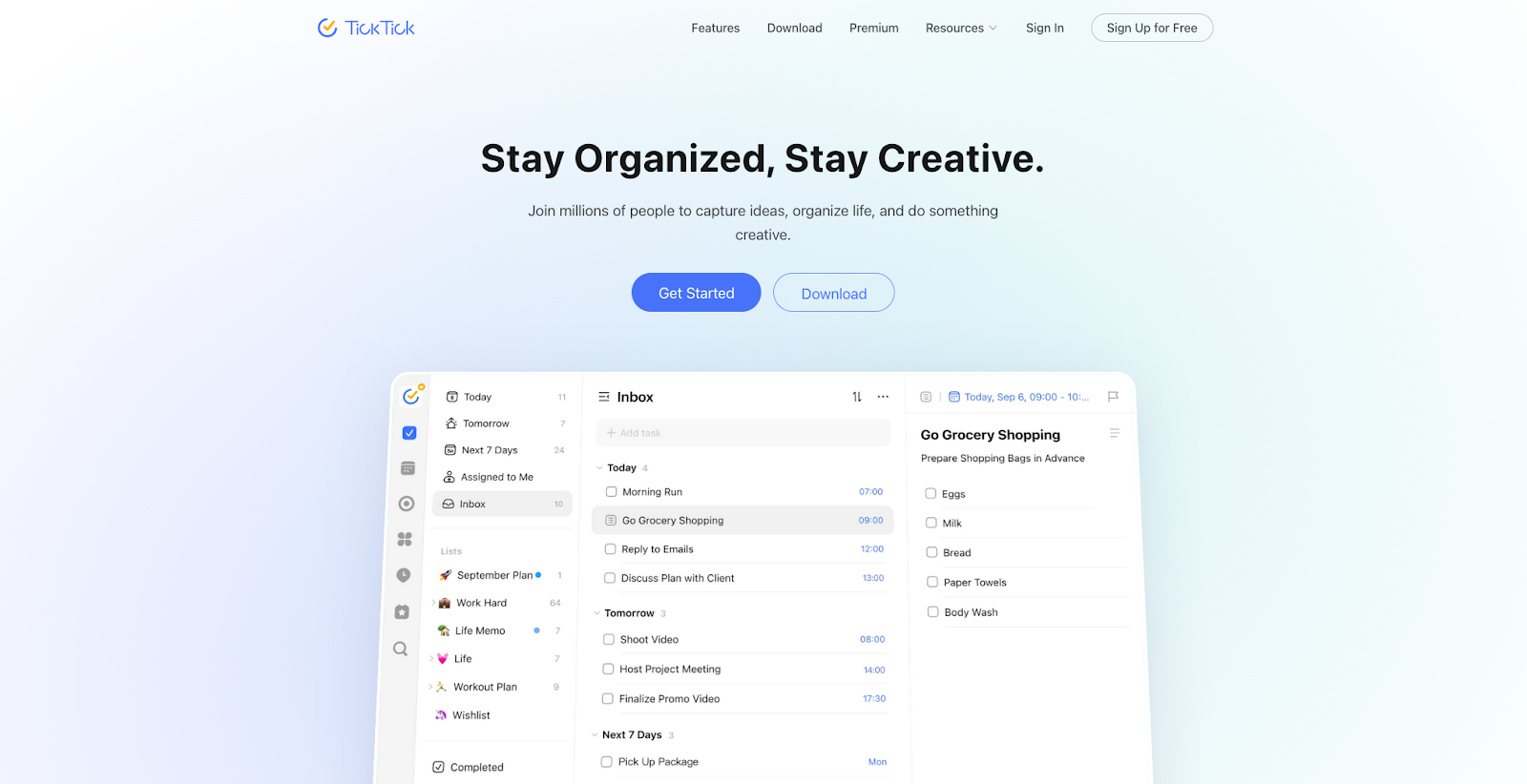
TickTick packs a surprising amount into a lightweight task management tool: tasks, calendar views, habit tracking with heat maps, a Pomodoro timer, and an Eisenhower Matrix for when you need to separate urgent from important. Natural language input lets you dump a dozen items between meetings without fiddling with dropdowns, and it runs on every platform.
The workflow shift from Motion is real, though. What you don't get: auto-scheduling, AI that reshuffles when plans change, focus-time defense, or team scheduling. Calendar integration is practical but basic. You can subscribe to external calendars, but don't expect deep two-way calendar orchestration.
Where TickTick stands out vs. Motion:
- Fraction of the cost: Motion costs $228/year. TickTick is $35.99/year for roughly one-seventh the price.
- Built-in Pomodoro timer: Motion has no focus timer. TickTick links Pomodoro sessions directly to tasks.
- Habit tracking: Motion doesn't track habits. TickTick offers templates, heat maps, and statistics.
- Eisenhower Matrix: Motion has no visual prioritization framework. TickTick includes a built-in Eisenhower Matrix.
- All platforms: Motion has limited platform coverage. TickTick runs on web, desktop, iOS, and Android.
TickTick pricing: Free → paid plans start at $35.99/year
11. Notion – best free alternative
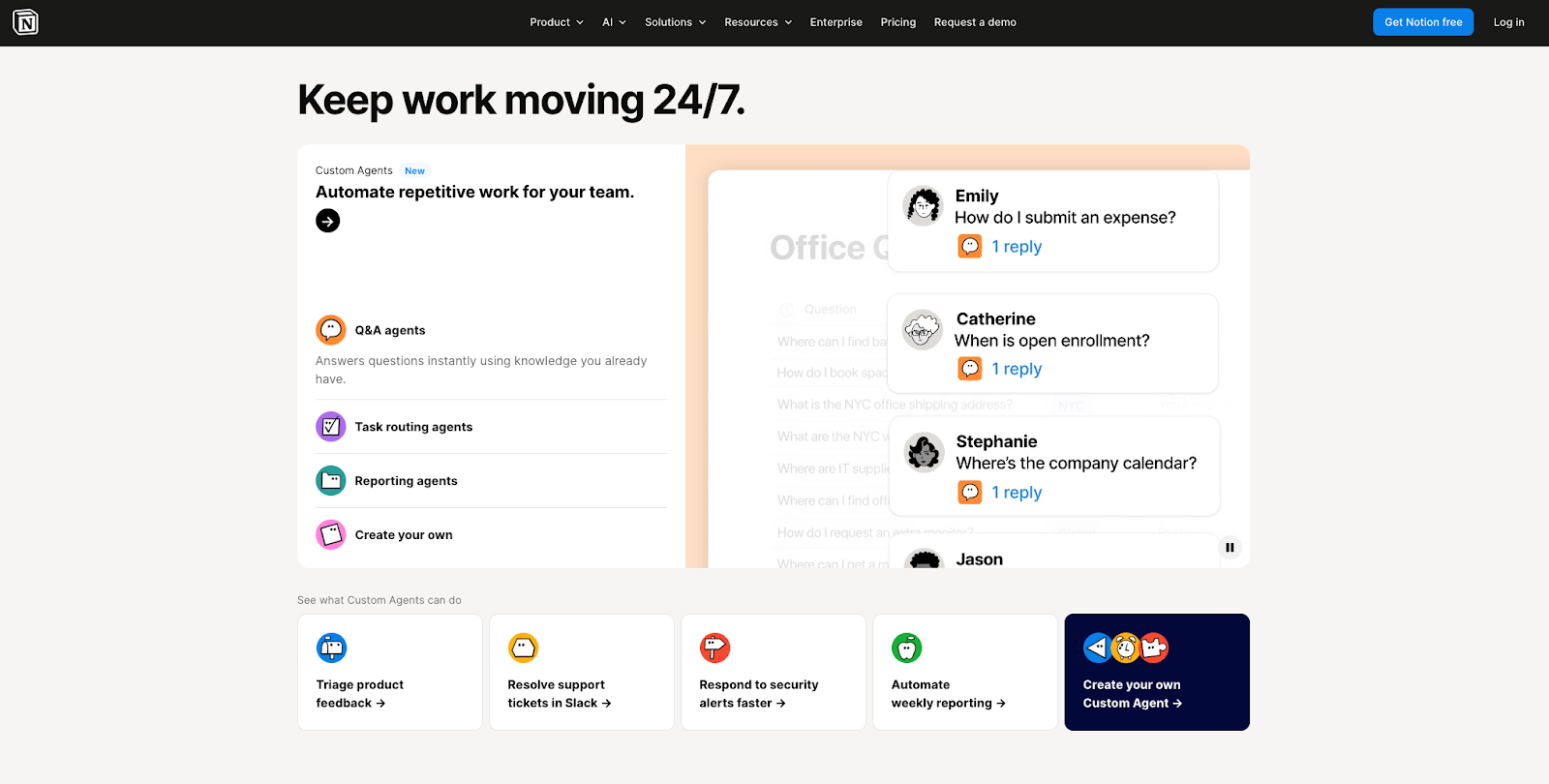
Notion is the "build your own system" path: tasks as databases, docs, wikis, and lightweight project views in one modular workspace. Notion Calendar layers a real calendar on top with Google Calendar integration, so deadlines and meetings sit next to the pages they belong to. Notion AI can summarize, draft, and reorganize content, but it isn't a scheduling engine that fights for empty slots on your behalf.
The free individual plan includes unlimited pages and blocks, which is genuinely hard to beat if your main constraint is cost. Paid tiers add Notion Agents and AI Meeting Notes when you outgrow the basics. The honest downside: setup takes time, and nothing auto-schedules your day. Notion Calendar today supports Google and iCloud, but Outlook integration is still on the roadmap. You're choosing a knowledge and planning hub here.
Where Notion stands out vs. Motion:
- Fully modular workspace: Motion is a scheduling tool. Notion is a full workspace with tasks, docs, databases, and projects in one customizable surface.
- Generous free tier: Motion has no free plan. Notion gives individuals unlimited pages and blocks for free.
- Notion Calendar: Motion keeps tasks and calendar separate. Notion Calendar ties your schedule directly to your Notion-backed work.
- Notion AI: Motion's AI schedules. Notion's AI writes, summarizes, and organizes content.
- Template ecosystem: Motion has limited templates. Notion has thousands of free community templates for instant setup.
Notion pricing: Free → paid plans start at $10/month
12. ClickUp – best for team project management
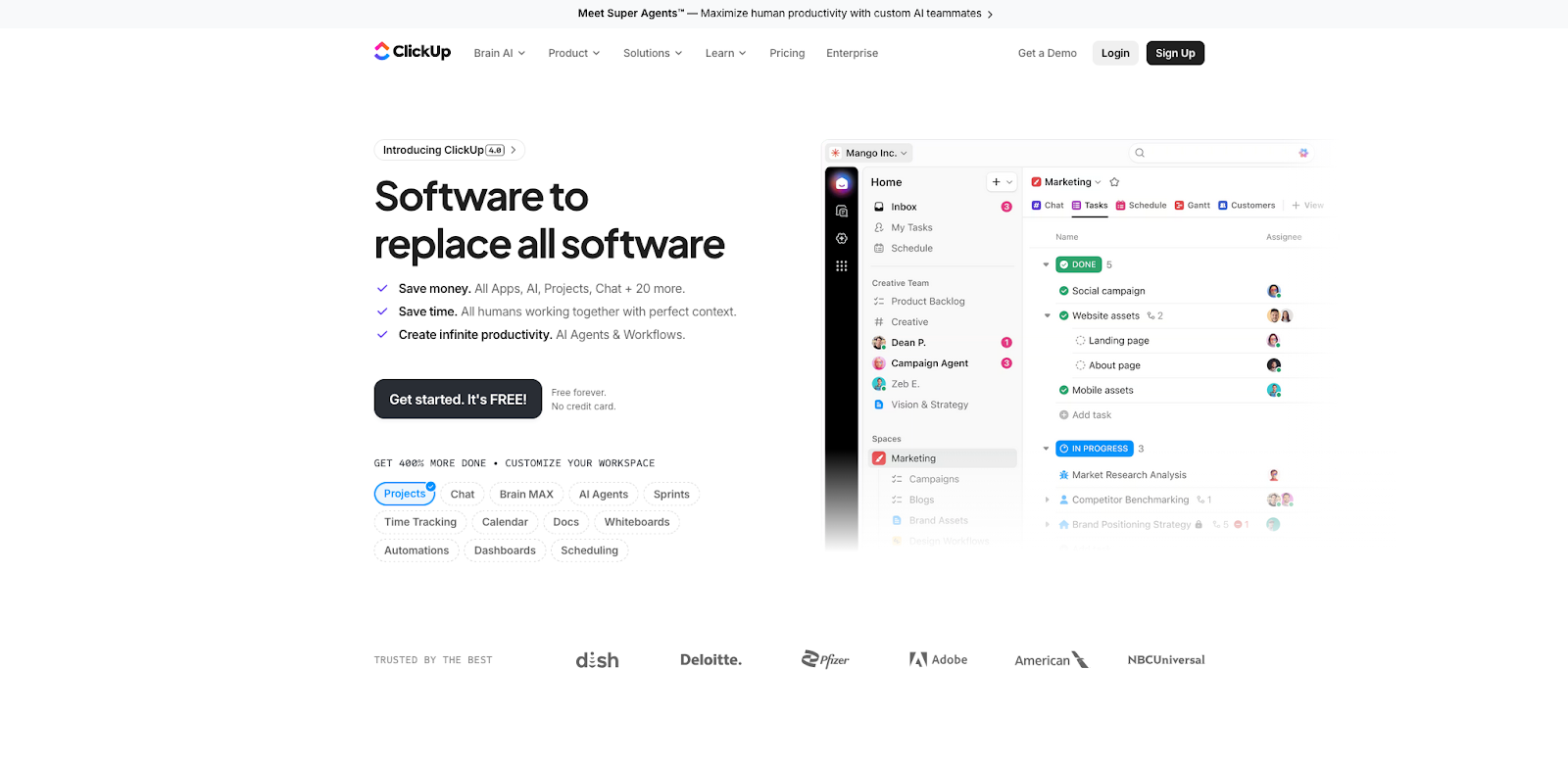
ClickUp is the Swiss army knife of project management software: tasks, subtasks, dependencies, docs, goals, dashboards, time tracking, sprints, and automations all under one roof. If you used Motion mainly as a Kanban or Gantt surface with dependencies, ClickUp replaces that side with advanced project management features and often a lower per-user bill. ClickUp Brain adds AI for summaries, drafting, and workflow help, but it doesn't push tasks into your calendar the way a dedicated scheduler does.
The Free Forever plan includes unlimited tasks, which is more than enough to run a real pilot. The catch is scope. New teams can genuinely drown in options. The calendar view handles project timelines but won't replace a focused calendar product. And the mobile app has a reputation for rough edges. If you need both heavy project management and intelligent calendar blocking, pairing ClickUp with Reclaim or another calendar-first tool on this list is what most teams end up doing.
Where ClickUp stands out vs. Motion:
- Deeper project management: Motion handles basic project views. ClickUp offers dependencies, sprints, workload management, and Gantt.
- Free Forever plan: Motion has no free tier. ClickUp's free plan includes unlimited tasks.
- Broader team collaboration: Motion's collaboration is limited to scheduling. ClickUp adds comments, file sharing, real-time editing, and permissions.
- Lower starting price: Motion starts at $19/seat/month. ClickUp starts at $7/user/month.
- Massive integration ecosystem: Motion has limited integrations. ClickUp connects to Slack, Google Calendar, Outlook, GitHub, Figma, Zapier, and hundreds more.
ClickUp pricing: Free → paid plans start at $7/month
Which Motion alternative is best for you?
Start with the problem you're actually solving, then pick the tool built for that exact workflow.
- Want the closest replacement for Motion's AI auto-scheduling, with a free plan: Reclaim.ai
- Want a calm daily planning ritual with optional auto-scheduling: Sunsama
- Want deep control over scheduling rules and time maps: SkedPal
- Want AI planning that suggests but never overrides your decisions: Morgen
- On a budget and want lightweight AI scheduling: Trevor AI
- Need AI task scheduling plus team reporting and timesheets: TimeHero
- Want keyboard-first speed for task capture and time blocking, with optional AI: Akiflow
- Want a clean, minimal daily planner with optional smart scheduling: Routine
- Want AI to turn free-form thoughts into structured plans: BeforeSunset AI
- Want tasks, habits, and focus tools at the lowest possible cost: TickTick
- Want a free, fully customizable workspace for tasks and planning: Notion
- Need structured project management for teams: ClickUp
No single tool replaces Motion for everyone. The right Motion app alternative depends on how much automation you want, whether you work solo or with a team, and how tightly you need to control your calendar. Find the category that matches how you actually work, try one or two options, and you'll know pretty quickly which one feels like home.