Close

Motion vs. Reclaim.ai

Try the #1 Motion alternative to get more done – switch & save 20% off for 6 months.

Apply for switching discount

* Free forever: no credit card required.

Features & integrations
Reclaim
Reclaim
Motion
Motion
Tasks
More info
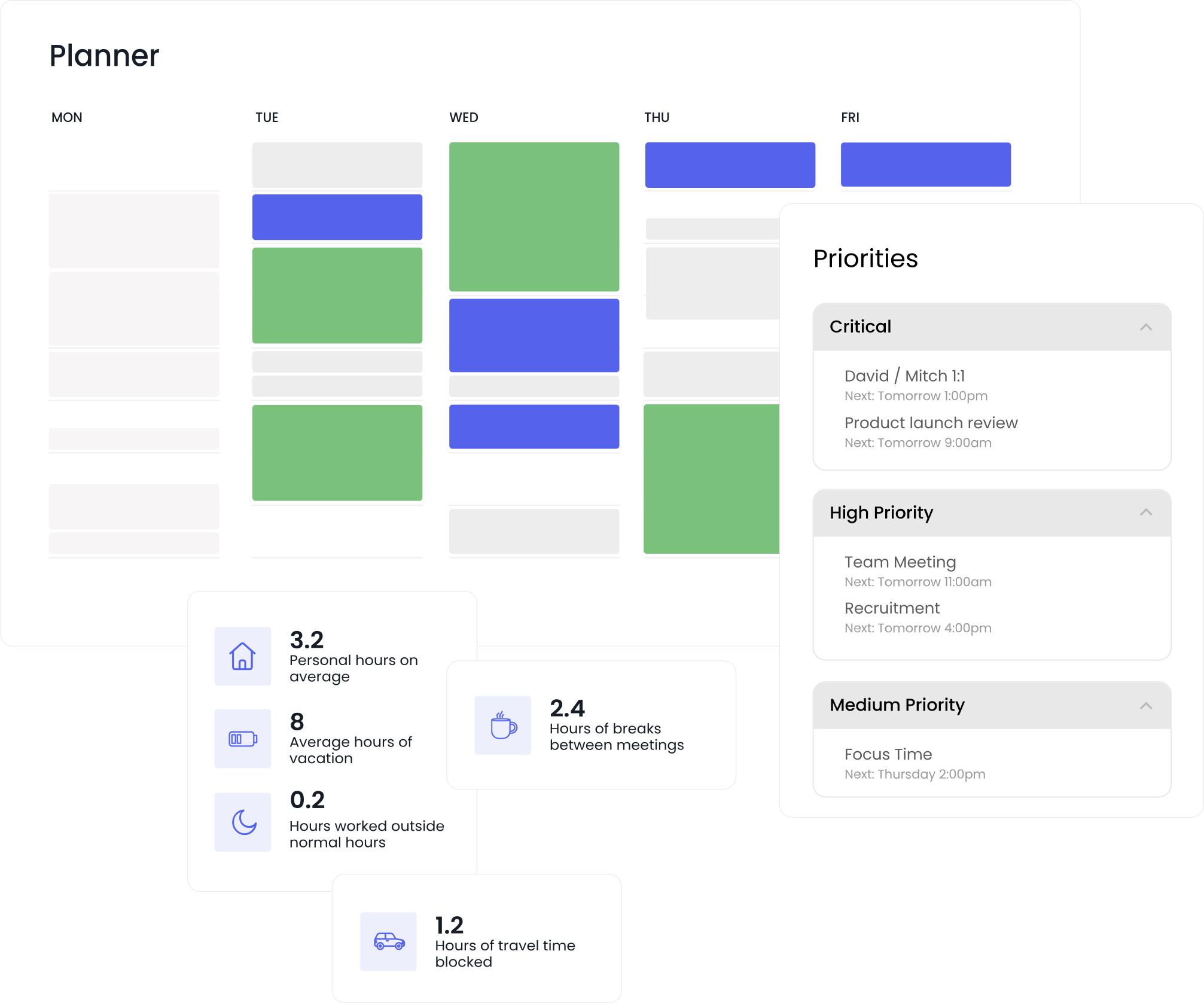
Automatically schedule tasks to your calendar around your existing calendar events, by priority, before their due dates.
Flexible time blocking
More info
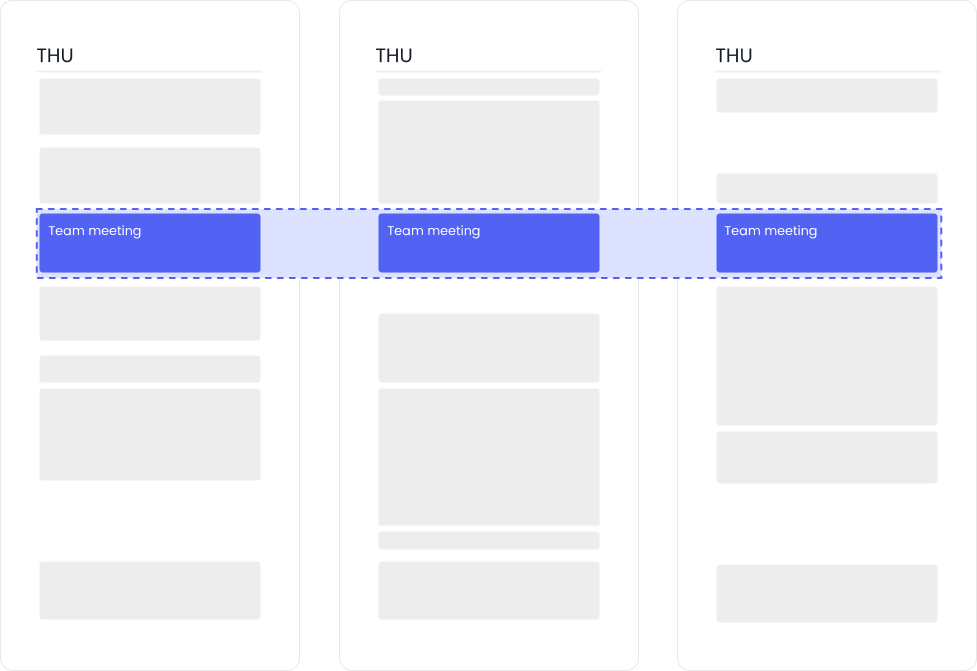
Keeps your schedule flexible with smart "free" and "busy" controls based on how busy your schedule is to maximize availability while defending your time.
Pricing
More info
Pricing for paid plans using an annual subscription.
$10-$15 per month
$19-$29 per month
Free plan
More info
Reclaim offers a free forever tier that includes full access to most of the platform. Motion only offers a 14-day trial and costs over 4x as much as Reclaim's paid editions.
AI agents
More info
Reclaim gives every employee an AI agent that can understand priorities, analyze schedules, recommend changes, preview outcomes, and take action directly on the calendar. Motion uses AI to automatically plan tasks and calendars, but does not provide AI agents that operate across scheduling, workforce policies, analytics, and time optimization workflows.
AI chat
More info
Reclaim includes a conversational AI assistant that helps users understand schedules, identify conflicts, analyze workloads, and optimize their time through natural language. Recommendations are presented with clear previews and remain human-in-the-loop, allowing users to review and approve scheduling actions before changes are made. Motion uses AI to automate planning and scheduling, but does not provide a dedicated conversational assistant for managing calendars and reviewing scheduling recommendations before execution.
ChatGPT integration
More info
Reclaim integrates with ChatGPT, allowing users to access scheduling context, availability, and time management workflows directly through conversational AI. Motion does not offer a native ChatGPT integration for interacting with scheduling data and calendar optimization workflows.
Claude & Claude Cowork MCP
More info
Reclaim integrates with Claude through MCP, allowing users to securely access scheduling context, availability, and calendar workflows directly from Claude. Motion does not provide a native Claude MCP integration for interacting with scheduling data and calendar optimization workflows.
Meeting agenda & follow-up email creation
More info
Reclaim's AI assistant can generate meeting agendas and follow-up emails using calendar context, meeting details, connected tasks, project management tools, and meeting transcripts. By incorporating context from Jira, Asana, ClickUp, Linear, Todoist, and prior meeting discussions, Reclaim helps teams prepare faster and keep action items aligned with ongoing work. Motion helps users plan work and schedules, but does not provide built-in AI tools for generating meeting agendas and follow-up communications.
Pre-meeting buffer time
More info
Reclaim automatically protects time before meetings so employees can prepare, review materials, gather context, and arrive ready to contribute. Buffer time continuously adapts as schedules change, helping teams reduce context switching and improve meeting effectiveness without manual calendar management. Motion helps schedule work around meetings, but does not provide dedicated AI-managed preparation buffers designed specifically for meeting readiness.
Post-meeting buffer time
More info
Reclaim automatically protects time after meetings so employees can capture action items, update tasks, process decisions, and prepare for what's next. Buffer time continuously adapts as schedules change, helping teams reduce context switching and turn meetings into productive outcomes instead of unfinished work. Motion helps schedule work around meetings, but does not provide dedicated AI-managed follow-up buffers designed specifically for post-meeting execution.
Tasks
More info
Reclaim syncs tasks from Jira, Asana, ClickUp, Todoist, Linear, Google Tasks, and other project management and task management tools, then automatically schedules time on the calendar to ensure work gets done. As priorities, deadlines, and schedules change, Reclaim continuously rebalances those time blocks so plans stay realistic and high-priority work stays protected. Motion automatically schedules tasks on the calendar, but supports fewer task system integrations and is primarily focused on task planning rather than connecting work across multiple project management platforms.
Task recommendations
More info
Reclaim's AI assistant can recommend what work to tackle next based on priorities, deadlines, available calendar capacity, and upcoming commitments. By connecting tasks from Jira, Asana, ClickUp, Todoist, Linear, Google Tasks, and other project management and task management tools, Reclaim helps employees make better decisions about where to focus their time. Motion automatically schedules tasks based on priority and deadlines, but does not provide a conversational AI experience focused on recommending work across connected task systems and calendar context.
Habits / recurring routines
More info
Automatically block time for your recurring routines at the best time in your busy schedule using smart time windows and priority controls.
Focus time
More info
Create generic time blocks of "focus time" to defend this time from meetings on your calendar.
Calendar sync
More info
Block your availability across both personal and work calendars both ways, or across multiple work calendars. Reclaim supports unlimited calendar syncs in any direction.
Smart meetings
More info
Reclaim’s AI-powered rescheduling makes conflict resolution effortless, by automatically detecting and alerting you to conflicts, and offering the best alternative time based on all attendees scheduling preferences, focus time, meeting policies, and calendar constraints. Smart Meetings continuously adapt as schedules change, eliminating the manual work of coordinating recurring meetings and resolving conflicts. Motion can schedule meetings and adjust calendars automatically, but does not provide the same participant-aware one-click meeting rescheduling experience for existing meetings.
Scheduling links
More info
Share scheduling links so people can automatically book available time on your calendar. Unlike Motion, Reclaim lets you share prioritized scheduling links for maximum availability by displaying lower-priority events as open slots.
Team OOO calendar
More info
Reclaim automatically tracks and shares Out-of-Office time across teams in a shared calendar, then proactively adjusts meetings and tasks around availability so work stays on track without manual coordination. Motion can display holiday calendars and individual OOO events in its Gantt chart for planning visibility, but it does not offer a dedicated shared OOO calendar layer that continuously coordinates team availability across work.
Smart meeting breaks
More info
Automatically schedule meeting breaks after any calendar event with a video conferencing link to reduce back-to-back meetings.
Compare more features
7.6
more productive hours/week
2.3
fewer unnecessary meetings/week
3.8
hours/week saved managing your time

Built for individuals & teams

Motion is great for individuals with a light to moderate schedule. But for teams of 5+ managing a packed workweek, Reclaim is built to handle the complexity. Its AI-powered scheduling optimizes meetings, tasks, routines, and breaks — keeping everyone on the team productive and in sync.

More AI & features

Motion’s scheduling automation is limited to tasks and booking links. Reclaim goes further, automating tasks, habits, meetings, breaks, calendar sync, and advanced time tracking analytics. With AI-powered priority controls and advanced team settings, Reclaim keeps you flexible while ensuring you stay focused on what matters most.

Better project management

Motion may work for smaller teams with its basic native project management setup. Reclaim, however, is not a replacement for the established project management tools within your organization. It integrates with Asana, ClickUp, Jira, Todoist, Linear, and Google Tasks — syncing tasks to your calendar, so you can optimize workflows within the platforms you already use.

“I tried Motion before and it was clunky. Your AI automation is already the best I've seen. You’re killing it!”
Laura Pence Atencio
Founder, Social Savvy Geek

Switch & save 20%

Save your team thousands of hours this year when you switch from Clockwise, Motion, Calendly, or another AI calendar app. Switch get 20% off your first 6 months.

Start a free 14-day trial →