Join the early access waitlist

AI Assistant for chat-based scheduling

Just ask—your AI Assistant plans your schedule, resolves conflicts, and protects focus time in chat, with MCPs like ChatGPT unlocking deeper workflows from anywhere.

Put AI to work on your calendar

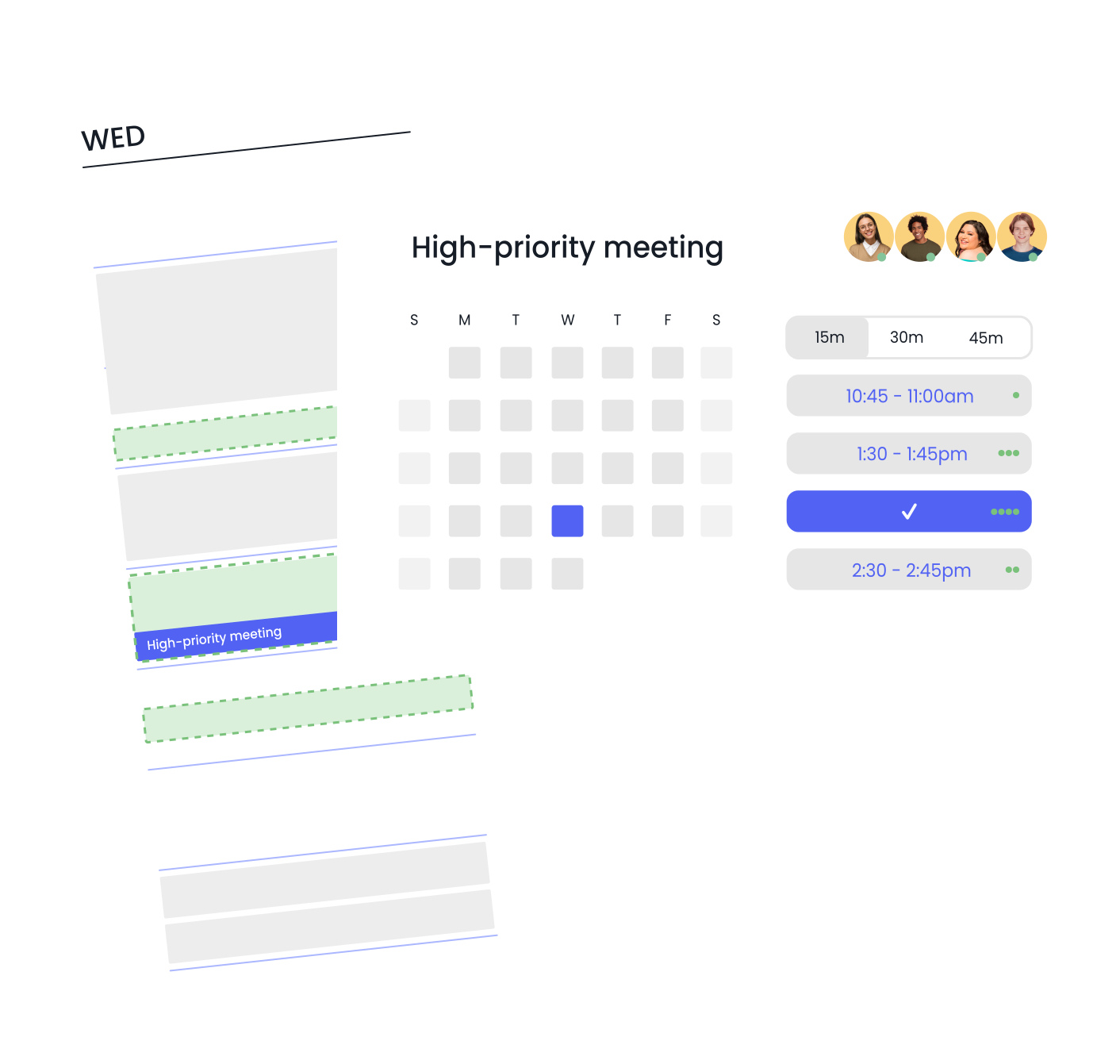
Find time to meet (with multiple people)

Auto-optimize internal meeting scheduling

Reprioritize & reschedule your calendar

Automatically resolve conflicts

Protect focus time & tasks

Create new AI Habits

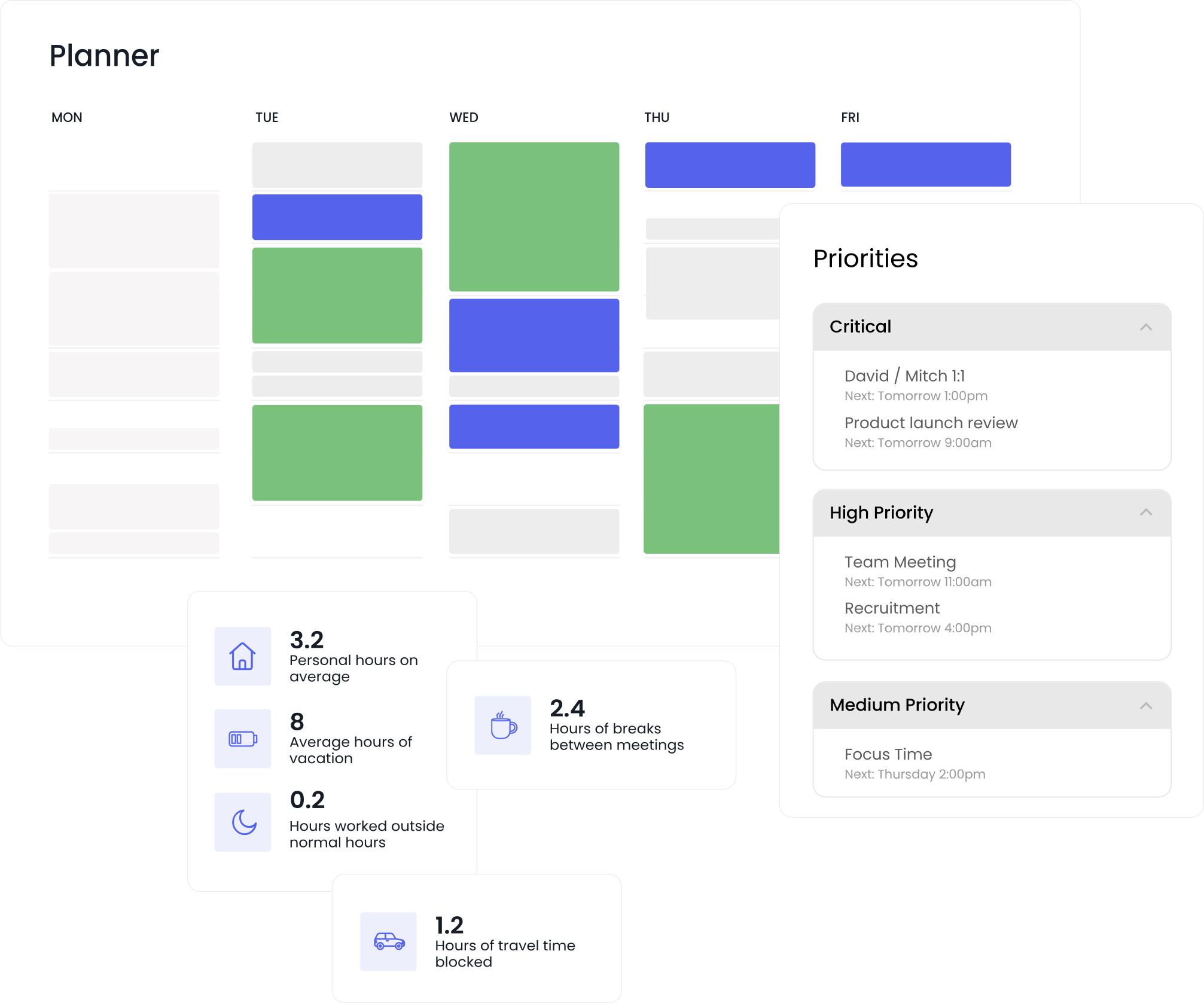
Analyze your calendar & productivity

Auto-schedule breaks & prep time

Create meeting agendas

Clear your day

Create company & team scheduling policies

Human-in-the-loop approvals

The first AI Assistant built for team-wide time optimization

Use AI to optimize your schedule

Reclaim’s AI Assistant helps you create events, find meeting times, resolve conflicts, and analyze how you spend your time—while you review and approve changes before they’re applied.
Work from anywhere with MCP connectors

Bring your AI scheduling assistant into the tools you already use. With MCP connectors like ChatGPT, you can view your schedule, create meetings, find time with teammates, and manage your calendar through simple conversations.

Let AI make more space for human work

4.5
fewer overtime hours/week
60%
less context switching
7.6
more productive hours/week
2.9
more times for lunch

"Reclaim works with our calendars to help us block time and figure out our priorities for the week. As far as productivity tools go, it's at the top of the pack. It helps our team maximize time and plan their schedules in a realistic way. It also supports us in creating smart habits that help to get the most out of our work days."

The InnerSpaceHQ team

Frequently asked questions

An AI scheduling assistant helps you manage your calendar through natural language. Instead of manually coordinating meetings, checking availability, or adjusting events, you can ask the assistant to handle those tasks for you. Reclaim’s AI scheduling assistant can view your schedule, find time for meetings, create and update events, detect conflicts, and analyze how you spend your time—helping you organize your workday more efficiently.

Reclaim’s AI calendar assistant connects to your Google Calendar or Microsoft Outlook and understands your schedule, availability, and preferences. You can ask the assistant to view your schedule, find meeting times, create events, resolve scheduling conflicts, and analyze meeting load. The assistant suggests updates and allows you to review changes before they’re applied to your calendar.

Yes. The Reclaim AI Assistant is available as an app in the ChatGPT app marketplace. After installing the app, you can manage your calendar directly inside ChatGPT. You can ask ChatGPT to show your schedule, create meetings, find time with teammates, resolve calendar conflicts, and organize your schedule through conversation. Reclaim is the first ChatGPT app capable of scheduling meetings and modifying calendars directly from the assistant.

Yes. The Reclaim AI scheduling assistant works with both Google Calendar and Microsoft Outlook. This allows you to view your schedule, create events, find meeting availability, and update meetings across the calendars you already use.

No. Reclaim uses a human-in-the-loop workflow so you stay in control. The AI assistant can suggest changes—such as scheduling meetings or resolving conflicts—but you can review and approve those changes before they’re applied to your calendar.

You can ask the assistant to help with everyday scheduling and planning tasks, including:

  • “What does my day look like?”
  • “Find 30 minutes with Alex this week.”
  • “Do I have time for a 45-minute meeting tomorrow?”
  • “Fix my calendar conflicts.”
  • “Block two hours for deep work tomorrow morning.”

The assistant analyzes your schedule and helps take action directly on your calendar.

Schedule a demo to see our AI Assistant in action

Book your demo →