Managing team time off shouldn't require a spreadsheet, a Slack announcement, a dozen meetings to reschedule, and three follow-up messages asking "wait, is Jamie out this week?"
Yet for most teams, OOO visibility is still a mess. Someone books a meeting over a teammate's vacation time. A client email sits unanswered because nobody knew who was covering. A manager scrambles to figure out capacity for the week because half the team is apparently off, but nobody told them.
And the amount of PTO flowing through most organizations is significant. The average employee gets 23.3 days of PTO a year:
- 38.5% of employees get 10 or fewer days of PTO/year
- 43.1% of employees get 11–30 days of PTO/year
- 9.2% of employees get 31–50 days of PTO/year
- 9.2% of employees get 51 or more days of PTO/year
- 6.2% have unlimited PTO
That's a lot of time away to coordinate across a team.
When someone takes paid time off and their calendar doesn't reflect it clearly to everyone else, it creates a ripple effect: wasted meetings, missed handoffs, and the kind of scheduling chaos that makes people dread taking time off in the first place.
A proper out-of-office calendar gives your team real-time visibility into who's out, when, and what needs to shift. We evaluated 8 OOO calendar apps that work with Google Calendar, Outlook Calendar, or both to help you find the right fit for your team.
Best out-of-office calendar apps for teams
Best OOO calendar apps – quick comparison
| OOO calendar (& best for) |
Team OOO view | Calendar availability protection | Automatic OOO conflict rescheduling | OOO/PTO analytics | Google Calendar support | Outlook Calendar support | Slack integration | MS Teams integration | Starting price per user |
|---|---|---|---|---|---|---|---|---|---|
| Reclaim.ai Best AI-powered OOO calendar | ✅ | ✅ | ✅ | ✅ | ✅ | ✅ | ❌ | $15/mo | |
| Google Calendar Best native OOO for Google | ❌ | ❌ | ❌ | ❌ | ✅ | ❌ | ❌ | ❌ | $7/mo |
| Outlook Calendar Best native OOO for Microsoft | ⚠️ | ❌ | ❌ | ⚠️ | ❌ | ✅ | ❌ | $6/mo | |
| Vacation Tracker Best PTO tracker for Slack/Teams | ✅ | ❌ | ❌ | ✅ | ✅ | ⚠️ | $2/mo | ||
| Timetastic Best simple & affordable tracker | ✅ | ❌ | ❌ | ⚠️ | ⚠️ | ⚠️ | ~$1.50/mo | ||
| Cal.com Best for OOO meeting delegation | ❌ | ❌ | ⚠️ | ❌ | ✅ | ✅ | ❌ | ❌ | $12/mo |
| Calamari Best for multinational teams | ✅ | ❌ | ❌ | ✅ | ✅ | ✅ | $2.50/mo | ||
| Time Off by Deel Best Slack-native OOO autopilot | ⚠️ | ❌ | ❌ | ⚠️ | ✅ | ✅ | ❌ | Free |
What to look for in an OOO calendar app
The biggest mistake teams make when choosing an OOO calendar app isn't picking the wrong tool – it's picking the wrong type of tool. These products fall into three distinct categories, and understanding which one you actually need saves you from buying something that solves the wrong problem:
- Native calendar features: Google Calendar and Outlook Calendar offer basic team calendars you can create for OOO use cases to share visibility into coworkers PTO, but they require duplicate event creation across individual and team calendars and do not offer any automated rescheduling.
- Leave management tools: Tools like Vacation Tracker and Timetastic act as dedicated PTO tracking software that adds the team layer with shared calendars, approval workflows, time off policies, balance calculations, and blackout dates. They answer "who's out and is it approved?" but don't touch what happens to your meetings or tasks while someone's away.
- Calendar automation platforms Reclaim.ai treats OOO as a scheduling event. When someone's out, meetings reschedule, tasks shift, focus time adjusts, and status updates happen automatically. It answers "who's out, and what needs to change because of it?"
The right category depends on your team's pain point. If your problem is "people forget to set OOO," native tools are fine. If it's "we need formalized tracking and approval workflows for OOO," you need leave management. If you're a large team managing busy workloads and need schedules to adapt automatically when someone's out, you need calendar automation.
8 best team OOO calendar apps
1. Reclaim.ai — Best AI-powered OOO calendar for teams

Reclaim.ai is an AI calendar app for Google Calendar and Outlook Calendar that offers the most powerful OOO Calendar for teams because it doesn’t just track – it automatically optimizes everyone’s schedules around PTO. The only other OOO Calendar tool of a similar caliber was Clockwise which shut down in March of 2026, and they recommended all users migrate to Reclaim.
Reclaim’s AI automatically detects OOO and PTO events from each team member's calendars, then syncs everything to a shared team calendar so everyone has a single view into time off across the team.
As soon as OOO, PTO, or other all-day events like team offsites or conferences hit the calendar, Reclaim automatically reschedules that employee’s internal meetings and alerts them to external meetings that require additional coordination. It also automatically reshuffles their scheduled focus time and task work by priority so capacity planning stays accurate across the team. Coworkers can also see which team members are out through automatic Slack status sync to help protect employees from work interruptions while they’re unplugged. Team leaders can also track and analyze PTO across the team to understand OOO trends throughout the year and improve their annual planning around busy seasons.
Key features
- Automatic OOO event sync: event recognition: Detect OOO from your team's existing calendar workflows to eliminate manual coordination.
- Shared team OOO view: Create a single shared view for your entire team to see which coworkers are unavailable throughout the year.
- AI meeting rescheduling: Automatically reschedule internal meetings like 1:1s when team members are out on PTO or have to take an unexpected sick day.
- Task & focus time rescheduling: Automatically rescheduled task time blocks and focus time when employees are on PTO.
- Automatic Slack status sync: Automatically update employees Slack statuses when they’re on PTO to prevent interruptions during personal time.
- Team provisioning at scale: Automate OOO team setup and enrollment for new team members that join your company.
- OOO time tracking: Analyze time-off patterns to spot coverage gaps and improve capacity planning.
- Multiple calendar support: Add OOO Calendar to your existing Google Calendar or Outlook Calendar team environment.
Limitations
- Unavailable in the free plan.
- Not a dedicated leave management tool, so no approval workflows or accrual tracking built in.
Reclaim.ai pricing: Start at $15/month
2. Google Calendar — Best native OOO for Google Workspace teams
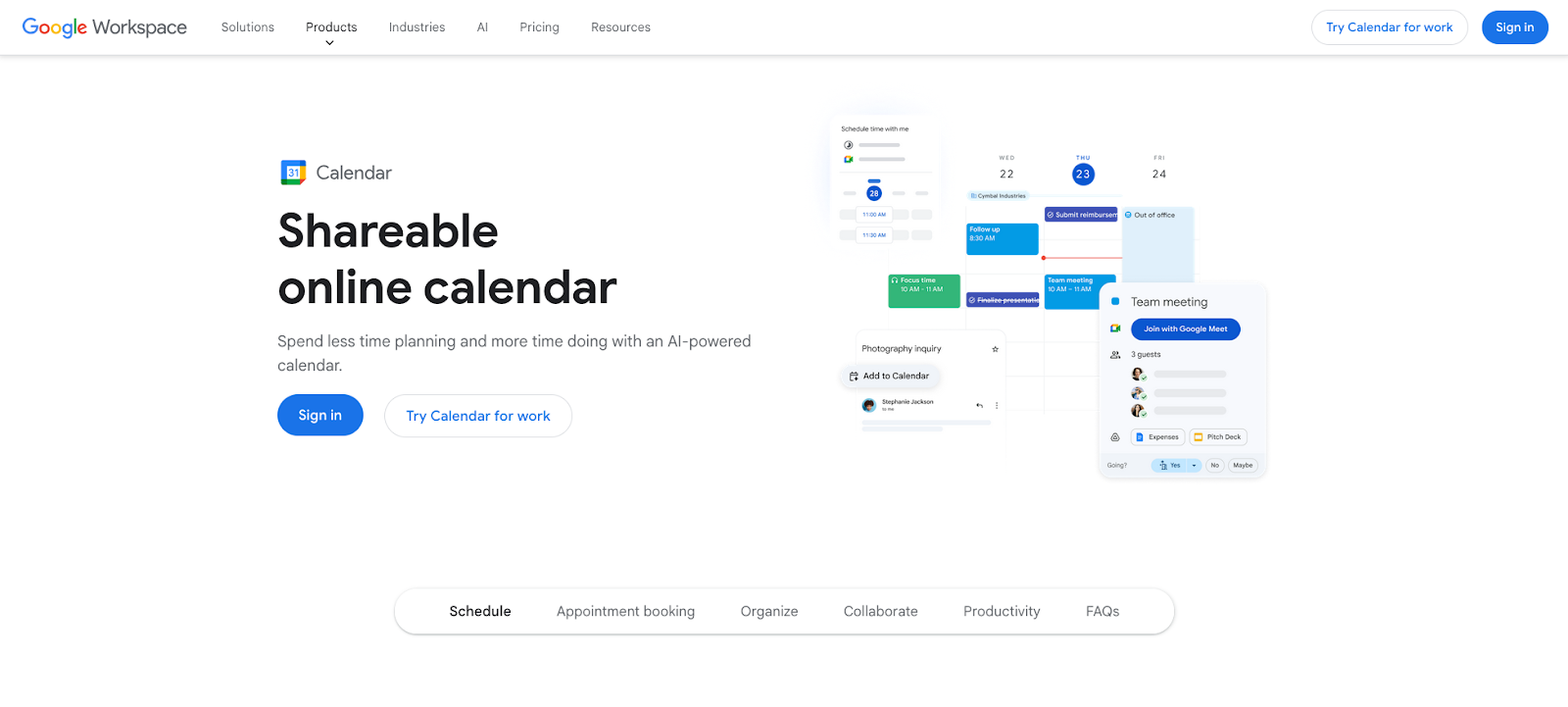
Google Calendar lets Google Workspace teams build a shared OOO calendar without any third-party tools. The setup: create a new shared calendar (something like "Team OOO"), give your team members access, and have everyone add their time-off events to it. Once someone subscribes to the calendar, they can see all upcoming OOO across the team in one view alongside their own schedule.
On the individual side, Google Calendar also has a dedicated "Out of office" event type that auto-declines meetings overlapping with your time away and sends a custom message to organizers. You can pair it with Gmail's Vacation Responder to send automatic replies from your inbox at the same time, covering both your calendar and email with a few clicks.
The catch is that this requires duplicate effort. Team members have to create an OOO event on their personal calendar (to auto-decline meetings) and separately add it to the shared team calendar (so teammates can see it). There's no automatic sync between the two, so if someone only updates one, the other is out of date. And the OOO event type is only available on Google Workspace, not free Gmail accounts.
Key features
- Shared team OOO calendar: Create a dedicated shared calendar for your team's time off, giving everyone a single view of who's out alongside their own schedule.
- OOO event type: A dedicated "out-of-office" day event that's visually distinct on your calendar and signals availability to anyone who checks.
- Auto-decline meetings: Automatically declines overlapping meetings and sends a custom message to organizers explaining you're out.
- Granular decline control: A check box lets you choose to decline only new invitations, or both new and existing meetings during your OOO time period.
- Delegated setup: Managers with delegated calendar access can create OOO events on behalf of team members.
- Programmatic OOO: Calendar API support lets admins set company-wide holidays or bulk OOO events across the organization.
- Gmail Vacation Responder: Pairs with Gmail's auto-reply to send automatic replies, covering both calendar and inbox with a unified OOO message.
Limitations
- No shared team OOO view, so you have to check each person's calendar individually.
- Declined meetings aren't rescheduled, just declined. Organizers have to manually rebook.
- OOO event type only available on Google Workspace, not free Gmail accounts.
Google Workspace pricing: Free → paid plans start at $7/month
3. Outlook Calendar — Best native OOO for Microsoft 365 teams
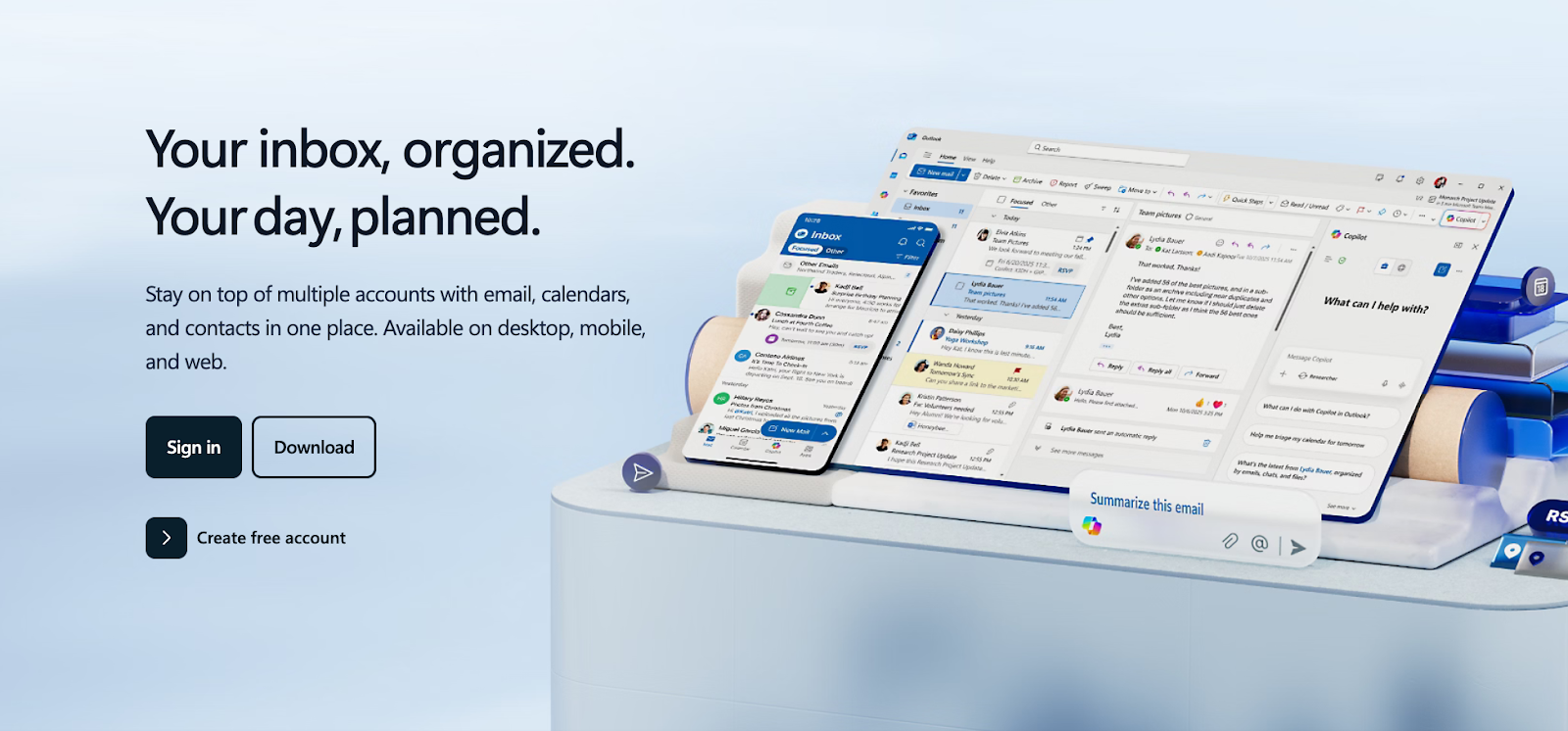
Outlook Calendar handles out-of-office through its Automatic Replies feature (formerly known as the "out-of-office Assistant"). You set a start date and end date, check the box to send automatic replies for that time period, and write custom messages for internal and external contacts. The setup lives in two separate places: Automatic Replies is configured under Mail settings, while OOO calendar events are created through the regular calendar interface. It's easy to set up one and forget the other, which means your inbox replies "I'm out" while your calendar still shows you as available.
On the calendar side, Outlook Calendar lets you create OOO events on shared or group calendars so teammates can see when you're out. You can also send OOO calendar invites directly to colleagues' calendars as a direct heads-up. For teams already on Microsoft 365, Automatic Replies, group calendars, and Microsoft Viva Insights together cover the basics of OOO management without adding another tool.
Key features
- Automatic Replies: Define the time period, and Outlook Calendar will send automatic replies to anyone who emails you. The automatic reply remains active until the end date passes or you turn it off manually.
- Internal vs. external messaging: Write separate auto-replies for coworkers and external contacts, so clients get a different message than your team.
- Group calendar OOO: Create OOO events on shared or group calendars so teammates can see who's out without checking individual schedules.
- Calendar invites to colleagues: Push OOO events directly to coworkers' calendars so your time off shows up on their schedule proactively.
- Viva Insights integration: Connect with Microsoft Viva for PTO planning insights and work-life balance recommendations.
- Copilot support: Microsoft's AI assistant can help draft OOO messages and manage scheduling around time off.
Limitations
- Team-wide OOO visibility requires manually setting up group calendars.
- Setting up OOO across both email and calendar is a multi-step process that's easy to do halfway.
- No AI rescheduling of meetings around PTO.
- Advanced Viva Insights features require additional Microsoft licensing.
Microsoft 365 pricing: Free → paid plans start at $6/month
4. Vacation Tracker — Best PTO tracker with Slack & Teams integration
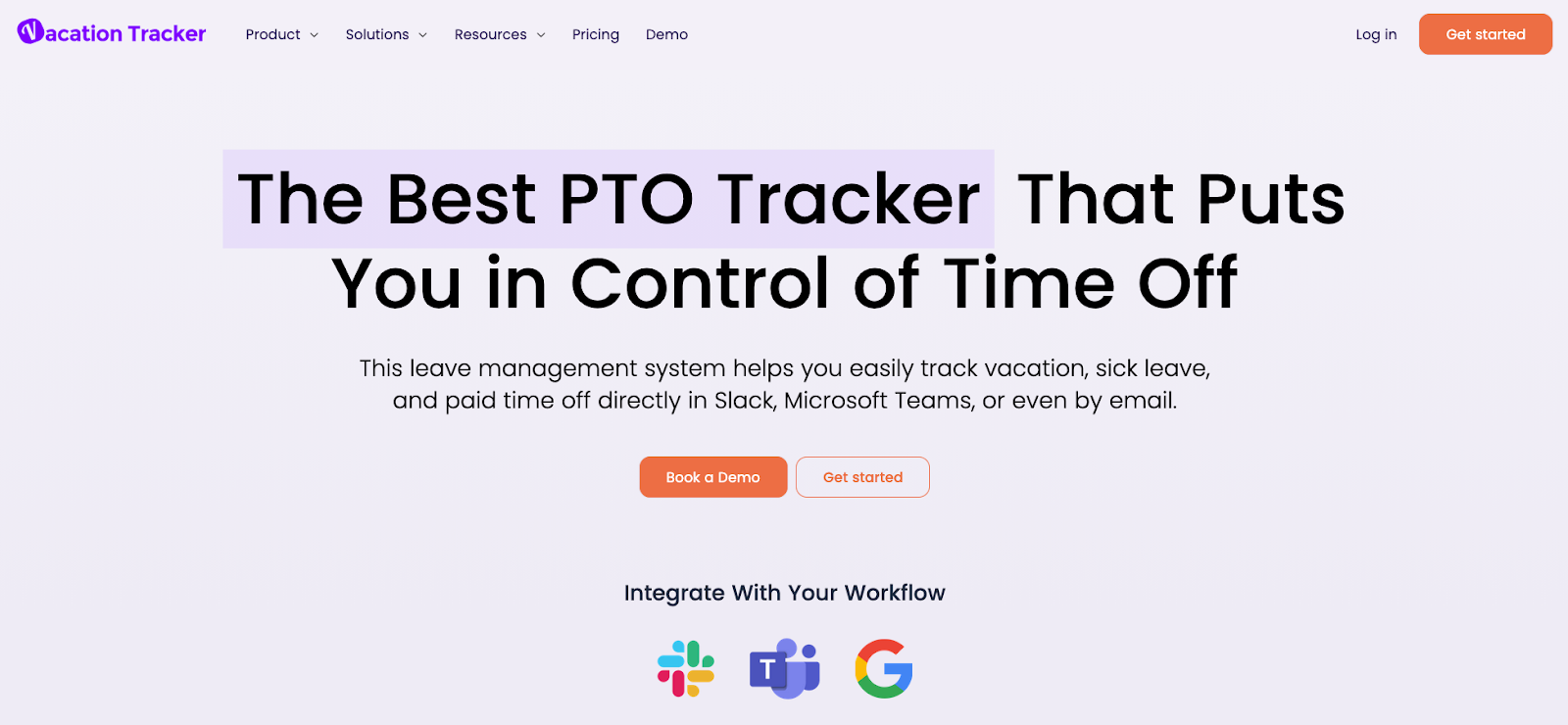
Vacation Tracker lives inside Slack, Microsoft Teams, or Google Workspace as a dedicated PTO management tool. It handles leave requests, approvals, customizable policies, and a real-time team calendar showing who's off, all within the communication tools your team already uses.
Team members request time off right in Slack or Teams, managers approve with a click, and the shared calendar updates instantly. The approval notification in Slack is especially smooth: managers get a message with Approve/Deny buttons inline, and the requester sees the status update in the same thread. The calendar sync to Google Calendar works, though it creates events on a separate "Vacation Tracker" calendar rather than writing OOO blocks directly onto each person's primary calendar, so teammates need to have that calendar toggled on to see absences.
Vacation Tracker also recently launched a burnout prevention feature called "Recharge" that flags team members who haven't taken enough time off.
Key features
- Shared PTO calendar: A real-time PTO calendar showing who's off and when across the entire team.
- In-app time off requests: Team members submit time off requests directly in Slack or Teams, and managers approve with a single click.
- Customizable time off policies: Configure accruals, TOIL, carryover, and unlimited PTO to match your organization's leave structure.
- Multi-location holidays: Support for location-specific public holiday calendars, so distributed teams see the right holidays for their region.
- Burnout prevention (Recharge): Proactively identifies team members who haven't taken enough time off and nudges them to recharge.
- Mobile app: Native iOS and Android apps for requesting and approving leave on the go.
- Reporting and alerts: Real-time insights on leave trends, team coverage, and upcoming absences.
Limitations
- Doesn't reschedule meetings, shift tasks, or adjust focus time.
- Calendar sync is limited compared to dedicated calendar apps.
- Minimum monthly spend on paid plans ($50 minimum on Core).
Vacation Tracker pricing: Free → paid plans start at $2/month
5. Timetastic — Best simple & affordable OOO tracker
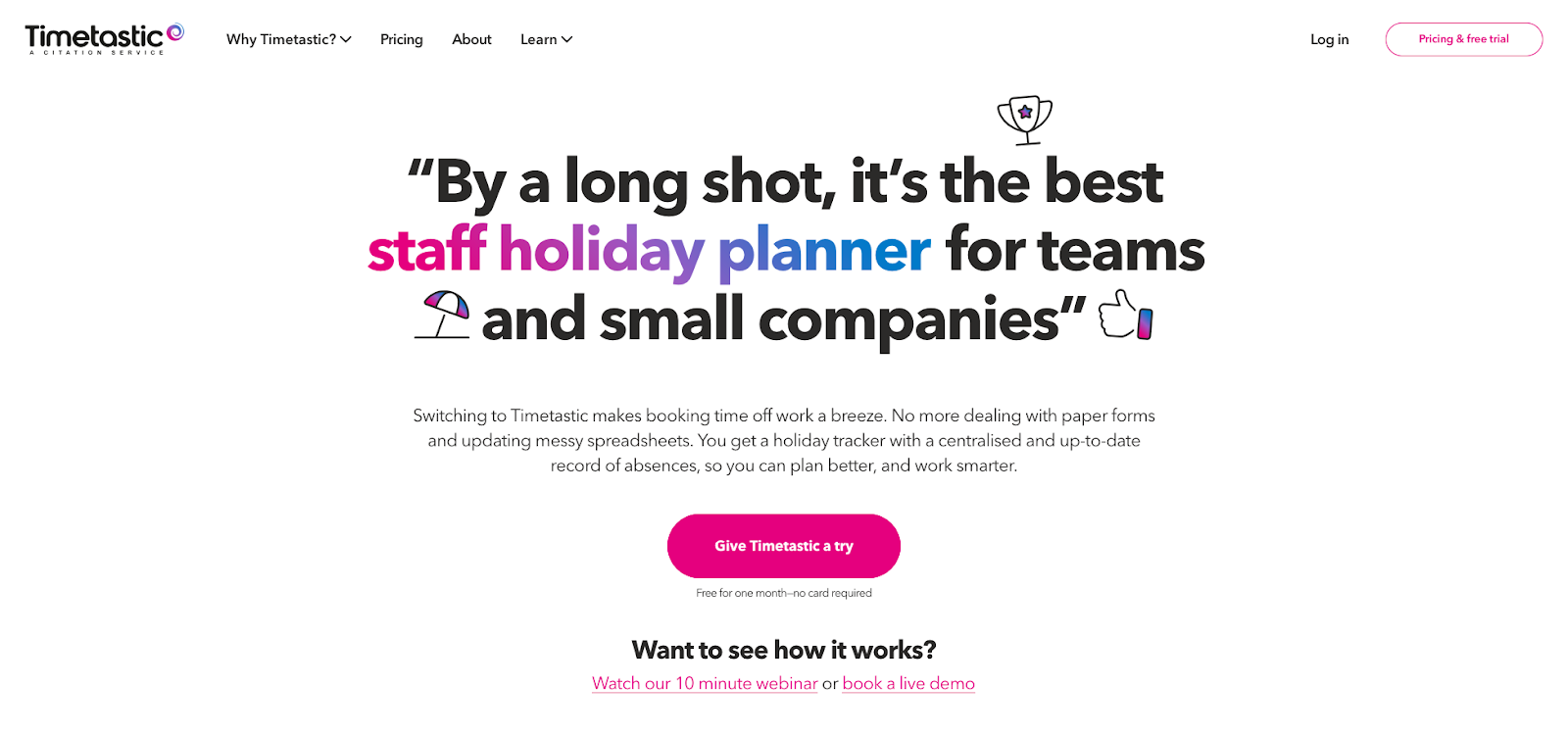
Timetastic keeps leave management simple, and small and mid-sized teams have gravitated to it for exactly that reason. You get a shared team wallchart showing all absences at a glance, one-click approvals, and a calendar feed that syncs leave data to your existing calendar, marking time off as "out-of-office" in Outlook Calendar and "Busy" in Google Calendar.
That "Busy" label in Google Calendar is worth noting: teammates looking at your calendar can't tell whether a blocked slot is a meeting or a vacation day without clicking into the event. In Outlook Calendar, the feed correctly shows as "out-of-office," which gives better context. It's a Google Calendar limitation of iCal feeds, not a Timetastic bug, but it affects how useful the sync is in practice.
At roughly $1.50/user/month, Timetastic is also one of the cheapest options on this list, and the product doesn't try to be more than what it is. You get a clear view of who's out, a straightforward approval process, and daily email summaries, without the complexity of a full HR platform.
Key features
- Team wallchart: A shared visual calendar showing all absences at a glance.
- One-click approvals: Managers approve or decline leave requests directly from email notifications without logging into a separate tool.
- Calendar feed sync: Pushes leave data to your existing calendar. Shows as "out-of-office" in Outlook and "Busy" in Google Calendar.
- Slack integration: Daily absence summaries and leave request notifications posted to Slack channels (available on all plans). Microsoft Teams integration available on Pro plan.
- Daily email digests: Automated summaries of who's on leave today, so no one's caught off guard.
- Burnout alerts: Flags absence trends and identifies team members at risk of burnout (Pro plan).
- Public holiday import: Pre-loaded holiday calendars for multiple countries. Set it once per location and forget it.
- Cross-platform apps: Mobile and desktop apps for managing leave from anywhere.
Limitations
- No AI scheduling or automatic meeting rescheduling.
- Calendar feed is one-way (Timetastic pushes to your calendar, but doesn't pull from it).
- Google Calendar displays leave as "Busy" instead of "out-of-office," providing less context to teammates.
Timetastic pricing: Paid plans start at ~$1.50/month
6. Cal.com — Best open-source scheduling with OOO delegation
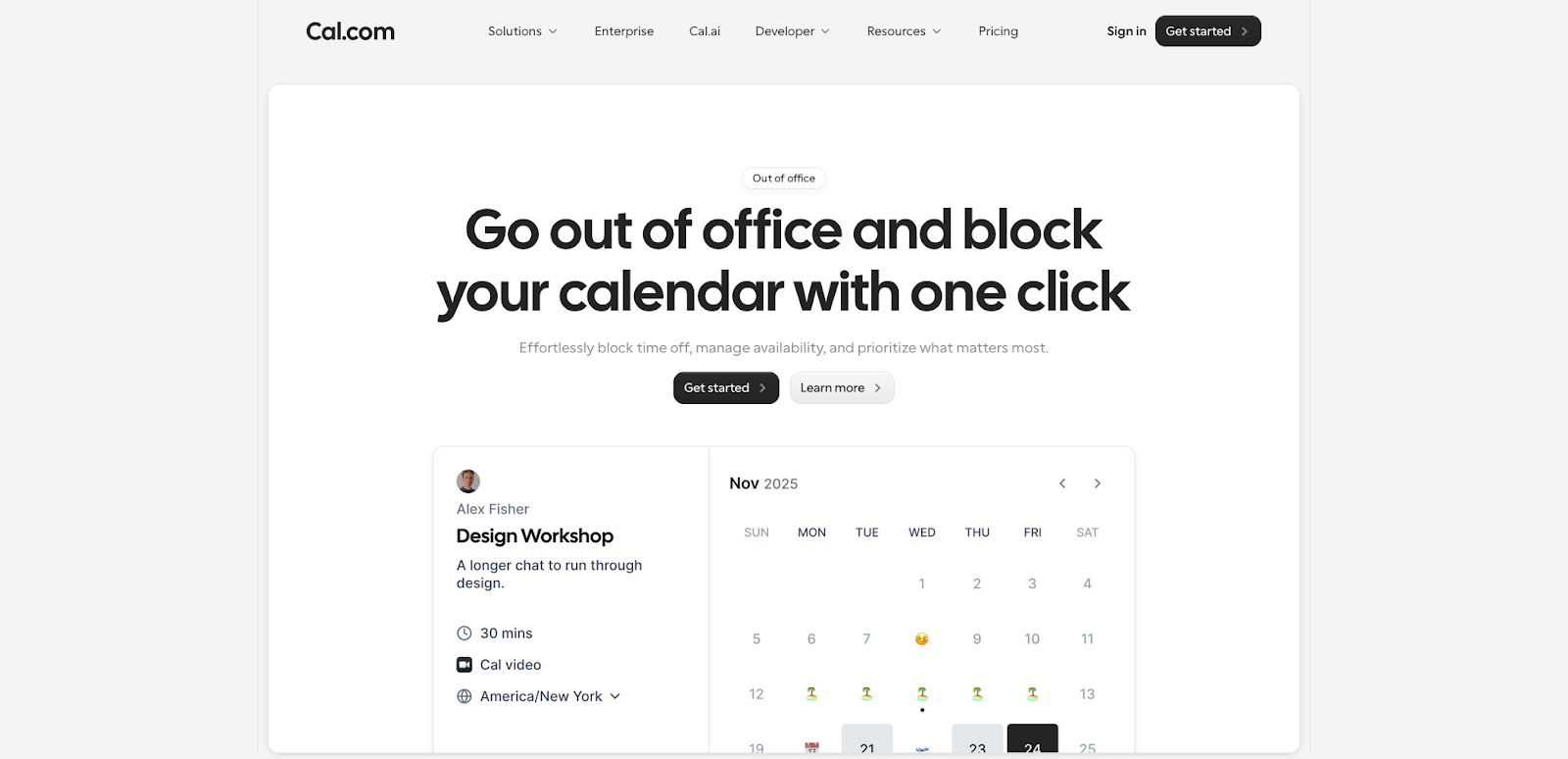
Cal.com is an open-source scheduling platform (think of it as an alternative to Calendly) with a dedicated out-of-office feature that includes meeting delegation: when you're OOO, Cal.com can automatically redirect incoming booking requests to a designated teammate, so clients and prospects aren't left waiting for someone who's on vacation.
For client-facing teams where scheduling links are a core part of the workflow (sales, consulting, customer success), this delegation feature fills a real gap. Most scheduling tools just block your calendar when you're out. Cal.com hands off the meeting to someone else.
The delegation setup is straightforward: you pick the teammate, set your OOO dates, and choose whether to show a custom message or silently redirect. One thing to note is that delegation only applies to Cal.com booking links. If someone emails you directly or sends a calendar invite through Google/Outlook, Cal.com can't intercept that. The OOO feature solves one specific problem well, but it only covers the Cal.com scheduling flow.
Key features
- Calendar blocking: Automatically blocks your scheduling links during OOO so no new meetings get booked while you're away.
- Meeting delegation: Redirects incoming booking requests to a designated teammate, so clients and prospects don't wait for someone who's on vacation.
- Custom OOO messaging: Set personalized messages that show when someone tries to book time with you during your absence.
- Predefined absence reasons: Choose from vacation, travel, sick, or public holiday to keep OOO records consistent across the team.
- Team scheduling: Round-robin and collective availability features distribute bookings across team members automatically.
- Open-source and self-hostable: Full control over your data and deployment. Host it yourself or use Cal.com's cloud.
Limitations
- OOO features focus on inbound booking links, not internal calendar coordination.
- No shared team OOO calendar showing who's out across your organization.
- No leave management with approval workflows; you'll need a separate tool for that.
Cal.com pricing: Free → paid plans start at $12/month
7. Calamari — Best for distributed, multinational teams
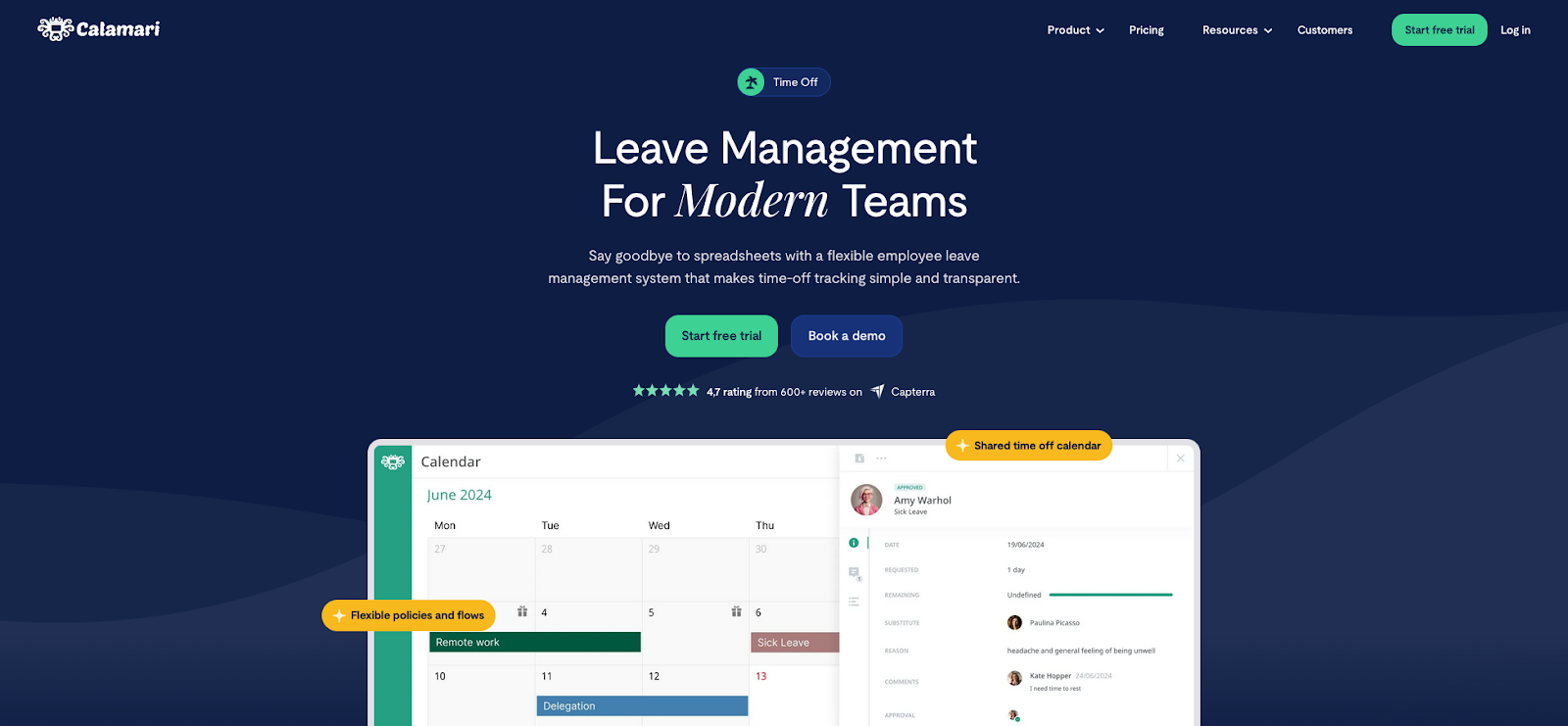
Calamari is a leave management system built for distributed teams operating across multiple countries and time zones. It provides a shared time-off calendar with all absence types in one view, support for 110+ public holiday calendars, and multi-country leave policies. For companies where "who's out" is complicated by regional holidays, local labor laws, and different leave entitlements, it's the strongest option on this list.
If your team has engineers in Poland, marketers in the US, and a support team in the Philippines, Calamari is designed for exactly that kind of setup. Each location gets its own holiday calendar and leave policies, while managers still get a unified view of availability across the whole team.
The initial setup reflects that complexity. Adding a new country means configuring its public holidays, defining leave types and entitlements for that region, and setting up the right approval chain. For a 3-country team, expect to spend an afternoon getting it dialed in. Once it's configured, though, the day-to-day experience is simple: employees see only the policies and holidays relevant to their location.
Key features
- Unified time-off calendar: All absence types (vacation, sick leave, remote, personal) in a single shared view across the organization.
- 110+ holiday calendars: Pre-loaded public holiday schedules for countries worldwide, so each office location sees the right days off.
- Multi-country leave policies: Configure different absence rules, entitlements, and time zones per country.
- Multi-step approval flows: Set up approval chains with backup approvers, so time off requests don't stall when a manager is out.
- Calendar integration: Syncs with Google Workspace and Microsoft 365 to keep your calendar and Calamari in lockstep.
- Slack & Teams support: Submit requests and receive notifications in Slack or Microsoft Teams without switching tools.
- Unlimited absence types: Create as many leave categories as your policies require, with automatic carry-over rules.
- Cross-functional reporting: Reports spanning absence requests, attendance, payroll, and entitlement.
Limitations
- Closer to a full HR platform than a lightweight OOO calendar, with more setup overhead.
- Configuring multi-country policies, approval chains, and entitlements takes time upfront.
- Doesn't manage or reschedule calendar events.
Calamari pricing: Paid plans start at $2.50/month
8. Time Off by Deel — Best Slack-native OOO autopilot
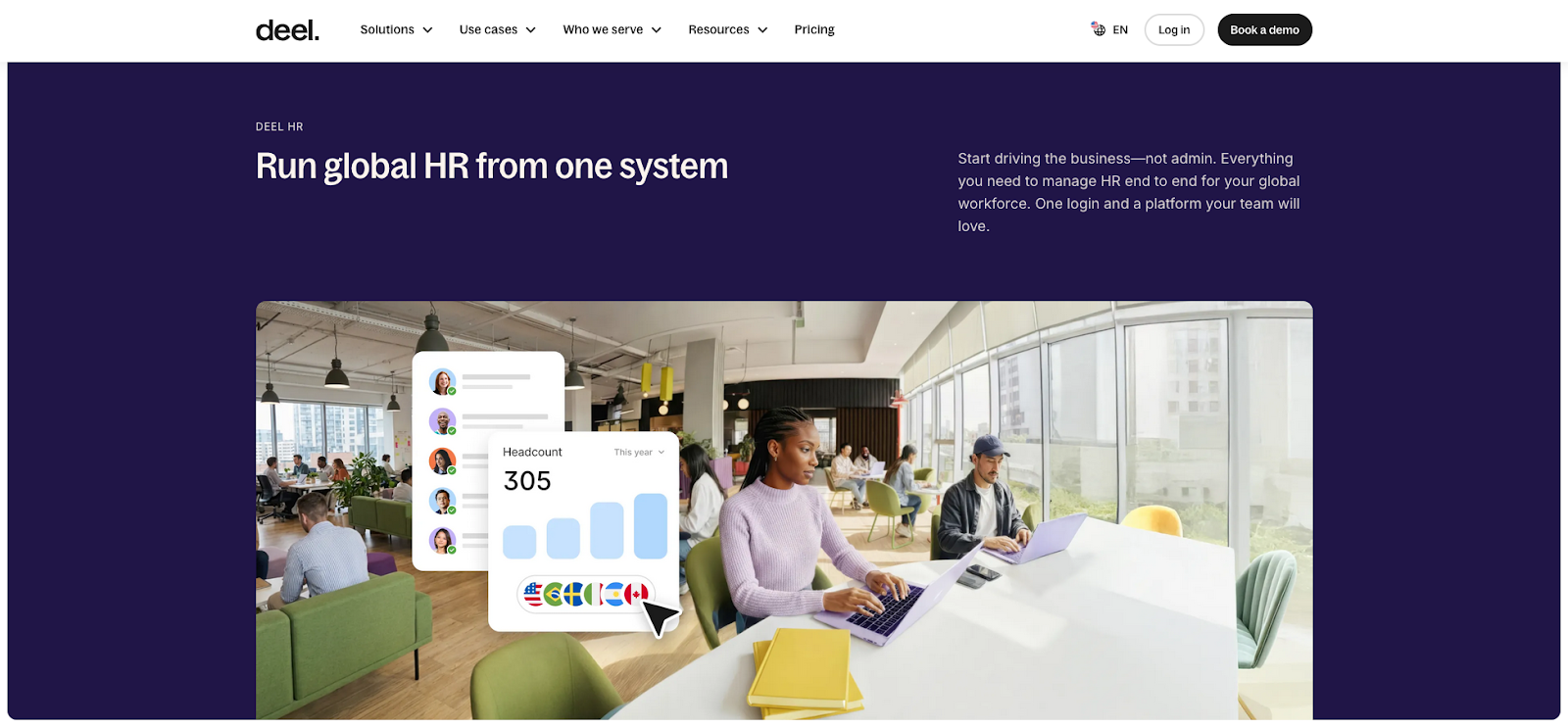
Time Off by Deel (formerly PTO by Deel) is a free PTO tracker that runs entirely inside Slack. Team members request time off, managers approve it, and the app automatically sets the person's Slack status, creates calendar events in Google Calendar or Outlook Calendar, and even helps with task handoff, all without anyone leaving their Slack workspace.
The Slack bot commands are intuitive (/timeoff to request, /whosout to check the team calendar), and the status sync is fast: within a few seconds of approval, the person's Slack status updates to the OOO emoji. The calendar event it creates in Google Calendar is a basic all-day event titled with the person's name and leave type, which is functional but doesn't use Google's native OOO event type.
Startups and tech companies running flexible or unlimited PTO policies are the core audience. No complex accrual calculations, no policy configurations, just a clean way to track who's out and make sure the team knows about it.
Key features
- Slack-native workflow: Request, approve, and track PTO entirely within Slack.
- Auto Slack status: Automatically sets your Slack status to reflect OOO, so teammates see you're away without checking a calendar.
- Calendar event creation: Creates OOO events in Google Calendar and Outlook Calendar automatically when leave is approved.
- Task handoff: Assists with transitioning tasks and responsibilities to teammates before time off begins.
- Built for flexible PTO: Designed specifically for companies running unlimited or flexible PTO policies.
- Proven scale: Used by 4,000+ teams, so the Slack integration is battle-tested at volume.
Limitations
- The free standalone app is Slack-only. Teams support is available through the broader Deel HR platform, not the free Slack app.
- Limited reporting and policy customization compared to full HR tools.
- Not suited for complex accrual-based leave policies.
Time Off by Deel pricing: Free
Why your team needs an out-of-office calendar
Google Calendar and Outlook Calendar both have native out-of-office features, but they solve the wrong problem. They answer "how do I auto-decline meetings while I'm away?", which is an individual concern. What they don't answer is the team question: "who across our team is out this week, and what needs to change because of it?"
That's a fundamentally different problem, and it's why most teams end up cobbling together a mix of Slack messages, shared spreadsheets, and calendar stalking to figure out availability. Native OOO is reactive and siloed: each person sets their own status, and everyone else has to go find it. There's no single source of truth.
The downstream effects compound quickly:
- Schedule conflicts multiply. When a teammate's OOO status lives only on their individual calendar, organizers don't see it until after they've booked the meeting. The average professional is already in 25.6 meetings per week, and adding rescheduling overhead to that load isn't trivial.
- Coverage planning becomes guesswork. Managers can't plan capacity for the week if they have to check other people's calendars one by one to piece together team availability. This is especially painful for distributed teams spanning multiple time zones and regional holidays..
- PTO creates more work, not less. Without automatic adjustments, people return from time off to a pile of meetings that ran without them, decisions that moved forward without context, and tasks that stalled because nobody picked them up. 60.2% of professionals report burnout, and friction around taking PTO is part of the reason why.
A dedicated out-of-office calendar closes this gap by turning OOO from a per-person setting into a team-level signal, one that's visible to everyone who needs it and, ideally, triggers the schedule adjustments that would otherwise fall to manual coordination.
How to choose the right out-of-office calendar for your team
The right tool depends on how your team needs to manage time off, whether that's full calendar automation, simple leave tracking, or something in between.
- If you want your calendar to adapt automatically around OOO (meetings reschedule, tasks shift, focus time adjusts), Reclaim.ai is the only tool on this list that treats OOO as a trigger for smart scheduling.
- If native calendar OOO is enough for now, Google Calendar and Outlook Calendar handle individual out-of-office well, but don't expect team-wide visibility without manual setup.
- If PTO tracking and approval workflows are the priority, Vacation Tracker, Timetastic, and Calamari offer the deepest leave management features at different price points and team sizes.
- If you need client-facing booking coverage during OOO, Cal.com's meeting delegation feature automatically redirects bookings to a teammate so clients aren't left waiting.
- If you're a Slack-first team on a budget, Time Off by Deel is free, lightweight, and handles the basics without leaving Slack.
- If you're a multinational team, Calamari supports 110+ country holiday calendars and multi-country leave policies out of the box.
No matter which tool you choose, the goal is the same: make OOO visible, automatic, and frictionless so your team can actually disconnect when they need to and come back to a calendar that didn't fall apart while they were away.