Close

Reclaim.ai vs. Microsoft Copilot

Reclaim.ai — the #1 AI scheduling alternative to Microsoft Copilot. Always optimizing your time, not waiting for prompts

Sign up with Google Calendar

* Free forever: no credit card required.

Features & integrations
Reclaim
Reclaim
Microsoft
Copilot
Microsoft Copilot
Tasks
More info
Automatically schedule tasks to your calendar around your existing calendar events, by priority, before their due dates.
Flexible time blocking
More info
Keeps your schedule flexible with smart "free" and "busy" controls based on how busy your schedule is to maximize availability while defending your time.
AI category
More info
Reclaim is an AI calendar assistant that proactively manages time across meetings, focus time, tasks, habits, and breaks. Microsoft Copilot is a general AI assCstant embedded in Microsoft 365 that helps with actions when prompted.
AI calendar
AI assistant
Works with Outlook Calendar
More info
Reclaim works with Outlook Calendar to manage meetings, focus time, tasks, and breaks, syncing calendars to keep availability accurate and respect privacy settings. Copilot helps create events and check availability in Outlook when prompted, but doesn’t manage availability or schedules over time.
Works with Google Calendar
More info
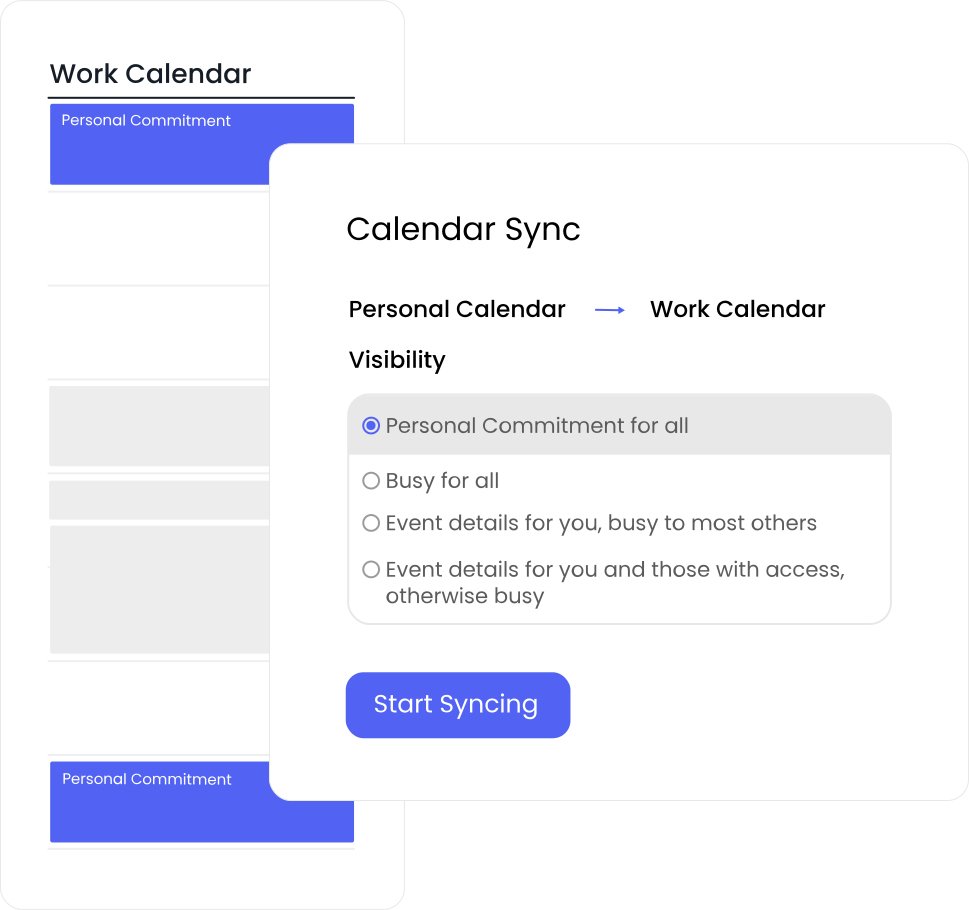
Reclaim works with Google Calendar to manage meetings, focus time, tasks, and breaks, syncing calendars to keep availability accurate across personal and work calendars while respecting privacy settings. Microsoft Copilot does not natively work with Google Calendar or provide ongoing scheduling or availability management.
Automatically protects focus time
More info
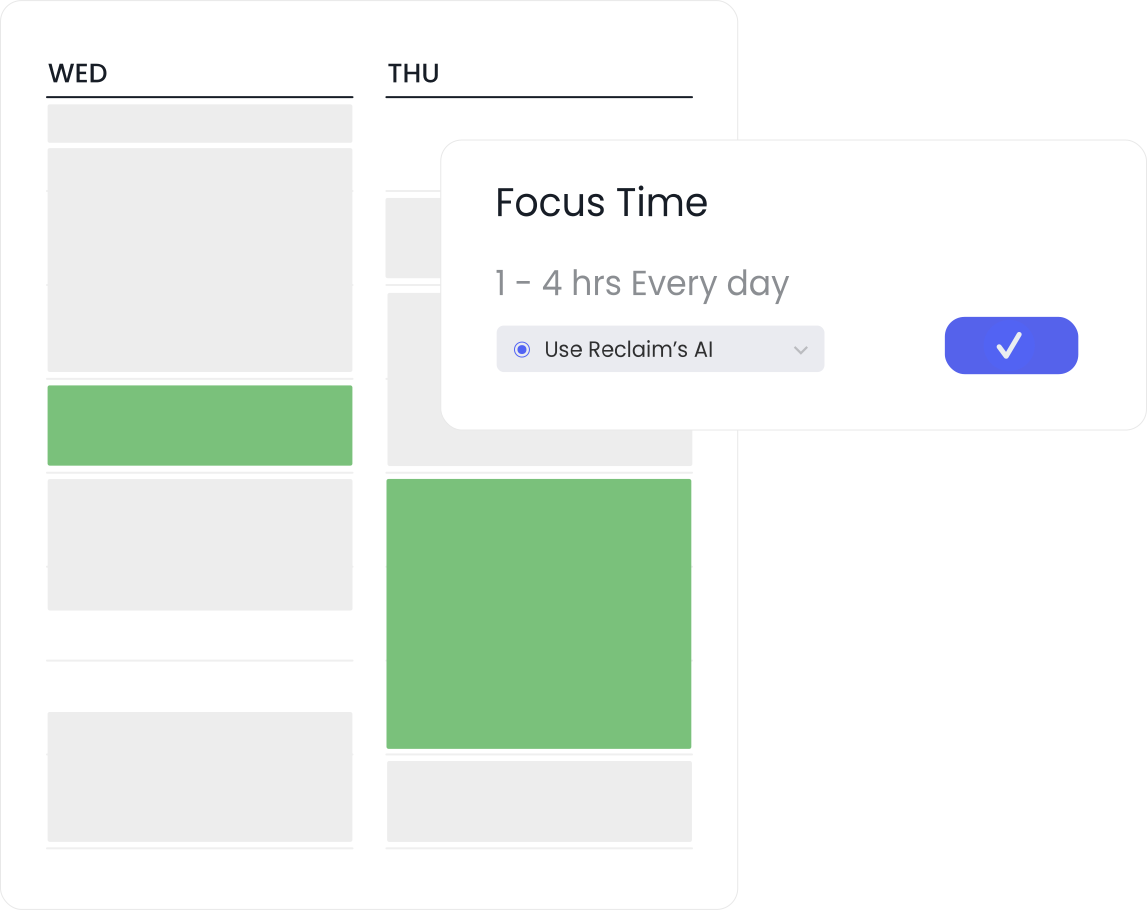
Reclaim lets users and teams set Focus Time goals and uses AI to automatically defend flexible focus blocks across the workweek. Copilot can create focus blocks when prompted, but does not proactively protect or maintain focus time.
Auto-reschedule conflicts
More info
Reclaim continuously detects conflicts and automatically reschedules flexible work to keep calendars realistic. Copilot does not automatically monitor calendars or resolve conflicts without manual intervention.
Optimizes meeting times
More info
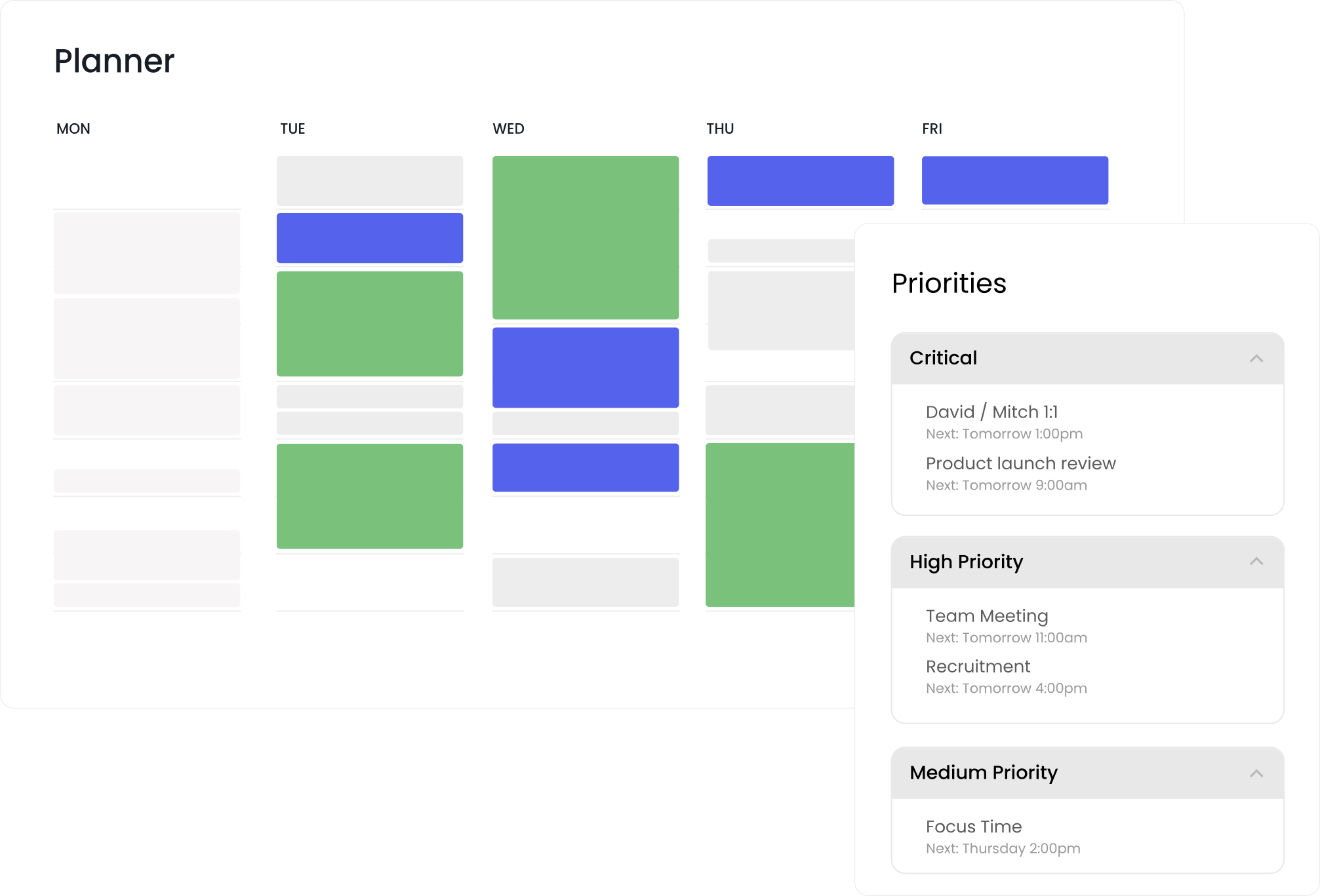
Reclaim places meetings based on priorities, focus time goals, and scheduling rules so meetings land where they do the least damage—reducing fragmentation and preserving deep work. Copilot can suggest times based on availability, but does not optimize placement automatically.
AI-powered scheduling links
More info
Reclaim offers AI-powered scheduling links that surface an average of 524% more open time slots by flexing lower-priority, auto-reschedulable work—so important meetings get booked sooner. Copilot does not provide scheduling links.
Automatic breaks
More info
Reclaim automatically schedules and protects breaks and buffers throughout the day, dynamically adjusting as meetings change so spacing and recovery time are preserved. Copilot can create events when asked, but does not automatically manage breaks.
Reduces time loss
More info
Reclaim prevents time loss by automatically detecting overload and rescheduling flexible work as meetings and priorities change. Copilot can speed up individual actions, but it doesn’t actively manage calendar overload.
Time blocking for tasks & routines
More info
Reclaim automatically turns tasks and routines into flexible calendar blocks, schedules them around meetings and deadlines, and continuously reschedules them as priorities change. Copilot does not automate time blocking for tasks or routines into the calendar.
Compare more features

Automate scheduling continuously — not by prompt

Microsoft Copilot can assist with scheduling actions inside Outlook when prompted, such as drafting invites or proposing times. It acts as a general AI assistant that responds to simple requests.

Reclaim is purpose-built to run scheduling as a system. Its AI continuously manages meetings, Focus Time, tasks, routines, and breaks by default—so the workweek stays balanced without constant user input. In addition to this always-on automation, Reclaim is introducing an interactive, human-in-the-loop AI assistant that lets users understand, adjust, and guide how their time is managed when they want more control.

Instantly resolve conflicts

Microsoft Copilot can create focus blocks or suggest meeting times on demand, but those actions are fixed at the moment they’re created. As meetings move and priorities shift, it’s up to the user to notice problems and intervene again.

Reclaim continuously adapts schedules as conditions change. Focus Time is defended, conflicts are resolved automatically, flexible work is rebalanced, and meetings are placed where they do the least damage to deep work—so calendars remain realistic and productive over time, not just at the moment of creation.

Optimize scheduling across your organization

Microsoft Copilot primarily supports individuals, with outcomes dependent on how often users prompt it and manually intervene. 

Reclaim works equally well for individuals and for teams. At the individual level, it provides always-on scheduling automation and AI assistance to help people manage their own time without constant manual effort. At the team and organization level, Reclaim functions as shared scheduling infrastructure—allowing admins to define Focus Time goals, meeting rules, protected breaks, and scheduling policies that are automatically enforced across calendars.

“I've been trying every smart scheduling solution, and most of them are terrible because they don't take the human factors into account. That's something Reclaim.ai actually seems to understand.”
Ed Wilder-James
Director, Technical Program Management - Github

Switch & save 20%

Save your team thousands of hours this year when you switch from Copilot, Clockwise, Motion or Calendly. Switch & save 20% your first 6 months.

Start a free 14-day trial →