

.png)



AI is everywhere. Time is still scarce.
According to McKinsey's 2025 State of AI survey, 88% of organizations are using artificial intelligence in at least one business function – but only about a third have started scaling. So while everyone is leaning in, the enterprises who are moving fast on implementation and onboarding have a massive competitive advantage over their slower industry peers..
How much can AI transform your business? The right enterprise AI solution can:
- Increase deep work by 10+ hours/week for each employee with AI agents
- Develop code up to 55% faster with AI-assisted coding agents
- Resolve 75%+ of support tickets autonomously with AI agents
- Cut contract review cycles by up to 90% with AI-powered document analysis
- Save $10M+ by automating workflows across IT, HR, and customer service
The opportunity is massive. But the question becomes which enterprise AI tools can you adopt today to immediately uplift your workforce, and which ones should you fold into your long-term strategy.
This guide breaks down the top enterprise AI solutions by what they actually do, so you can build the right stack, invest with confidence, and scale your workforce beyond the competition.
Top 17 enterprise AI solutions:
- Microsoft 365 Copilot – AI productivity across Word, Excel, Teams & Outlook
- Reclaim.ai – AI calendar & workforce analytics
- ChatGPT Enterprise – general-purpose AI assistant
- Google Workspace Gemini – AI assistant for Gmail, Docs & Sheets
- GitHub Copilot – AI code completion & review
- Salesforce Agentforce – autonomous CRM & service agents
- ServiceNow Now Assist – AI for IT & HR service management
- AWS Bedrock – managed foundation model platform
- Azure AI Foundry – enterprise AI development on Azure
- UiPath – agentic process automation
- Fin AI (Intercom) – AI customer support agent
- Notion AI – AI-powered knowledge management
- Google Vertex AI – ML & AI development platform
- Databricks – data & AI lakehouse platform
- Snowflake Cortex AI – AI analytics on Snowflake
- Claude Enterprise – AI for research & long-document analysis
- IBM watsonx – governed enterprise AI platform
What is enterprise AI?
Enterprise AI is the application of artificial intelligence within large organizations to automate processes, enhance decision-making, and improve productivity at scale using company data, systems, and workflows. What separates enterprise AI from consumer AI is that it has to work reliably for thousands of people at once, connect to your existing systems, and survive your security team's review.
In practice, enterprise AI touches nearly every function:
- Engineering teams use AI copilots for code completion, review, and debugging
- Sales, success, and support teams use AI agents to handle inquiries and route leads
- HR and IT teams automate onboarding, ticketing, and internal knowledge search
- Operations teams run workflow automation across finance, procurement, and compliance
- Leadership teams use AI analytics for visibility on how time and resources are being spent
Under the hood, these all require enterprise-grade infrastructure. So things like role-based access controls, SSO/SCIM integration, audit logging, and compliance review before deployment rather than after. And perhaps most overlooked: employees need protected time to actually adopt the tools you're rolling out.
No single enterprise AI technology wins on model version alone. What actually matters is workflow fit and whether your people have the capacity to use it.
Top challenges of enterprise AI solution rollouts
There's a gap between adoption and impact, though. Only 1 in 5 organizations have actually achieved revenue growth from AI, and the reasons tend to be organizational, not technical:
- Unclear business outcomes and lack of defined ROI
- Fragmented, low-quality, or inaccessible enterprise data
- Security, privacy, and regulatory compliance concerns
- Low employee trust and weak change management
- AI literacy and skills gaps across the workforce
- Poor integration with core systems and workflows
- Unclear governance, ownership, and usage policies
- Cultural resistance and fear of job displacement
- Difficulty measuring and proving productivity impact at scale
The enterprise AI stack
Search "enterprise AI" and you'll get a wall of products all claiming to transform your business. They're not the same thing. A foundation model platform, a copilot, a workflow automation tool, and a scheduling optimizer are all enterprise AI applications, but they solve different problems for different people.
The way to cut through it: think in layers. Data infrastructure at the bottom, assistants above that, automation for operational workflows, and specialized tools on top. Skip a layer and the others underperform.
Enterprise AI solutions comparison table
Top enterprise AI solutions
1. Microsoft 365 Copilot
Best for: Mid-to-large enterprises standardized on Microsoft 365.
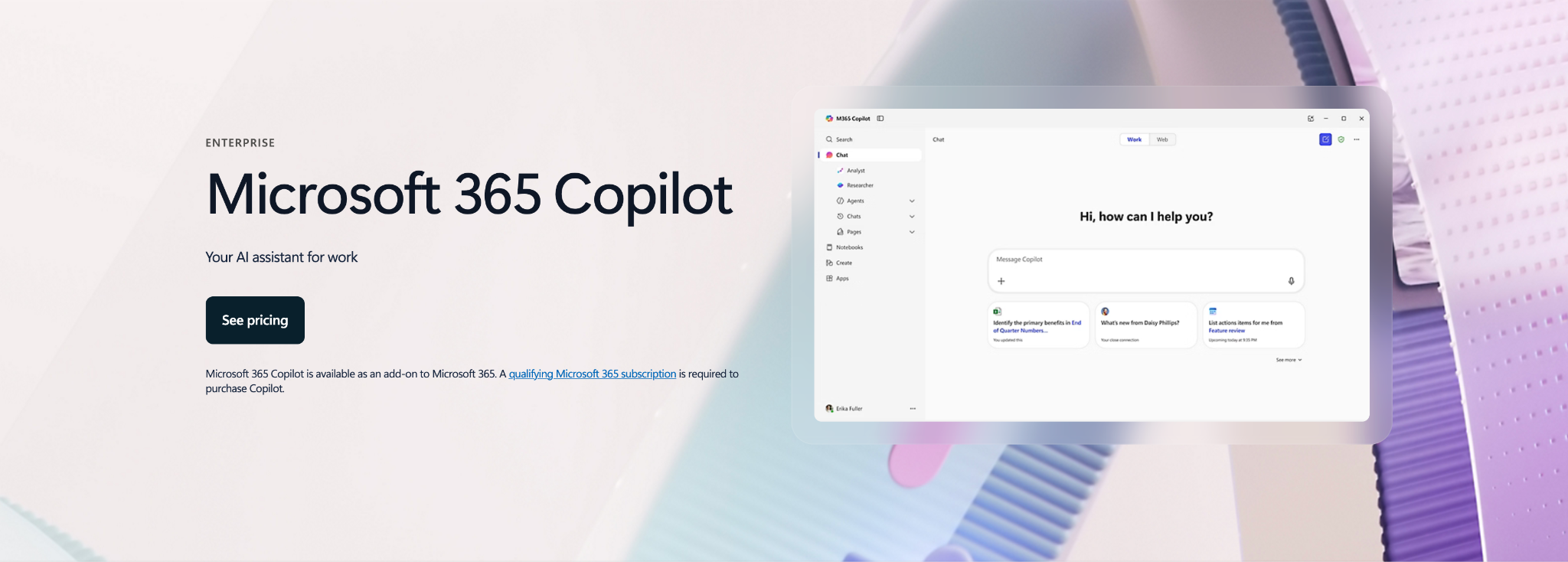
Microsoft 365 Copilot is Microsoft's AI assistant for the M365 suite, embedded directly into Teams, Outlook, Word, Excel, and PowerPoint. It's grounded in your organization's data through Microsoft Graph, and prompts and responses stay within your tenant and aren't used to train foundation models.
Core capabilities
- Cross-app intelligence: AI assistance embedded natively in Teams, Outlook, Word, Excel, and PowerPoint, so there's no context switching.
- Microsoft Graph grounding: Responses pull from your organization's emails, files, meetings, and contacts for relevant, contextual answers.
- Meeting summarization: Auto-generated recaps, action items, and follow-ups right in Teams.
- Data analysis: Ask questions about your Excel data in plain English and get automated reports.
- Service boundary protections: Prompts and responses stay within your tenant and aren't used to train foundation models.
Case study
Quilter, a UK wealth management firm, rolled out Copilot to 4,400 employees for meeting notes, document drafting, and investment commentary. They saved over 13,000 hours per month and saw a 20% productivity gain, reaching ROI breakeven in roughly one month.
Microsoft 365 Copilot pricing: $30/user/month (free for basic use)
2. Reclaim.ai
Best for: Enterprise-wide productivity through AI-powered time optimization Initiatives.
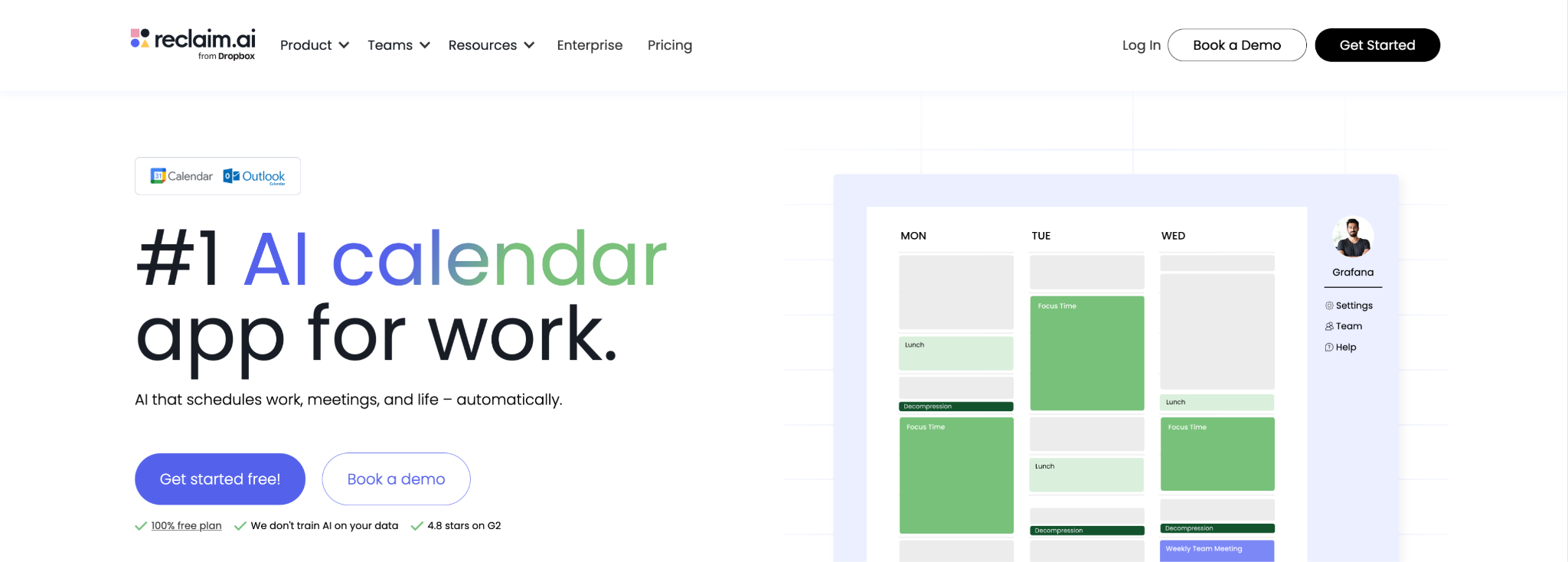
Reclaim.ai is an AI calendar and workforce analytics platform for Google Calendar and Outlook Calendar. It gives enterprises the ability to launch AI-powered initiatives that instantly optimize time across the entire workforce – automatically protecting focus time, optimizing meeting times, and reducing time loss fragmentation for every employee. The AI flexibly adapts to each employee's actual calendar, workload, priorities, and preferences to give them the space they need to thrive, not get in their way. Enterprise leaders and team managers get advanced analytics into productivity trends and blockers, and employees are empowered with their own personal productivity reports. Reclaim is trusted by over 600,000 people across 70,000 companies, including GitHub, Salesforce, and Grafana.
Core capabilities
- Enterprise Initiatives: Launch AI time optimization Initiatives across the company, departments, and teams to flexibly optimize time and meeting standards.
- AI Focus Time: Set weekly Focus Time goals across teams and automatically protect flexible time for deep work (with benchmark targets).
- Smart Meetings: Optimize internal meeting scheduling across your workforce to reduce conflicts, prioritize meetings, and free up more time for deep work.
- AI Scheduling Links: Maximize availability for external meetings with AI links that surface 524% more open time slots over lower-priority flexible events.
- Buffer Time: Allow employees to auto-protect prep time before key meetings, and wellness breaks and travel time around events.
- AI Planner: Intelligently optimize planning for employees to ensure priorities are completed on time, without increasing headcount or extending work hours.
- Workforce Analytics: Provides leadership with real-time visibility into meeting load, focus time, fragmentation, and burnout risk to inform data-driven workforce decisions.
- Enterprise security: SSO (SAML), SCIM provisioning, SOC 2 Type II certified, GDPR-compliant.
Case study
1Password deployed Reclaim across their Solutions Engineering team, and each employee protected 4.3 more hours/week for focused work, saved 1.3 hours/week auto-scheduling meetings, and prevented 18 back-to-back meetings/week.. Their overall time management improved 44% with AI scheduling at Reclaim.
Reclaim.ai pricing: $22/user/month (free plan available)
3. ChatGPT Enterprise
Best for: Enterprises that want a centralized AI assistant across multiple data sources.
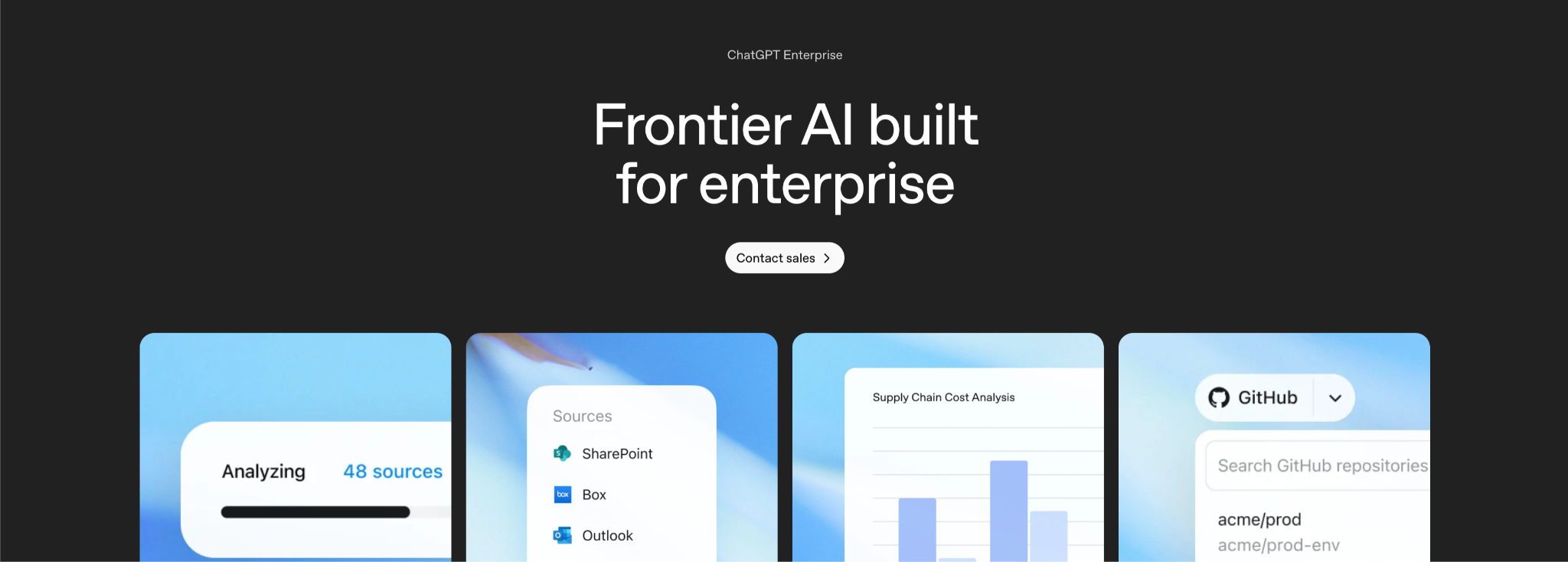
ChatGPT Enterprise is OpenAI's enterprise version of ChatGPT, built with the security controls, admin tools, and privacy guarantees that organizations require. It connects to your company's data sources (SharePoint, GitHub, Drive, Box) and provides a centralized AI assistant with a firm no-training-on-your-data commitment.
Core capabilities
- Data connectors: Hook into SharePoint, GitHub, Drive, Box, and other data sources so responses are grounded in your actual company knowledge.
- Custom GPTs: Build and share purpose-built AI assistants tailored to specific teams and workflows.
- Advanced analytics: Extended data analysis with code interpreter for tackling complex datasets.
- Admin console: Centralized management for usage monitoring, access controls, and policy enforcement.
- Enterprise privacy: SAML SSO, SCIM provisioning, and a "no training on your data by default" commitment.
Case study
Estée Lauder built over 240 custom GPTs across their organization for use cases ranging from consumer insights to fragrance development to clinical trial analysis. They reported 90%+ faster response times on tasks that previously required manual research and cross-team coordination.
ChatGPT Enterprise pricing: Contact sales (free for basic use)
4. Google Workspace Gemini
Best for: Google Workspace-first companies, SMB to enterprise.
Google Workspace Gemini is Google's AI assistant built into Workspace, adding AI capabilities across Docs, Gmail, Drive, and Meet. AI features are bundled into existing Workspace plans rather than sold as a separate add-on, making it the most cost-accessible embedded copilot for Google-first organizations.
Core capabilities
- Gemini in Gmail: Draft replies, summarize long threads, and pull out action items from email conversations.
- Gemini in Docs: Generate, rewrite, and refine content with context pulled from your Drive files.
- Gemini in Meet: Real-time transcription, auto-generated meeting notes, and translated captions.
- Gemini in Drive: Search and summarize across your entire document library using natural language.
- Tiered access: AI features scale with your Workspace plan level, so you don't need a separate license.
Case study
Mercer International, a global forest products company, used Gemini across their Workspace deployment for productivity, safety training content, and video production. They reported $3M in annual savings and cut video production costs by 75%.
Google Workspace pricing: Contact sales (free for basic use)
5. GitHub Copilot
Best for: Engineering organizations on GitHub Enterprise Cloud.
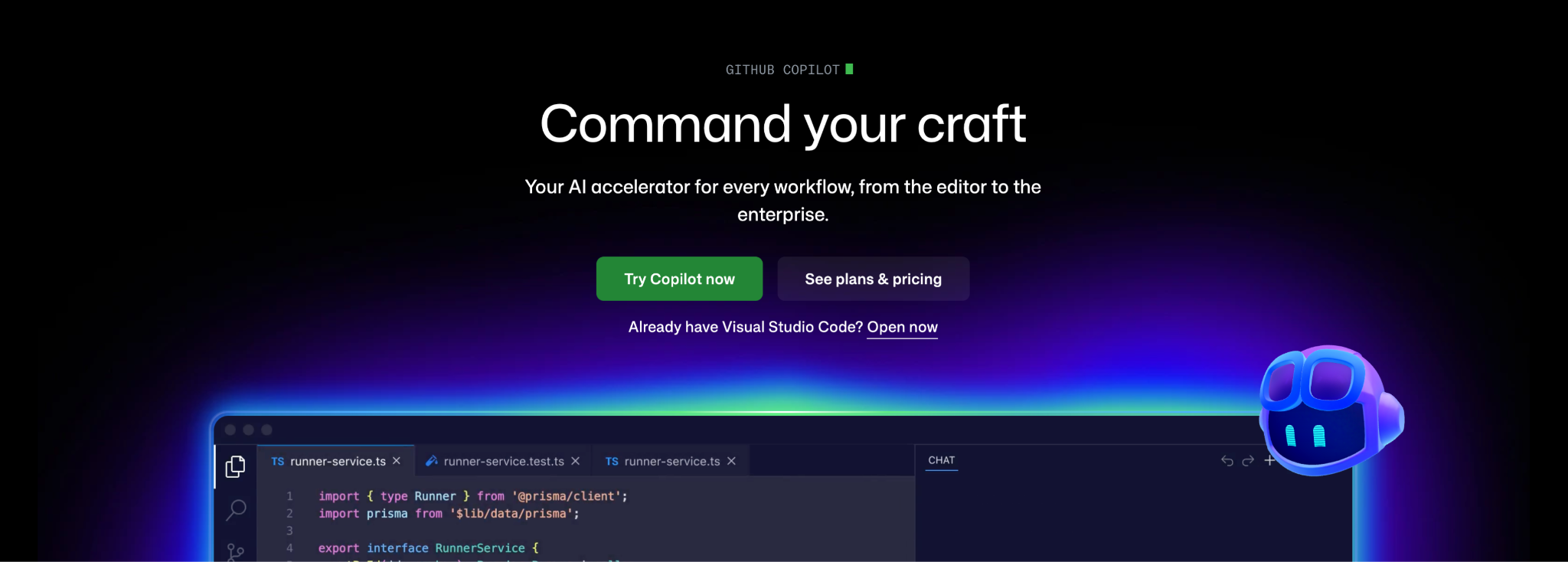
GitHub Copilot is an AI coding assistant built directly into your development workflow, available in VS Code, JetBrains, Neovim, and on GitHub.com. It offers code completion, chat, code review, and an agent mode that can plan and execute multi-file changes autonomously. The Enterprise tier adds SSO/SCIM, usage analytics, and policy controls for managing AI access across engineering teams.
Core capabilities
- Code completion & chat: Context-aware code suggestions and an AI chat assistant that understands your codebase, available in your IDE, on GitHub.com, and in GitHub Mobile.
- Copilot coding agent: An agent that can take a GitHub Issue, create a branch, write the code, and open a pull request. Useful for chipping away at backlog items and routine tasks.
- Code review: AI-powered pull request reviews that catch bugs, suggest improvements, and flag security issues before human reviewers spend time on them.
- Model Context Protocol (MCP): Connect Copilot to external tools and data sources so it can pull context from your documentation, databases, or internal APIs.
- Enterprise controls: 1,000 premium requests per user/month, SSO/SCIM through GitHub Enterprise Cloud, usage analytics, and policy controls for managing AI access across your org.
Case study
allpay, a UK payment services provider, rolled out GitHub Copilot across their engineering team for code completion, stored procedures, and service setup. They saw a 10% overall productivity increase (up to 80% on specific tasks) and delivered 25% more projects in the same timeframe.
GitHub Copilot pricing: Contact sales (free for basic use)
6. Salesforce Agentforce
Best for: Enterprises with CRM and service workflows centered on Salesforce.
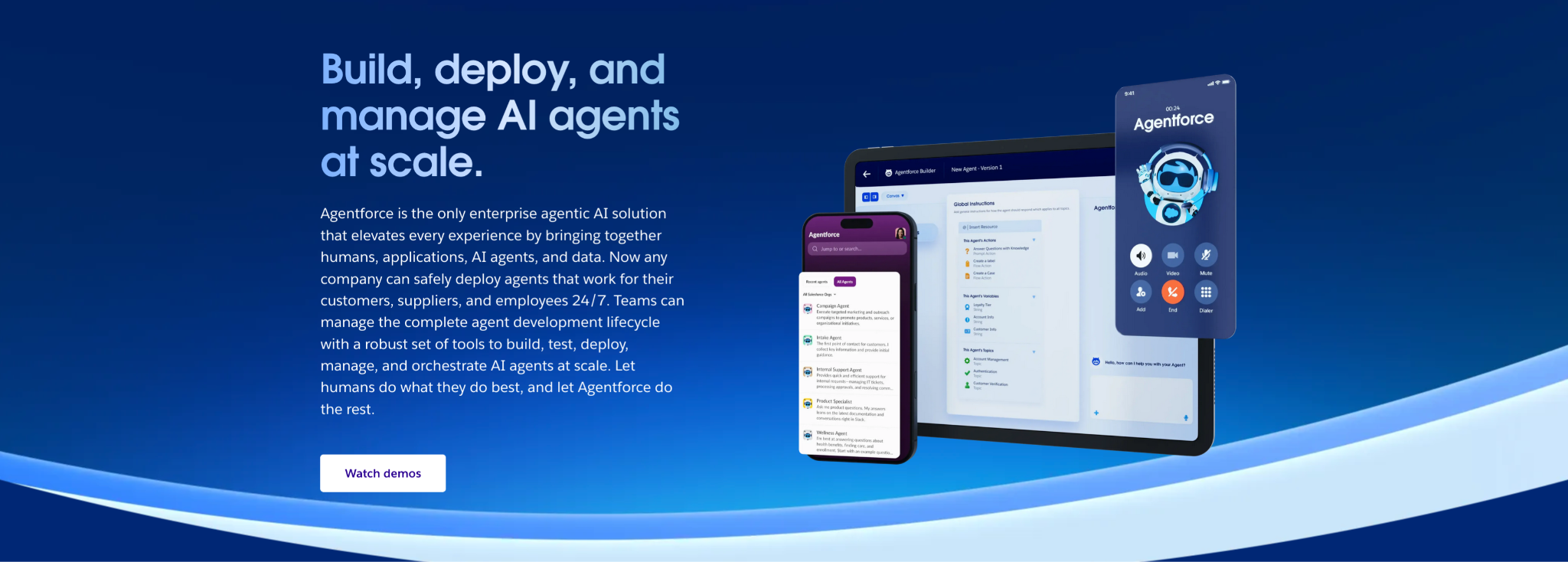
Salesforce Agentforce is Salesforce's autonomous AI agent platform, built for sales, service, and marketing workflows. These are AI agents that can plan, reason, and complete multi-step tasks on their own. They're not chatbots waiting for a prompt. Pricing is consumption-based at $2 per conversation, so you pay for what you use.
Core capabilities
- Autonomous agents: AI agents that plan, reason, and execute multi-step tasks across sales, service, and marketing workflows on their own.
- Agent Builder: Low-code tools for creating custom agents tailored to your specific business processes.
- Data Cloud integration: Agents are grounded in your unified customer data across all Salesforce objects.
- Flex Credits: Consumption-based pricing that scales with actual usage rather than per-seat licensing.
- Multi-channel deployment: Agents work across web, mobile, Slack, and customer-facing portals.
Case study
Salesforce deployed Agentforce on their own help site ("Customer Zero"), which handles over 60 million visits per year. The agent self-resolves 75%+ of customer inquiries and responds 65% faster than their previous support setup.
Salesforce Agentforce pricing: $2/conversation
7. ServiceNow Now Assist
Best for: IT, HR, and service organizations running on ServiceNow.
ServiceNow Now Assist is ServiceNow's native AI layer for the Now Platform, embedding generative AI directly into ITSM, CSM, and HR workflows. Summarization, virtual agents, code generation, and AI search all run natively inside the workflows your organization already operates on.
Core capabilities
- Virtual agents: AI-powered chatbots that autonomously resolve common IT, HR, and customer service requests without human intervention.
- Summarization: Auto-generated case summaries, incident recaps, and knowledge article drafts that save agents hours of documentation.
- Code and flow generation: AI-assisted workflow building and scripting right inside the Now Platform.
- AI search: Natural language search across your ServiceNow knowledge base and service catalog.
- Platform-native: Built directly into the ServiceNow workflow engine. No separate integration, no middleware headaches.
Case study
ServiceNow deployed Now Assist internally ("Now on Now") across incident resolution, HR, and customer service workflows. They reported $10M in benefits within 120 days and the equivalent of 50 full-time employees in productivity gains.
Now Assist pricing: Contact sales

8. AWS Bedrock
Best for: Enterprises building custom AI applications on AWS.
AWS Bedrock is Amazon's fully managed service for building custom AI applications on AWS. It gives engineering teams access to leading foundation models from Anthropic, Meta, Mistral, and Amazon, with built-in RAG, managed agents, and guardrails. The model provider never touches your data.
Core capabilities
- Model choice: Pick from Anthropic, Meta, Mistral, and Amazon models without managing infrastructure yourself.
- RAG integration: Built-in retrieval-augmented generation that grounds AI responses in your actual company data.
- Managed agents: Build multi-step AI agents that can reason, plan, and take action using your APIs.
- Guardrails: Configurable content filtering, topic avoidance, and PII redaction baked into the platform.
- Private customization: Fine-tune models on your proprietary data without it ever leaving your AWS environment.
Case study
Orion Health, a healthcare technology company, built an AI chatbot on Bedrock that queries over 500,000 patient records. They reclaimed 50 hours per day in clinical staff time, reduced costs by 10x compared to their previous system, and cut record retrieval from minutes to under one minute.
AWS Bedrock pricing: $0.04–$6.00/1M input tokens
9. Azure AI Foundry (formerly Azure AI Studio)
Best for: Enterprises building custom AI applications on Azure.
Azure AI Foundry is Microsoft's platform for building and deploying custom AI applications on Azure, formerly known as Azure AI Studio. It provides a unified model catalog spanning OpenAI models (GPT-4o, o1, o3) and 1,600+ open-source options (Llama, Mistral, Cohere), with agent services, evaluation tools, and direct integration across the Azure and Microsoft ecosystem.
Core capabilities
- Model catalog: Deploy OpenAI models and 1,600+ open-source models through a single interface, with the ability to switch between them without rewriting code.
- Agent services: Build and orchestrate AI agents that can reason across your enterprise data and take action through APIs.
- Foundry Tools: Built-in speech, vision, language, and search services you can layer into your applications.
- Flexible deployment: Run models via serverless APIs (pay-per-token) or on dedicated managed compute in your own virtual network.
- Azure security stack: RBAC, virtual networks, private endpoints, managed identity, and Azure Policy for controlling which models can be deployed.
Case study
Global Travel Collection, a luxury travel network, built Atlas, an AI travel advisor on Azure AI Foundry. The system saves an estimated 1.5 million hours per year across their advisor network by automating itinerary research and recommendations.
Azure AI Foundry pricing: Contact sales
10. UiPath
Best for: Organizations with repeatable processes and a clear automation roadmap.
UiPath is an enterprise automation platform that combines AI agents with software robots to automate structured, repeatable business processes (invoice processing, data extraction, compliance reporting, month-end close, and more).
Core capabilities
- Agentic automation: Combine AI agents with software robots for true end-to-end process automation.
- Orchestration: Centralized management of bots, agents, and workflows across your entire organization.
- Process mining: Discover and analyze existing processes to find the best automation opportunities.
- Governance controls: BYO IdP, role-based access, opt-out data collection, and enterprise-grade compliance.
- Low-code studio: A visual workflow designer that lets you build automations without deep programming expertise.
Case study
Johnson Controls deployed UiPath across accounts payable, document processing, and operational workflows, scaling to 68 automations. They realized $10M in total automation value, including $6M in AP savings alone.
UiPath pricing: Contact sales
11. Fin AI (Intercom)
Best for: Support teams that want AI to resolve customer queries autonomously across chat, email, voice, and social.

Fin is Intercom's AI agent for customer service. It resolves complex queries across every channel (chat, email, voice, and social) using Intercom's patented Fin AI Engine, which layers retrieval-augmented generation, reranking, and validation to generate accurate responses from your knowledge base, procedures, and policies. It works with Intercom's own helpdesk or plugs into Zendesk, Salesforce, and HubSpot.
Core capabilities
- Omnichannel resolution: One AI agent handles customer queries across chat, email, voice, and social channels
- Fin Flywheel: A continuous improvement loop – train Fin on your procedures and knowledge, test with simulated conversations before going live, deploy, then analyze performance with AI-powered insights
- Agent Copilot: When queries escalate to human agents, Copilot provides real-time suggestions – teams using it report 31% more daily conversation closures
- Works with any helpdesk: Set up in under an hour with Zendesk, Salesforce, HubSpot, or Intercom's own platform. Follows your existing assignment rules, automations, and reporting
- Performance testing: Run fully simulated customer conversations from start to finish to see exactly how Fin will behave before going live
Case study
Lightspeed, a global commerce platform, deployed Fin across their support operation. Fin is now involved in 99% of their conversations and successfully resolves up to 65% of queries end-to-end, including complex ones.
Fin AI enterprise pricing: $0.99/resolution + $132/seat/month
12. Notion AI
Best for: Teams already using Notion for docs and knowledge management.
Notion AI is the AI layer built into Notion, adding meeting transcription, cross-app search, content generation, and research capabilities to the workspace where your docs, wikis, and projects already live.
Core capabilities
- AI meeting notes: Automatic transcription, summarization, and action item extraction from meetings.
- Enterprise search: AI-powered search across Notion and connected apps (Slack, Gmail, GitHub, Jira, Google Workspace).
- Research Mode: Point it at a topic and it auto-drafts detailed documents pulling from multiple sources across your workspace.
- Multiple AI models: Access to GPT-4.1 and Claude 3.7 Sonnet under the hood, without needing separate subscriptions.
- Knowledge management at scale: AI-powered database autofill, writing assistance, and translation across your team's wikis and docs.
Case study
Ramp, the corporate spend management platform, consolidated 70+ tools into Notion and uses AI search and content generation across their knowledge base. They cut tooling costs by 70%, reduced search time by 60%, and accelerated some project timelines by 3x.
Notion pricing: Contact sales (free plan available)
13. Google Vertex AI
Best for: Google Cloud-first enterprises, especially teams using BigQuery.
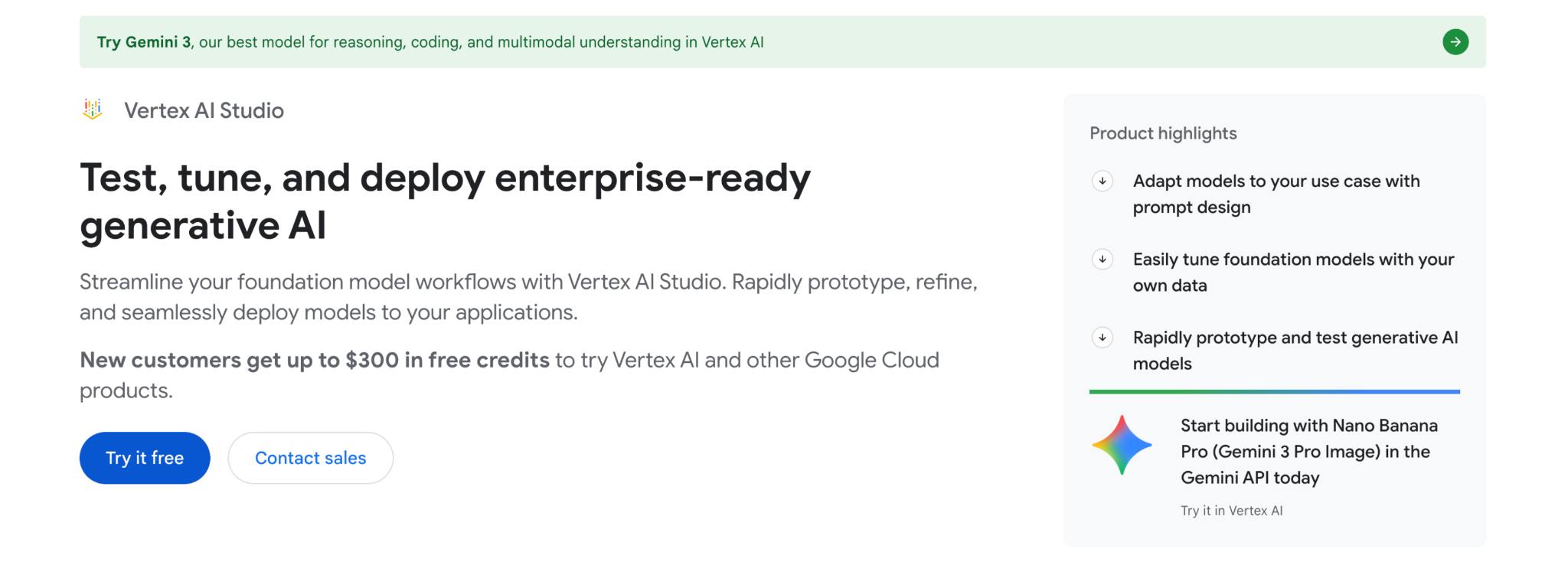
Google Vertex AI is Google Cloud's platform for building and deploying machine learning and generative AI applications. It provides access to 200+ models (including Gemini, Claude, and Llama) alongside MLOps tooling, Agent Builder, and tight integration with BigQuery and the rest of the Google Cloud data stack.
Core capabilities
- Model Garden: Access to Gemini, Claude, Llama, Gemma, and other models with the ability to evaluate and compare them side by side.
- Agent Builder: Tools for creating AI agents with grounding, search, and conversation capabilities.
- MLOps pipeline: End-to-end tooling for training, tuning, evaluating, and deploying models with version control and monitoring.
- BigQuery integration: Connect your AI applications directly to your data warehouse without moving data around.
- Grounding with Google Search: Ground model responses in real-time web results (5,000 free queries/month included).
Case study
Lloyds Banking Group built their ML platform on Vertex AI, supporting 300+ data scientists. They ran 80 experiments in six months and cut mortgage verification processing from days to seconds using custom models deployed on the platform.
Vertex AI pricing: $0.25–$2.00/1M input tokens
14. Databricks
Best for: Enterprises already running Databricks for data and analytics.
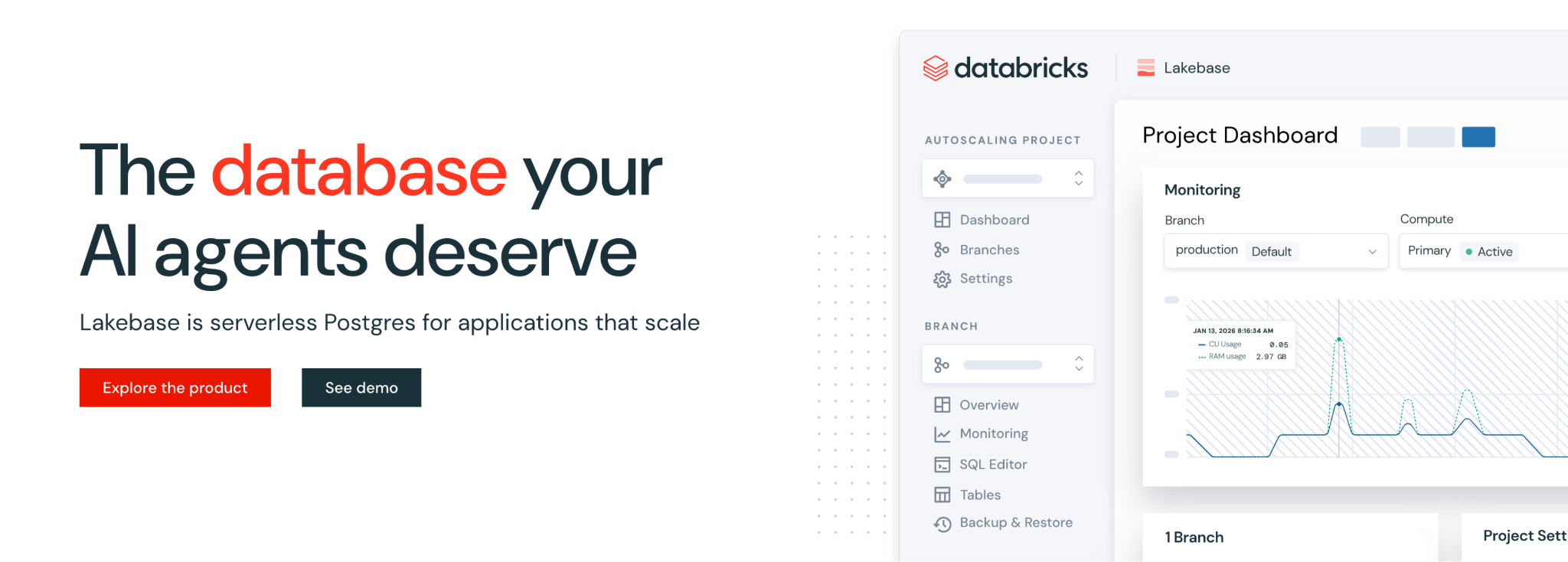
Databricks is a data and AI platform built around the lakehouse architecture. Through Mosaic AI, teams can build GenAI applications (RAG chatbots, multi-step agents, fine-tuned models) directly on their existing lakehouse data, with unified governance across data and AI assets through Unity Catalog.
Core capabilities
- Mosaic AI: Build GenAI applications ranging from RAG-powered chatbots to multi-step agents with tool calling, all running on your lakehouse data.
- Unity Catalog: Unified governance across structured data, unstructured data, ML models, notebooks, and AI assets, all under one control plane.
- AI Gateway: Centralized governance and observability across models and agents, with rate limiting, cost controls, and usage tracking.
- Vector Search: Built-in vector indexing integrated with Unity Catalog governance, so your retrieval layer inherits the same access controls as your data.
- Open ecosystem: Works with open-source models and frameworks, so you're not locked into proprietary model choices.
Case study
7-Eleven built a GenAI creative assistant for their marketing team using Mosaic AI on Databricks, with a multi-agent setup that generates and refines campaign content directly on their lakehouse data.
Databricks pricing: Contact sales
15. Snowflake Cortex AI
Best for: SQL-fluent data teams with significant data in Snowflake.
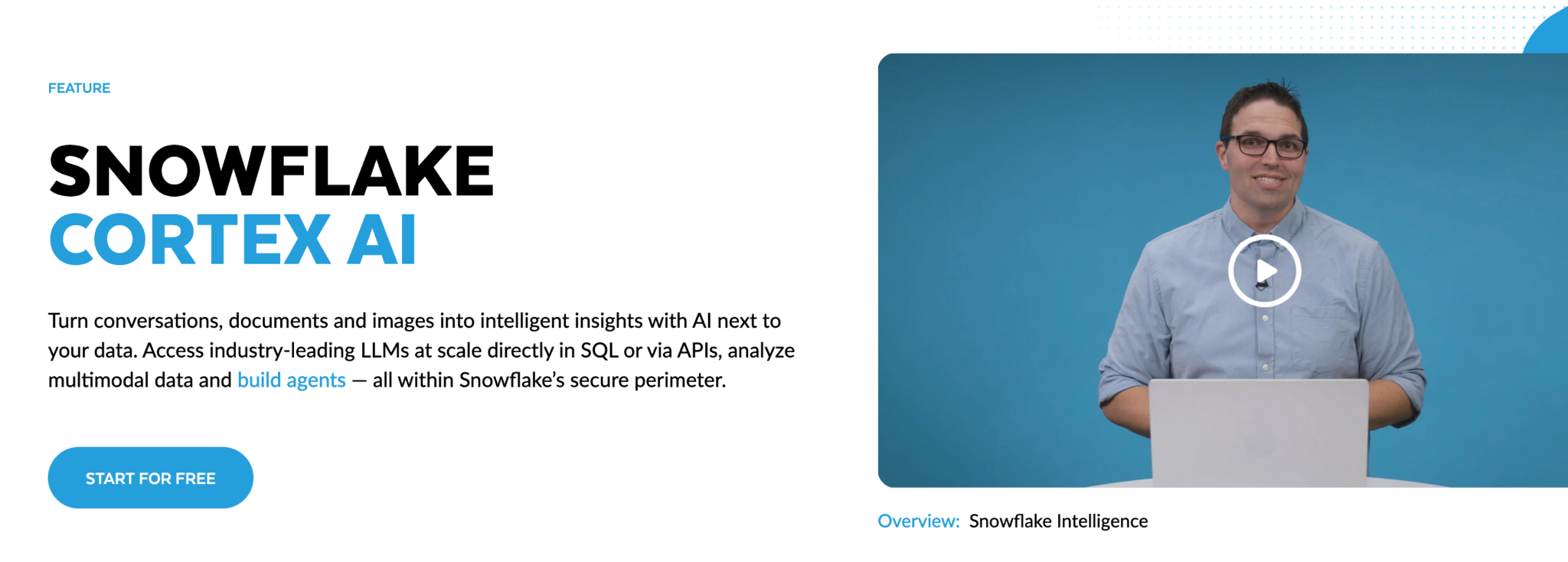
Snowflake Cortex AI is Snowflake's built-in AI layer that brings LLM capabilities directly into the Snowflake data cloud. Data teams can run AI operations (summarization, classification, extraction, sentiment analysis) through standard SQL, without moving data to a separate AI platform or learning new tools.
Core capabilities
- Cortex AI Functions: Run LLM operations (summarization, classification, extraction, sentiment analysis) via SQL, with no ML infrastructure to manage.
- AI observability: Built-in tracing and evaluation tools for monitoring GenAI application quality, latency, and behavior in production.
- Governed perimeter: AI operations run inside Snowflake's existing security and governance boundary, inheriting your RBAC patterns and network policies.
- Retrieval capabilities: Support for retrieval and unstructured data analytics within the Snowflake ecosystem.
- SQL-native interface: Data teams can build AI-powered apps without switching languages or platforms.
Case study
Snyk, the developer security platform, built an AI chatbot on Cortex AI that answers employee questions in Slack. The bot handles 2,500 questions per month and saves an estimated 1,250 hours of employee time monthly.
Cortex AI pricing: ~$3–4/credit; varies by model
16. Claude Enterprise
Best for: Regulated industries and teams doing deep, complex knowledge work.
Claude Enterprise is Anthropic's enterprise AI assistant, designed for deep, complex knowledge work. It supports context windows of 200K+ tokens (enough to process an entire codebase or a lengthy regulatory filing in a single conversation) and includes SSO, SCIM, audit logs, and a compliance API.
Core capabilities
- Extended context window: Process documents up to 200K+ tokens. That means entire codebases, regulatory filings, or research papers in a single conversation.
- SSO/SCIM: Domain capture, automated user provisioning, and centralized identity management.
- Audit logs and retention controls: Full visibility into usage with configurable data retention policies.
- Compliance API: Programmatic access to usage and compliance data for your governance workflows.
- Projects: Organize conversations with persistent context and shared knowledge bases across teams.
Case study
GitLab deployed Claude Enterprise across engineering, content, RFP responses, and documentation. They reported 25-50% productivity improvements across use cases and 98% employee satisfaction with the tool.
Claude Enterprise pricing: Contact sales (free for basic use)
17. IBM watsonx
Best for: Large enterprises in regulated industries needing governed, hybrid AI.
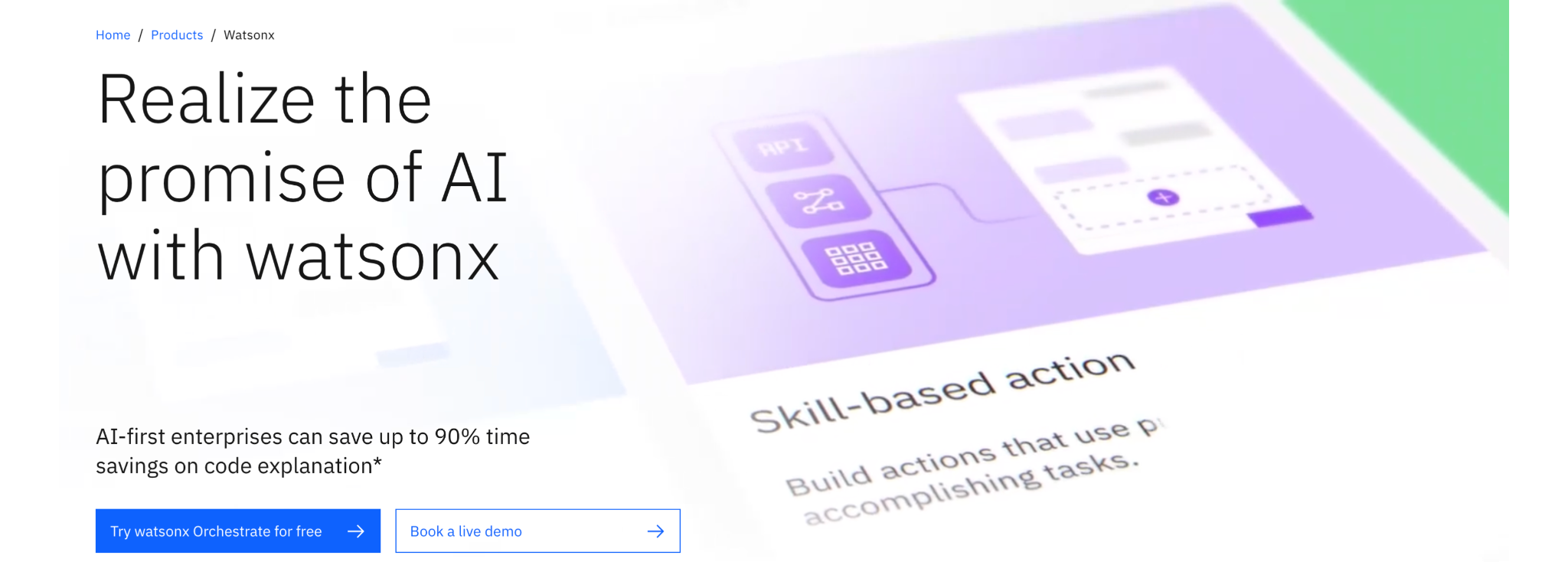
IBM watsonx is IBM's enterprise AI platform, combining an AI development studio (watsonx.ai) with dedicated governance tooling (watsonx.governance). It's built for regulated industries that need explainability, bias monitoring, and the flexibility to deploy workloads on-prem, in private cloud, or across multi-cloud environments.
Core capabilities
- watsonx.ai studio: An integrated environment for training, tuning, and deploying foundation models.
- watsonx.governance: Dashboards for bias detection, drift tracking, and compliance reporting across both ML and genAI workflows.
- Hybrid deployment: Run AI workloads on-prem, in private cloud, or across multi-cloud environments.
- Agent monitoring: Track what autonomous AI agents are doing with full audit trails and performance analytics.
- Open ecosystem: Works with open-source models and plugs into your existing IBM infrastructure.
Case study
Honda uses watsonx to extract knowledge from engineering diagrams and presentations, accelerating their product development process. They reported 67% faster knowledge modeling and 30-50% savings on development and planning time.
watsonx pricing: $0.10–$5.00/1M tokens
Enterprise AI use cases by industry
Enterprise AI looks very different depending on your industry. Here are real-world examples of enterprise AI across major verticals:
Technology
- Calendar & time optimization: AI scheduling tools defend focus time, auto-schedule meetings at optimal slots, and give engineering managers visibility into how their teams' time is actually spent, so developers spend more hours building and fewer hours context-switching.
- Support ticket automation: AI agents triage, categorize, and resolve tier-1 support tickets without human intervention. Intercom's Fin AI, for example, self-resolves up to 86% of customer inquiries, freeing support engineers to focus on complex escalations.
- Automated code review and CI/CD: AI copilots flag bugs, suggest fixes, and enforce style guidelines during pull requests. Teams using GitHub Copilot for code review report catching issues earlier in the pipeline and cutting review cycles significantly.
Financial services
- Fraud detection & prevention: AI models analyze transaction patterns in real time, flagging anomalous activity before losses occur. JPMorgan's COiN platform processes 12,000 commercial credit agreements in seconds, work that previously consumed 360,000 hours annually.
- Algorithmic risk assessment: Machine learning models evaluate credit risk, market exposure, and portfolio concentration faster and more accurately than traditional actuarial methods.
- Regulatory compliance automation: AI parses regulatory updates across jurisdictions and maps them to internal policy requirements, dramatically reducing compliance team workload.
Healthcare
- Clinical decision support: AI assists radiologists by flagging potential abnormalities in medical imaging, cutting diagnostic turnaround time and improving early detection rates.
- Operational scheduling optimization: Hospitals use AI to optimize OR scheduling, staff allocation, and patient flow, reducing wait times and getting more out of existing resources.
- Drug discovery acceleration: Pharmaceutical companies use AI to screen molecular compounds, compressing early-stage drug discovery timelines from years to months.
Manufacturing
- Predictive maintenance: Sensor data and ML models predict equipment failures before they happen, reducing unplanned downtime by up to 50% and extending asset lifespans.
- Quality control automation: Computer vision systems inspect products on the line in real time, catching defects that human inspectors miss at high throughput rates.
- Supply chain optimization: AI models optimize business operations by forecasting demand, managing inventory levels, and dynamically rerouting logistics based on real-time disruption signals.
Retail & e-commerce
- Personalized recommendations: AI engines analyze browsing behavior, purchase history, and contextual signals to deliver product recommendations. This drives up to 35% of Amazon's total revenue.
- Dynamic pricing: ML models enable data-driven decision making, adjusting pricing in real time based on demand, competitor pricing, inventory levels, and customer segments.
- Inventory forecasting: AI reduces stockouts and overstock situations by predicting demand at the SKU level across locations and seasons.
Legal & professional services
- Contract analysis & review: AI tools extract terms, flag risk clauses, and compare contract language against templates. Hours-long reviews become minutes.
- Legal research acceleration: Natural language processing models search case law, statutes, and regulatory filings to surface relevant precedents faster than any human researcher.
- Knowledge management: AI indexes and retrieves institutional knowledge from document repositories, speeding up onboarding and maintaining consistent advisory quality.
Building an enterprise AI stack that actually delivers
Implementing enterprise AI isn't about collecting tools. It's about making sure those tools deliver returns. A sound enterprise AI strategy addresses each layer, and each does something distinct:
- Foundation platforms give you the infrastructure to build
- Copilots boost productivity across knowledge work
- Automation executes operational workflows
- Time orchestration protects and optimizes execution time
Without the time layer, your AI tools generate more work without giving anyone the capacity to complete it. With it, your AI investments compound.
If you're exploring the time orchestration layer, we'd be happy to walk you through how it works.
Productivity Trends Reports