


.png)


It usually starts small. A resignation lands, a manager scrambles, then the team stretches to absorb the gap. “Temporary” becomes the new normal – until the real cost shows up. More resignations follow because employees are overworked, stressed, and burned out. That’s how employee turnover quietly compounds across an organization. In 2023 alone, U.S. employers spent nearly $900 billion replacing people who quit. Employee retention software helps companies spot these risks earlier – turning early warning signals into clear, actionable steps managers can actually follow through on.
Many of today’s employee retention tools are built to help you keep top performers by making retention something leaders can actively manage – not just react to. They do this by collecting early signals from employees, turning them into clear insights for managers, and embedding routines that make the workday feel more sustainable.
That said, employee retention software doesn’t fit neatly into a single product category. The most effective retention strategies are built from a stack of tools that reinforce one another, rather than a single “silver bullet” platform. For some teams, that starts with employee engagement and listening tools that surface issues before they turn into resignations. Others see big gains from employee recognition software that reinforces progress and impact. Manager effectiveness often improves through performance management and continuous feedback tools that tighten coaching and check-in cadences.
Then there are the fundamentals: HRIS and onboarding systems that keep the employee lifecycle running smoothly, along with longer-term retention levers like internal mobility and career pathing – giving people room to grow without having to leave.
This guide brings all of that together. We’ve selected the 10 best employee retention programs that consistently show up in modern retention stacks and organized them by the retention outcomes they support. That way, you can start with the problem you’re trying to solve – and build from there.
How we evaluated these tools
We took a hands-on, experience-first approach to evaluating every employee retention tool in this guide. Just as importantly, we considered what HR teams and People teams can realistically sustain month after month – without programs breaking down under administrative overhead.
For tools we have direct experience with, we evaluated how each product supports day-to-day retention workflows across People Ops, leadership, product, engineering, marketing, and customer-facing teams.
For tools outside our daily stack, we conducted structured evaluations against the most common employee retention use cases teams need to support, including:
- Employee engagement and listening programs
- Recognition and rewards initiatives
- Performance management and continuous feedback cycles
- Onboarding and employee lifecycle workflows
- Internal mobility and career development
- Frontline communication and manager cadence
- Calendar health, workload balance, and focus time protection
Each platform was assessed across the following criteria:
- Ease of onboarding and adoption for HR teams, managers, and employees
- Depth and clarity of core features within its primary category
- Integrations with common HRIS, identity, and collaboration tools
- Reporting and insights that drive action—not just dashboards
- Fit across company stages, from SMBs to enterprise organizations
Where relevant, we explicitly note when a recommendation is based on direct internal usage versus structured evaluation and publicly available product information.
Disclosure: Reclaim.ai is our product. We included it because our team and over 65,000 other teams use it daily to protect focus time and support healthier workload routines. It was evaluated using the same criteria as every other tool, and selections and rankings reflect our independent editorial judgment.
Quick picks
If you want a fast shortlist, start here:
- Best for engagement insights + action planning: Culture Amp
- Best for protecting work-life balance (burnout prevention): Reclaim.ai
- Best for continuous listening at scale: Workday Peakon
- Best for employee satisfaction & recognition programs: Achievers
- Best for performance + people ops workflows: Lattice
What is employee retention software?
Employee retention software is a category of workplace tools that help organizations reduce employee turnover by identifying retention risks early, improving engagement and manager effectiveness, and supporting healthier, more sustainable employee experiences.
Most employee retention tools combine several capabilities that directly influence whether employees stay or leave, including:
- Employee surveys and engagement measurement: Pulse surveys and engagement surveys track participation, satisfaction, and overall employee engagement.
- Employee sentiment analysis and attrition risk signals: Identify patterns in employee sentiment that may indicate burnout, disengagement, or intent to leave.
- Manager enablement and effectiveness: Including regular check-ins, goal setting, coaching, and career development conversations.
- Employee recognition and rewards: Reinforce progress, contribution, and company culture.
- Support across key career moments: Improve onboarding, performance reviews, role transitions, and internal mobility.
You'll see these tools marketed under many different labels, like employee engagement software, employee experience (EX) platforms, performance management tools, recognition software, and broader HR software suites. But here's the thing: effective employee retention is rarely driven by a single platform. Most organizations rely on a combination of tools that work together to support the areas that matter most to their workforce and business goals.
The 10 best employee retention software tools
Retention rarely comes down to a single feature. Teams reduce unwanted attrition by strengthening a few repeatable systems: listening for early signals, enabling managers to act, recognizing great work, supporting real growth, and keeping workloads sustainable. The tools below map to those levers. Each pick highlights what it’s best for and how it supports retention – so you can build the right stack starting with the problem you’re solving first.
1. Culture Amp – best value for engagement surveys
Best for: Running engagement and pulse initiatives that are more than just a fancy way to collect feedback.
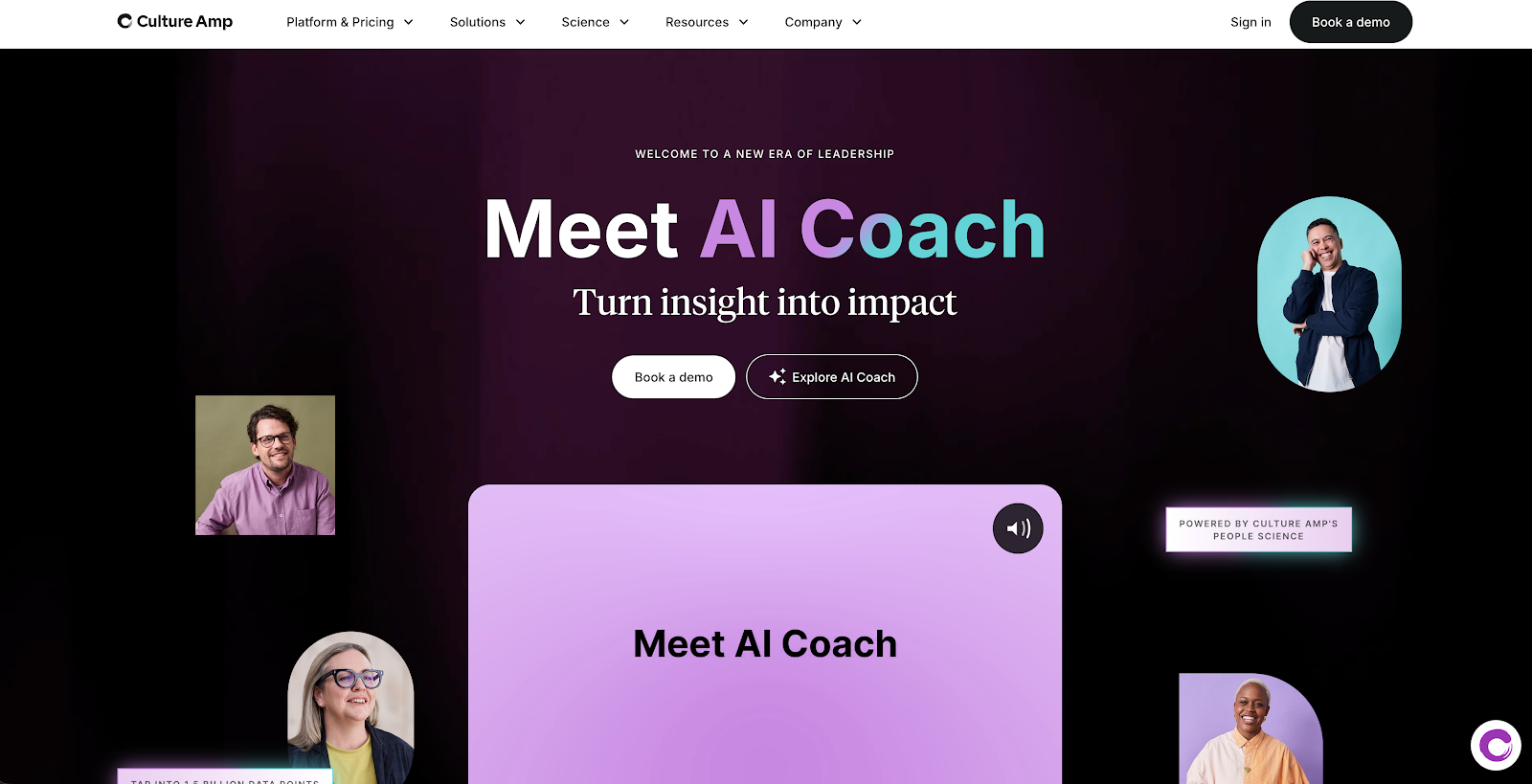
Culture Amp is an employee engagement platform designed to help teams actually get a handle on how staff are feeling, and then actually do something about it. It's a great fit for any organization that wants to use their engagement programme to drive real, tangible changes – not just to have a cool dashboard to look at.
What we liked
What we really liked about Culture Amp is how approachable it feels – for both the teams running engagement surveys and the employees taking them. That matters. If employees don’t actually engage with the survey process, the time and money invested quickly become wasted effort.
Culture Amp also treats follow-through as a first-class part of the workflow. Its Action Framework and action plan views make it clear what leaders plan to do with survey results, so employees see real outcomes – not just polished charts. That visibility goes a long way toward building trust and improving participation over time.
We also appreciated how easy Culture Amp is to plug into existing workflows, with solid integrations for Slack, Microsoft Teams, and a wide range of HR systems. And it strikes a rare balance: powerful enough for larger organizations, while still accessible and affordable for smaller teams – making it one of the best values in employee engagement survey software.
Key features
- Engagement surveys: Run surveys to understand how employees are feeling across teams, roles, or cohorts.
- Pulse surveys: Use lightweight, recurring pulse surveys to track employee engagement and sentiment over time.
- Survey templates for key moments: Pre-built templates for onboarding, exit surveys, lifecycle check-ins, and other critical employee experience moments.
- Benchmarking: Compare engagement results against similar organizations by industry, company size, or region.
- Reporting & dashboards: Visualize engagement data and trends to support informed decision-making.
- Action Framework: Turn survey results into clear next steps, with guided recommendations and focus areas.
- Action plans management: Track follow-up actions in one place and monitor progress against engagement goals.
- Flow-of-work apps: Access insights and receive notifications directly in Slack and Microsoft Teams.
- Integrations & HRIS syncing: Connect Culture Amp with common HRIS, identity, and collaboration tools through its integrations hub.
Pros
- Strong at turning employee engagement insights into concrete, trackable actions.
- Intuitive and approachable for employees, which drives higher participation rates.
Fits cleanly into modern HR tech stacks with robust integrations.
Cons
- Reporting and administrative workflows can feel complex, especially when sharing data with managers.
- As programs scale, the admin experience may require more setup and ongoing maintenance.
Culture Amp pricing: contact sales for a quote
2. Workday Peakon – best for team real-time feedback
Best for: Ongoing employee feedback programs that need to stay on top of the latest trends and make sure the suits are on the same page.
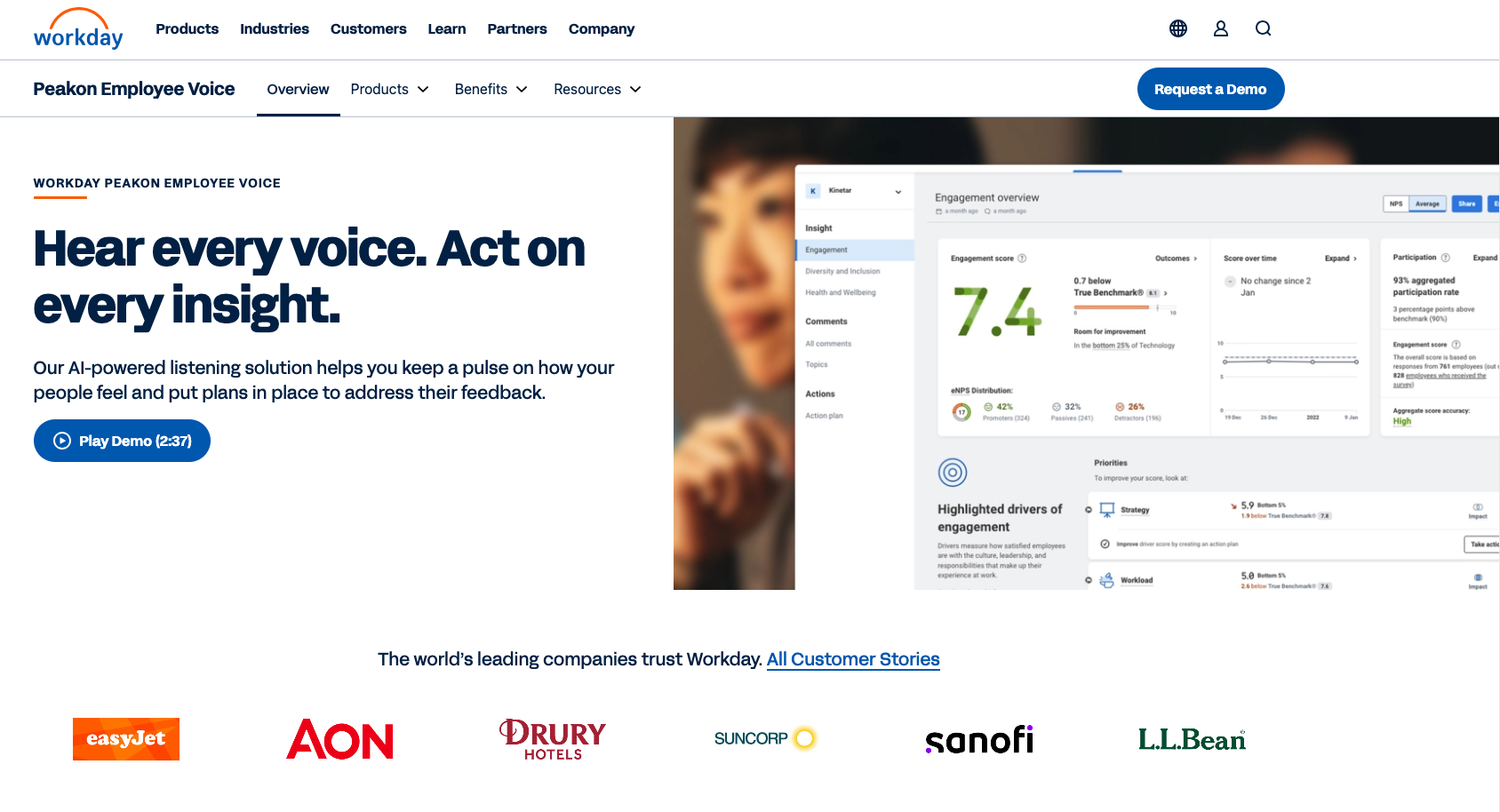
Workday Peakon is an employee listening platform built to help teams collect real-time feedback from employees and turn it into meaningful action over time. At its core, Peakon focuses on understanding how employees are feeling – and giving managers the tools to respond in ways that actually improve engagement and retention.
What we liked
What stood out to us is how lightweight the experience feels for employees. Peakon’s short, regular feedback surveys are designed to fit into day-to-day work without becoming a burden. And unlike one-off engagement surveys, Peakon is built for ongoing use. Teams can set the cadence, choose focus areas like engagement or wellbeing, and track changes over time.
Peakon also does a good job of tailoring insights to different audiences. Managers and employees get dashboards designed for their specific needs, which helps keep feedback visible and actionable. For organizations already using Workday, the integration is a major advantage – employee feedback connects directly with broader people data, giving leaders more context to act on insights. Strong manager tools and guided actions help close the loop, which is critical for retention.
Key features
- Continuous employee listening surveys: Run short, recurring engagement surveys to track employee sentiment over time.
- Lifecycle feedback: Automatically trigger surveys during key moments like onboarding, role changes, and exits.
- Manager and employee dashboards: Role-based dashboards that surface relevant insights and priorities.
- Benchmarking: Compare results against industry, regional, and organizational benchmarks.
- Confidential conversations: Enable safe, private follow-ups between managers and employees.
- Suggested actions: AI-informed recommendations that help managers prioritize and take action.
- Text analytics and NLP insights: Analyze open-ended feedback to uncover trends and themes.
- Business outcome linkage: Connect engagement and sentiment data to actual business outcomes like turnover, sales, and customer satisfaction.
- Integrations and data exports: Works with Slack, Microsoft Teams, and other tools, with flexible data export options.
Pros
- Designed for continuous feedback, not just annual engagement surveys.
- Strong focus on confidentiality and manager follow-through.
- Deep integration with Workday makes it a natural fit for existing Workday customers.
Cons
- Can feel complex to administer, especially at scale.
- Pricing may be a barrier if insights aren’t actively used to drive change.
- Some teams report additional setup effort to get integrations fully dialed in.
Workday Peakon pricing: Contact sales for a quote
3. Reclaim.ai – best for burnout prevention & productivity reporting
Best for: Improving employee happiness, productivity, and time management with powerful workforce analytics to measure performance.
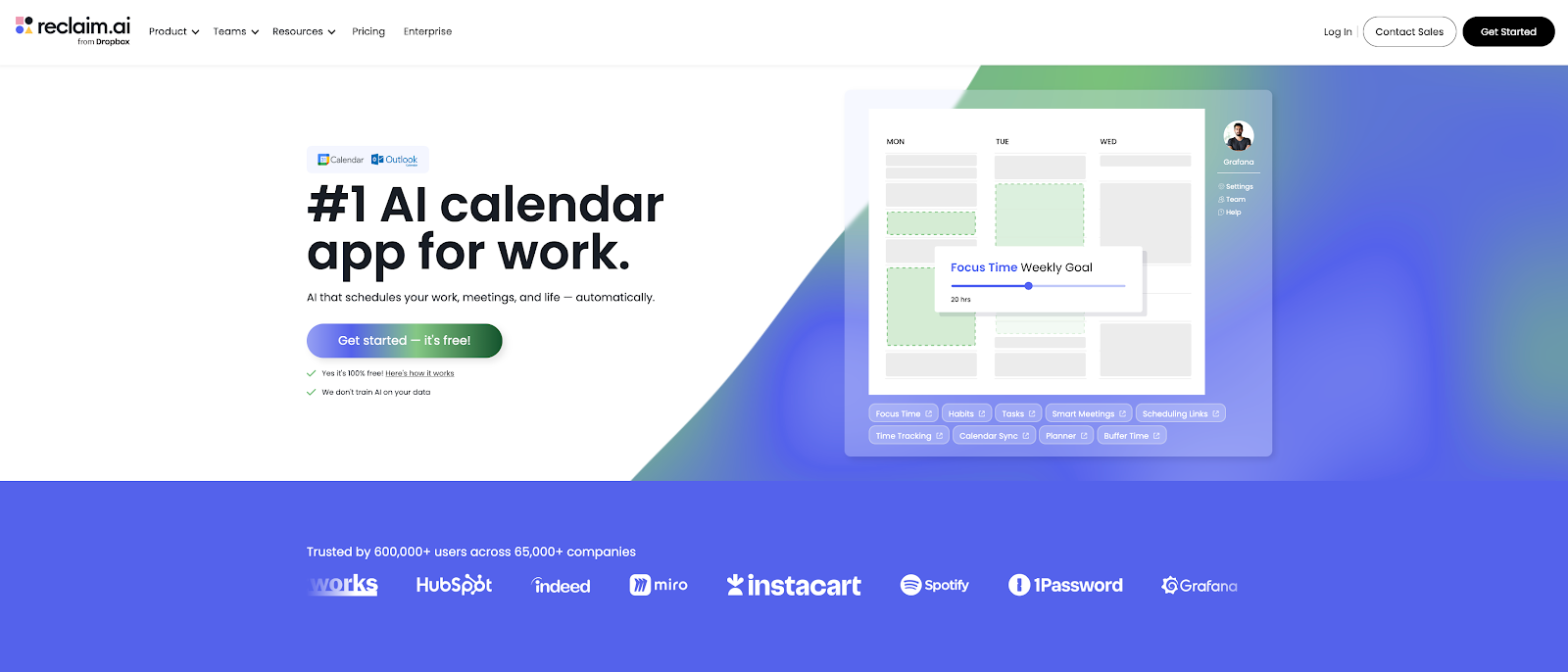
Reclaim.ai is a game-changing AI calendar for Google Calendar and Microsoft Outlook that empowers leaders with insights into workforce time management health, and gives every employee more space to thrive.
Reclaim.ai approaches employee retention by focusing on how work actually shows up on people’s calendars. Instead of measuring sentiment after burnout has already set in, Reclaim helps organizations prevent burnout by making workloads, meeting volume, and focus time visible – and actionable – in real time.
What we liked
What really sets Reclaim apart is its workforce analytics for leaders. Reclaim provides deep visibility into how time is spent across the organization, including workload distribution, productivity patterns, meeting load, focus time availability, and early burnout risk signals. These insights help leaders make better decisions about staffing, meeting norms, collaboration practices, and where teams may be stretched too thin.
Reclaim doesn’t stop at reporting. It also gives teams the tools to activate productivity and work-life balance initiatives at scale. Leaders can roll out focus time policies, reduce meeting overload, and rebalance schedules automatically – without relying on manual behavior change. Because Reclaim works directly inside Google Calendar and Outlook, adoption is high, and improvements show up quickly in day-to-day work and job satisfaction.
Key features
- Workforce analytics and productivity reporting: Org-level and team-level visibility into workloads, productivity, meeting load, focus time, and burnout risk.
- Focus Time: Automatically schedules and defends uninterrupted focus time based on priorities and availability, with customizable goals at employee, team, and organization levels.
- Tasks & Habits: AI-powered time blocking for employees, allowing them to flexibly defend time for important work, by priority, before their due dates.
- Smart Meetings: Automate internal recurring meeting scheduling for all employees leveraging AI to find the best time, auto-resolve conflicts, and keep managers connected with the teams.
- Scheduling Links: AI-powered scheduling links that allow employees to surface 524% more available time slots for meetings to book urgent business opportunities sooner.
- Buffer Time: Auto-schedule breaks (and travel buffers) around meetings and tasks to reduce burnout across your workforce.
- Calendar Sync: Allow employees to sync their personal and work Google and Outlook calendars to protect personal commitments from being overscheduled.
- Scheduling Hours: Allow employees to define working, meeting, and personal hours for their AI calendar to prevent work from bleeding into their personal time.
- Slack status sync: Automatically sync employees Slack statuses to their calendars to prevent interruptions during important work events and their personal time.
- Individual Time Tracking: Empower employees with personal productivity metrics across meetings, focus time, tasks, and work-life balance to help them analyze their time and improve their performance.
Pros
- Delivers immediate impact to employee happiness and burnout prevention through quick calendar activations that improve their work-life balance.
- Empowers employees to be more productive and fulfilled by protecting more focus time and optimizing their meeting load, without burdening them with rigid policies or manual tracking.
- Deep workforce analytics give leaders clear insight into productivity and burnout risk.
- Easy to adopt since it works automatically inside employees’ existing calendars.
Cons
- Not a replacement for engagement surveys or formal performance management tools.
- Reporting is focused on time and workload, not employee sentiment or feedback.
Reclaim.ai pricing: Free plan available → pricing starts at $10/user/month
Disclosure: Reclaim.ai is our product. We included it because calendar health and workload sustainability are recurring retention drivers, and we evaluated it using the same criteria as every other tool in this guide.
4. Achievers – best for enterprise recognition programs
Best for: Activating a recognition program across a large, geographically diverse team.
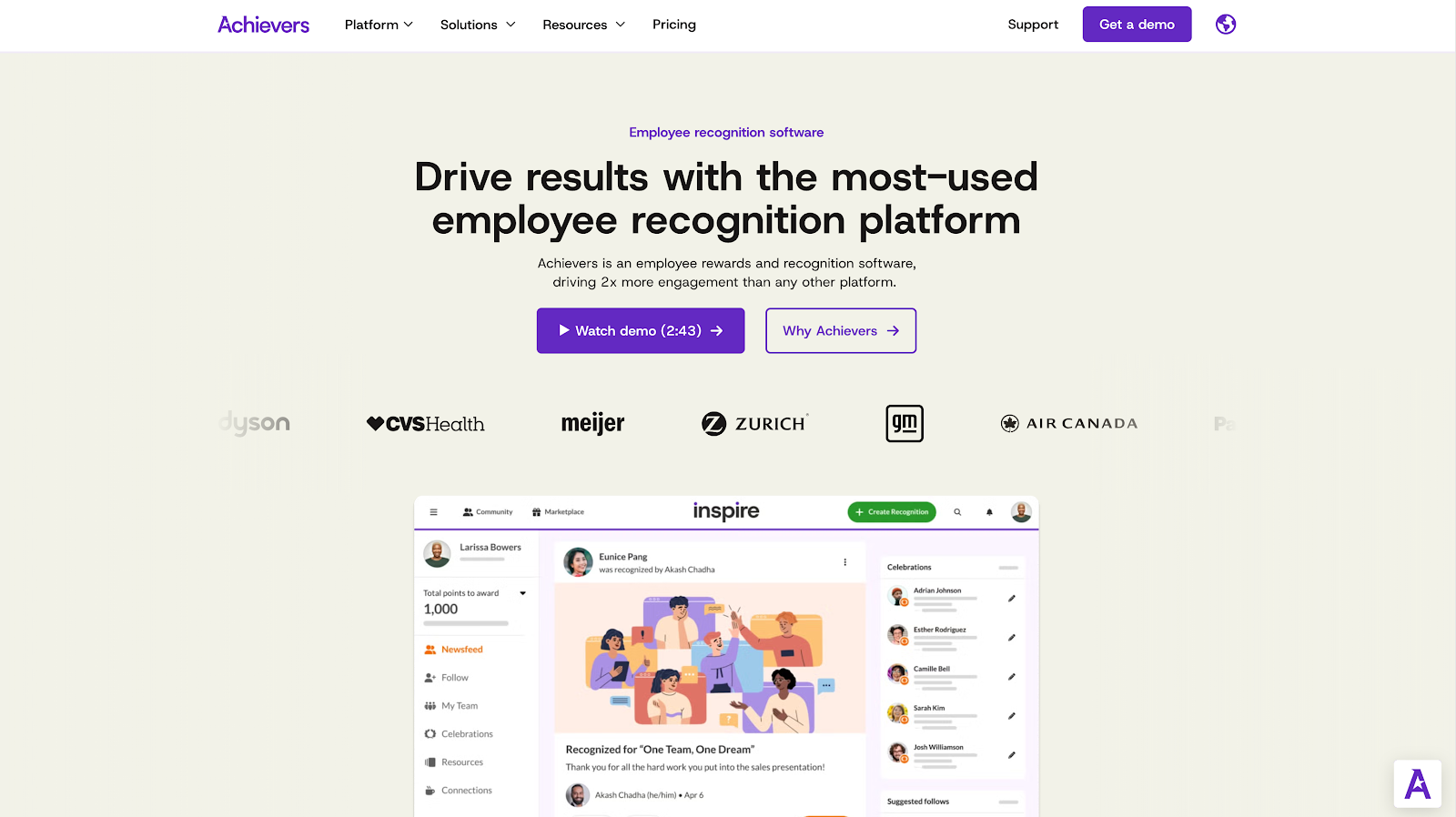
Achievers is a pretty full-featured employee recognition and rewards platform that's aimed squarely at big organizations that need to run recognition programs consistently at scale. It’s not designed for occasional shout-outs – it works best when recognition is embedded into everyday workflows and treated as an ongoing program, not a one-off initiative.
What we liked
What stood out to us is how Achievers makes recognition easy to participate in across the organization. Recognition can happen directly inside tools like Slack and Microsoft Teams, which lowers friction and helps recognition show up where work already happens. Behind the scenes, Achievers provides the program infrastructure teams need to keep things running smoothly, including governance controls, a global rewards marketplace, and analytics that show what’s working and where participation may be lagging.
Achievers also offers flexible building blocks for different recognition strategies. Teams can mix monetary and non-monetary recognition, run nomination-based awards, and tailor rewards to different cultures and regions. Importantly, analytics aren’t an afterthought – they’re a core part of the platform, helping program owners measure adoption, engagement, and impact without guesswork.
Key features
- Flow-of-work recognition: Give recognition directly in Slack and Microsoft Teams so appreciation happens in real time.
- Monetary & non-monetary recognition: Support both lightweight appreciation and points-based rewards.
- Nomination-based awards: Run structured individual and team recognition programs.
- Years of service & milestones: Celebrate birthdays, service anniversaries, and key milestones automatically.
- Global rewards marketplace: Access over 3 million rewards delivered across 190 countries.
- Analytics & insights: Built-in reporting to track participation, adoption, and program effectiveness.
- Enterprise integrations: Plug-and-play integrations with collaboration tools and HCM platforms, including Workday.
Pros
- Strong fit for enterprise recognition programs that require governance and scale.
- High participation signals in large organizations, which is critical for retention impact.
- Global rewards network supports distributed and multi-country teams.
- Integrations reinforce consistent, flow-of-work recognition habits.
Cons
- Program impact depends heavily on leadership participation and thoughtful program design.
- Some teams want more flexibility in reward catalogs, especially for international preferences.
- Mobile and tablet access expectations vary, with some users reporting friction when recognizing on the go.
Achievers pricing: Contact sales for a quote
5. Awardco – best for rewards catalogs & automated recognition
Best for: Flexible team rewards backed by strong admin control and automation to keep milestones and recurring programs running smoothly.
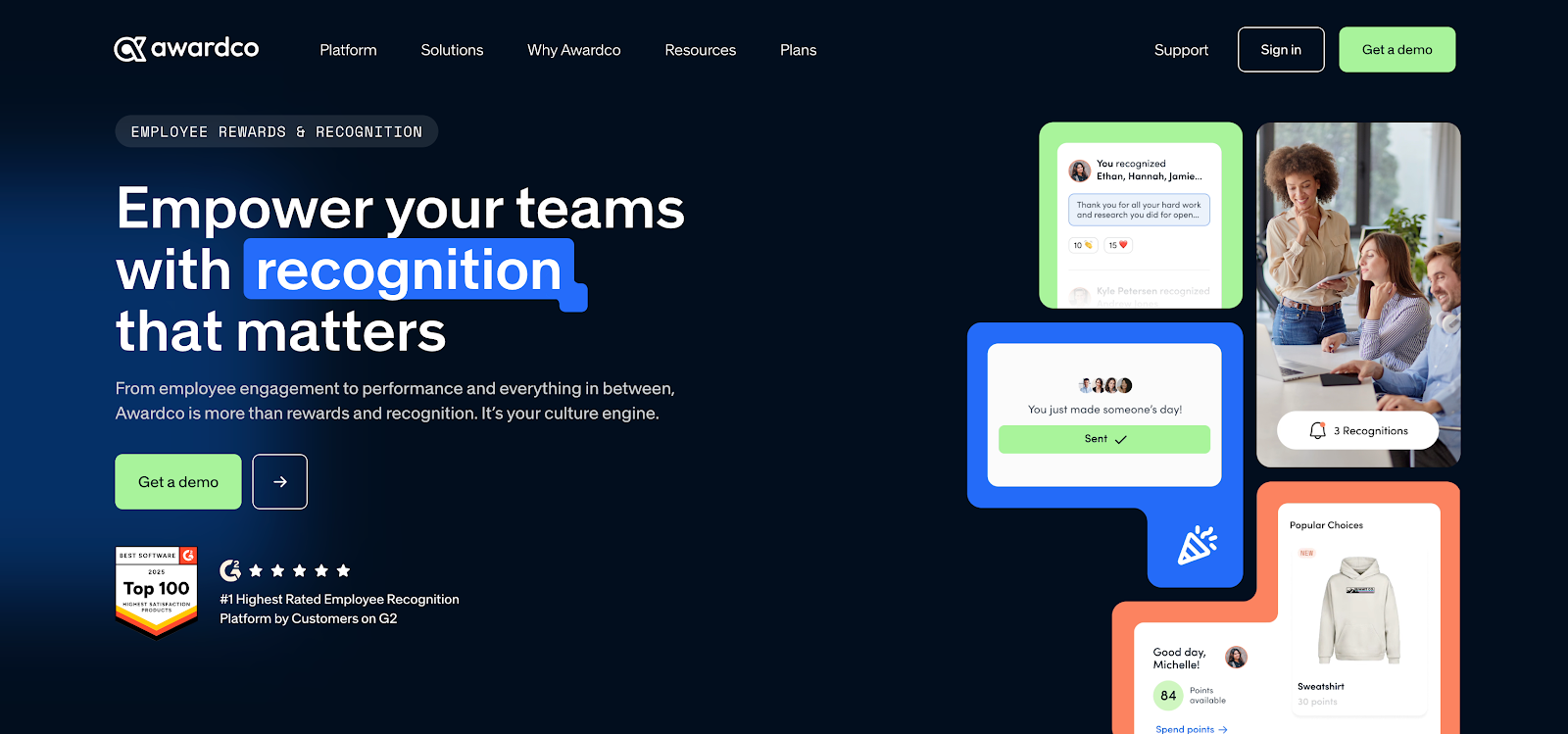
Awardco is a well-designed employee recognition and rewards platform built to scale without turning program management into a burden. It's a strong fit for teams that want recognition programs to keep working as the organization grows – without relying on manual workarounds or constant admin intervention.
What we liked
What stood out to us is how Awardco balances ease of use with control. Adoption tends to be strong because recognition is simple for employees, while program owners get the governance tools needed to keep things consistent. Awardco’s partnership with Amazon Business is a major differentiator, giving teams access to a massive rewards catalog that makes recognition feel personal across roles, locations, and regions.
Awardco also goes beyond basic peer recognition. Program owners can customize social feeds, support international programs, and tightly manage points rules – areas that often become painful at scale. On the technical side, Awardco integrates cleanly with real-world HR environments, including common HRIS and payroll systems, SSO providers, and collaboration tools. Controls for branding, points expiration, and program configuration make it easier to run multiple programs across teams and geographies without losing consistency.
Key features
- Amazon Business rewards catalog: Access millions of reward options via Awardco’s Amazon Business partnership.)
- Global rewards marketplace: Support flexible reward choice and fulfillment for distributed teams.
- Service awards & milestones: Automate anniversaries, service awards, and key recognition moments.
- Social recognition feed: Automate anniversaries, service awards, and key recognition moments.
- Points rules & expiration: Define how points are earned, managed, and expire over time.
- International program support: Designed to support recognition programs across regions and countries.
- Integrations: Works with Slack, Microsoft Teams, Outlook, HRIS platforms, and more.
Pros
- Easy for employees to participate, which supports high adoption.
- Extensive reward choice via Amazon Business partnership.
- Strong admin controls for points management and program governance.
- Solid integration footprint across HRIS, SSO, and collaboration tools.
- Good fit for multi-region and global recognition programs.
Cons
- Some users report occasional edge-case friction in reward redemption or catalog availability.
- Points rules and expiration settings require thoughtful configuration to avoid unused balances.
Awardco pricing: Contact sales for a quote
6. Bonusly – best for lightweight peer recognition
Best for: Small and mid-sized teams who want to support genuine peer recognition inside Slack or Microsoft Teams.
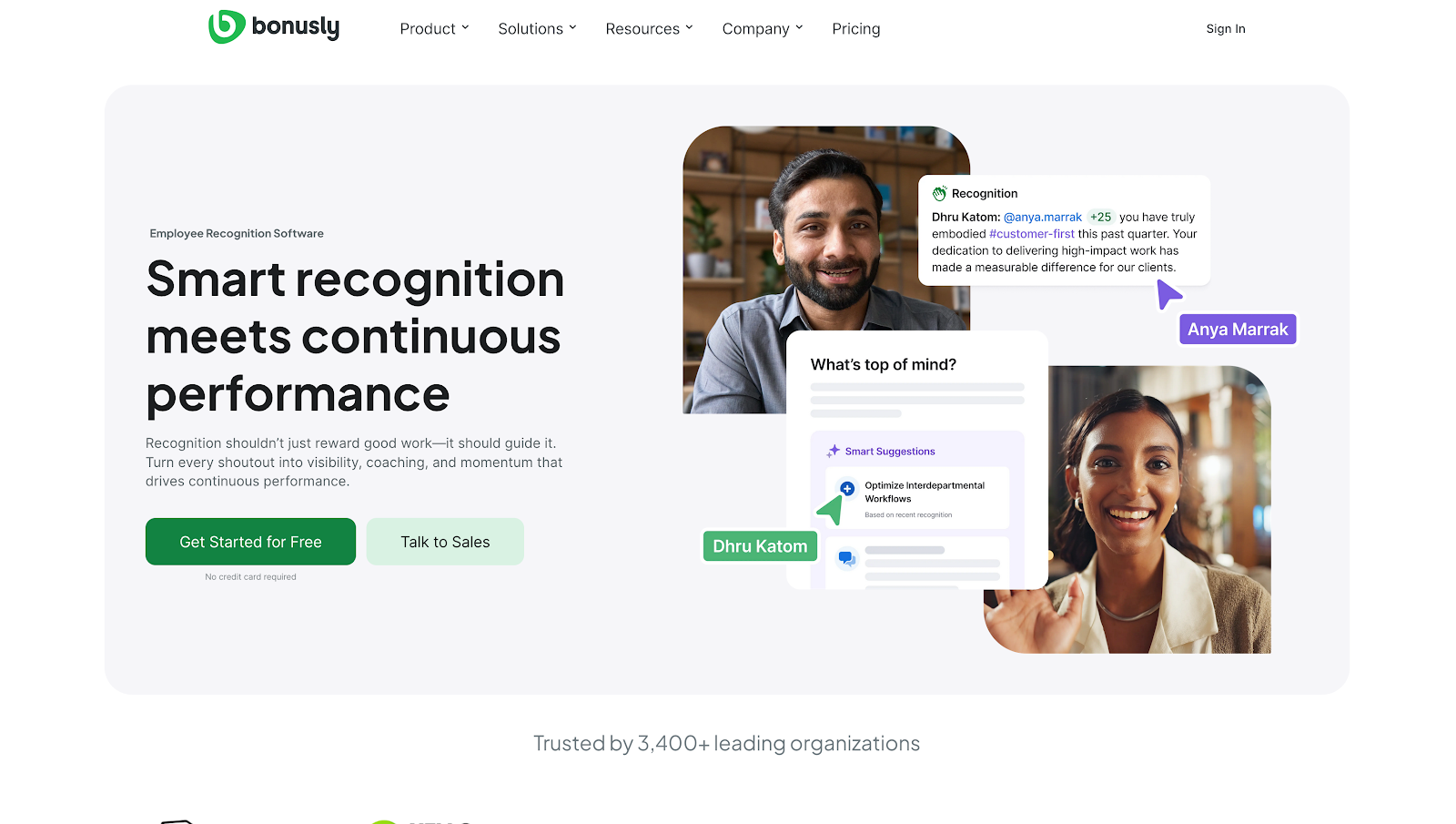
Bonusly is one of the most straightforward peer-to-peer recognition and rewards platforms available. It’s built to make everyday appreciation easy, visible, and habitual – without turning recognition into a heavy, over-engineered program. Bonusly works especially well for teams that want recognition to feel social and fun, not formal or forced.
What we liked
What stood out to us is just how easy it is to get people participating. Recognition can be shared in seconds, and the points-and-rewards model helps keep appreciation from fading after the initial rollout. Bonusly also goes beyond simple shout-outs by supporting ongoing manager routines. Built-in 1:1s, check-ins, progress tracking, and milestone celebrations help recognition become part of regular team rhythms rather than a one-off activity.
Bonusly fits naturally into how teams already work, with strong integrations for Slack and Microsoft Teams – including a dedicated Teams app experience. And while it feels lightweight, it’s designed to scale. Analytics and manager insights are available from the start, with more advanced reporting, awards, and governance features as teams grow.
Key features
- Peer recognition & guidance: Lightweight recognition built for frequent use, with prompts that support quality recognition habits.
- Points-based rewards & catalog: Points redeemable for gift cards, curated gifts, charitable donations, and company-specific rewards.
- Budget controls: Set limits on how much employees can give and receive, with rewards are paid at face value on redemption.
- 1:1s & check-ins: Built-in 1:1 agendas, scored check-ins, and prompts to support regular manager follow-through.
- Pulse checks: Lightweight pulse checks to gauge wellbeing and engagement.
- Milestones & celebrations: Celebrate role changes, anniversaries, and key moments.
- Awards & nominations: Run structured awards programs with nominations, approvals, and budgets.
- Incentives: Create incentives tied to behaviors like training completion, wellness initiatives, or adoption goals.
- Slack & Microsoft Teams: Native integrations, including a full Microsoft Teams app experience for announcements, awards, and recognition.
- Analytics & insights: Reporting and insights for managers and organizations, with deeper insights available on higher-tier plans.
- Bonusly Recaps: AI-generated summaries based on recognition, feedback, 1:1 notes, and goal progress.
Pros
- Extremely easy for employees to participate, driving strong adoption.
Excellent fit for recognition inside Slack and Microsoft Teams workflows. - Built-in manager cadence tools (1:1s, check-ins, recaps) support ongoing retention routines.
- Clear path from small-team rollout to org-wide programs with awards, analytics, and SSO.
Cons
- Rewards catalog coverage can vary by region, which may affect perceived value for global teams.
- Analytics depth and support responsiveness depend on plan level.
- Recognition programs work best with simple guardrails to keep points meaningful over time.
Bonusly pricing: Free plan available, pricing start at $30/month
7. Nectar – best for recognition plus perks
Best for: Teams that want to make recognition a regular part of their routine, and have some fun doing it.
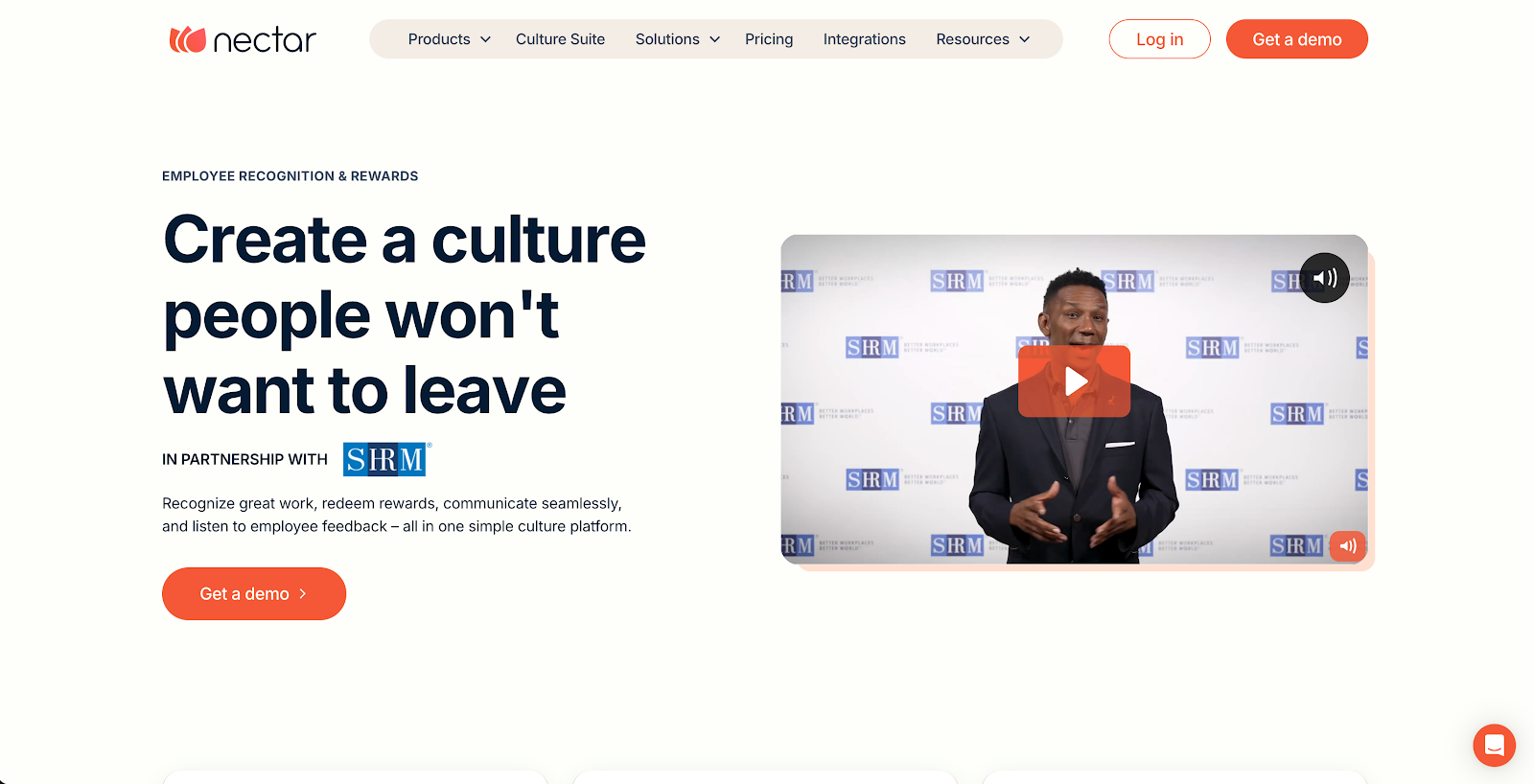
Nectar is a polished employee recognition and rewards platform designed to make appreciation a natural, everyday part of work. Its biggest strength is how seamlessly it weaves recognition into company culture – especially for teams that want shout-outs to reinforce shared values, not just say “thanks.”
What we liked
What stood out to us is how easy Nectar makes it to build a consistent recognition habit. Employees can give quick shout-outs, see appreciation in a live activity feed, and redeem rewards that feel tailored to their team rather than generic. Recognition can be explicitly tied to company values, which helps align appreciation with what the organization actually cares about.
Nectar goes beyond peer recognition by bundling together the core components of a strong program: coworker appreciation, milestone celebrations, challenges that keep engagement high, and structured nominations. It also fits naturally into existing workflows, with strong Slack and Microsoft Teams integrations, plus Outlook and Edge support for Microsoft-heavy environments. On the admin side, Nectar provides analytics to track participation and trends, making it easier to refine programs as teams grow. Overall, it’s a strong fit for small to mid-sized businesses that want something approachable today, with room to scale into a more formal recognition program over time.
Key features
- Values-based recognition: Tie shout-outs directly to company values to reinforce culture.
- Activity feed: Keep recognition visible through a real-time social feed.
- Milestones & service awards: Automate birthdays, work anniversaries, and key employee milestones.
- Rewards catalog: Redeem points for gift cards, Amazon items, experiences, and company swag.
- Swag management: Create, order, and manage branded swag with dedicated points.
- PayPal rewards: Allow employees to redeem rewards directly to PayPal (plan-dependent).
- Challenges: Run challenges to drive participation and friendly competition.
- Awards & nominations: Run structured programs like Employee of the Month.
- Slack & Microsoft integrations: Native Slack and Teams integration, plus Microsoft Outlook integration and Edge add-on for in-flow recognition.
- SSO & HRIS integrations: Automate user management and connect HR systems and identity providers.
- Kiosk Mode: Enable recognition for frontline employees without personal devices.
- Workspaces & multi-language support: Support global teams and multi-group governance.
- Analytics & reporting: Track recognition volume, participation, and values being recognized.
- Internal communications: Built-in tools or add-ons to support company-wide announcements (plan-dependent).
Pros
- Strong adoption signals across major review ecosystems.
- Values-based recognition helps culture and engagement programs stay aligned.
- Recognition fits naturally into daily workflows via Slack, Teams, and Microsoft tools.
- Broad set of program building blocks beyond basic shout-outs (milestones, challenges, nominations, kiosk mode).
Cons
- Reward redemption and point mechanics can influence perceived value (some reviews mention point-earning pace and redemption increments).
- Some users report minor workflow friction (for example, media handling in Slack or device verification prompts).
- Reporting depth may feel limited for organizations seeking advanced trend analysis.
Nectar pricing: Contact sales for a quote
8. Lattice – best for manager retention routines
Best for: Manager-driven retention impact through performance reviews, feedback, goals, and OKRs, and regular one-on-ones.
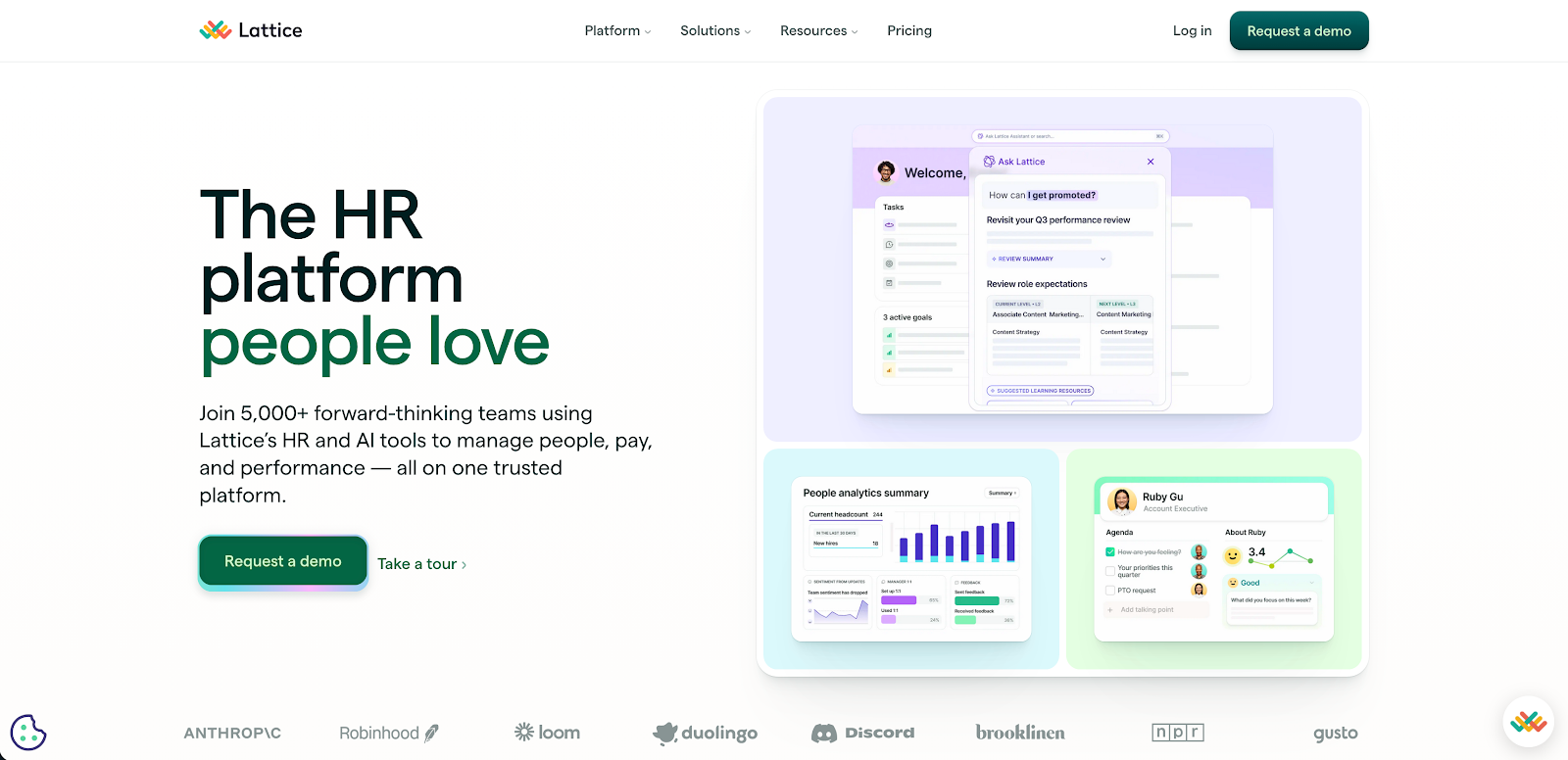
Lattice is a comprehensive people management platform designed to help teams run strong, repeatable performance and growth routines. It’s especially effective for organizations where retention challenges stem from unclear expectations, inconsistent feedback, or managers who lack a reliable cadence.
What we liked
What stood out to us is how Lattice brings together the manager habits that most directly influence retention – performance reviews, 1:1s, goals, feedback, and growth – into a single, cohesive system without making the work feel heavy or bureaucratic. The platform scales well from smaller teams to larger organizations, maintaining usability while adding structure where it’s needed.
Lattice includes a broad set of capabilities in its core offering, from performance reviews and ongoing feedback to praise and OKRs. Teams that need more formality can layer in tools like performance improvement plans, calibrations, and succession planning without switching platforms. Lattice also integrates cleanly with existing HR systems, productivity tools, and Microsoft Teams, making it easier for reminders, check-ins, and updates to fit into everyday work instead of feeling like extra admin.
Key features
- Performance reviews: Customizable review cycles with support for calibrations, promotions, and structured workflows.
- 1:1s & updates: Shared agendas, action items, and lightweight updates to maintain consistent manager cadence.
- Feedback & praise: Continuous feedback and recognition to reinforce performance outside formal reviews.
- Goals & OKRs: Cascading goal alignment and progress tracking across teams.
- Goal integrations: Automatic goal updates via integrations with Jira, Salesforce, Slack, and Microsoft Teams.
- Talent programs: Tools for performance improvement plans and succession planning.
- Engagement surveys: Pulse surveys, eNPS, onboarding, and exit survey programs with templates and analytics.
- Career growth: Individual development plans that support growth conversations and career planning.
- Microsoft Teams integration: Proactive Teams notifications and employee data syncing.
Pros
- Strong manager cadence tooling (1:1s, feedback, goals) that supports retention through clarity and follow-through.
- Consistently high usability and adoption signals across large review volumes.
- Mid-market friendly while still supporting enterprise-scale use cases.
- Clear modular pricing model with add-ons for engagement, growth, and compensation.
Cons
- Some teams report a learning curve or missing edge-case features depending on their exact process.
- Dashboard and custom reporting flexibility can feel limited for advanced analytics needs.
- As with many large platforms, some reviews are incentivized, so individual feedback is best read in aggregate.
Lattice pricing: Free plan available, pricing start at $11/month
9. Leapsome – best for performance & development in one platform
Best for: Teams that want performance reviews, goals, feedback, engagement, and learning to work together, so growth feels clear, consistent, and repeatable.
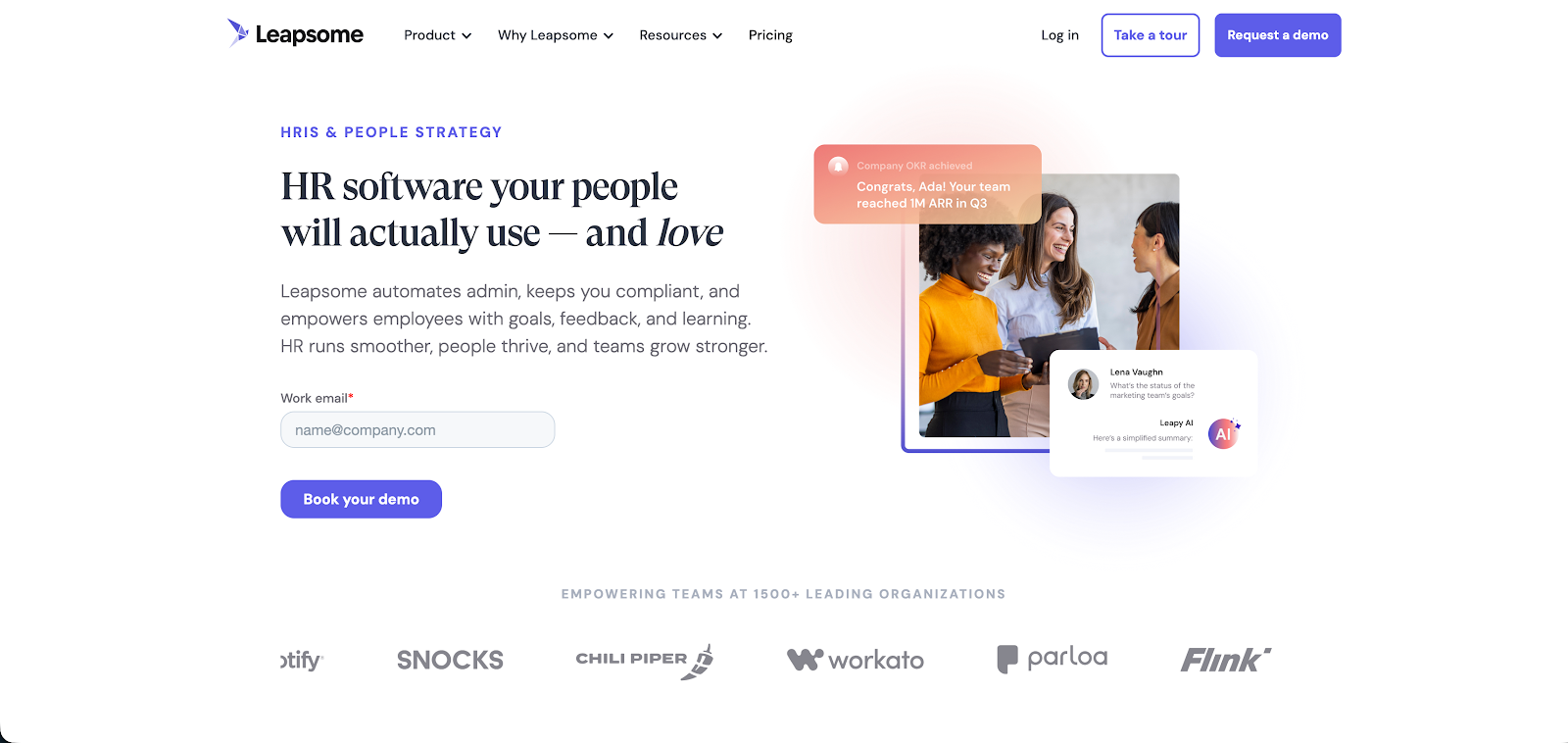
Leapsome is a people enablement platform that brings performance management, employee engagement, and learning into a single, connected system. The integrated approach makes professional development more visible and intentional – rather than something employees are expected to manage on their own time.
What we liked
What stood out to us is how well Leapsome connects pieces that often live in separate tools. Goals and OKRs can feed directly into performance reviews, engagement surveys, and learning initiatives, making it much easier for managers to move from insight to action without stitching together context from multiple systems. Reviews, 360 feedback, ongoing feedback, 1:1s, surveys, and learning all live under one roof, which helps teams build a consistent rhythm instead of juggling disconnected processes.
Leapsome is also designed to fit real-world workflows. It integrates with common HRIS platforms, Slack, and Microsoft Teams, and supports SSO and calendar integrations to reduce admin overhead. Because everything is linked, teams are less likely to stop at reporting and more likely to turn feedback and survey insights into concrete development plans and follow-through.
Key features
- Goals & OKRs: Track goals at the individual, team, and company level, and connect OKRs to performance reviews, surveys, and learning.
- Performance reviews & 360 feedback: Run structured review cycles and multi-rater feedback with a unified workflow.
- Continuous feedback & praise: Support ongoing feedback habits between formal review cycles.
- 1:1s & team meetings: Manage 1:1s and talking points, with optional calendar sync.
- Engagement surveys & templates: Create custom or templated surveys (engagement, onboarding, project, pulse) ith recurring schedules and eNPS tracking.
- AI survey analysis: AI-assisted response summaries, themes, and sentiment analysis to reduce manual analysis.
- Learning & development: Link development initiatives directly to performance goals and feedback.
- Integrations: Connect with HRIS platforms and communication tools to support flow-of-work adoption.
- SSO & provisioning: Support SAML-based SSO and automated user provisioning.
- Calendar integrations: Google Calendar sync for 1:1s and team meetings.
Pros
- Connects goals, reviews, surveys, and learning in a single system, reducing tool sprawl.
- Strong fit for teams building consistent manager routines (1:1s, feedback, reviews).
- Solid integration footprint acrossHRIS, Slack, Teams, SSO, and calendar tools.
Cons
- Can feel overwhelming for smaller teams that don’t need the full feature set.
- Some teams want more customization in areas like OKR configuration or automated messaging.
- Rollout often requires upfront setup and training to unlock full value (especially for bespoke workflows).
Leapsome pricing: Contact sales for a quote
10. Betterworks – best for goal alignment & check-ins
Best for: Reliable performance system that ties everything back to goals and OKRs, manager conversations, and regular feedback.
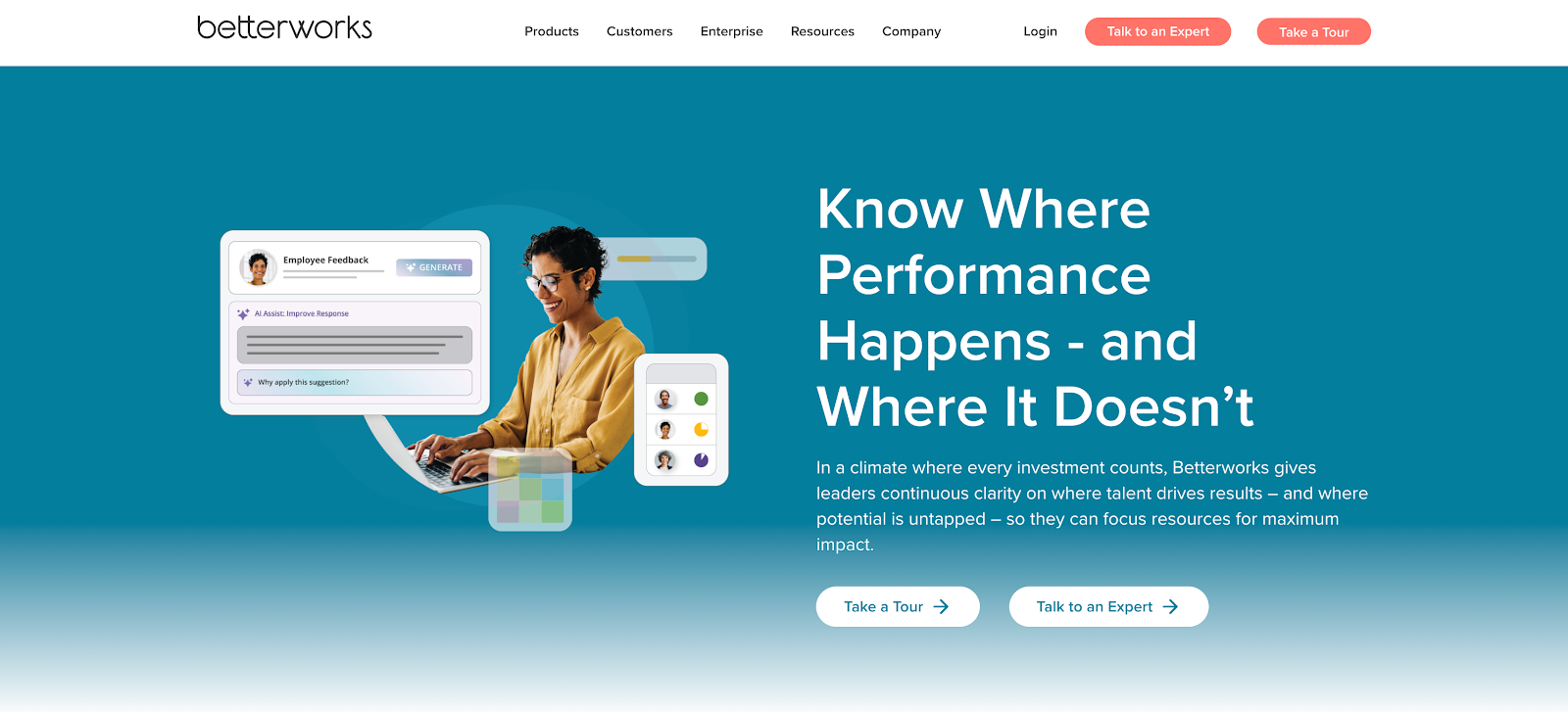
Betterworks is a top-notch performance management platform built around clear goals, coaching, and ongoing check-ins. It’s especially effective for organizations where retention issues stem from unclear priorities, inconsistent follow-through from managers, or goals that lose momentum between review cycles.
What we liked
What really stood out to us is how Betterworks keeps performance management out of the “once-a-year” box. The platform is designed around continuous goal setting, structured conversations, and regular feedback, helping managers create clarity and forward motion with their teams throughout the year. There’s a strong emphasis on practical, repeatable habits – goal updates, check-ins, and feedback that feel usable in real-world manager workflows rather than theoretical frameworks.
Betterworks also fits well into existing ways of working. Its flow-of-work approach and integrations make it easier for managers and employees to update goals, give feedback, and run check-ins without constantly switching tools. On the insights side, Betterworks provides real-time analytics that help HR and leaders spot patterns early, while review feedback highlights where deeper attention or coaching may be needed – useful signals during rollout and ongoing optimization.
Key features
- Goals & OKRs: Set, align, and track goals with visibility across teams and organizations.
- Conversations & check-ins: Structured performance conversations designed to make regular check-ins part of everyday work.
- 1:1s: Dedicated 1:1 functionality built directly into the platform.
- Continuous feedback: Ongoing feedback workflows with prompts and nudges to reinforce consistency.
- Recognition: Recognition embedded as a first-class workflow, including Microsoft Teams notifications and views.
- Analytics & insights: Real-time analytics to help managers and HR identify trends and risks early.
- Calibration: Built-in calibration sessions to support fairer, more consistent evaluations.
- Engagement surveys: Employee engagement surveys available as a module alongside performance management.
- Integrations: Workday, SAP SuccessFactors, ADP, UKG Pro, BambooHR, plus Slack, Microsoft Teams, Gmail, Outlook, Salesforce, Jira, Asana
Pros
- Goal setting and tracking consistently stand out as strengths in user reviews.
- Strong fit for organizations that want structured performance cycles with manager coaching at the core.
- Enterprise-ready options, including program design support and change management services.
Cons
- Some teams report limited customization or a learning curve during rollout.
- Reporting depth and notification behavior come up as recurring friction points in critical feedback.
Betterworks pricing: Contact sales for a quote
The bottom line on retention software 📈
Employee retention improves when people feel heard, supported, recognized, and able to grow across the employee journey. The right software turns those outcomes into repeatable habits: listening that leads to action, manager routines that stay consistent, and programs that reinforce culture over time.
If workload strain, meeting sprawl, or constant context switching show up in your retention story, Reclaim.ai can help you protect focus time and build healthier calendar routines through practical, team-friendly automation.
Productivity Trends Reports











