






On March 19, 2026, the Clockwise team announced that their product would shut down on March 27, 2026. Clockwise helped introduce and advance the idea that time (arguably our most valuable resource) could be actively protected and optimized through intelligent calendar management software. They pushed the entire category forward, and the calendar optimization tools that exist today owe a lot to the work they did. Building products that meaningfully improve how people manage their time is incredibly hard, and the Clockwise team excelled at it for years.
As part of the transition, Clockwise has partnered with Reclaim.ai, an AI scheduling assistant, as the recommended migration path for teams looking to carry their workflows forward. But regardless of which tool you choose, teams that relied on Clockwise now need to find a new home.
We looked at 10 tools to see which ones actually replace what Clockwise did and which ones go further.
- Reclaim.ai – best overall Clockwise replacement
- Morgen – best for all-in-one AI planning
- Calendly – best for external meeting booking at scale
- Motion – best for AI autopilot & work execution
- Sunsama – best for guided daily planning
- OneCal – best for multi-calendar sync
- Akiflow – best for keyboard-first time blocking
- SavvyCal – best for polished scheduling links
- TickTick – best budget-friendly option
- TimeHero – best for task scheduling with team reporting
How we evaluated these tools
We didn’t score these as general scheduling apps. We scored them on how well they replace what Clockwise actually did:
Best Clockwise competitors – quick comparison
The 10 best Clockwise competitors (ranked)
1. Reclaim.ai – best overall Clockwise replacement
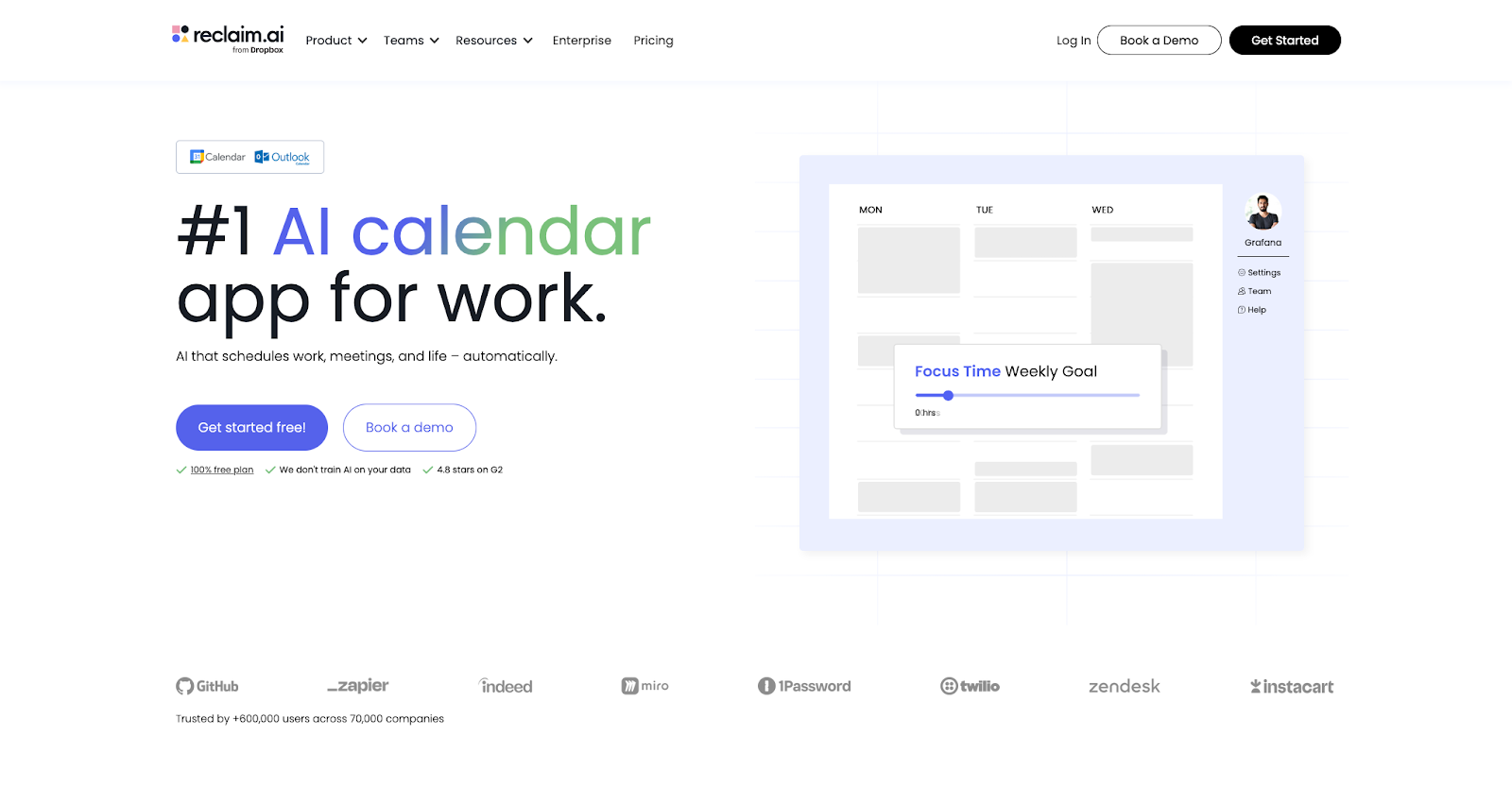
Reclaim.ai is the most direct functional replacement for Clockwise. It covers every core Clockwise capability (Focus Time defense, AI powered scheduling, calendar optimization, Slack status automation, and analytics) and extends into areas Clockwise never reached: task and habit time-blocking, priority-based scheduling links, and an AI Planner that optimizes your entire day.
Where Clockwise created Focus Time by shifting meetings around, Reclaim goes further. Its approach to scheduling focus time automatically blocks time for deep work and reschedules those blocks throughout the day, up to 8–12 weeks ahead, with advanced controls like min/max block durations and ideal time-of-day preferences. Clockwise was limited to a single focus block per day with basic morning/afternoon preferences. Reclaim also fills those blocks with actual planned work through task integrations with Asana, Jira, Todoist, ClickUp, Linear, and Google Tasks, so your focus time isn’t just a defended empty block, it’s time with a plan.
Smart Meetings find the best time across all attendees and auto-reschedule recurring meetings around conflicts like PTO, something Clockwise could only do for internal meetings, and only once per day. Reclaim’s AI Scheduling Links surface 524% more availability by flexing lower-priority holds for high-priority meetings, so invitees see openings within hours, not weeks. And Habits protect recurring routines (lunch, exercise, reading) — Reclaim automatically schedules them and shifts them based on priority and capacity.
On the analytics side, Reclaim provides time tracking across meetings, focus blocks, and personal time, plus workforce analytics for managers and leaders to see meeting load, focus time trends, and burnout risk at the team level. Security includes SOC 2 Type II certification, SSO/SCIM provisioning, and GDPR compliance.
Where Reclaim goes beyond Clockwise:
- Task & habit time-blocking: Clockwise created focus blocks but had zero task integration. Your tasks stayed scattered across other tools while focus blocks sat empty. Reclaim pulls tasks from six major PM tools and schedules them directly in your calendar.
- Multiple focus blocks per day: Clockwise limited you to one Focus Time block per day. Reclaim supports multiple sessions with advanced preferences (min/max durations, proactive vs. reactive modes, ideal time of day).
- Priority-based scheduling links: Clockwise links only showed available time.. Reclaim’s links flex availability over lower-priority events to surface more open time for high-priority meetings.
- Smart Meetings for internal AND external: Clockwise only reshuffled internal meetings. Reclaim’s Smart Meetings work across all attendees and auto-reschedule around conflicts.
- Broader integrations: Asana, Jira, Todoist, ClickUp, Linear, Google Tasks, Zoom, Slack, vs. Clockwise’s Slack & Asana.
- AI Planner: Optimizes your daily plan across all meetings, tasks, habits, and focus time, a capability Clockwise never offered.
Reclaim pricing: Free → paid plans start at $10/month
2. Morgen – best for all-in-one AI planning
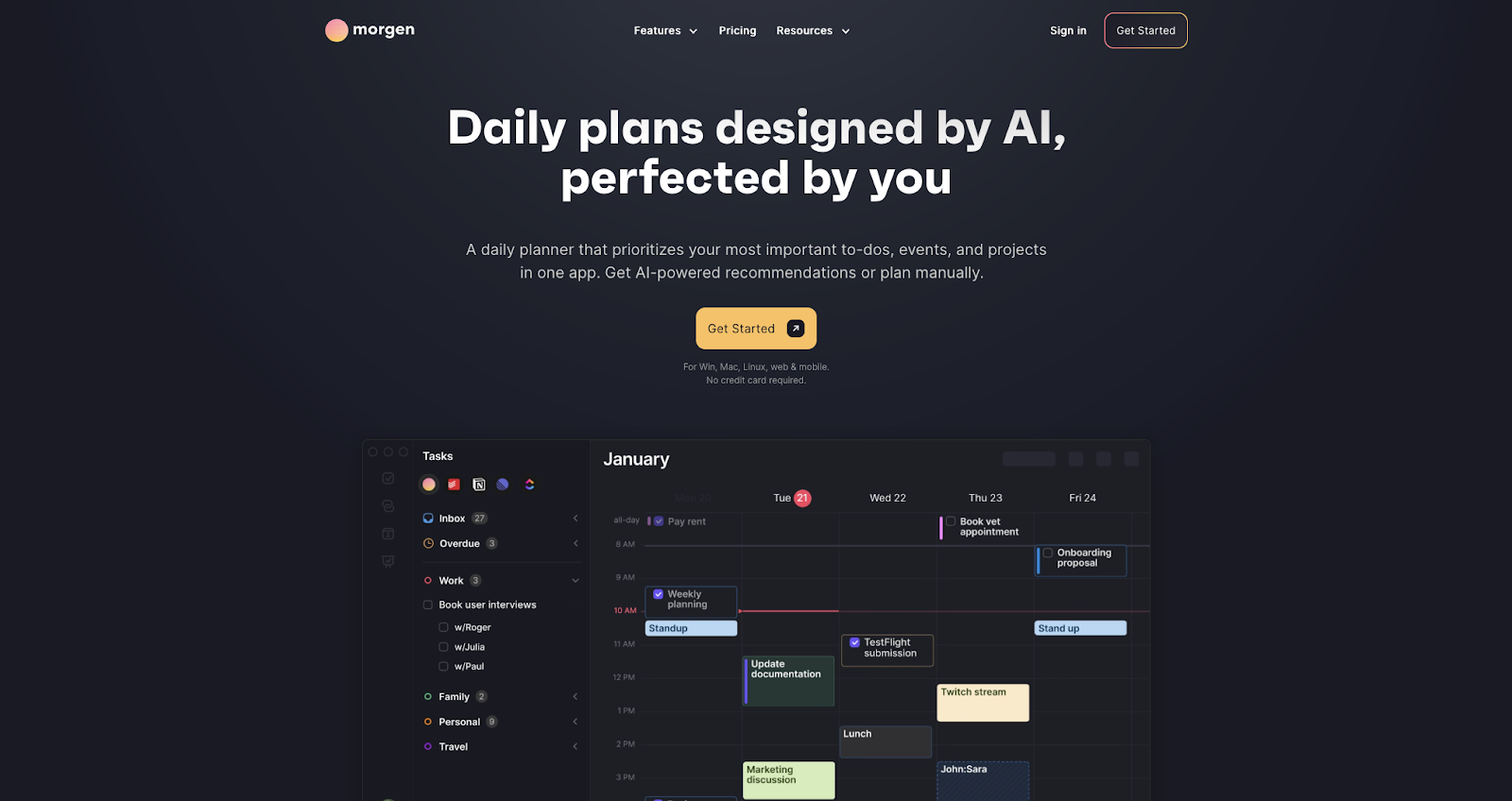
Morgen takes a different approach from both Clockwise and Motion. Instead of auto-piloting your schedule, Morgen’s AI Planner recommends where to place tasks based on your available capacity, priority levels, and weekly structure, but it won’t change anything without your explicit approval. The company calls this “human-in-the-loop” AI, and it appeals to people who want help planning without giving up control.
The big differentiator is how deeply Morgen integrates task management. It connects directly to Notion, Linear, ClickUp, Todoist, and Obsidian, pulling tasks into a single planning view alongside your calendar events. This is the exact gap Clockwise left: your focus blocks had nothing assigned to them. Morgen’s “Frames” feature lets you template your ideal week with blocks for different work types (deep work, client calls, admin), then filter which tasks belong in each frame so the AI Planner knows what to suggest.
Morgen also has the broadest calendar support of any tool on this list (Google, Outlook, iCloud, and FastMail), which matters if you’re managing personal and work calendars across ecosystems. It offers scheduling links, booking pages, multi-person scheduling, and desktop and native mobile app (Clockwise had no mobile app). And individual accounts are available without a work email, unlike Clockwise which was team-first.
On the lighter side: Morgen has no native Slack integration (though Zapier and custom workflows can connect the two), its team analytics are less developed than Reclaim’s or Motion’s, and the approval-based AI means more manual steps if you want hands-off automation.
Where it stands out vs. Clockwise:
- Deep task management integration: Notion, Linear, ClickUp, Todoist, Obsidian, while Clockwise integrated only with Asana
- Fills focus blocks with actual work: AI Planner recommends specific tasks for your open time instead of leaving empty blocks
- Broadest calendar support: Google, Outlook, iCloud, and FastMail, while Clockwise supported Google and Outlook only
- Human-in-the-loop AI: AI Planner recommends, but “will never make changes without your approval”
- Individual accounts available: Clockwise required a work email
Morgen pricing: Free → paid plans start at $15/month
3. Calendly – best for external meeting booking at scale
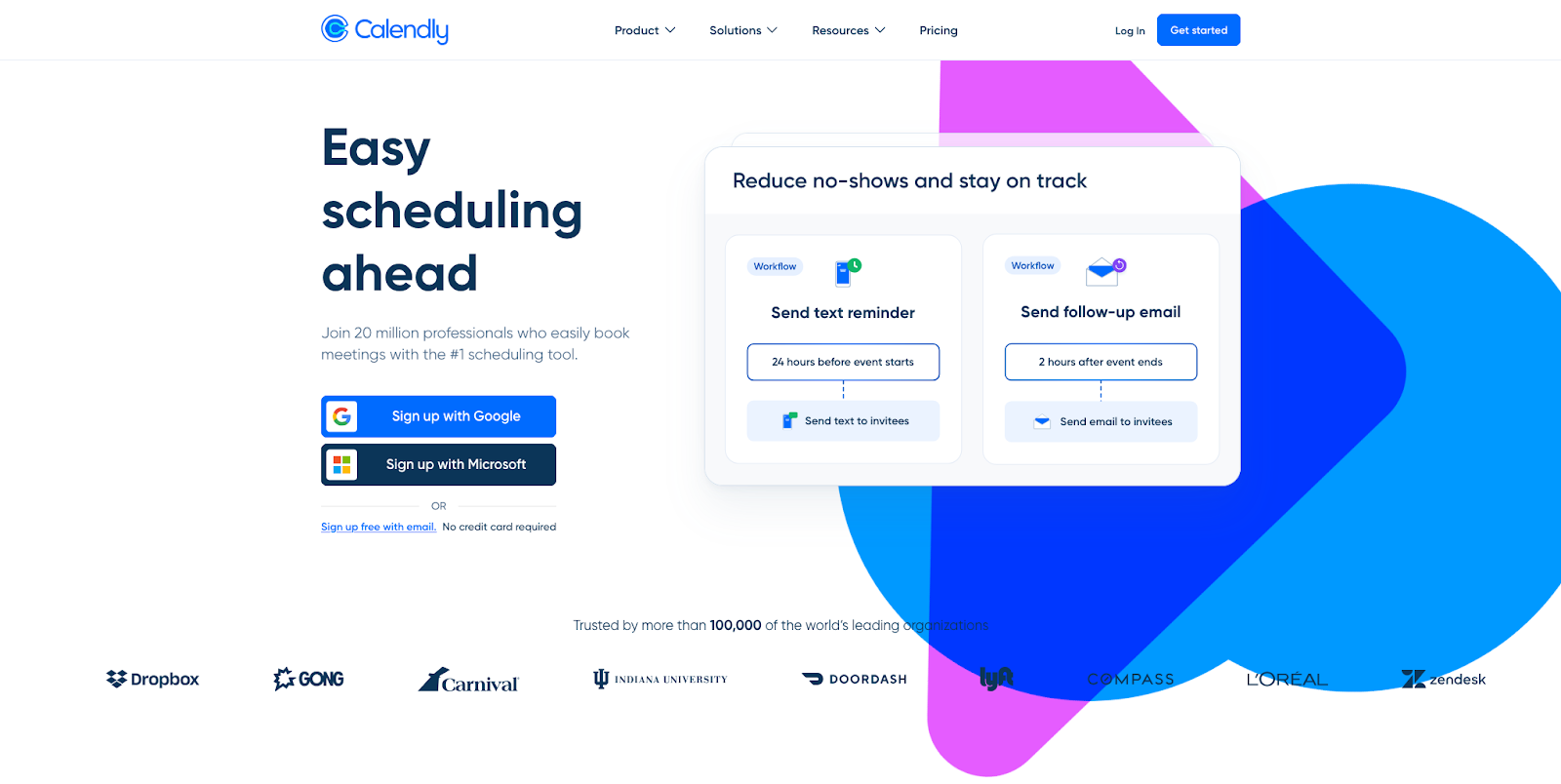
Calendly is on this list because some Clockwise users will realize their actual problem was meeting booking, not focus-time optimization. If your Clockwise workflow was primarily scheduling links, round robin distribution, and coordinating meetings with external contacts, you may be pleased with Calendly’s offerings.
Calendly’s strength is the breadth and maturity of its scheduling operations. Routing forms qualify inbound leads and direct them to the right meeting type or teammate. Round robin distributes bookings across a pool with configurable logic. The integration directory is massive: Slack, Zoom, Salesforce, HubSpot, Zapier, and deep CRM/ATS coverage. And enterprise controls are strong: SOC 2 Type 2 report, SSO/SCIM, audit logs, and compliance capabilities.
The key limitation is fundamental: Calendly is not a calendar optimizer. It doesn’t rearrange meetings to create focus time, it doesn’t defend deep-work blocks, and it doesn’t auto-schedule tasks or habits. It’s a booking platform, and a very good one. If your Clockwise use case was primarily focus-time defense and meeting reshuffling, Calendly won’t replace that, and you’ll need one of the other tools on this list.
Where it stands out vs. Clockwise:
- Unmatched scheduling link ecosystem: Event types, routing forms, round robin, group scheduling, and workflows that Clockwise didn’t match
- Massive integration directory: CRM/ATS integrations, marketing stack, Zapier, far broader than Clockwise’s Slack & Asana
- Enterprise governance: SSO, SCIM, audit logs, compliance, at a maturity level beyond what Clockwise offered
- Largest adoption footprint: Invitees already know the Calendly flow, which reduces booking friction
Calendly pricing: Free → paid plans start at $10/month
4. Motion – best for AI autopilot & work execution
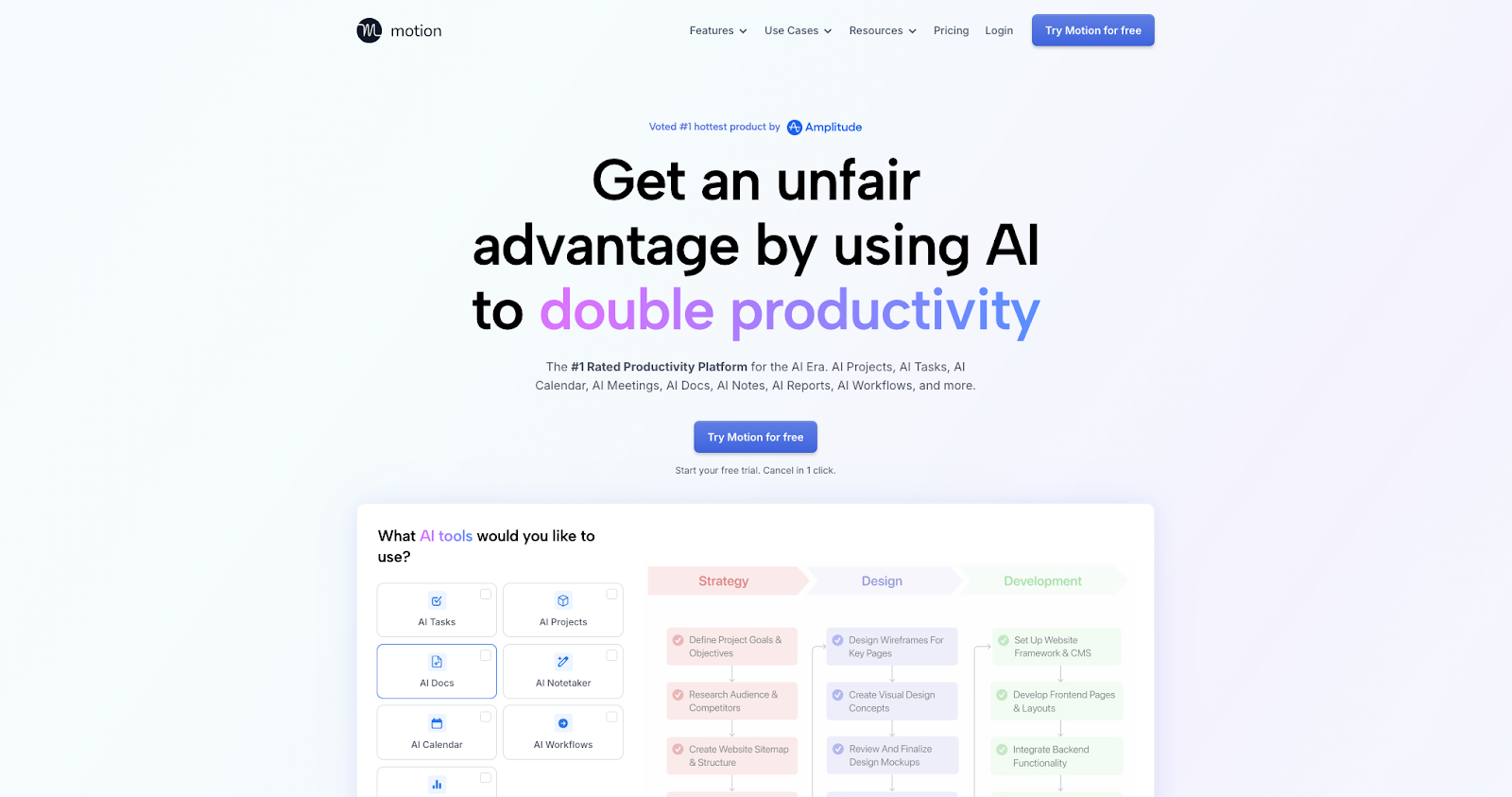
Motion takes the calendar optimization concept and pushes it into a full work-execution platform. If Clockwise reshuffled your meetings, Motion wants to reshuffle your entire workday (tasks, projects, meetings, and deadlines) automatically. It’s the most aggressive “let AI run your schedule” option on this list.
Motion’s AI Calendar re-plans your day when plans change and explicitly protects deep work time, which maps to the Clockwise focus-time use case. But it goes significantly further by including built-in project management tools (Kanban boards, Gantt charts, task dependencies), an AI Meeting Notetaker, and team workload balancing that distributes work based on capacity. The positioning is “autopilot”: Motion makes scheduling decisions for you rather than suggesting them.
Integrations are broad: Google Calendar, Outlook 365, Zoom, Microsoft Teams, Slack, Zapier, and a public API. On the security side, Motion is SOC 2 Type II certified and explicitly states that it does not train AI models on your data.
The trade-off is complexity and cost. Multiple G2 and Capterra reviewers flag a steep learning curve and note that Motion can feel overwhelming for users who only need meeting optimization and focus time, not a full work OS. And at $19/month (annual), it’s nearly 3x Clockwise’s Teams tier.
Where it stands out vs. Clockwise:
- Replans your entire day automatically: Not just meeting reshuffling. Tasks, deadlines, and projects all get re-optimized when something changes
- Built-in project management: Kanban, Gantt, task dependencies. Clockwise had no project management at all
- AI Meeting Notetaker and Docs Assistant: Capabilities Clockwise never offered
- Broader integration ecosystem: Google Calendar, Outlook, Zoom, Teams, Slack, Zapier, and API
Motion pricing: Paid plans start at $19/month
5. Sunsama – best for guided daily planning
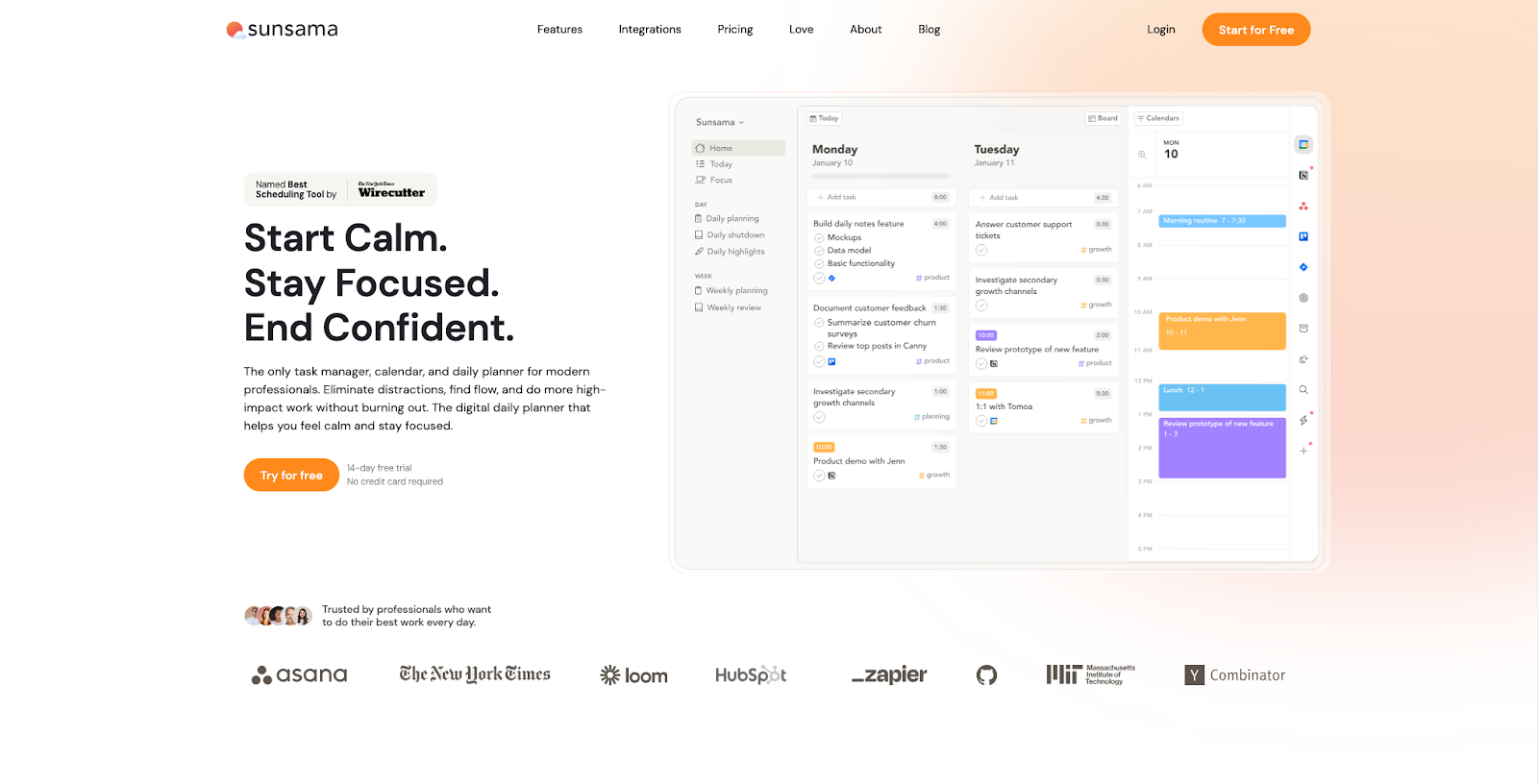
Sunsama is the competitor for people who want to replace Clockwise’s “what should I work on?” gap with a daily planning practice, not more automation. Where Clockwise and Reclaim use AI to defend and optimize your schedule, Sunsama uses a guided ritual to help you decide what to work on each day, time-box it, and then close out your day intentionally.
The workflow is structured: each morning, Sunsama walks you through reviewing yesterday, pulling in today’s tasks from connected tools (Trello, Asana, Todoist, ClickUp, Gmail, Slack, Notion, Linear, GitHub, Jira), and time-boxing each item on your calendar. If you plan too much, Sunsama warns you. At the end of the day, a shutdown ritual helps you close out and disconnect. Calendar integration with Google and Outlook shows your meetings alongside your planned tasks, and Zoom integration adds video conferencing to events directly.
This is a fundamentally different philosophy from Clockwise. There’s no AI calendar optimization, no meeting reshuffling, no automatic focus-time defense. Sunsama is intentional by design: it’s for people who want more structure and less automation. It’s also more individual-focused: there are no team scheduling links, round robin, or workforce analytics.
Where it stands out vs. Clockwise:
- Guided planning ritual: Helps you decide what to work on. Clockwise only freed up time without planning what goes in it
- Broad task source integrations: Trello, Asana, Todoist, ClickUp, Gmail, Slack, Notion, Jira, GitHub, Linear
- Work-life balance guardrails: Overcommitment warnings and a daily shutdown ritual to prevent burnout
- Calm, focused UX: Designed to reduce overwhelm, not add automation complexity
Sunsama pricing: Paid plans start at $20/month
6. OneCal – best for multi-calendar sync
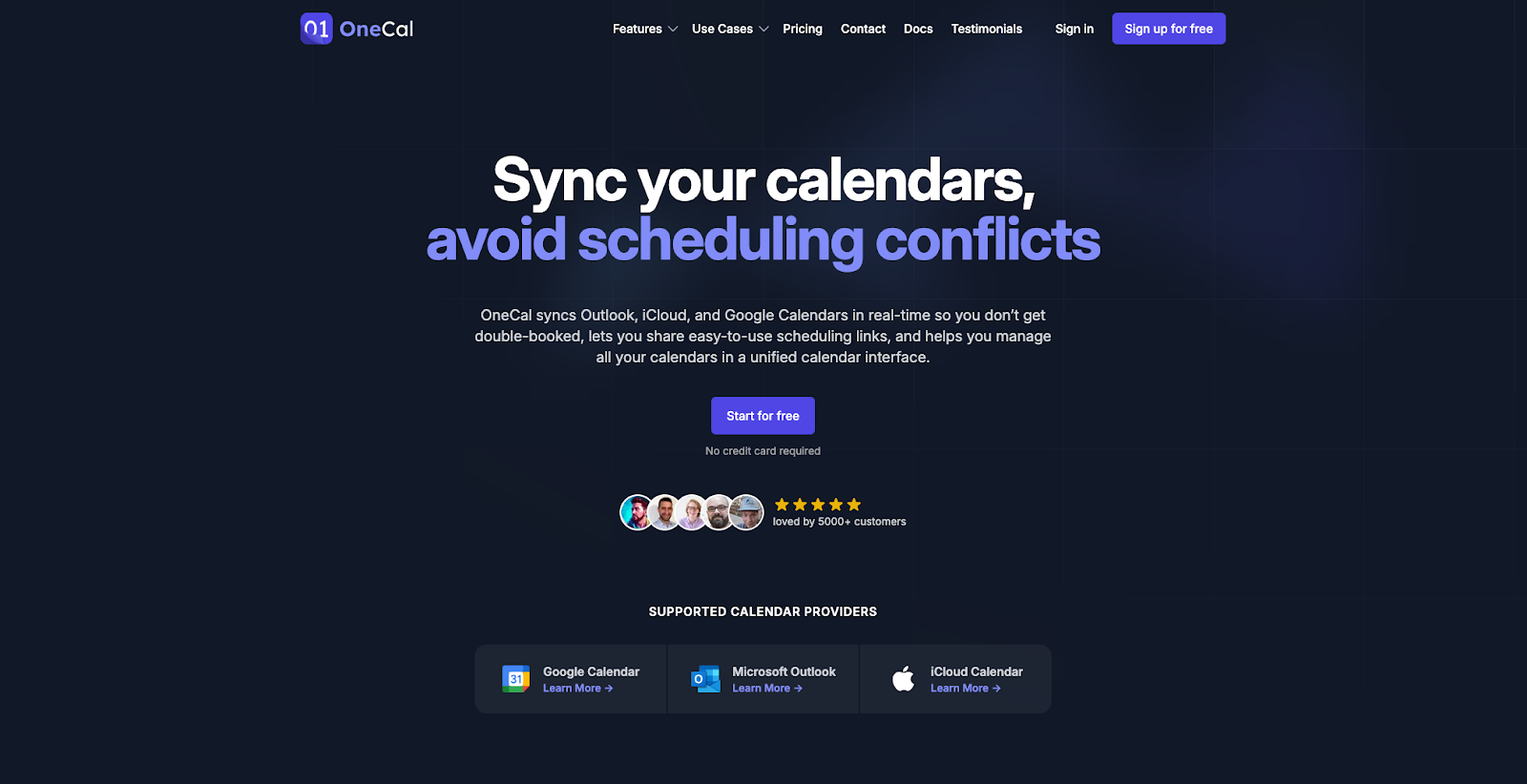
OneCal solves a specific Clockwise limitation that frustrated a lot of users: syncing multiple calendars. If you need to keep work and personal calendars (or multiple Google and Outlook accounts) in sync so availability stays accurate across all of them, OneCal does this better than anything else on the list.
OneCal’s multiway calendar sync works in real time across Google and Outlook. You select the calendars you want synced, and OneCal handles the rest, blocking time across accounts so you don’t get double-booked. Unlike Clockwise, which had no multiway sync at all, OneCal lets you sync multiple calendars in one configuration rather than creating separate one-way sync rules. It also automatically detects time zones (Clockwise used a preset timezone for your org that required contacting support to change).
Beyond sync, OneCal offers booking links with custom questions, an all-in-one calendar view that aggregates all calendars, and time blocking with privacy controls. Team management features are available for organizations.
The scope is deliberately narrow, though. OneCal doesn’t do AI calendar optimization, focus time defense, or meeting reshuffling. It doesn’t integrate with task management tools. It’s a calendar sync and booking tool, and within that scope, it’s excellent.
Where it stands out vs. Clockwise:
- Multiway calendar sync: Clockwise had no multiway sync. OneCal makes this its core feature
- Real-time sync: Not batched daily optimization. Changes propagate immediately
- Automatic timezone detection: vs. Clockwise’s preset timezone that required support to adjust
- Simple, focused UX: Does one thing (calendar sync) and does it very well
OneCal pricing: Paid plans start at $5/month
7. Akiflow – best for keyboard-first time blocking
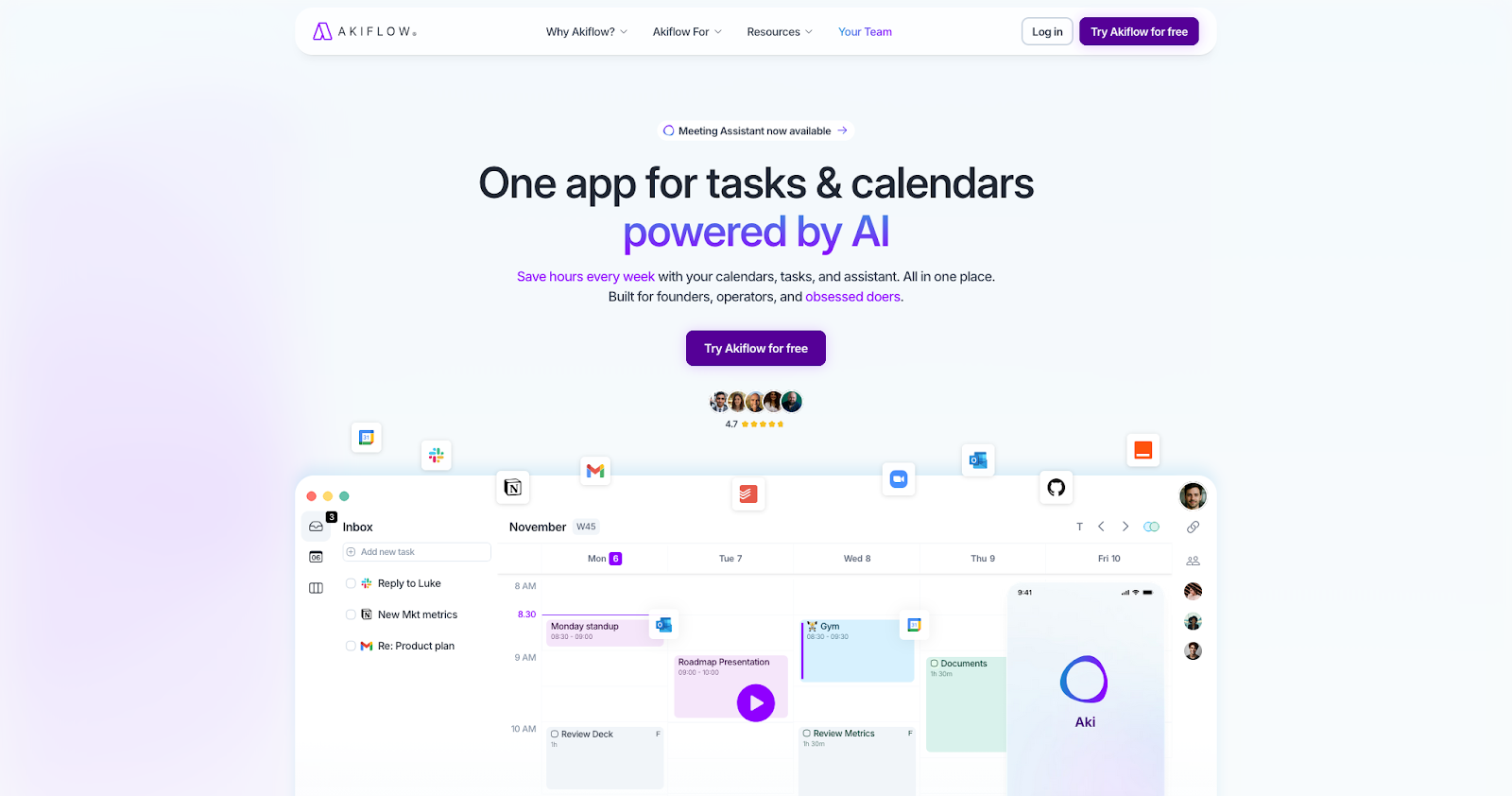
Akiflow is built for people who want to time-block their day with speed and precision, capturing tasks from everywhere and scheduling them manually, using a keyboard-driven workflow that prioritizes control over automation.
The core idea is a universal inbox that consolidates tasks from Gmail, Slack, Asana, Notion, Todoist, ClickUp, Jira, Linear, and Trello into one place. From there, you use a command bar and keyboard shortcuts to schedule each task into your calendar. Calendar sync covers Google Calendar and Outlook. The desktop app also works offline.
Akiflow’s “Timeslots” feature lets you template your ideal week and fill it with tasks, then shift entire blocks when priorities change. This gives you structure without starting from scratch each day.
The philosophy is the opposite of Clockwise. Akiflow doesn’t auto-rearrange anything. There’s no AI focus-time defense, no meeting reshuffling, and no team scheduling features. It’s a power-user tool for individuals who want full manual control of their schedule and don’t want an algorithm making decisions for them.
Pricing is also worth noting: $34/month is steep for monthly billing, though the annual rate drops to $19/month. Note that iCloud/Apple Calendar support is not yet available despite being one of the most-requested features on Akiflow’s roadmap.
Where it stands out vs. Clockwise:
- Universal task inbox: Pulls from 10+ sources (Gmail, Slack, Asana, Notion, Todoist, ClickUp, Jira, Linear, Trello)
- Keyboard-first speed: Command bar and shortcuts for rapid task capture and scheduling
- Offline functionality: Desktop app works without internet
Akiflow pricing: Paid plans start at $19/month
8. SavvyCal – best for polished scheduling links
SavvyCal is a scheduling-link tool with a specific angle: it wants the booking experience to feel good for the person doing the booking, not just the person sharing the link. If your Clockwise workflow was primarily scheduling links and you care about the invitee experience, SavvyCal offers the most polished option.
The standout feature is the calendar overlay: when someone opens your SavvyCal link, they can overlay their own calendar so they see their existing events alongside your available times. That reduces the guesswork of picking a slot. “Ranked availability” lets you prioritize which times get shown first (preferred times surface at the top, not just chronological). And team scheduling modes support collective, round robin, and group booking.
SavvyCal integrates with Slack, Zoom, Google Meet, and Zapier. It supports Google and Microsoft calendars for availability checking. It also takes a strong stance on privacy: SavvyCal doesn’t store calendar events persistently, only reading them to calculate availability.
The limitations are clear: SavvyCal is scheduling links. It doesn’t optimize your calendar, defend focus time, or auto-reschedule meetings. And its security page explicitly states it is not SOC 2 or ISO 27001 certified, which matters for enterprise buyers.
Where it stands out vs. Clockwise:
- Calendar overlay for invitees: Bookers see their own calendar alongside yours, a unique UX that reduces scheduling friction
- Ranked availability: Prioritize preferred times without hiding others entirely
- Premium booking design: The booking experience is more polished than Clockwise’s links
- Lightweight and focused: No feature bloat. Does scheduling links and does them well
SavvyCal pricing: Free → paid plans start at $12/month
9. TickTick – best budget-friendly option
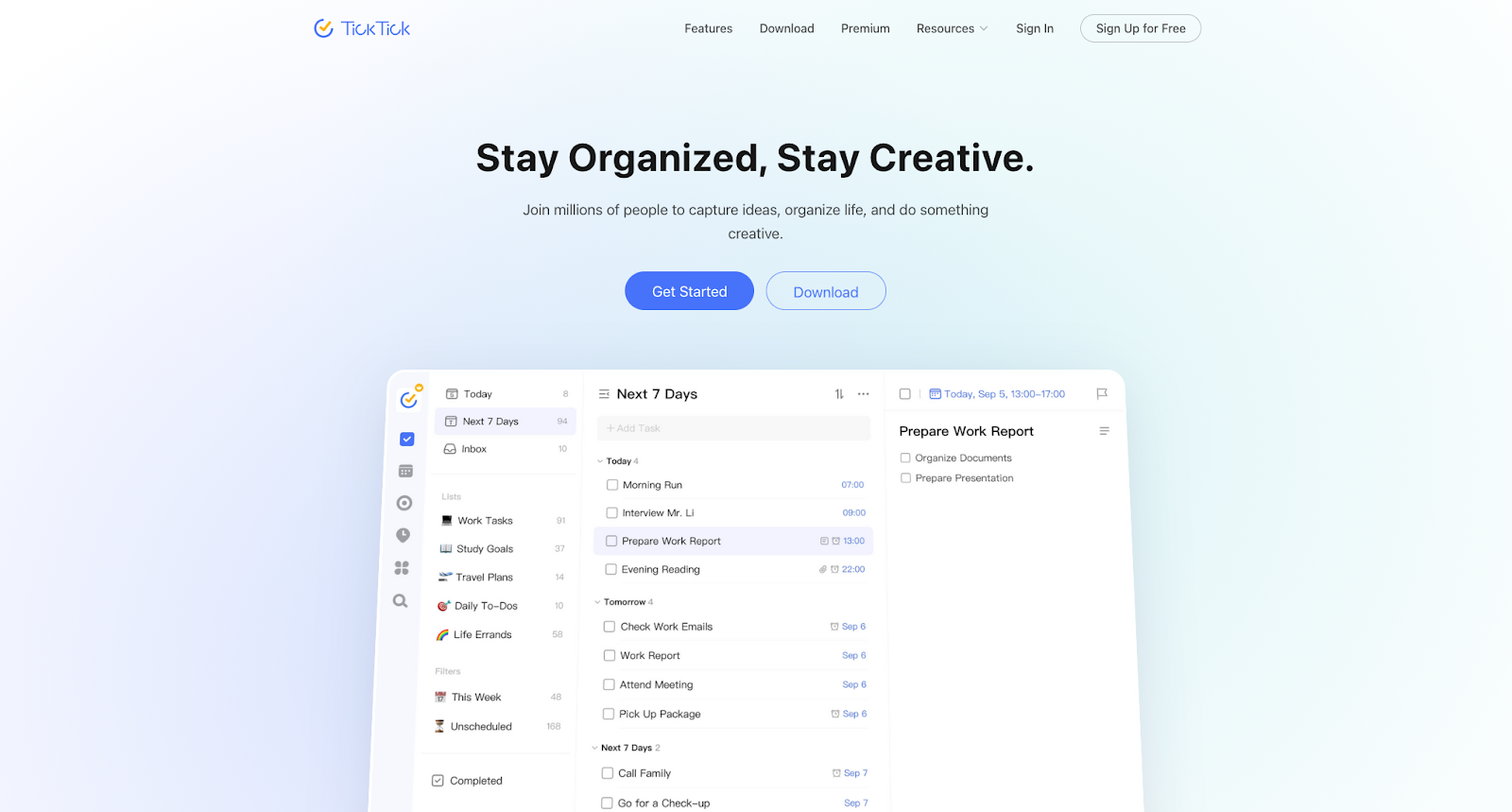
TickTick is the entry on this list for people who don’t need calendar optimization but do need to get tasks done and want to spend a fraction of what Clockwise or any competitor on this list costs. At $35.99/year for Premium (or free with core features), TickTick offers remarkable depth for the price.
TickTick is a task manager first, calendar tool second. You get a calendar view that shows tasks alongside events, a built-in Pomodoro timer linked to specific tasks, a habit tracker with templates and heat maps, and an Eisenhower Matrix for visual prioritization. Natural language input lets you create tasks quickly (“Call Sarah tomorrow at 3pm”), and the app is available on every platform: web, desktop, iOS, and Android.
This is not a Clockwise replacement in any functional sense. There’s no AI calendar optimization, no meeting reshuffling, no scheduling links, and no team scheduling features. Calendar integration is basic: TickTick can subscribe to external calendars, but it’s not a deep sync. The calendar view shows tasks as blocks but doesn’t support the kind of drag-and-drop time blocking you’d get from Morgen or Motion.
But if your Clockwise use case was mostly “I need protected time to get work done” and you’re willing to manage that manually, TickTick gives you the task management backbone at a price point that makes every other tool on this list look expensive.
Where it stands out vs. Clockwise:
- Fraction of the cost: $35.99/year vs. Clockwise’s per-seat monthly pricing
- Built-in Pomodoro timer: Focus sessions linked to specific tasks, a different approach to “focus time”
- Habit tracking: Templates, heat maps, and statistics for recurring routines
- Cross-platform: Web, desktop, iOS, Android. Clockwise had no mobile app
- Eisenhower Matrix: Visual prioritization that Clockwise never offered
TickTick pricing: Free → paid plans start at $35.99/year
10. TimeHero – best for task scheduling with team reporting
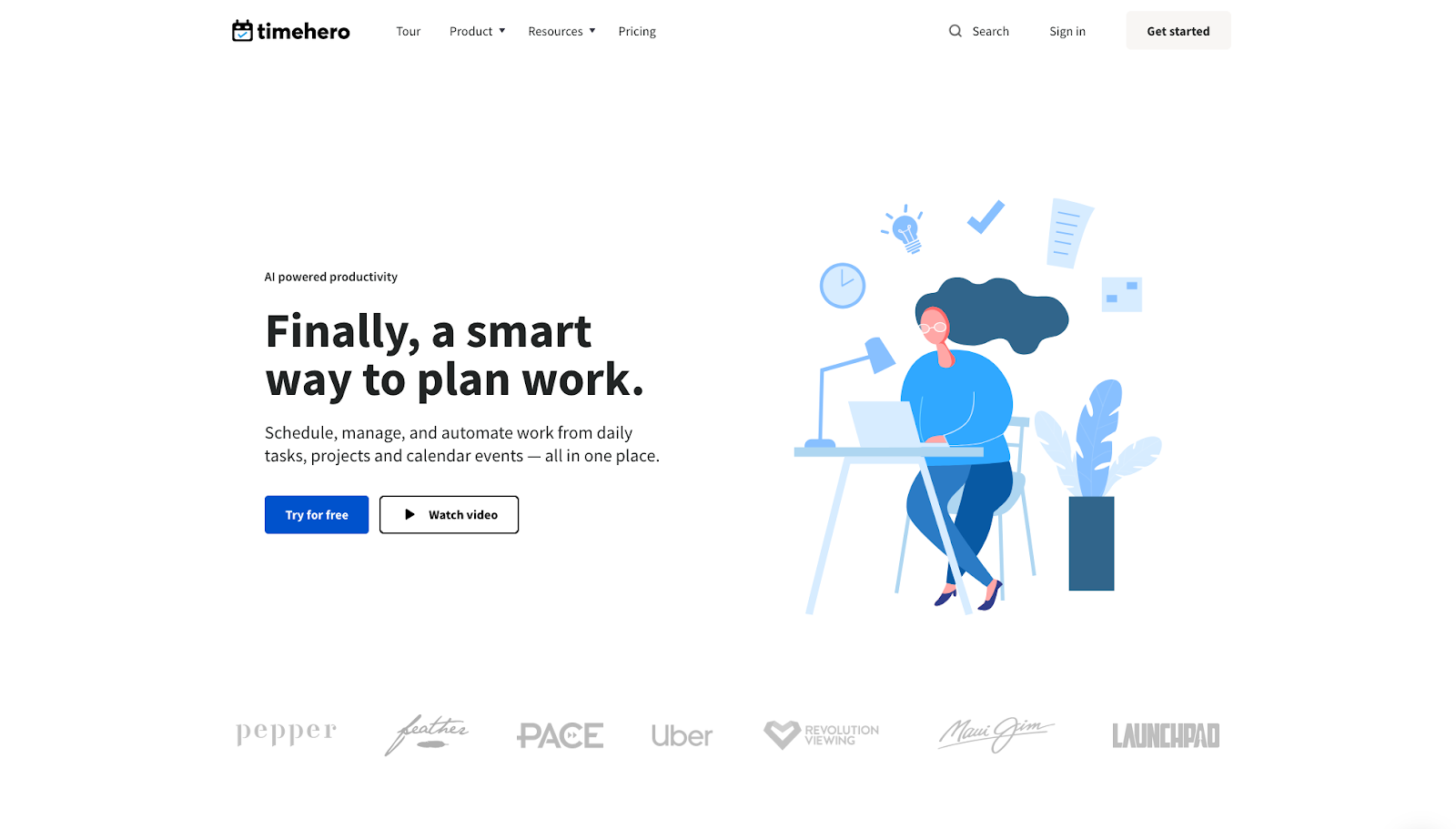
TimeHero combines AI-driven task scheduling with project management and reporting features, making it a practical option for teams that need tasks auto-planned around meetings and want visibility into workload and delivery.
The core workflow is straightforward: connect your Google Calendar or Office 365, add tasks and projects, and TimeHero’s AI auto-plans your work around existing calendar commitments. Smart recurring tasks handle daily routines. Project templates speed up repeatable workflows. And team collaboration features give everyone visibility into shared tasks and deadlines.
Where TimeHero gets interesting is the reporting tier. The Premium plan ($27/month) adds timesheets, workload forecasting, and Gantt charts, features that matter for teams managing real delivery workloads and needing to report on how time is spent. That’s a different value proposition than Clockwise, which focused on meeting optimization rather than project execution.
The trade-offs: TimeHero is lighter on meeting optimization than Clockwise or Reclaim. There’s no native Zoom integration documented. The free trial is only 7 days. And the features that make it most compelling (timesheets, Gantt, workload forecasting) require the highest-tier plan.
Where it stands out vs. Clockwise:
- AI task planning around meetings: Clockwise had no task integration. TimeHero auto-schedules work into available time
- Project templates: Repeatable project workflows that speed up team onboarding
- Timesheets and workload forecasting: Premium-tier reporting for teams managing delivery
- Lower entry price: Basic plan starts at $5/month
TimeHero pricing: Paid plans start at $5/month
Which Clockwise competitor is best for you?
Start with the problem you’re actually solving now that Clockwise is going away. Then pick the tool that’s built for that exact workflow.
- Want the closest replacement for everything Clockwise did, plus task scheduling and AI planning: Reclaim.ai
- Want tasks and calendars planned together with AI you control: Morgen
- Need enterprise-grade scheduling links, routing, and round robin: Calendly
- Want an aggressive AI autopilot that manages tasks, projects, AND your calendar: Motion
- Want a calm, guided daily planning ritual that blends tasks and calendar: Sunsama
- Need to sync multiple Google and Outlook calendars in real time: OneCal
- Want keyboard-driven speed for task capture and time blocking: Akiflow
- Want the most polished, invitee-friendly scheduling link experience: SavvyCal
- On a tight budget and want task management, habits, & focus tools: TickTick
- Want AI to auto-plan tasks around meetings with team reporting: TimeHero
Productivity Trends Reports











