

.png)



Calendly owned the scheduling-link category for years: simple booking pages, polished invitee experience, and broad integrations made it the default “send a link, pick a time” workflow for individuals and teams. It’s still hugely adopted (including deep enterprise penetration), but the market has shifted.
In 2026, the biggest change is that scheduling isn’t just about finding open time anymore – it’s about optimizing time. As calendars fill up, “free-time-only” scheduling breaks down. That’s why newer, AI-powered approaches are winning: they prioritize meetings, flex lower-priority work, protect focus time, and keep recurring meetings from becoming an admin burden.
Let’s see the 15 best Calendly alternatives in 2026 to help you step up your meeting booking game at work.
- Reclaim.ai – best overall scheduling link
- Cal.com – for routine
- Acuity Scheduling – for client services
- YouCanBookMe – for small teams
- SetMore – for SMB payments
- Doodle – for polls
- OnceHub – for workflows
- HubSpot – for light HubSpot CRM users
- Zoho Bookings – for Zoho email users
- SimplyBook.me – for service-based use
- Square Appointments – for POS
- zcal – for customizable design
- Paperbell – for coaching
- Brevo Meetings – for comms workflows
- Meet-Ting – for cc’ing emails
How we evaluated these tools
For each tool, we focused on what actually affects scheduling outcomes in real teams: how quickly you can get a meeting booked, how well the tool handles busy calendars, and how much control you get without turning the setup into a project.
We weighted tools based on the criteria that typically decide if scheduling feels effortless or constantly breaks:
- Availability: sharing near-term time reliably (especially on full calendars)
- Team scheduling: team links, round robin distribution, and group scheduling flexibility
- Link flexibility: one-off links, multiple durations, questions, redirects, reminders, and target calendar control
- Integrations & workflows: CRM/ATS support, notifications, automation, and reporting
- Multi-calendar support: conflict prevention and availability accuracy across accounts
- Price & value: free plan usefulness and pricing for core features
Best Calendly alternatives – quick comparison
The 15 best Calendly alternatives (ranked)
1. Reclaim – best overall scheduling link
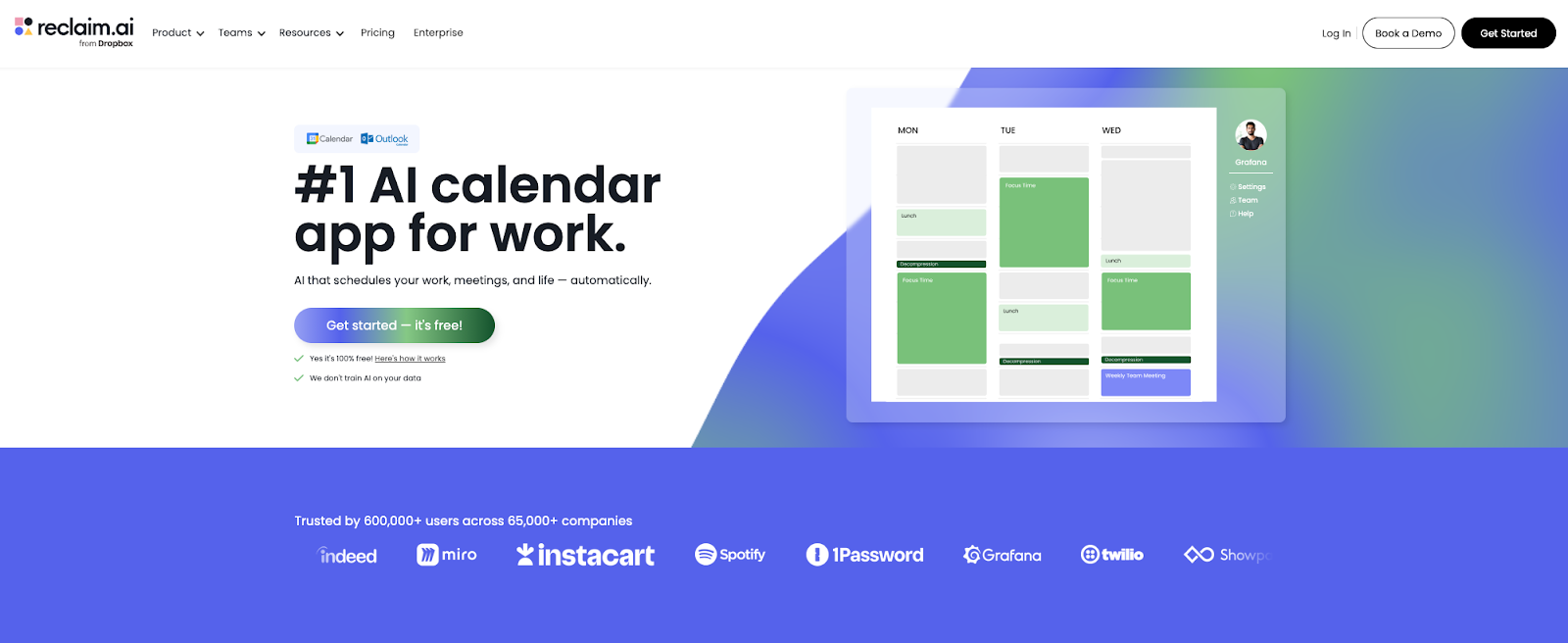
Reclaim is as easy to use as Calendly, but 10x more powerful. That’s because they’re the only AI-powered Scheduling Link that can offer additional open time slots over flexible events – allowing you to share 524% more availability to invitees. There’s nothing worse than sending a meeting link for an urgent meeting with no availability for the next week – and Reclaim is #1 since it’s the only scheduler that solves this top problem. It provides a way better experience for the invitee, while helping you book important meetings way faster.With Reclaim’s AI-powered Scheduling Links, each link gets a priority level. That priority tells Reclaim how aggressively to surface availability by flexing lower-priority, reschedulable holds (like Focus Time, Tasks, Habits, internal meetings, and Smart Meetings) while protecting higher-priority commitments. So instead of sharing a link with openings in two weeks, you can offer openings within hours – even if your calendar is completely slammed.
On top of that, Reclaim offers incredibly powerful team scheduling links that allow everyone on your team to maximize their availability for group meetings and round-robin scheduling. Reclaim’s links are also totally customizable at the link level (not just by event type), so you can tailor your custom branding, multiple duration options, screening questions, reminders, and even which calendar you want to schedule a meeting on. But one of Reclaim users favorite differentiators is their Smart Meetings tool that allows them to automatically find the best time for recurring meetings too (and auto-reschedule around things like PTO) – no link required. Learn more about Reclaim vs. Calendly.
Best for: Anyone with a busy calendar – sales teams booking new leads, recruiting teams coordinating interviews, founders/executives with little open time, and teams coordinating round robin scheduling.
Where Reclaim is better than Calendly:
- AI-prioritized scheduling links: Share 524% more open time slots for meetings using AI that flexes availability over lower-priority events
- Team scheduling links: Maximize meeting availability across your team through AI-powered scheduling links, and include non-Reclaim team members
- Round robin links: Distribute and share meeting bookings across a team, using AI to optimize for both availability and load balancing automatically
- Scheduling customization: Customize link branding, multiple durations, availability, priority level, reminders, max meetings and across any individual or team link
- Smart Meetings: Recurring meetings that auto-schedule and auto-reschedule around conflicts
- AI time blocking: Flexibly defend Focus Time, Habits, and Tasks automatically in your calendar, without impacting your meeting availability
- Multi-calendar & Calendar Sync: Keep your availability accurate across all of your schedules, and automatically sync events across your calendars
- Analytics: Analyze your meeting performance across all meeting types (not just scheduling links), and deep time reports across focus time, tasks, personal events, and work-life balance metrics
Reclaim pricing: Free → paid plans start at $10/month
2. Cal.com – best for routine
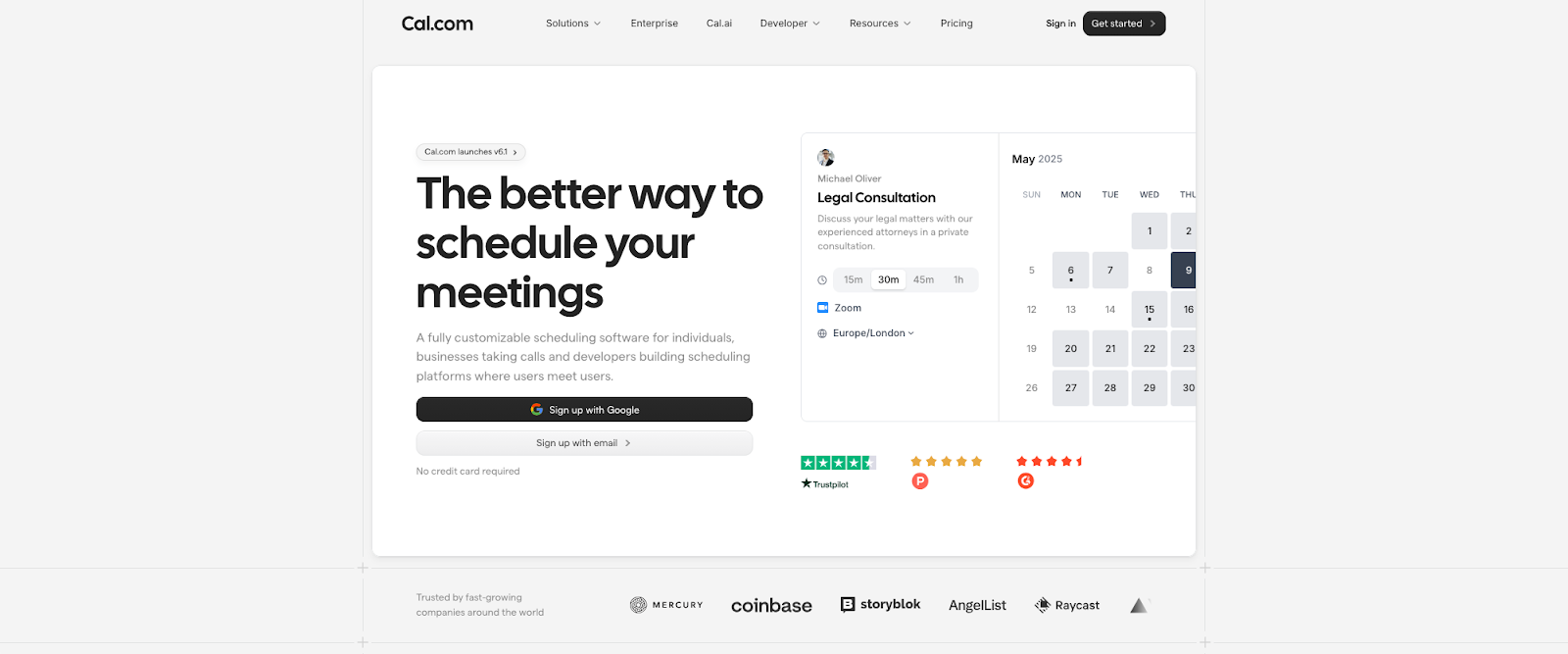
Cal.com is a flexible, modern Calendly alternative for teams who want more control over the booking flow than Calendly typically gives you. If Calendly feels like a polished default, Cal.com feels like the tool you choose when scheduling needs to match your workflow, especially when routing, embedding, or customization starts to matter.
In practice, the biggest difference vs. Calendly is how far Cal.com goes on routing and “build-your-own” scheduling. With Routing Forms, you can ask a couple of questions up front and direct bookers to the right event type or teammate based on the answers. That’s useful when “one link for everyone” creates friction, like inbound leads picking the wrong meeting, candidates booking the wrong interviewer, or requests that need triage before they hit someone’s calendar.
Cal.com also lines up well with the team features people usually look for when they’re moving off Calendly: team scheduling, round robin distribution, and group/collective scheduling. Round robin can be configured with distribution logic like weights, priorities, or least-recently-booked assignment, which helps keep things fair when availability varies across a pool.
On the “link flexibility” side, Cal.com supports single-use links for one-off scenarios and multiple meeting durations so invitees can choose the length without you maintaining separate links for 15/30/60.
Best for: Teams that need routing to direct bookers to the right person or meeting type.
Where it stands out vs. Calendly:
- Workflows: For reminders and follow-ups (email/SMS options depending on setup)
- Post-booking redirects: For sending people to a next step (intake, agenda, thank-you page)
- Target calendar control: So different event types can land on different calendars
- Payments via Stripe: For paid consults and appointment-style scheduling
Cal.com pricing: Free → paid plans start at $15/month
3. Acuity Scheduling – best for client services
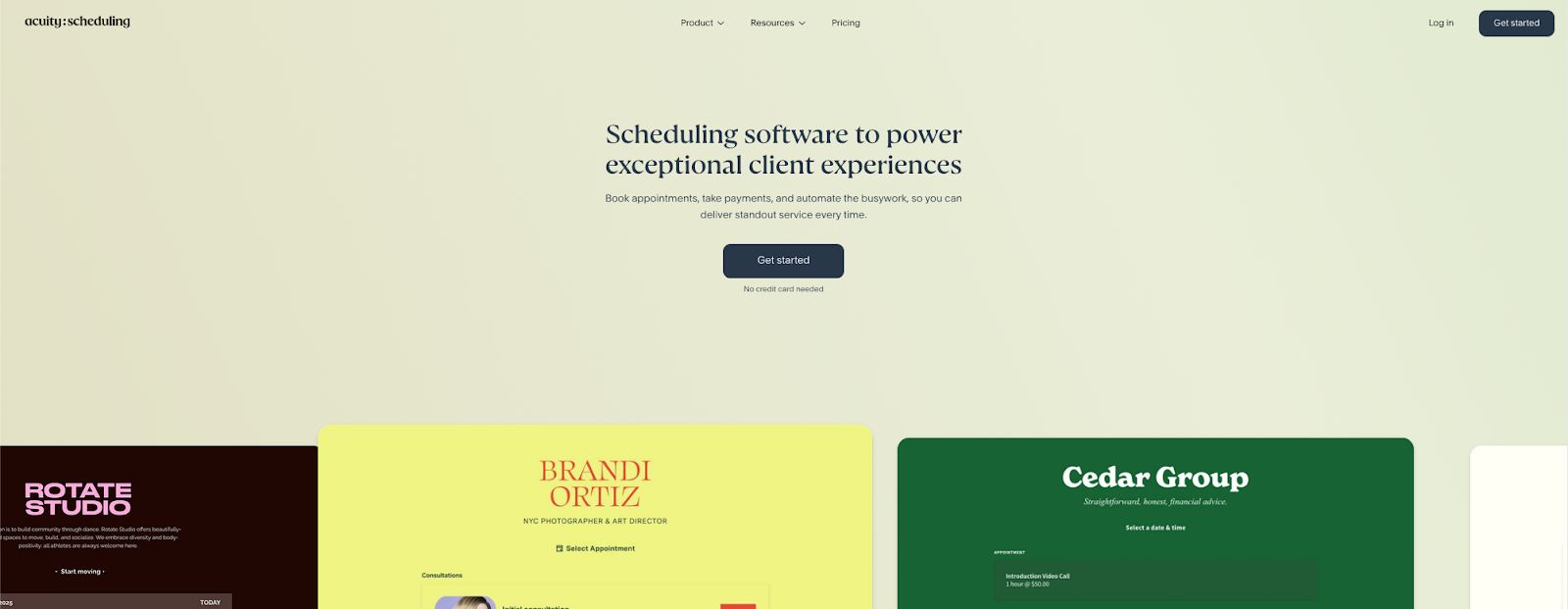
Acuity (Squarespace Scheduling) is a Calendly alternative built around appointments as a service workflow, not just a “pick a time” link. Calendly shines for meeting booking. Acuity shines when scheduling sits alongside payment, prep, and repeat clients.
In real-world use, Acuity’s edge shows up the moment you need the booking page to do more than select a slot. You can collect client intake forms and agreements as part of scheduling, and you can tailor which form appears based on the appointment type. That makes it a strong fit for coaching, therapy, clinics, and any service business that needs context before the session.
Payments are equally central. Acuity supports collecting payments for appointments by connecting Stripe, Square, or PayPal, and it also supports deposits depending on your setup. Beyond one-off sessions, Acuity supports packages, gift certificates, and subscriptions, which is a big reason it lands on “Calendly alternatives” lists for appointment businesses.
For reducing no-shows, Acuity offers automated reminders through email and SMS. And if your operation includes multiple staff members or locations, Acuity can run multiple bookable calendars, with the exact number tied to your plan.
Best for: Client services businesses that want booking, payment, and intake to live in the same flow.
Where it stands out vs. Calendly:
- Payments at booking: Via Stripe/Square/PayPal
- Client intake forms & agreements: That attach to appointment types
- Packages, subscriptions, and gift certificates: For repeat revenue
- Automated email & SMS reminders: To reduce no-shows
- Multiple bookable calendars: For staff or locations (plan-based)
Acuity pricing: Paid plans start at $20/month
4. YouCanBookMe – best for small teams
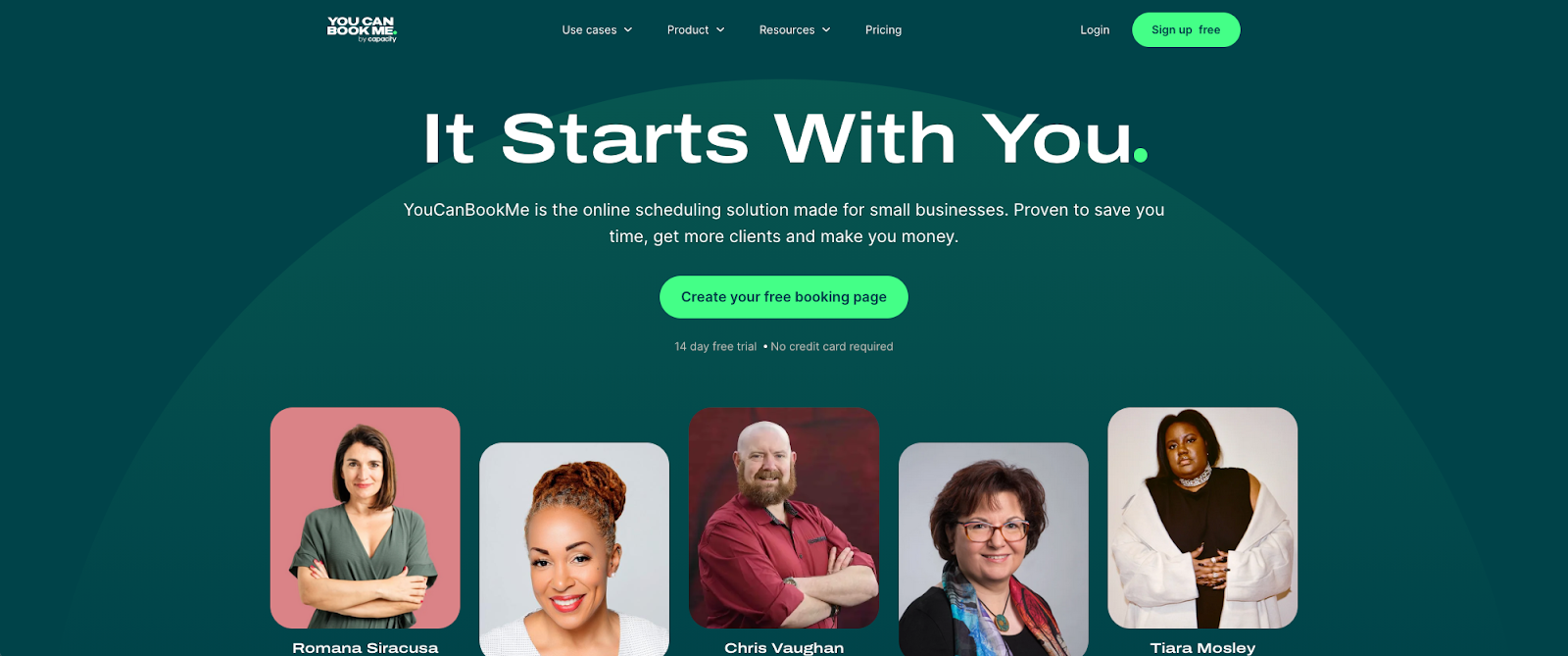
YouCanBookMe is a practical Calendly alternative for teams who want the same “share a link, get booked” simplicity, along with tighter control over the rules that shape availability. If Calendly feels like a polished default, YouCanBookMe feels like the dependable option you set up once and run across lots of booking scenarios.
In practice, the biggest difference vs. Calendly is how YouCanBookMe approaches team scheduling without adding much overhead. You can create a team booking page that checks availability across multiple calendars, then only shows times that work for everyone involved. When you’re distributing bookings across a pool, YouCanBookMe’s Round Robin feature supports both “optimize for availability” and “optimize for equal distribution,” which maps cleanly to real team needs.
On the “intake and control” side, YouCanBookMe is strong at collecting context without friction. The booking form supports custom questions, and the plan limits are clear: Free supports up to 7 questions, paid plans support unlimited.
YouCanBookMe also lines up well with the link flexibility people look for when moving off Calendly. It supports single-use booking links for one-off scenarios, and it supports multiple meeting durations via duration settings and appointment-type style setups (with “choose your duration” flexibility available on paid plans).
Best for: SMB teams who want strong team scheduling without a heavyweight platform feel.
Where it stands out vs. Calendly:
- Email & SMS notifications: For confirmations and reminders (SMS via credits)
- Post-booking redirects: On Professional and Teams plans
- Branding controls: For page styling, logos, and removing branding on paid tiers
- Payments via Stripe: For paid appointments
- Analytics dashboard: To track booking activity and outcomes
YouCanBookMe pricing: Free → paid plans start at $9/month
5. Setmore – best for SMB payments
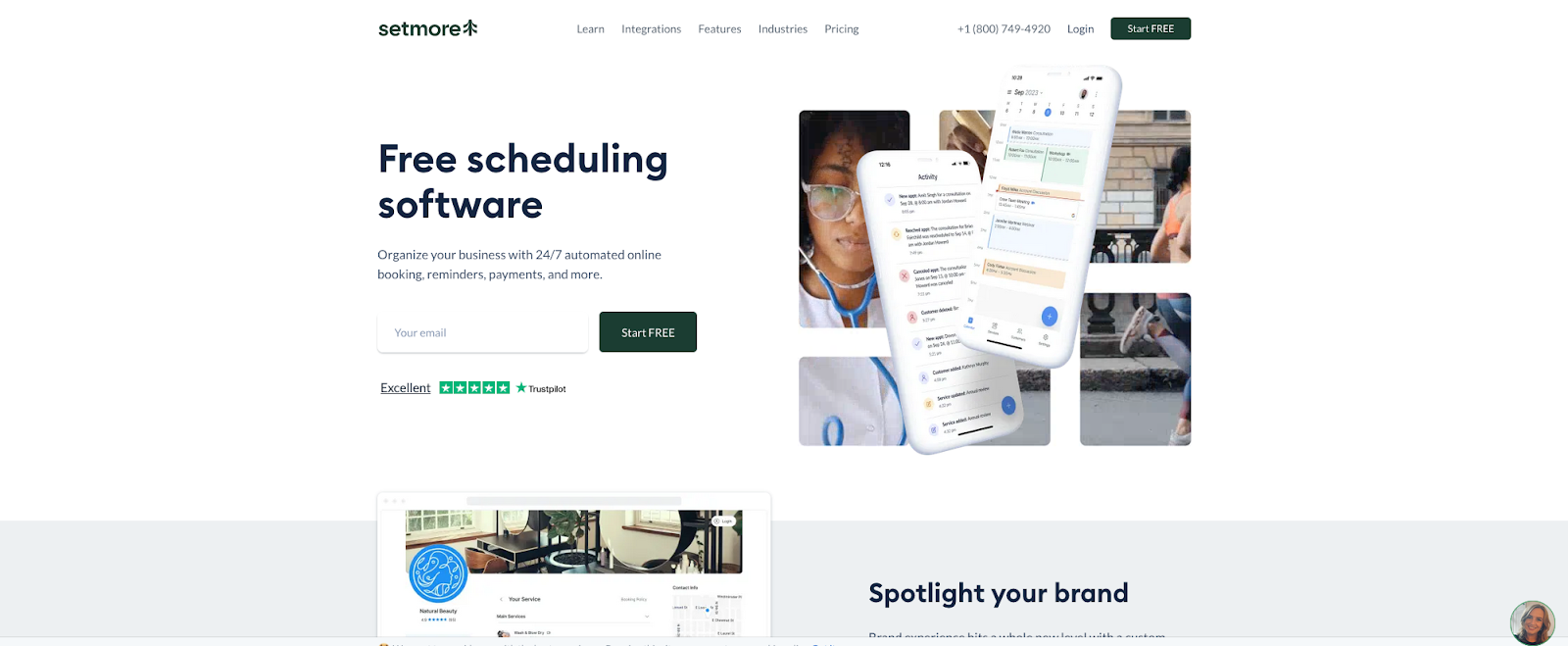
Setmore is a practical Calendly alternative for appointment-led teams that want a simple booking link, plus built-in business basics like staff scheduling, reminders, and taking payments. If Calendly is built around meetings, Setmore is built around running appointments day-to-day – services, classes, providers, and repeat customers.
Setmore treats scheduling like an operations workflow. You get staff profiles with their own calendars and booking links, and the Free plan supports up to 4 staff profiles, which is unusually useful for small teams getting started. If you want a “book the earliest available provider” flow, Setmore supports Any team member and Skip team members, which helps bookings land quickly without the customer picking a specific person.
Payments are also a core part of the Setmore experience. You can accept online payments through your booking page by connecting Square, Stripe, or PayPal, and Setmore supports common payment workflows like deposits/discounts depending on configuration.
On the “link flexibility” side, Setmore uses a booking-page model with service links and team-member booking pages, so you can share a link that drops someone straight into the right service or provider. Setmore’s services also come with configurable durations, and it supports “add-on” style bookings by letting customers book multiple services in one flow when enabled.
Best for: Small service businesses and small teams that want scheduling, staff calendars, reminders, and payments in one place.
Where it stands out vs. Calendly:
- Free plan for small teams: With up to 4 staff profiles
- First-available team booking: Via “Any team member” and “Skip team members”
- Online payments: On the booking page via Square, Stripe, or PayPal
- Automated reminders: With email reminders and optional SMS reminders on Pro
- Team calendar sync options: Including Google 2-way sync and Office 365 sync on Pro
Setmore pricing: Free → paid plans start at $12/month
6. Doodle – best for polls
Doodle is a Calendly alternative for situations where a booking link feels like the wrong tool. Calendly works best when one person (or a team) wants others to grab a slot from their availability. Doodle is built for the other common reality: a group needs to agree on a time.
This poll-first workflow is the biggest differentiator between Doodle and Calendly. You propose a set of options, invite the group, and Doodle shows you what works best across everyone’s responses, which can be especially handy for cross-company calls, committees, interviews with multiple stakeholders, or any meeting where availability is messy. Group polls can be shared with anyone, and participants can respond without creating an account.
Doodle also offers more “booking-link style” options (like 1:1 and a Booking Page) when you do want a classic scheduling flow, but its standout use case remains fast consensus for groups.
Best for: Group coordination where availability is uncertain and you need consensus fast (friend groups, family plans, trips, reunions, parties).
Where it stands out vs. Calendly:
- Group polls: For finding the best time across a group fast
- No-account participation: So anyone can respond with just the link
- Time zone friendly coordination: For mixed availability across regions
- Connected calendars: Including Google, Office 365, and iCloud for conflict awareness and event syncing
- One-to-one scheduling: For booking many one-on-ones from one invitation
Doodle pricing: Free → paid plans start at $14.95/month
7. OnceHub – best for complex scheduling workflows
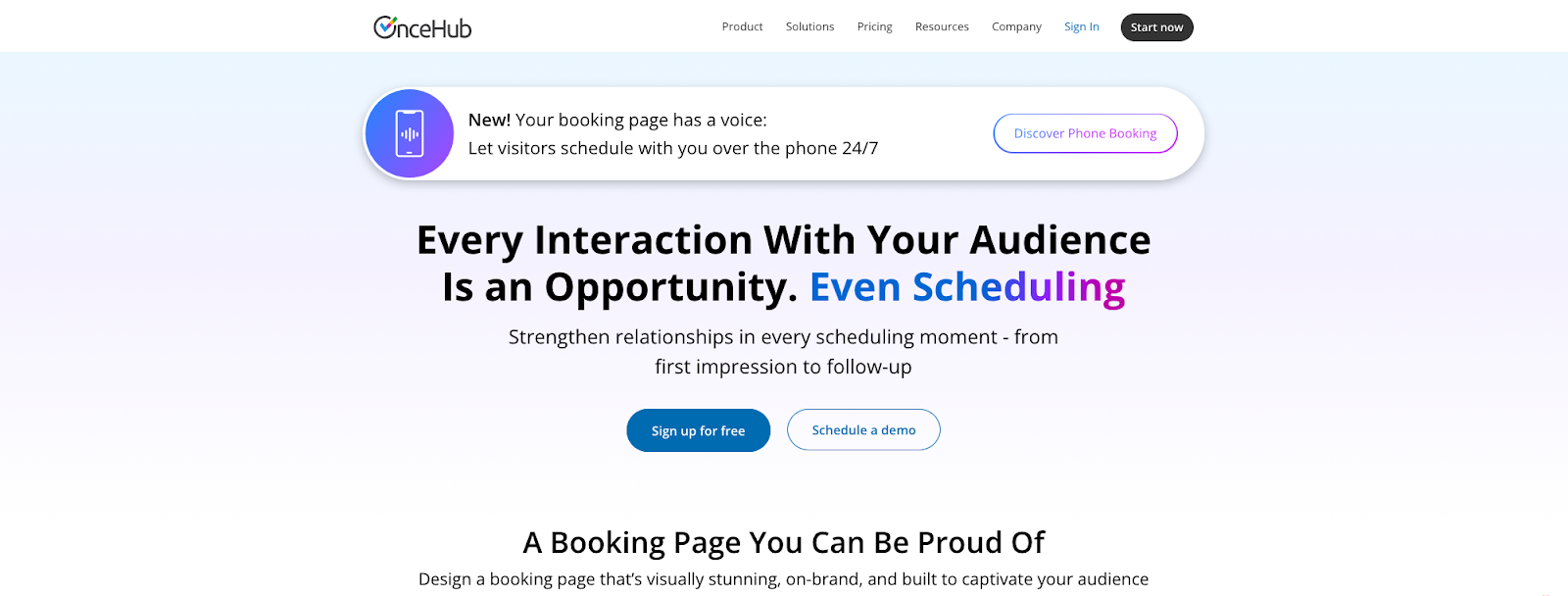
OnceHub is a Calendly alternative for teams where scheduling sits inside a bigger inbound pipeline. Calendly’s sweet spot is a clean booking link. OnceHub leans into qualification, routing, and distribution so the right person gets booked, in the right way, at the right moment, especially when volume is high.
OnceHub’s Routing Forms can guide someone through a short set of questions, then route them to outcomes like scheduling a meeting inside the form, handing off to live chat, or sending them to a specific destination based on their answers. This is ideal for revenue teams that need to qualify inbound leads, support orgs that want faster triage, and service teams that route requests by urgency or topic.
OnceHub also goes deeper on team distribution than basic “team availability.” It supports resource pools and multiple distribution methods, including round robin and “pooled availability” styles, which helps keep assignment fair while still maximizing near-term bookable time across a group.
Best for: Teams that need advanced routing, lead qualification, and enterprise-grade scheduling workflows for high-volume inbound.
Where it stands out vs. Calendly:
- Routing Forms: That qualify and route guests based on answers, including in-form scheduling
- Routing outcomes: Beyond booking, including chat handoff and redirects for tailored next steps
- Team distribution at scale: Including resource pools and round robin distribution methods
- CRM & workflow extensibility: Via integrations and automation paths, including APIs, webhooks, and Zapier
OnceHub pricing: Free → paid plans start at $12/month
8. HubSpot Meetings – best for light HubSpot CRM users
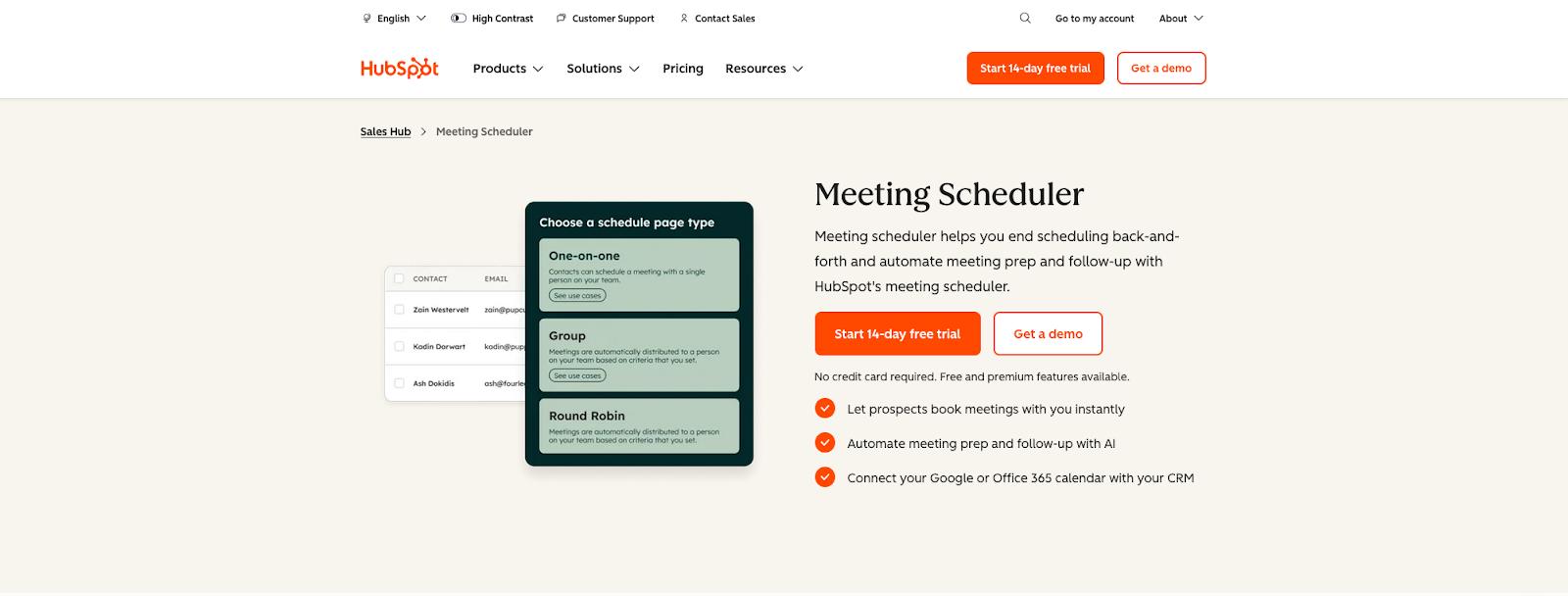
HubSpot Meetings is a Calendly alternative for teams that already run sales workflow inside HubSpot. Instead of layering a separate scheduling tool on top of your CRM, HubSpot keeps scheduling CRM-native, so booked meetings automatically show up as meeting activities on the right records (contacts/companies/deals) and stay tied to the rest of your sales motion.
With HubSpot, meetings can be created directly from a CRM record and (with calendar sync enabled) send calendar invites, while still logging the meeting on the record for reporting and follow-up. That makes it feel less like “a booking page” and more like “a step in the pipeline.”
It also has clear limits and upgrade paths. Free users can create a single one-on-one scheduling page with HubSpot branding, and higher tiers unlock more flexibility and admin controls. If your team cares about reporting consistency, HubSpot supports meeting outcomes (including custom outcomes) so your activity data stays structured.
Best for: Sales teams already standardized on HubSpot CRM who want scheduling tied directly to contacts, deals, and reporting.
Where it stands out vs. Calendly:
- CRM-native logging: So booked meetings associate to CRM records as meeting engagements
- Calendar & CRM together: So reps can create meetings from records, with optional invites via calendar sync
- HubSpot-native adoption: Because scheduling pages live where reps already work
- Structured meeting outcomes: For cleaner activity reporting, including custom outcomes
- Free starting point: With one personal scheduling page on free tools and more capacity on paid tiers
HubSpot Meetings pricing: Free → paid plans start at $15/month
9. Zoho Bookings – best for Zoho email users
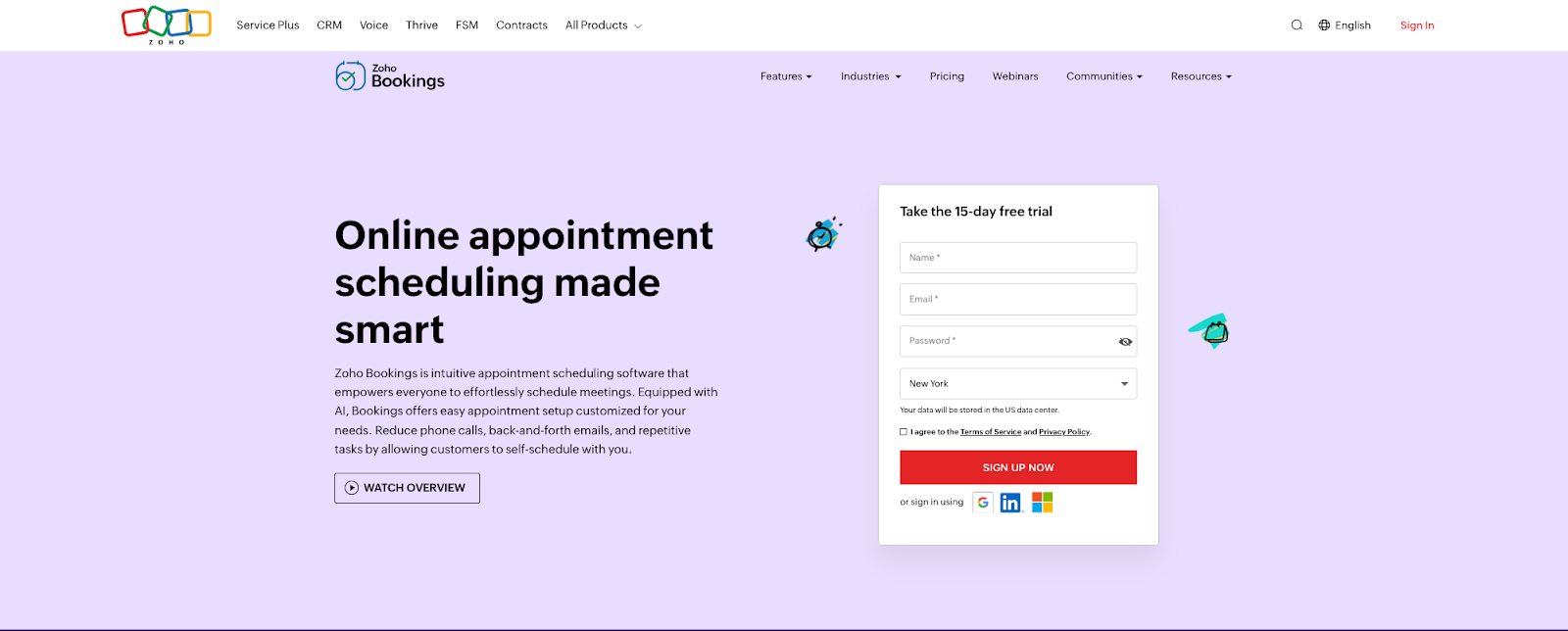
Zoho Bookings is a strong Calendly alternative when your team already runs on Zoho. It keeps scheduling connected to the same system you’re using for customers and operations, with native hooks into Zoho apps like Zoho CRM and Zoho Desk.
The biggest difference vs. Calendly is how much Zoho Bookings is built around team and service workflows. You can set up scheduling rules that handle round-robin assignment, staff availability, and role-based assignment. That’s useful for teams that rotate inbound appointments across multiple reps, locations, or service types.
It also covers the “appointments as a business process” side really well: custom booking forms to collect intake details, along with automated email/SMS notifications and reminders tied to booking status changes.
If you schedule anything beyond 1:1s, Zoho Bookings has native patterns for it: Group Booking services for sessions with multiple attendees and Collective Booking for panel-style meetings that require multiple staff members on the same appointment.
Best for: Zoho-centric businesses that want scheduling tightly aligned with CRM/service ops, plus strong support for staff-based and service-based booking.
Where it stands out vs. Calendly:
- Zoho ecosystem integration: With apps like Zoho CRM and Zoho Desk for CRM-aligned scheduling
- Scheduling rules: For round robin, flexible staff availability, and role and appointment assignments
- Custom booking forms: For intake questions stored with the appointment
- Email and SMS notifications: With workflow-style automation for reminders and updates
- Online payments: Via gateways like Stripe, PayPal, and Razorpay
- Two-way calendar sync: With multi-calendar conflict checking
- Reports and dashboards: For appointments, revenue, and staff performance
- Booking page customization: Including logo, colors, and layouts
Zoho Bookings pricing: Free → paid plans start at $8/month
10. SimplyBook.me – best for service-based use
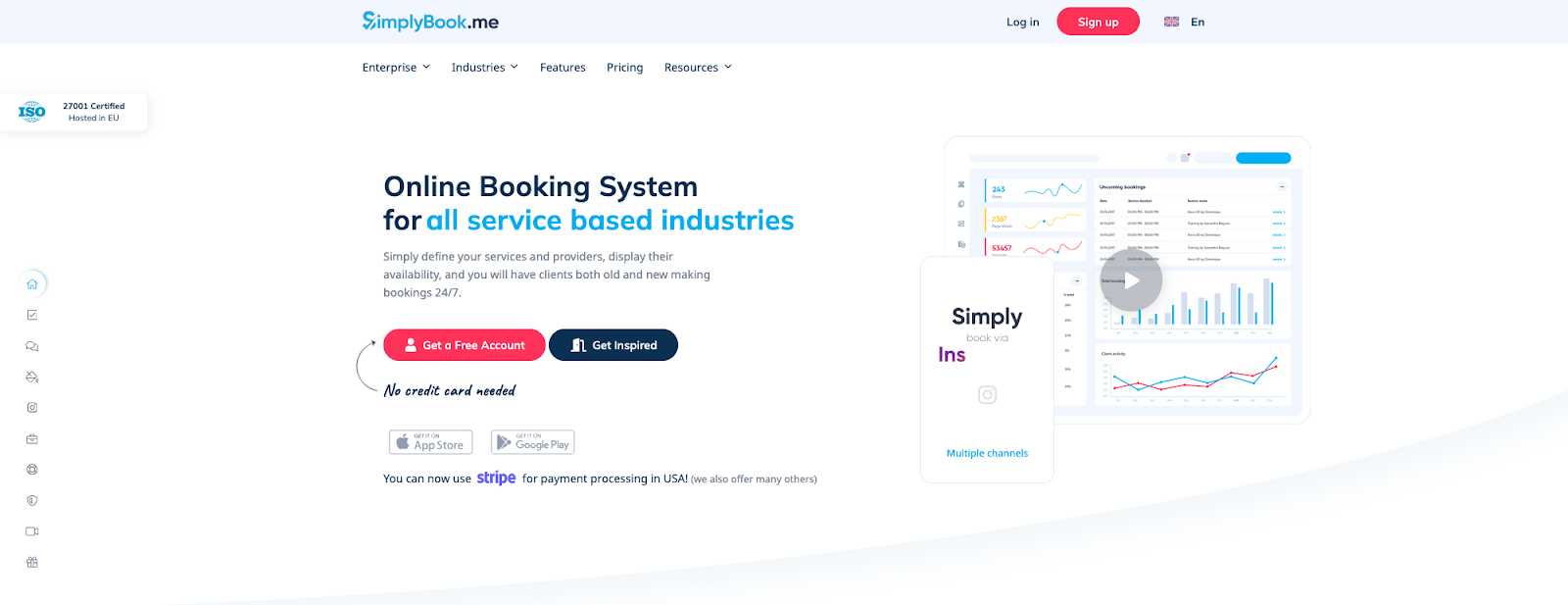
SimplyBook.me is a Calendly alternative that leans hard into appointment businesses. Calendly is great when the main job is getting meetings booked. SimplyBook.me fits teams that want booking to drive repeat revenue and retention through add-ons like packages, memberships, gift cards, and promotions, alongside the core scheduling flow.
Compared to Calendly, you may be surprised by how “modular” SimplyBook.me feels. You start with solid scheduling fundamentals, then turn on Custom Features as your workflow grows: intake forms for richer client context, packages for prepaid sessions, memberships for subscription-style services, and coupons/gift cards for promotions.
It’s also built for client-facing polish when you care about brand experience. For example, SimplyBook.me supports customized email templates via its Custom Email feature, which helps booking confirmations and reminders look like part of your business rather than generic system messages.
Best for: Service providers who want scheduling plus business add-ons (promotions, prepaid packages, memberships, client intake) in one place.
Where it stands out vs. Calendly:
- Marketing tools: Baked into scheduling, including coupons, gift cards, and promotions
- Packages and memberships: For prepaid and subscription-style service delivery
- Intake forms: During booking to capture details before the session
- Custom Features: That let you turn capabilities on as your workflow expands
- Custom Email templates: For branded notifications
SimplyBook.me pricing: Free → paid plans start at $13.90/month
11. Square Appointments – best for POS
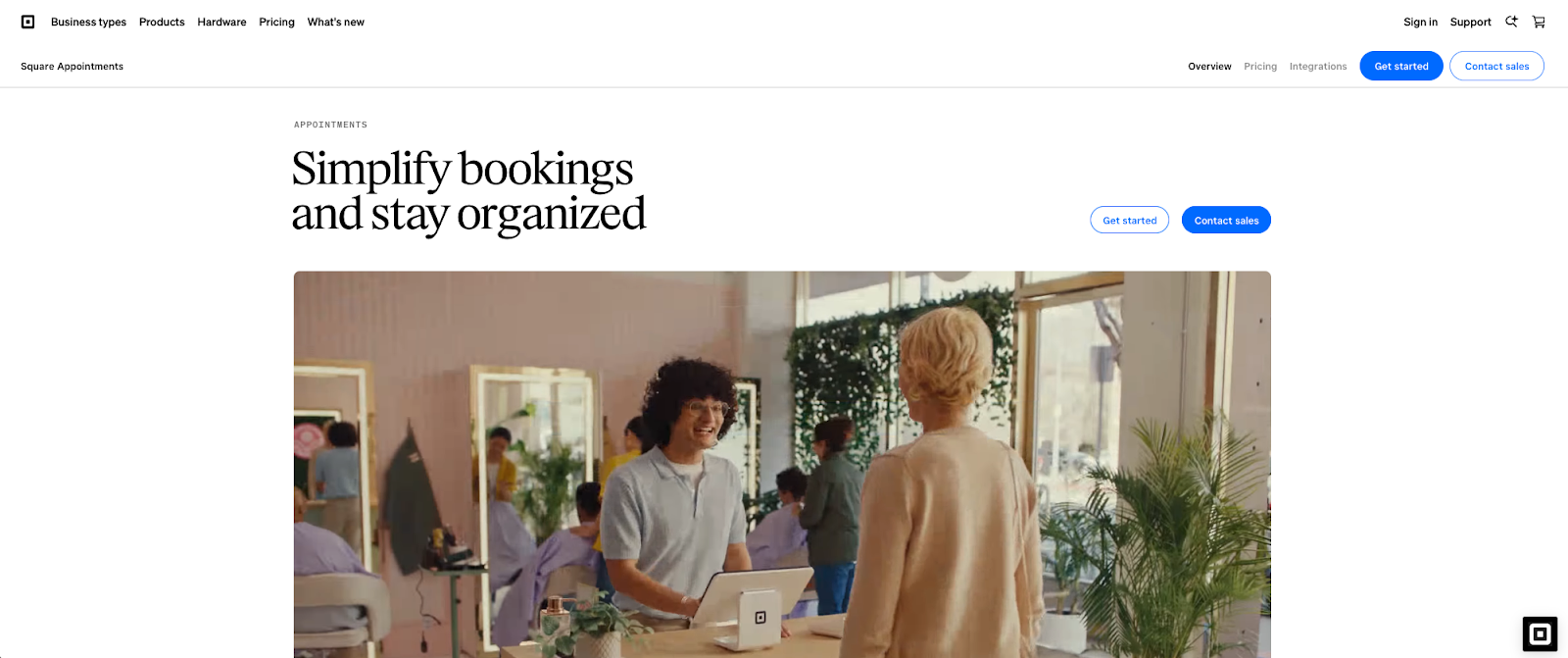
Square Appointments is a practical Calendly alternative when scheduling is tied directly to taking payments and running day-to-day operations. Calendly stays focused on meeting booking links. Square is built around appointments plus point-of-sale workflows, which matters when “book a time” leads straight into checkout, tips, receipts, staff performance, and repeat customers.
In real use, Square Appointments shines for service businesses that need the booking experience to connect cleanly to what happens after the appointment. You can publish a booking site and also embed a booking widget or “Book now” button on an existing site, which makes it easy to keep scheduling close to where customers already find you.
It also leans hard into reducing no-shows and smoothing the front desk workload. You can set up automated text/email reminders and confirmations, and Square supports cancellation and prepayment policies (including collecting a card on file and enforcing no-show fees based on your policy).
Best for: Salons, studios, clinics, and in-person service teams – especially if you already use Square for POS and want scheduling, payment, and staff ops in one system.
Where it stands out vs. Calendly:
- POS-native payments & customer records: With a Square-first flow from booking to payment to customer history
- Online booking site & embed options: With widgets, buttons, and booking pages built for service businesses
- No-show protection & cancellation policies: With prepayment options and enforceable cancellation rules
- Automated reminders & confirmations: With text and email reminders plus confirmation flows
- Multi-staff scheduling & resource management: With staff booking, waitlists, and resources like rooms or stations
- Calendar sync & API access: Including Google Calendar sync and a Bookings API for custom workflows
Square Appointments pricing: Free → paid plans start at $49/month
12. zcal – best for customizable design
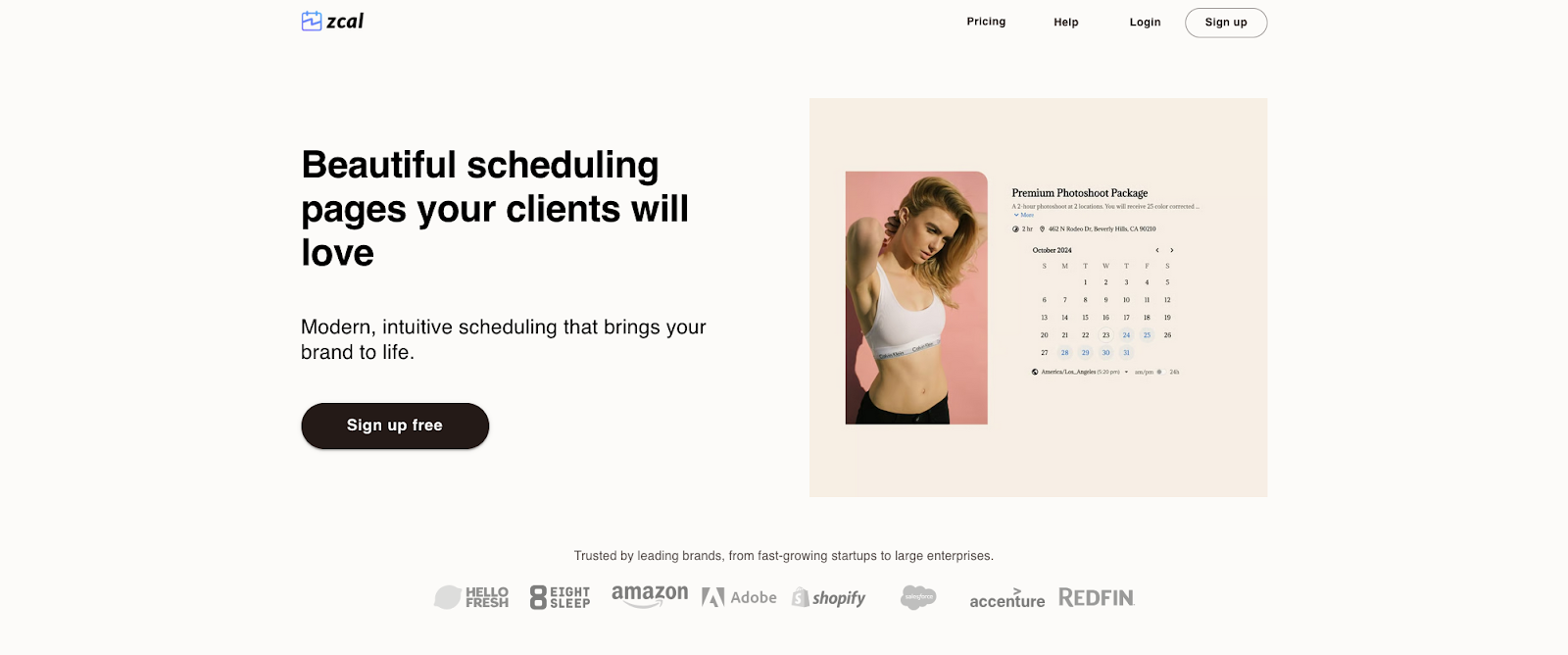
zcal is a design-forward Calendly alternative that puts a lot of “nice-to-have” polish front and center: cover photos, welcome videos, and a cleaner, more modern booking page aesthetic than most classic schedulers. If Calendly feels like the default corporate booking flow, zcal feels like the one you pick when the invite page itself is part of the experience you want people to have.
zcal, in particular, is notable for how much it packs into its Free Forever plan. Their pricing page calls out $0/user/month with unlimited links and unlimited calendar accounts, plus features that often sit behind paywalls elsewhere, like multiple durations, custom questions, group events, and meeting polls.
On the scheduling mechanics side, zcal connects to calendars to prevent double-booking and writes events to calendars once booked. It also supports redirects after booking (handy for thank-you pages, intake steps, or next actions).
For team scenarios, zcal offers both Collective Invites (everyone needed for a meeting) and Round Robin (distribute bookings across a pool). Round robin includes host priority settings (low/medium/high), which helps shape who gets booked first when availability differs.
Best for: Individuals, creators, and small teams that want a modern booking page and a genuinely usable free tier (and teams that may later grow into collective/round robin scheduling).
Where it stands out vs. Calendly:
- Free Forever plan: With unlimited links and unlimited calendar accounts, plus polls, group events, multiple durations, and custom questions
- Design-first booking pages: With cover photos and welcome videos for a more branded invite experience
- Team scheduling options: With Collective Invites for multi-person meetings and Round Robin distribution with host priority controls
- Post-booking redirects: That send invitees to a next step right after scheduling
- Email reminders and optional SMS reminders: For configurable follow-ups
- Payments via Stripe: With a 3% zcal commission on the Free plan and no commission on Pro
- Custom domains: For scheduling pages and profiles on higher-tier setups
zcal pricing: Free → paid plans start at $10.50/month
13. Paperbell – best for coaching

Paperbell is a Calendly alternative for client-service work where scheduling is only one step in the workflow. Calendly excels at “send a link, book a time.” Paperbell is designed for “sell a package, book the sessions, handle the paperwork, keep delivery organized.”
Clients book a specific package and then schedule from that package flow, which fits coaches and consultants who sell discovery calls, multi-session bundles, or ongoing engagements.
It also covers the key pieces that usually force consultants into a pile of separate tools. Payments run through Stripe or PayPal. Contracts can be handled inside the same flow. Video sessions can be supported via integration, including auto-generating unique Zoom links per meeting.
Best for: Coaches selling paid sessions or packages who want scheduling to connect to payments and onboarding.
Where it stands out vs. Calendly:
- Package-first booking flow: That maps cleanly to coaching and consulting offers
- Payments via Stripe or PayPal: Integrated into the client journey
- Contracts & e-signatures: As part of onboarding
- Video integrations: Including Zoom links per session
- Single plan structure: With an “all plans include” style offering
Paperbell pricing: Paid plans start at $57/month
14. Brevo Meetings – best for comms workflows
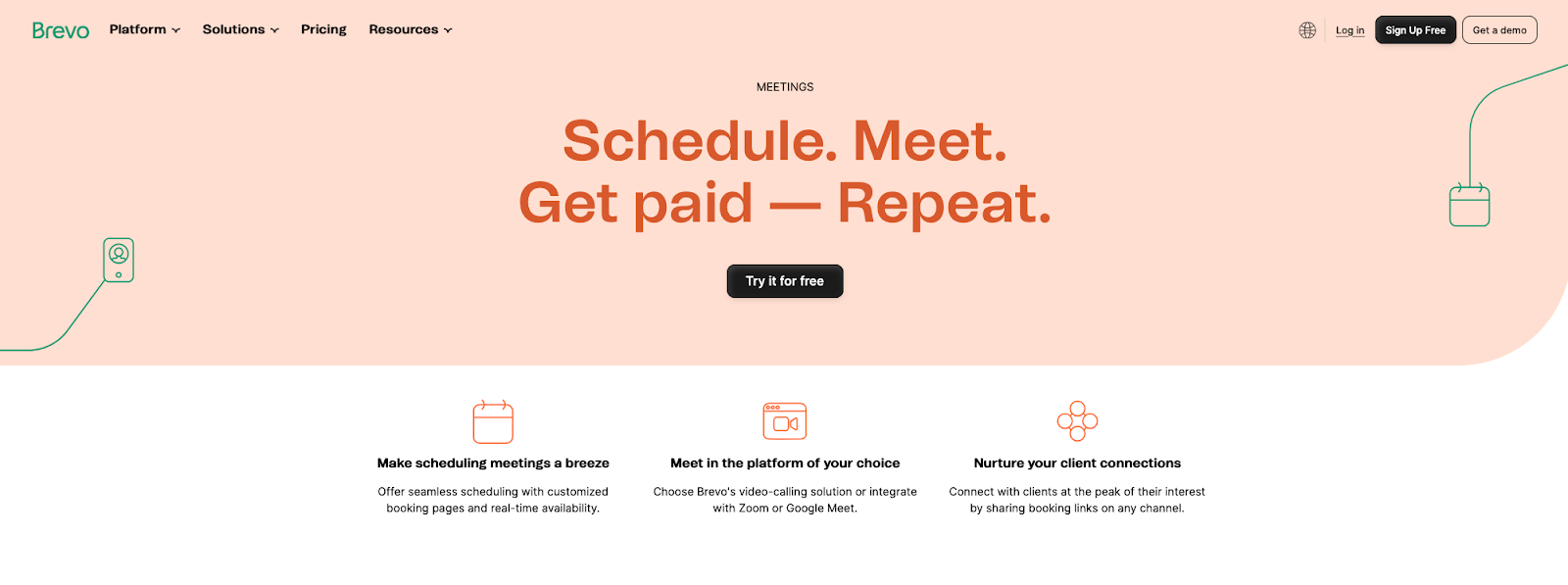
Brevo Meetings is a Calendly alternative that makes the most sense when scheduling is part of a broader “talk to a lead → follow up → nurture” motion. Calendly is purpose-built for booking. Brevo treats meetings as one piece of a larger communications platform, so your booking link can live closer to the same place you’re already running campaigns, managing contacts, and handling sales workflows.
Brevo Meetings looks and behaves like a classic scheduler: you create meeting types, publish a booking page, and connect a calendar so availability stays accurate and bookings land on your calendar. The day-to-day “this changes outcomes” features are there too: automatic reminders (email and SMS), basic video meeting options (Brevo video, Zoom, or Google Meet), and the ability to charge for appointments via Stripe.
Brevo also supports connecting “additional calendars” to block availability, but connecting more than one calendar is tied to specific Brevo packages (Sales Essentials / Sales Advanced).
Best for: Teams already using Brevo that want scheduling to plug into marketing, lifecycle comms, and sales workflows without adding another standalone scheduler.
Where it stands out vs. Calendly:
- Scheduling inside a comms platform: So booking lives alongside contacts and messaging workflows
- Booking pages & meeting types: With a straightforward publish-and-share setup
- Google & Outlook calendar connection: That blocks busy times and writes bookings to your primary calendar
- Email & SMS reminders: That can notify you or the client, with non-customizable reminder content
- Payments via Stripe: For paid appointments, with paid meeting types limited to one host
- Video call options: Using Brevo video calls or integrations with Zoom and Google Meet
- Multiple connected calendars: Available only on certain Brevo Sales packages
Brevo pricing: Free → paid plans start at $9/month
15. Meet-Ting – best for cc’ing emails
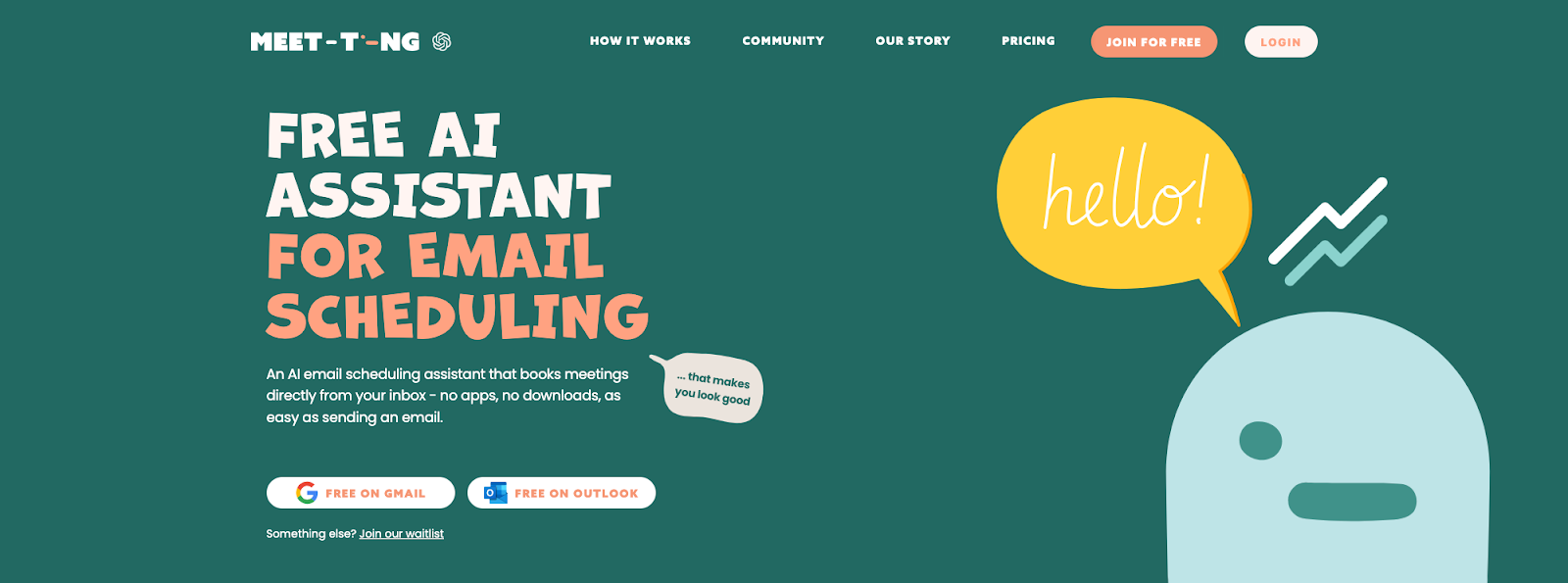
Meet-Ting is a Calendly alternative for people who’d rather schedule inside an email thread, not via a booking page. Calendly is link-first (“pick a slot”). Meet-Ting is assistant-first. Loop it into the conversation and it handles the coordination for you.
Meet-Ting runs on a simple workflow: connect your Google Calendar, set a few preferences, then CC Ting on an email. From there, it reads the context, checks availability, suggests times, and sends the invite, without asking the other person to click into a scheduling page. If you do a lot of “high-touch” scheduling (VIP intros, partner calls, investor chats, candidate coordination), this feels closer to having an assistant than managing event types and links.
Meet-Ting also positions itself as working where you already communicate (email and WhatsApp) so the coordination doesn’t require a new interface for the invitee.
Best for: People who prefer assistant-driven email coordination over managing booking pages.
Where it stands out vs. Calendly:
- Email-first scheduling: By CC’ing Ting in-thread to coordinate from the conversation
- No-link invitee flow: Where suggestions and coordination stay in the thread
- Scheduling preferences: You set once, then Ting applies consistently
- Email and WhatsApp support: For scheduling where you already communicate
- Free entry point: Positioned on their pricing page, with paid upgrades planned
Meet-Ting pricing: Free (paid upgrades planned)
Which Calendly alternative is best for you?
If you’re choosing a Calendly alternative, start with the scheduling problem you’re actually solving. Then pick the tool that’s built for that exact workflow.
- Busy calendar & need to maximize meeting availability via AI: Reclaim
- Need maximum customization, embedding, or routing flexibility: Cal.com
- Service business that needs payments, forms & reminders: Acuity, Square Appointments, SimplyBook.me
- Group scheduling by poll (find consensus fast): Doodle
- HubSpot shop (keep everything CRM-native): HubSpot Meetings
- Want a modern booking link with a strong free option: zcal, Setmore
No matter which direction you go, the best choice is the one that reduces scheduling friction and fits how your team already works. Pick the category that matches your day-to-day reality, try one or two options from that bucket, and you’ll know quickly which tool feels like a real upgrade from Calendly.
Productivity Trends Reports