.png)


It’s always the same: you feel that spark of motivation to change – and start mapping out your new habit in your head. But then, life gets in the way. Work emails, errands, dinner. Suddenly, all those good intentions are pushed to “maybe tomorrow.” Luckily, there are countless habit tracking apps available today, all designed to help you build positive habits and stay on track with your goals.
Habit tracker apps support habit building by turning goals into repeatable actions you track over time. Studies on how we form habits consistently show that doing something regularly in the same environment is what makes it automatic. One famous study found that it takes, on average, about 66 days to form a habit (though it's different for everyone). The good news is that the same research also showed that if you miss a day, it doesn't totally ruin your progress.
Want to find the absolute best habit app for 2026? Look no further!
Best habit tracker apps by type:
- Reclaim.ai: Best overall habit tracker
- Habitify: Best cross-platform tracker
- Streaks: Best for streak momentum (Apple)
- Strides: Best for flexible goal types (Apple)
- Habitica: Best for gamification
- Way of Life: Best for simple daily tracking
- Productive: Best for guided programs
- HabitNow: Best for routines & to-dos (Android)
- Loop: Best for offline-first (Android)
- Notion: Best for build-your-own tracking system
What is a habit tracker app?
Habit tracker apps are tools that make it easier to track and maintain your habits. These apps provide a structured approach to forming new habits, breaking old ones, and monitoring progress over time.
Want to exercise more? Eat healthier? Finally write that novel? A habit tracking app can help with all that and more. They cater to many goals, from establishing healthy lifestyle habits like regular exercise and mindful eating to improving productivity through focused work sessions and consistent reading.
There are plenty of habit trackers out there (as you'll discover below), each with their own little nuances and quirks. But, ultimately, all (or most) are designed to do the following:
- Define & track habits: Choose what you want to improve and record completion.
- Build routines: Schedule habits and use reminders to stay consistent.
- Show progress: Streaks and simple charts help you see momentum at a glance.
- Increase self-awareness: Spot patterns, triggers, and what helps you succeed.
- Keep motivation up: Rewards, gamification, and community features can reinforce consistency.
At-a-glance comparison table
To make the decision easier, the chart below summarizes all the apps in one place.
The 10 best habit tracker apps of 2026
1. Reclaim.ai – Best overall habit tracker
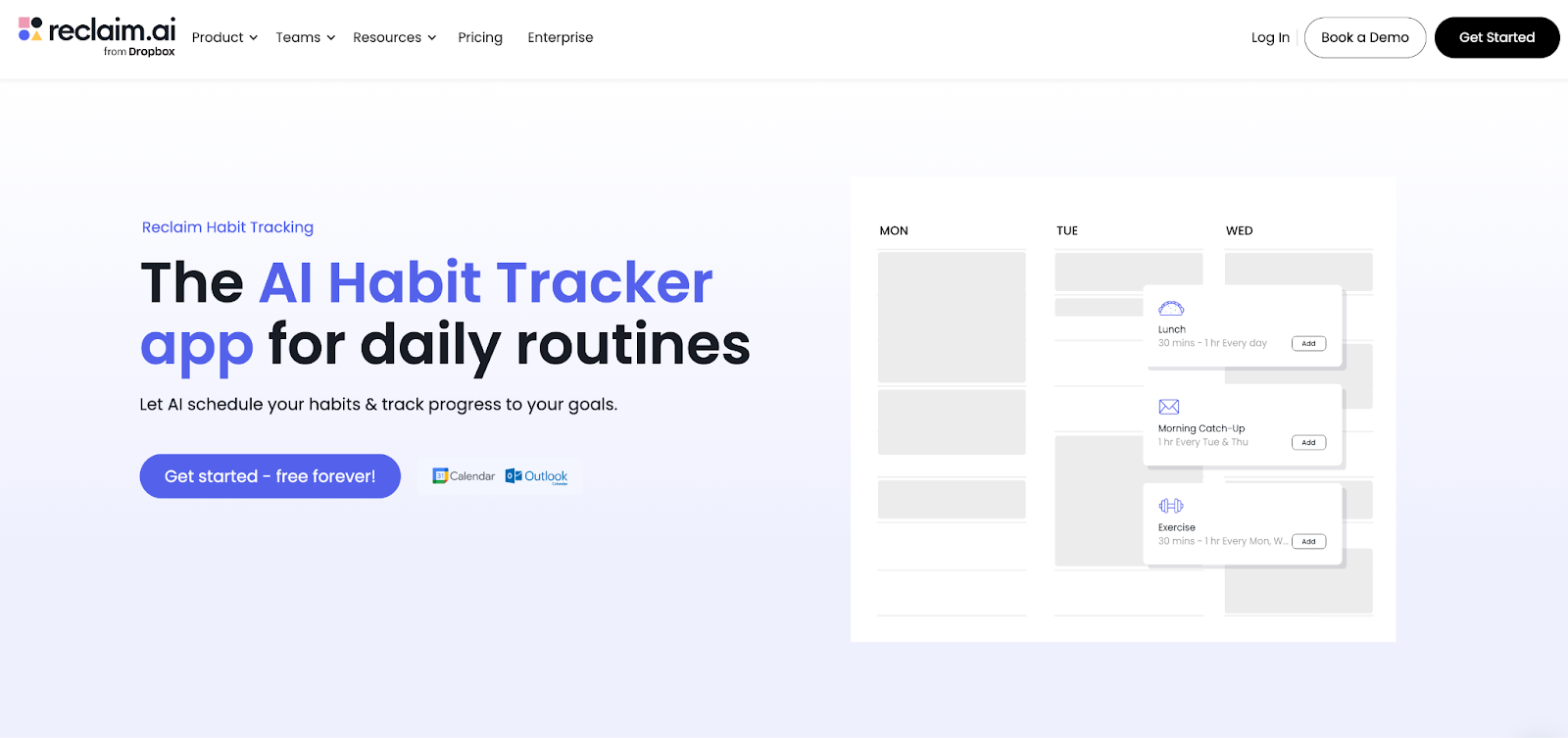
Reclaim.ai is the #1 habit tracker app because it’s designed for real life. This AI-powered habit tracker works right through your Google Calendar and Outlook Calendar, automatically scheduling flexible time for your habits around your meetings, appointments, and personal events – so they’re not just static placeholders that you push off every day.
It’s also the only habit app that uses AI to help you create and optimize these routines into your life. Simply create a new Habit (or explore hundreds of Habit templates), set your smart scheduling windows, and let the AI do its magic.
For example: Create a “Lunch” Habit, scheduled Monday-Friday, anytime between 11:30-2:00, for 15-60 minutes. Your lunch will flexibly find the best time within that window everyday around your other events, and lock in once you run out of space to reschedule. This keeps you flexible for changing work schedules, without having to sacrifice another meal for a meeting. Reclaim “Lunch” Habit users actually get 2.3 more lunches/week!
What users love most is you set it once, and it runs perfectly forever. It’s great for all of your personal and wellness habits, like exercise, reading, and meditation, as well as your work routines, like coding, metrics review, or strategic planning. that helps you easily build new habits by flexing around your real work/life schedule. It also has deep time tracking reports so you can track progress across work and personal Habits, as well as your time in meetings, focus time, or tasks so you can see which activities are impacting your productivity.
What it’s like to use
Simply pick a habit template (or create one from scratch), set a few scheduling preferences, and automatically defend time for your habit across your calendars.
From there, the day-to-day flow is simple: you glance at your calendar, see time reserved, and do the thing. If a meeting lands on top of the habit, Reclaim’s premise is that your routine doesn’t require any manual calendar toil. Your habit time can move to a better open slot based on the rules you already set.
If you want more control, you refine the rules over time. You can tighten the window, change duration, adjust cadence, whatever you need to do. Then Reclaim keeps scheduling the updated version going forward.
Why we love it
- AI-powered habits: Automatically finds the best times for your habits around your existing calendar events, flexibly rescheduling for conflicts and PTO.
- Habit automation: Tell Reclaim what habits you want to establish (like meditation or a workout) and it will block time for them in your calendar. No need to manually schedule every session – Reclaim does it for you, adjusting as your calendar changes.
- Shareable habits for teams: Create habit templates that can be shared with your team to align on consistent practices, such as daily check-ins, project updates, or brainstorming rituals.
- Flexibility & customization: While Reclaim does a lot of the work for you, it doesn't leave you without control. You can adjust time slots, reschedule habits, and set specific preferences for how often you'd like to engage in each one.
- Task & Focus Time tracking: Built-in Stats and Weekly Reports break down where your time goes across Tasks, Habits, Meetings, and Focus Time, and Focus Time includes a weekly goal you can defend and measure over time.
- Unlimited calendars & sync: Reclaim’s Calendar Sync keeps multiple Google and Outlook calendars aligned by creating synced copies of events that stay updated as plans change, and it supports unlimited calendar syncs (including bi-directional sync when you need it).
- Integration with popular tools: Reclaim integrates with major calendar platforms like Google Calendar and Outlook, as well as productivity tools like Slack and Asana.
- Work-life balance: Beyond habit tracking, Reclaim helps you optimize your planning and meeting times, preventing work from spilling into nights and weekends, and preventing interruptions so you can stay focused.
Reclaim pricing: Free → paid plans start at $10/month
2. Habitify – Best cross-platform tracker
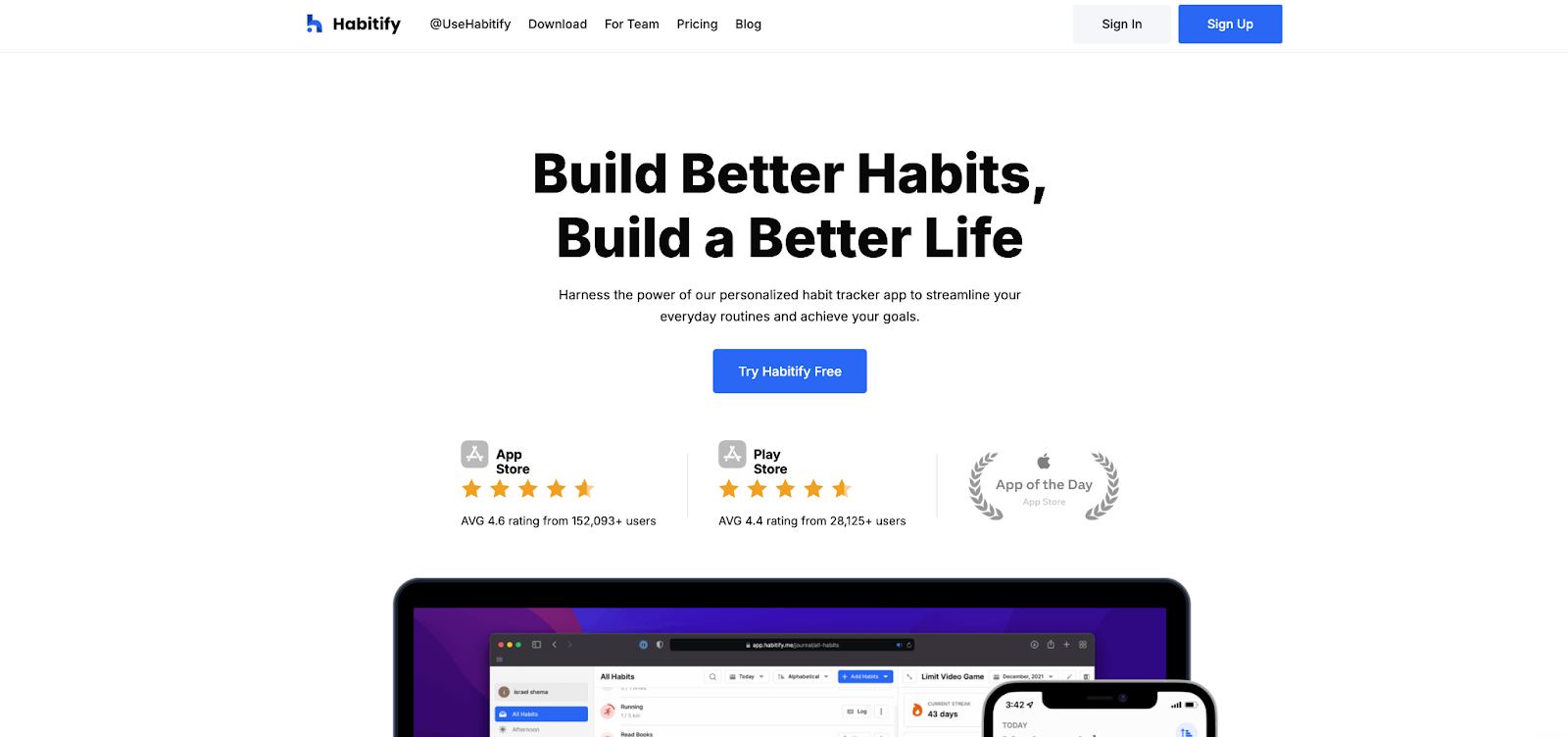
Habitify is the “classic” habit tracker done well: quick daily check-ins, solid reminders, and progress views that help you stay consistent without turning habit tracking into a project. The biggest reason it earns a top spot in this list is its reach. Habitify spans mobile, desktop, and web, which makes it easier to keep habits visible wherever your day happens.
Habitify’s day-to-day experience leans lightweight: a fast check-in loop, clear progress, and enough customization to support most habit styles without creating friction.
What it’s like to use
You start by creating a habit, setting a goal, and choosing a repeat schedule. Habitify supports both habits you want to build and bad habits you want to reduce.
From there, it becomes a steady daily loop: reminders nudge you, you open the app, and you log progress in a few taps. There are multiple quick logging actions, including swiping on a habit, pressing and holding, or logging from the habit’s progress screen.
As you keep checking in, Habitify builds streaks and progress views based on your Repeat settings, so a “daily” habit and a “three times per week” habit are tracked differently.
If you use Habitify across devices, the Web/Desktop app is intended for laptop check-ins during the workday, with Grid and List views that keep logging quick and consistent.
Why we love it
- Multi-platform tracking: Habitify keeps your habits available across devices, so your tracking doesn’t disappear when you move from phone to laptop (or back again).
- Lightweight daily check-ins: The daily flow stays quick, which makes it easier to log habits even on your busiest days.
- Reliable reminders: Set recurring nudges that match your schedule, so habits stay visible at the moments you tend to forget.
- Progress that motivates: Streak views and progress history make it easy to spot consistency building over time and keep momentum going.
- Optional connectivity: If you want deeper workflows, Habitify offers integrations and automations that can connect tracking to other tools and triggers.
Habitify pricing: Free → paid plans start at $3.33/month
3. Streaks – Best for streak momentum (Apple)
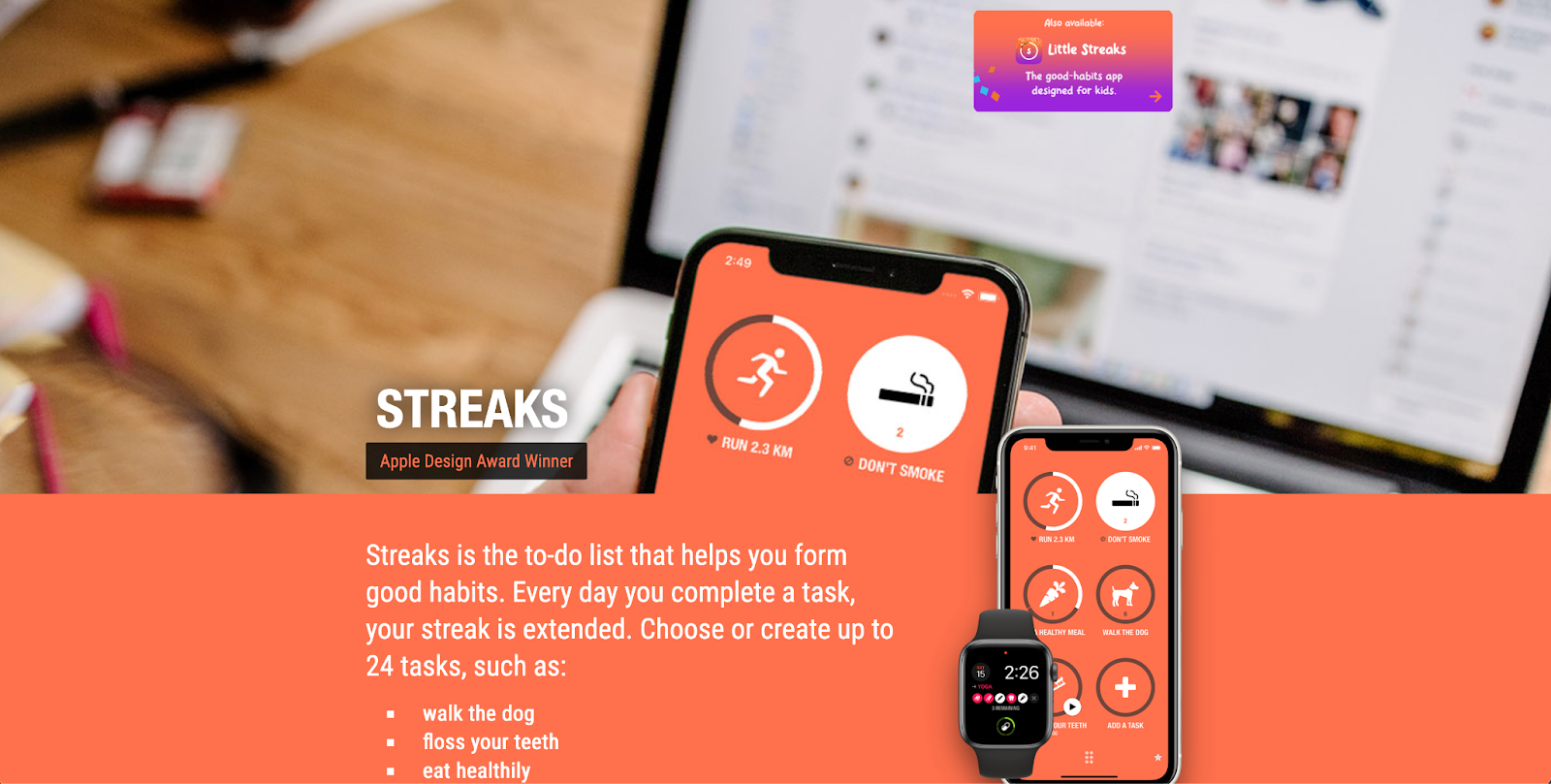
Streaks is built around a simple idea: consistency gets easier when your progress stays visible. Each completion extends a streak, turning your habits into a visual chain that keeps you coming back. It’s one of the cleanest, most focused habit tracker experiences in the Apple ecosystem, which keeps daily tracking fast instead of fiddly.
Streaks also fits naturally into Apple devices, especially if you like checking habits from your wrist. It’s designed to feel “always there,” without taking over your day.
What it’s like to use
You create a task for each habit, choose how often you want to do it, and then Streaks keeps you focused on a manageable set of routines (you can track up to 24 tasks). Each day you complete a task, your streak extends, so progress feels immediately visible.
From there, the daily flow is intentionally low-friction: you open Streaks, tap to mark tasks complete, and your stats update automatically. Tasks sync across your Apple devices using iCloud, so you can check in on iPhone, then see the same state on iPad/Mac later.
On Apple Watch, Streaks is designed for quick check-ins. The official site highlights complications and widgets that let you see what’s remaining for the day and mark tasks complete right from your wrist, which reduces the “I’ll do it later” gap.
If you track health-related habits, Streaks can also sync with Apple Health and automatically record certain goals based on iPhone/Apple Watch activity data (with your permission), so you spend less time manually logging.
Why we love it
- Streak-based habit tracking: Streaks turns each habit into a simple daily “chain,” and your streak extends every day you complete a task, which makes consistency feel tangible.
- Minimalist, fast check-ins: The interface stays focused on quick completion, which helps you log habits even when you’re busy.
- Apple Watch support: Streaks includes a dedicated Watch experience and supports Apple Watch complication types, so your habits stay visible at a glance.
- Apple Health auto-completion (with permission): On supported devices, Streaks can read Health data (with your permission) to determine when certain tasks are complete, which reduces manual logging.
- Sync across Apple devices: Your tasks can sync across iPhone, iPad, Mac, Apple Watch, and Apple Vision Pro, so your tracking stays consistent across the Apple ecosystem.
- Built-in focus through limits: You can track up to 24 tasks, which encourages a focused set of habits instead of an overwhelming list.
Streaks pricing: One-time purchase of $5.99
4. Strides – Best for flexible goal types (Apple)
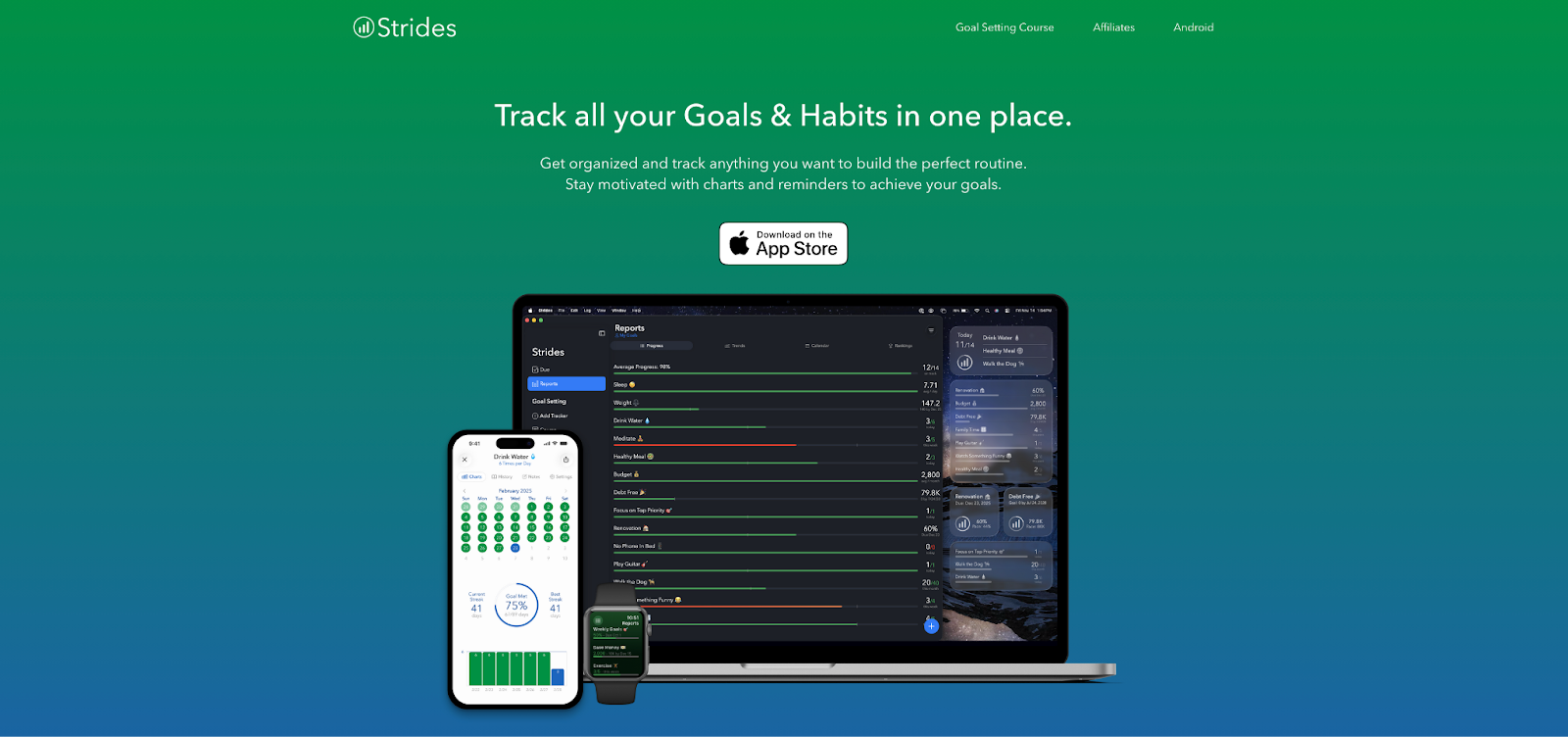
Strides is a goal-and-habit tracker for people who like structure and want progress to feel measurable. It supports multiple tracking styles, which makes it a strong pick when your “habits” don’t all look the same. Some are daily check-ins, others are targets, averages, or milestone-style goals.
The big payoff is that Strides is designed to show pacing and progress clearly, so you can tell early when you’re trending off track.
What it’s like to use
You usually start from a template or create a tracker from scratch, then pick the tracker type that matches your goal. Strides is built around four tracker types, so a daily routine, a numeric target, an average-based goal, or a milestone-style project each gets a format that fits.
Day to day, Strides feels like a daily checklist: you open the app, tap into the trackers that are due, and log progress quickly. As you log, Strides updates your charts and progress reports, which makes it easier to see pacing and spot trends early.
Reminders support consistency by nudging you based on each tracker’s settings. Reminders are controlled by both your iOS notification settings and the individual reminder/due settings for each tracker.
Why we love it
- Flexible tracker types: Strides supports four tracker types so you can track habits and goals in the format that fits: Habit, Target, Average, and Milestone tracking.
- Visual progress tracking: Strides is built around staying motivated through charts and progress visuals, which makes it easier to see trends and course-correct before you fall behind.
- Consistency reminders: Strides explicitly positions reminders as part of its core “stay on track” toolkit, which helps habits stay visible when motivation dips.
- Multi-device support: Strides is available for iPhone, iPad, Mac, and Apple Watch, so you can check in from whichever device you’re already using.
- Goal-oriented habit tracking: Because Strides supports “track anything…any way you want,” it’s a strong fit when your habits look like goals (targets, averages, milestones) rather than only a daily streak.
Strides pricing: Free → paid plans start at $7.99/month
5. Habitica – Best for gamification
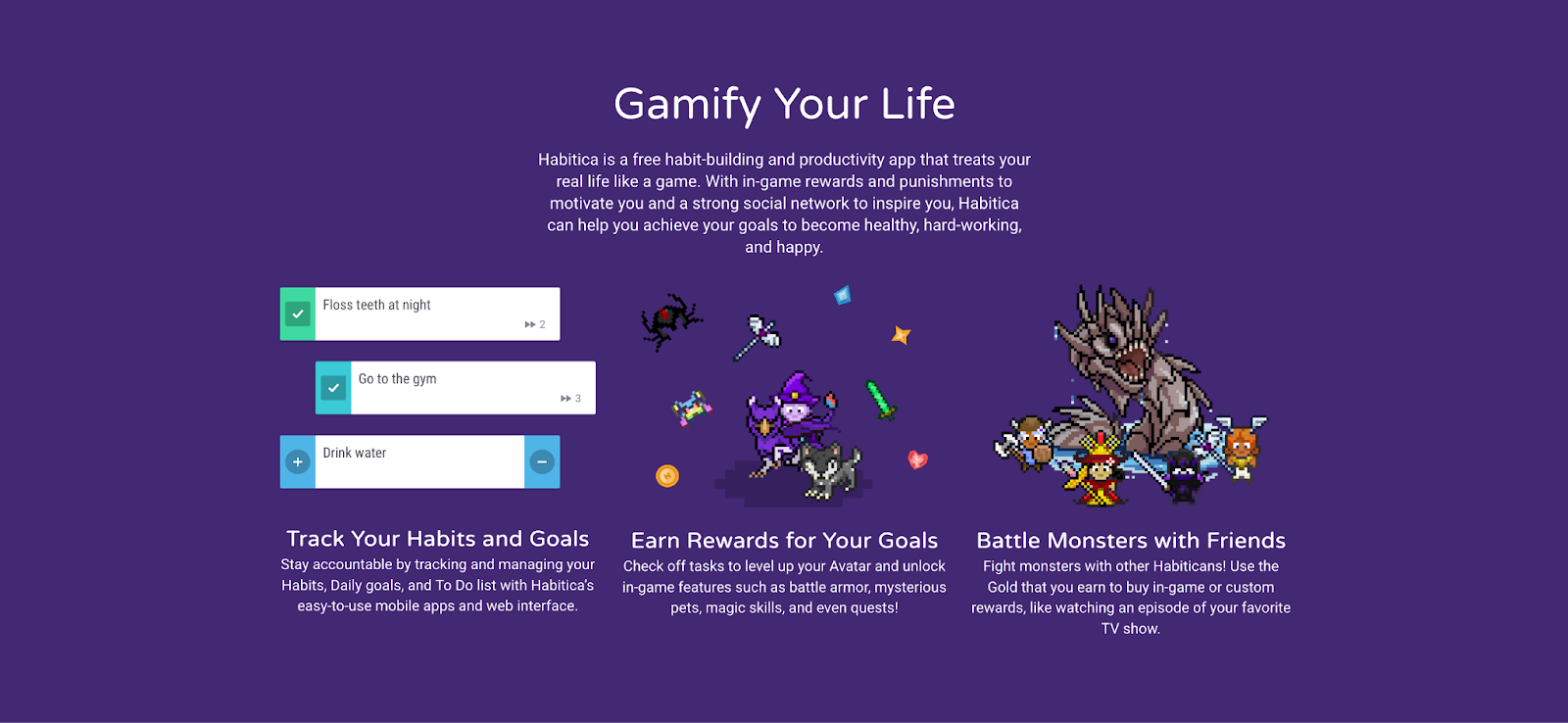
Habitica turns habit tracking into a role-playing game. You create an avatar, then earn rewards for completing real-life habits and tasks. That game layer makes consistency feel more engaging, especially if you respond well to “leveling up” and visible progress.
Habitica organizes your system into three task types (Habits, Dailies, and To-Dos) so quick behavior changes, recurring routines, and one-off tasks each have a clear home.
Habitica also stands out because it’s social by design. You can use it solo, or add accountability through party play, challenges, and community features that make follow-through feel shared.
What it’s like to use
You start by creating an avatar, then you add the behaviors you want to reinforce. Habits cover actions you might do multiple times or on a flexible schedule. Dailies represent recurring routines you want to complete on specific days. To-Dos handle one-time tasks that still matter for momentum. That structure makes it easier to keep the system organized once you have a mix of routines and goals.
From there, Habitica becomes a daily rhythm: you check items off, earn in-game rewards, and see your character progress as your real-world routines improve. When you add social play, the app’s accountability features give your consistency a shared context–progress feels connected to a group experience rather than a solo streak.
Why we love it
- Gamified habit tracking: Habitica treats your real life like a game, using in-game rewards (and consequences) to make follow-through feel more engaging.
- Clear structure with three task types: It separates your system into Habits, Dailies, and To-Do’s, which helps recurring routines, flexible behaviors, and one-off tasks each stay organized.
- Built-in motivation via rewards & progression: Completing tasks earns rewards like Gold and Experience, which reinforces consistency and makes progress feel tangible.
- Social accountability: Habitica emphasizes a “strong social network” that can help keep you motivated and accountable through community support.
- Works across web & mobile: Habitica supports tracking through its web interface and mobile apps on iOS and Android.
Habitica pricing: Free → paid plans start at $9/month
6. Way of Life – Best for simple daily tracking
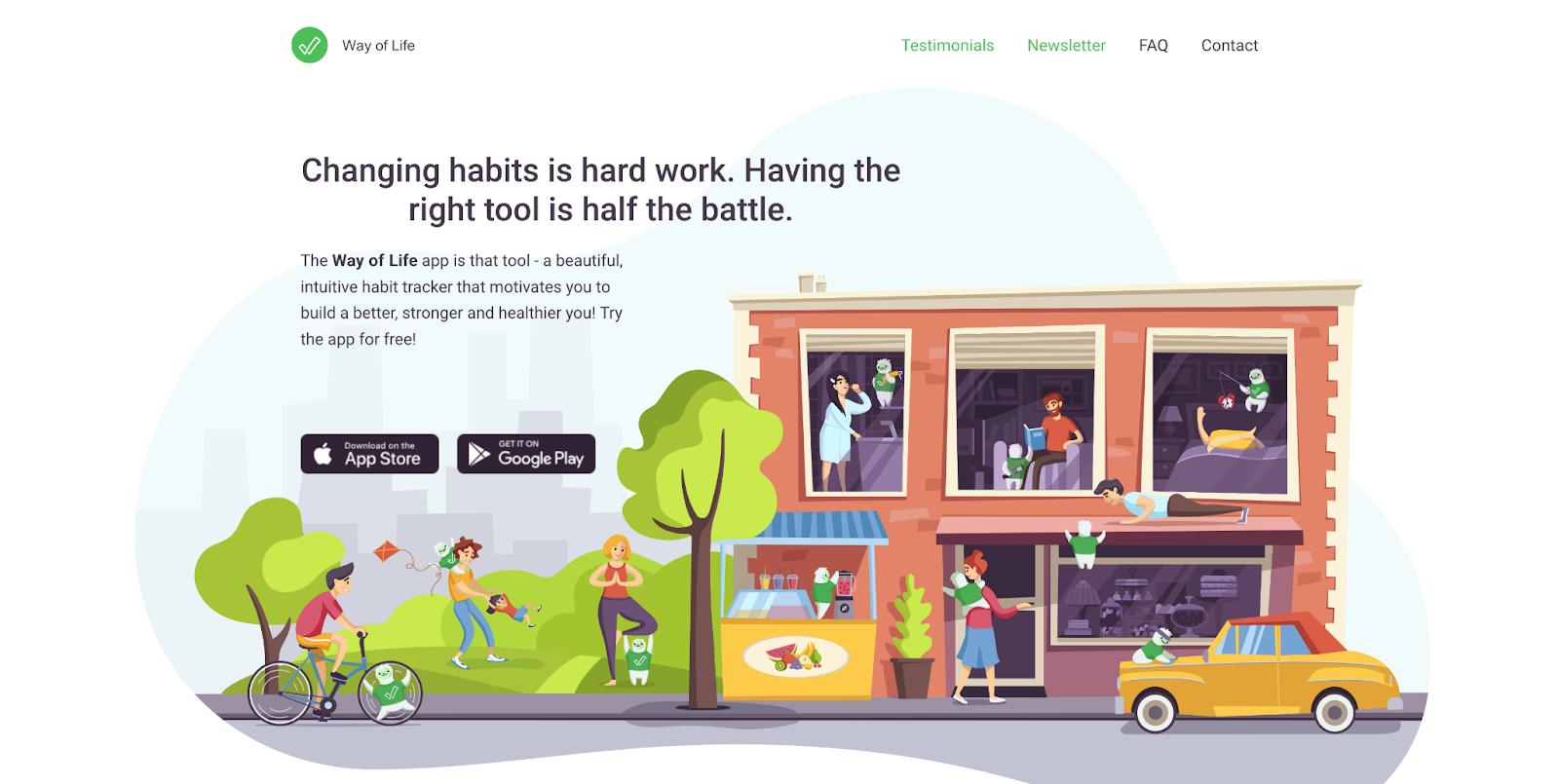
Way of Life is built for people who want habit tracking to take less than a minute a day, then give back insights that help routines stick. It uses a fast, color-coded check-in flow and backs it up with charts and trend views that make patterns easier to spot over time.
Way of Life pairs tracking with lightweight note-taking, so you can add context to a check-in (“late night,” “stressful day,” “worked out with a friend”) and connect the dots later.
What it’s like to use
You add a set of habits, then your day-to-day flow is a quick tap-to-update check-in. The app explicitly aims for updates that take less than a minute a day.
As you log over time, Way of Life turns those check-ins into practical feedback through charts (including bar graphs with trend lines) and a scoreboard that gives you quick weekly/monthly signals on how you’re doing.
When something affects your routine, you can attach a short note to a habit entry (the official listings call out note-taking as a core feature), which helps your history tell the real story behind your patterns.
Why we love it
- Charts that make patterns obvious: Way of Life uses visual progress views (including bar graphs with trend lines) so you can spot what’s improving and what’s slipping without digging through data.
- Fast daily check-ins: The app is designed so updating your habits takes less than a minute a day, which keeps tracking sustainable long-term.
- Notes for real-life context: You can quickly jot down notes alongside habits, which helps you connect your results to what was happening that day.
- Widgets that keep habits visible: On iOS, Way of Life includes modern widgets (iOS 17+), making it easier to check in without opening the app.
- Siri and Shortcuts support: If you like automations or hands-free logging, Way of Life supports Siri and Shortcuts on iOS.
- Data export when you want deeper analysis: You can export your data for further analysis (CSV/Excel on iOS and CSV/JSON on Android) so you’re never locked into the app.
Way of Life pricing: Free → paid plans start at $5/month
7. Productive – Best for guided programs
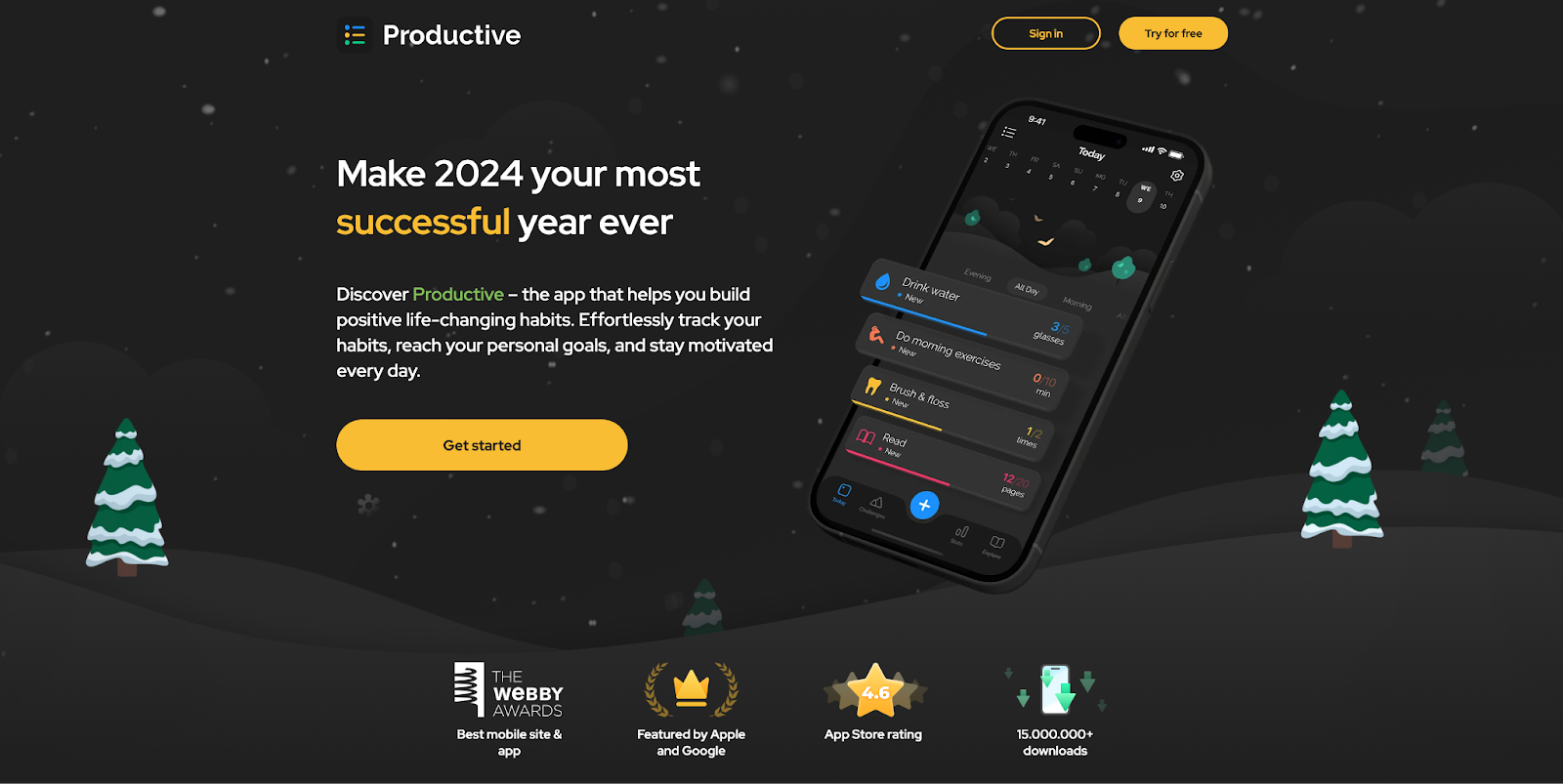
Productive is a habit tracker that’s built to keep motivation from fading after the first week. Instead of only tracking streaks, it adds structured programs, daily prompts, and guided challenges so you always have a next step when you’re not sure what to do next.
It’s also strong on reminders. Productive highlights time-specific and location-based reminders, which can be a big help when your habits depend on context (gym habits, errands, evening wind-down routines).
What it’s like to use
You start by creating a set of habits or choosing a goal area to work on, then Productive helps keep the routine “alive” through reminders and guided structure. The app’s official descriptions emphasize built-in support like habit tips, reflection-style check-ins, and challenges that add direction beyond basic streak tracking.
Day to day, the flow stays simple: you open the app, check off what you completed, and add a quick note when context matters. When you want more guidance, Productive’s programs and challenges provide a more structured path, which can be useful during weeks when motivation is lower and you want the app to do more of the “what should I do next?” work.
Reminders are a big part of the experience. Productive highlights the ability to use both time-based and location-based reminders, which can help habits show up in the moments they’re easiest to follow through on (like a gym habit that triggers when you arrive).
Why we love it
- Adaptive habit management: Productive lets you manage your routines with helpful details like adding notes to your habits, which makes it easier to stay intentional and reflect on what’s working.
- Motivational programs: You can choose a goal and get daily habit tips, reflection check-ins, and motivation prompts, which helps you stay engaged beyond the first week.
- Guided challenges: Productive includes challenges with guided tasks and a community competition element, which can add extra accountability and structure.
- Smart reminders: Productive calls out smart reminders that can be time-specific or location-based, which is useful when habits depend on context (gym, errands, wind-down).
- Cross-platform access: You can use Productive across mobile platforms, which helps keep tracking consistent even if you switch devices.
Productive pricing: Free → paid plans start at $10.99/month
8. HabitNow – Best for routines & to-dos (Android)
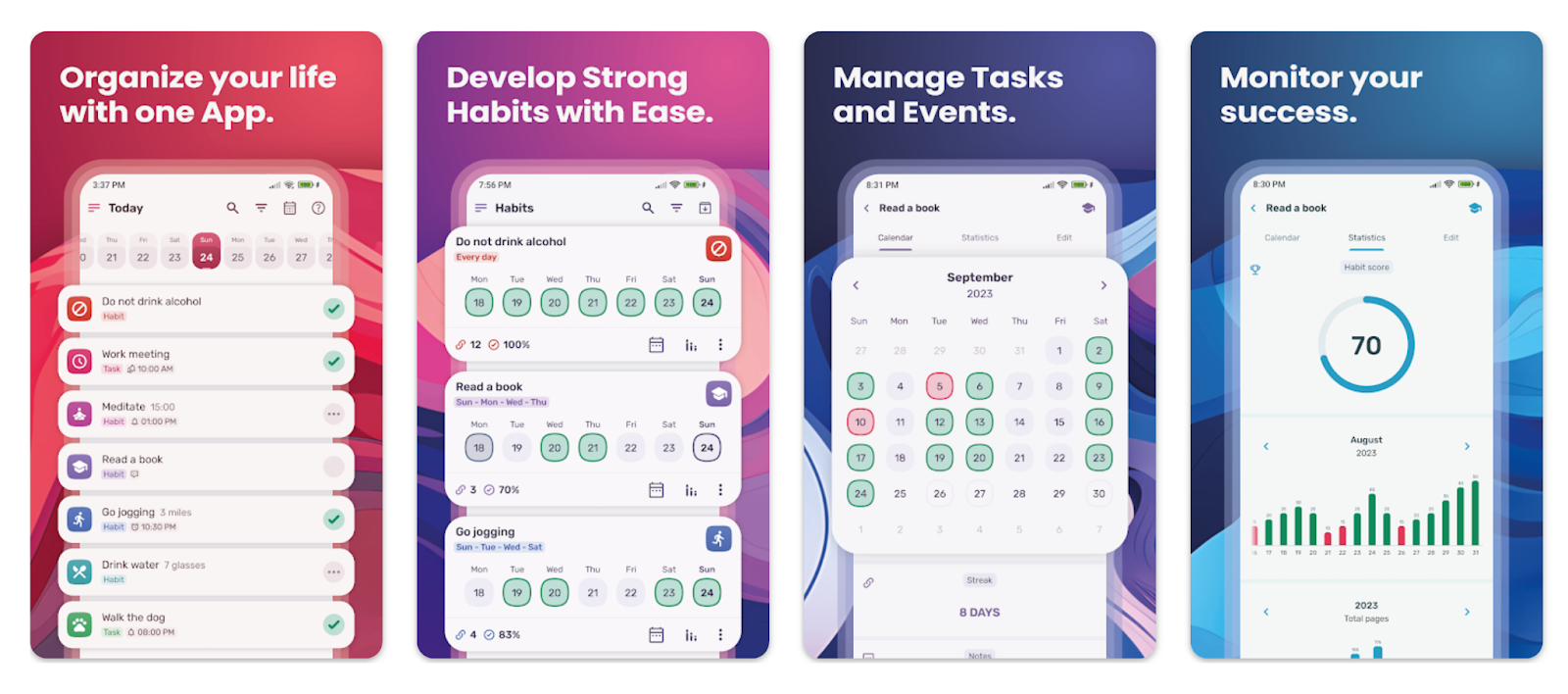
HabitNow earns its spot because it combines habit tracking with a practical daily workflow. It brings habits, routines, and to-dos into one Android-first system, which helps the app stay relevant throughout the day.
It also has a strong “trust the tool” vibe for Android users. HabitNow has a large install base and a high average rating on Google Play, which lines up with why it shows up often in habit tracker recommendations for Android. If you’ve tried similar apps and your system fell apart once life got busy, HabitNow’s single dashboard approach helps keep habits and tasks in the same daily flow.
What it’s like to use
You set up your habits and tasks in the same place, then HabitNow becomes a single dashboard you check throughout the day. It serves as a combined routine planner, habit tracker, and to-do list with a flexible scheduling system, which matches the day-to-day feel: you plan what you want to do, then log progress as you go.
As your routine runs, HabitNow is designed to keep everything in one flow. Habits sit alongside tasks, reminders support both, and the scheduling options help you shape routines that fit your week.
If you upgrade, non-premium data stays on your device, and Premium cloud backups are stored as pseudonymous/obfuscated files on a third-party cloud service. Cloud backups are optional and have to be manually enabled from the app’s backups section.
Why we love it
- Unified management: HabitNow positions itself as a combined to-do list and habit tracker, which makes it easier to manage routines and action items without bouncing between apps.
- Scheduled reminders: The app emphasizes a flexible scheduling system and reminder-driven planning, so habits and tasks can live in the same daily flow.
- Optional cloud backups: HabitNow’s own privacy/terms explain that non-premium data stays on your device, while Premium cloud backups are stored as pseudonymous/obfuscated files, and backups must be manually enabled in the app.
- Backup data control: HabitNow states you can delete cloud backup data from within the app, and it provides guidance on deleting backups.
- Free with premium upgrade: HabitNow is free to install with optional in-app purchases, and Premium is positioned as the upgrade path for expanded functionality (including backups).
HabitNow pricing: Free → paid plans start at $11.99
9. Loop – Best for offline-first (Android)
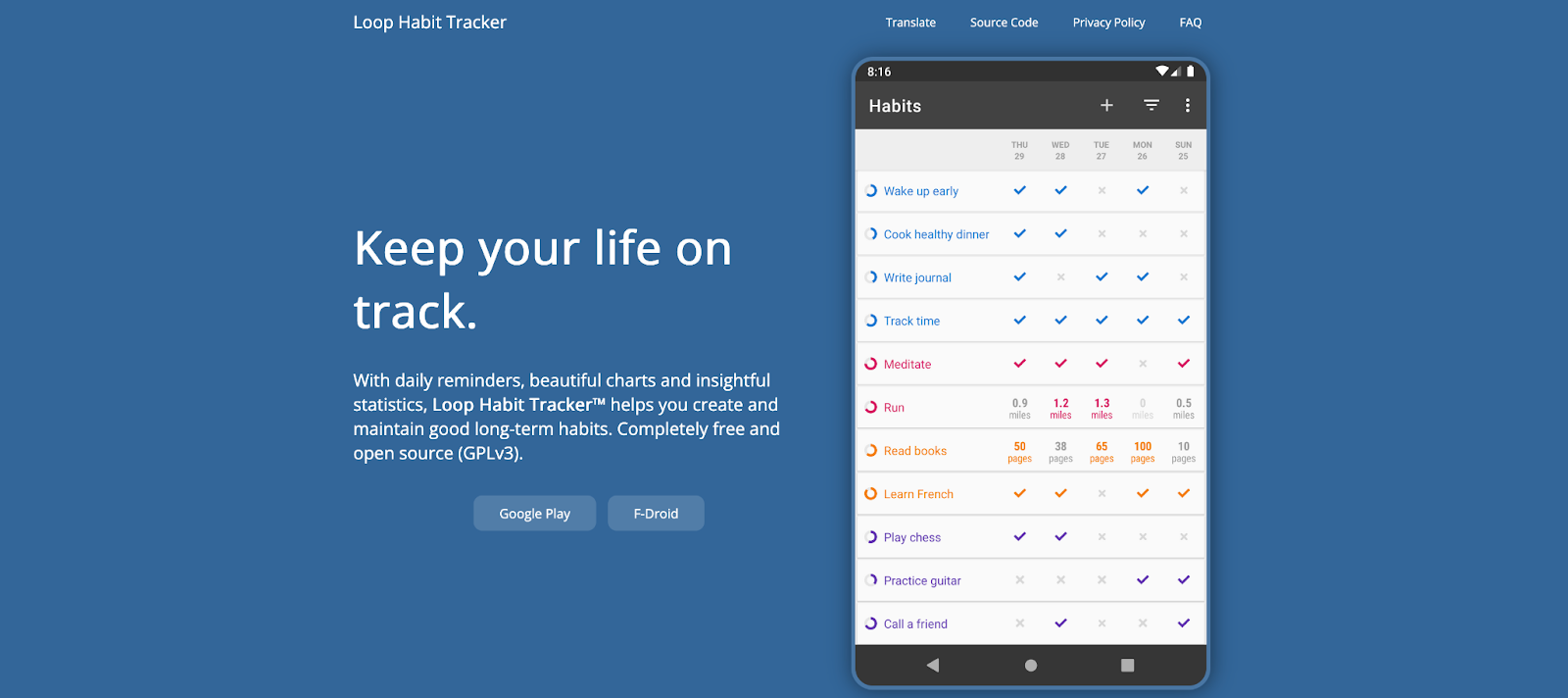
Loop Habit Tracker is the rare habit tracker that stays simple and feels trustworthy. It’s free, open-source, and designed around privacy and longevity. Loop works fully offline, doesn’t require an account, and its Google Play listing explicitly says your habit data never leaves your phone.
Despite the no-frills approach, it still gives you the essentials that make habit tracking motivating: clear progress views, graphs, and an approach to “habit strength” that goes beyond a single streak number.
What it’s like to use
You set up a small set of habits and then Loop becomes a fast daily check-in: open the app, tap to log, and move on. The experience is intentionally lightweight, and Loop is designed to work offline without requiring an online account, which keeps tracking simple on days you want zero friction.
As you keep logging, Loop builds graphs and statistics that show how your consistency changes over time, so you can see momentum forming and catch drift early.
Why we love it
- Works offline: Loop doesn’t need an internet connection or online registration, so you can track habits anywhere without setting up an account.
- Privacy-first: Your habit data stays on your device and isn’t uploaded or shared with third parties.
- Open-source: The full source code is available under an open-source license, which adds transparency and helps explain why the app stays lightweight and ad-free.
- Clear progress views: Loop includes detailed charts and statistics so you can see how your habits improve over time and review your full history.
- Exportable data: You can export your habit history to CSV (spreadsheets) or SQLite (database format), which makes it easy to analyze or migrate later.
Loop pricing: Free
10. Notion – Best for build-your-own habit tracking system
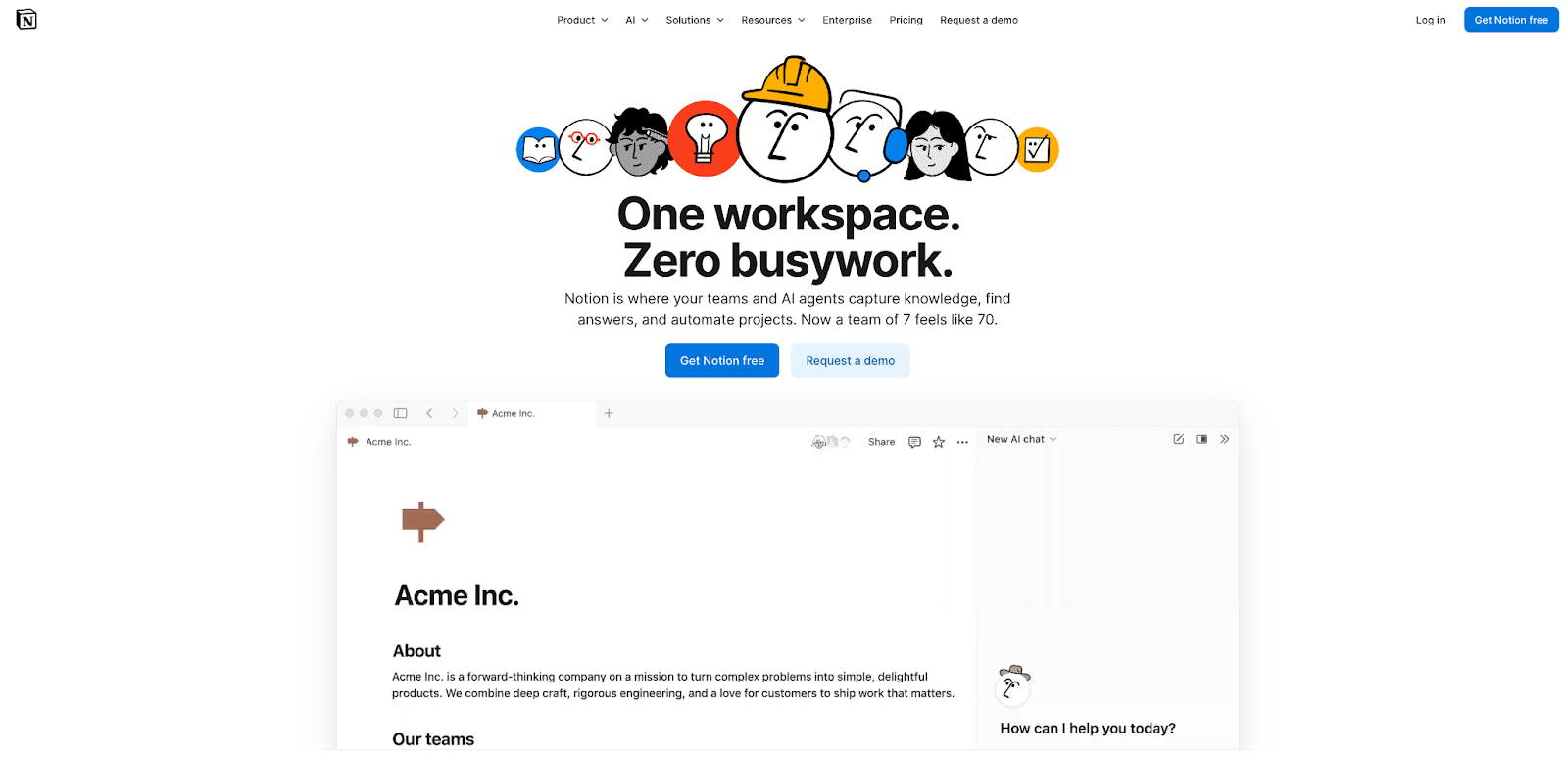
Notion isn’t a dedicated habit tracker in the traditional sense. It’s a flexible workspace app that many people use as a habit tracker because you can build exactly the tracking system you want–simple checklists, calendar-style tracking, databases with properties, or dashboards that combine habits with goals and planning.
Notion also has a massive template ecosystem for habit tracking, including a dedicated “Habit Tracking” template category in its marketplace. If you like designing your own system, this is the biggest advantage: you can start from a template and tailor it to your routines.
What it’s like to use
Most people start by duplicating a habit tracker template from Notion’s Marketplace, then tailoring it to match their routines. Notion has a dedicated Habit Tracking template category, so it’s easy to begin with a ready-made system and adjust it as you go.
If you build from scratch, you’ll usually create a database for your habits and log entries as you complete them. The same database can be viewed in different layouts. Think things like tables for quick editing, calendar for daily check-ins, board for grouping by category, timeline for habit plans, so your tracker can feel simple on weekdays and more analytical when you review progress. You can create multiple views for one database and switch layouts like table, list, board, gallery, calendar, and timeline.
Day to day, the flow is basically “open the page, check in, move on,” and it fits neatly inside a larger workspace. Since Notion works on mobile, web, and desktop, your tracker stays accessible during desk time and on the go, which helps with consistency.
Why we love it
- Build your own habit tracker: Notion databases can be displayed in multiple layouts (table, list, board, calendar, gallery, and timeline) so you can track habits in the format that feels most natural for you.
- Custom views for your routine: You can create multiple views of the same habit database (for example, a calendar view for daily check-ins and a board view for habit categories), which keeps your system flexible as your goals change.
- Huge template ecosystem: Notion’s Marketplace has a dedicated Habit Tracking category, making it easy to start from a pre-built template and personalize it.
- Works across devices: Notion supports iOS and Android apps and also offers a desktop app for Mac and Windows, so your tracker follows you between phone time and desk time.
- Organization in one place: Because habits can live alongside notes, planning pages, and dashboards in the same workspace, Notion works well if you want routines connected to the bigger picture of your week.
Notion pricing: Free → paid plans start at $12/month
How to choose a habit tracker app
A habit tracker works best when it fits the way your days already run. The goal is a tool you’ll keep using on a random Tuesday, not just during a motivation spike. Here’s how to narrow it down without overthinking it.
Start with your schedule & lifestyle
If your week lives on your calendar, you’ll usually do best with a tracker that reserves real time for habits. That’s the core strength of Reclaim.ai. It treats habits like flexible calendar blocks so routines don’t disappear when meetings move.
If you prefer a simple “did I do it today?” check-in, a classic tracker that makes logging satisfying tends to stick. Habitify, Way of Life, and Loop are all strong options in that quick-check-in lane.
If your “habits” look more like goals (targets, averages, milestone progress), you’ll want an app that supports that structure. Strides fits especially well for that.
Pick the device you’ll actually use
The best tracker is the one you see most often. If you’re all-in on Apple devices, Streaks, Strides, and Productive feel native and easy to keep up with. If you’re Android-first, HabitNow and Loop fit naturally. If you bounce between devices or do a lot of desk-time planning, Habitify, Habitica, and Notion keep your system accessible on web/desktop too.
Choose what keeps you consistent
Different apps motivate in different ways. If streaks make you want to keep going, Streaks and Habitify lean into that momentum. If you like guidance, prompts, and a little structure built in, Productive is a good match. If you want your habits to feel more like a game (and you enjoy social accountability), Habitica is the standout. If your motivation comes from noticing patterns and improving steadily, Way of Life makes trends easy to see.
Decide how you want to review progress
Some people want a quick signal: “am I on track?” Others want charts. If you prefer lightweight insights, Way of Life and Habitify do that well. If you want pacing and progress visuals, Strides is built for it. If you want a full system you can shape into dashboards and weekly reviews, Notion gives you that control.
Set a pricing comfort zone
Most habit trackers let you start with a free plan, then reserve things like deeper analytics, unlimited habits, or cross-device features for paid tiers. Choose a tool whose upgrade path feels reasonable for how often you’ll use it, so your tracking routine stays sustainable long-term.
Start building better habits 🎯
A habit tracker works when it makes the next right action feel obvious and helps you build lasting habits. Pick one app from the list that matches your schedule and your motivation style, then start with a small set of habits you can complete on a normal day to find the best habit app for you. Consistency tends to build faster when tracking stays lightweight and the habit stays visible.
If your routines collapse when your calendar gets chaotic, a calendar-based approach can make the difference. Reclaim.ai is designed to protect time for habits and adjust them as your schedule changes, so your routine still has a place to happen.
Productivity Trends Reports


.png)